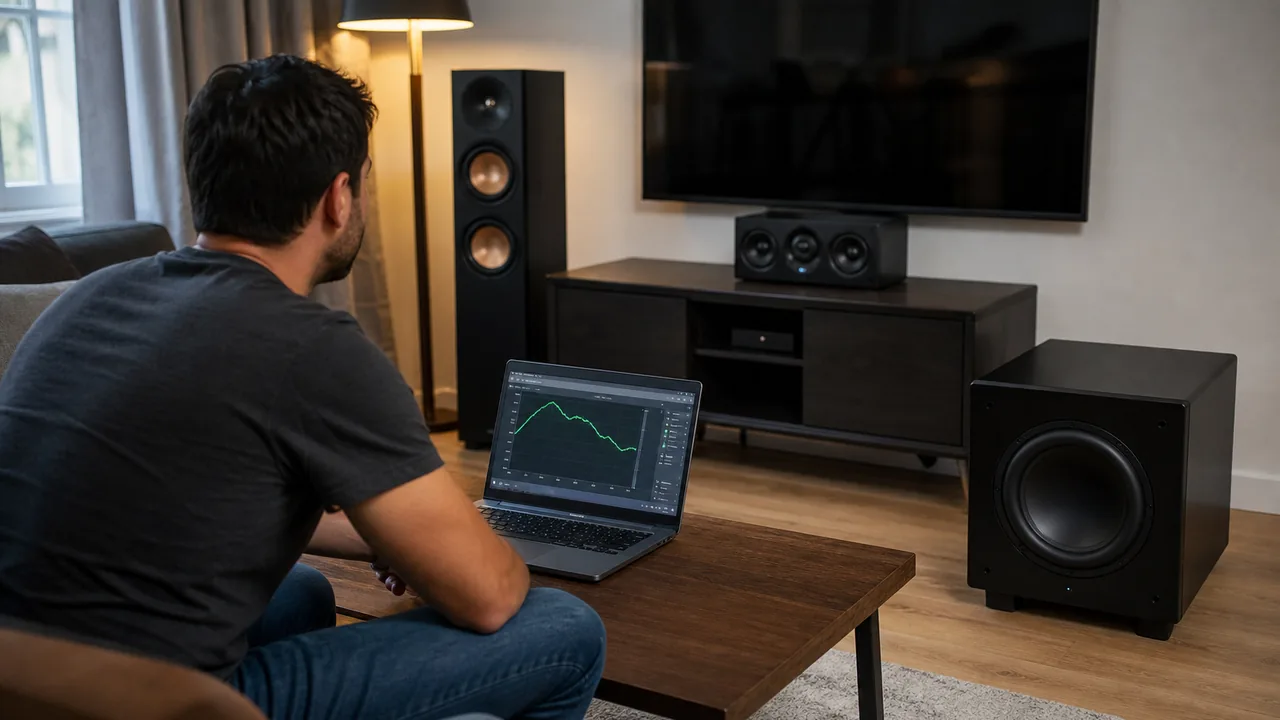
Subwoofer Test Online: Is Your Sub Working or Blown?
Fast answer: Start the Bass Test at low volume, run the 20-200 Hz sweep, and listen for the pattern. Smooth output means the sub is probably working. No sound usually points to power, cable, receiver, LFE, crossover, or mute settings first. Rattling, scraping, burnt smell, or distortion that appears even at low volume can mean driver, amp, or enclosure damage, so stop testing and inspect safely.
A subwoofer can fail quietly, but many "dead sub" cases are really setup mistakes: the receiver is in stereo mode, the crossover is too low, the LFE cable is loose, the sub is muted, or the room has a cancellation null. A controlled sine sweep is useful because it removes the music mix and lets you hear exactly where bass appears, disappears, rattles, or distorts.
How to run the subwoofer test safely
Use the browser sweep as a controlled first check, not as a stress test. Low-frequency tones move a lot of air and can overdrive small speakers quickly.
- Turn volume down first: Set system volume and subwoofer gain low, then raise slowly. If you hear scraping, clack, harsh buzzing, or distress, stop.
- Play the 20-200 Hz sweep: Run the sweep once and note where sound begins, becomes strongest, disappears, rattles, or changes tone.
- Hold a problem frequency: If the issue appears around 40 Hz or 80 Hz, use the hold/step mode to repeat that one tone at low volume.
- Compare routing and placement: Check LFE/sub output, crossover, phase, cable, receiver mode, and room placement before assuming the driver is blown.
Start the Bass Test at low volume, run the 20-200 Hz sweep, and listen for the pattern. Smooth output means the sub is probably working. No sound usually points to power, cable, receiver, LFE, crossover, or mute settings first. Rattling, scraping, burnt smell, or distortion that appears even at low volume can mean driver, amp, or enclosure damage, so stop testing and inspect safely.
What each bass-test result means
The useful question is not only "did I hear bass?" It is what changed across 20 Hz, 40 Hz, 80 Hz, 120 Hz, and 200 Hz.
| What you hear | Likely cause | Next check |
|---|---|---|
| Smooth bass from about 30-120 Hz | The subwoofer is receiving signal and reproducing the main bass band. | Fine-tune placement, crossover, and gain rather than chasing damage. |
| No sound at any bass frequency | Power, standby, mute, LFE cable, receiver output, PC audio route, or failed amp. | Confirm power light, cable, input, receiver sub output, and another source before opening hardware. |
| Bass only above 80-120 Hz | Crossover, tiny speaker pretending to be a sub, high-pass filter, or weak low-end capability. | Lower crossover carefully, test the real sub input, and compare with a full-range frequency-response sweep. |
| A hole around one narrow frequency | Room cancellation, phase mismatch, or placement null. | Move the sub or listening seat, flip phase, and retest before assuming failure. |
| Rattle, buzz, or cabinet vibration | Loose grille, loose object, port noise, damaged surround, or driver stress. | Remove loose objects and lower volume. If it persists at low volume, inspect the cone/enclosure. |
| Scraping or crackling on gentle movement | Possible voice-coil rub, torn spider/surround, or driver damage. | Stop the sweep and use service-safe inspection or warranty support. |
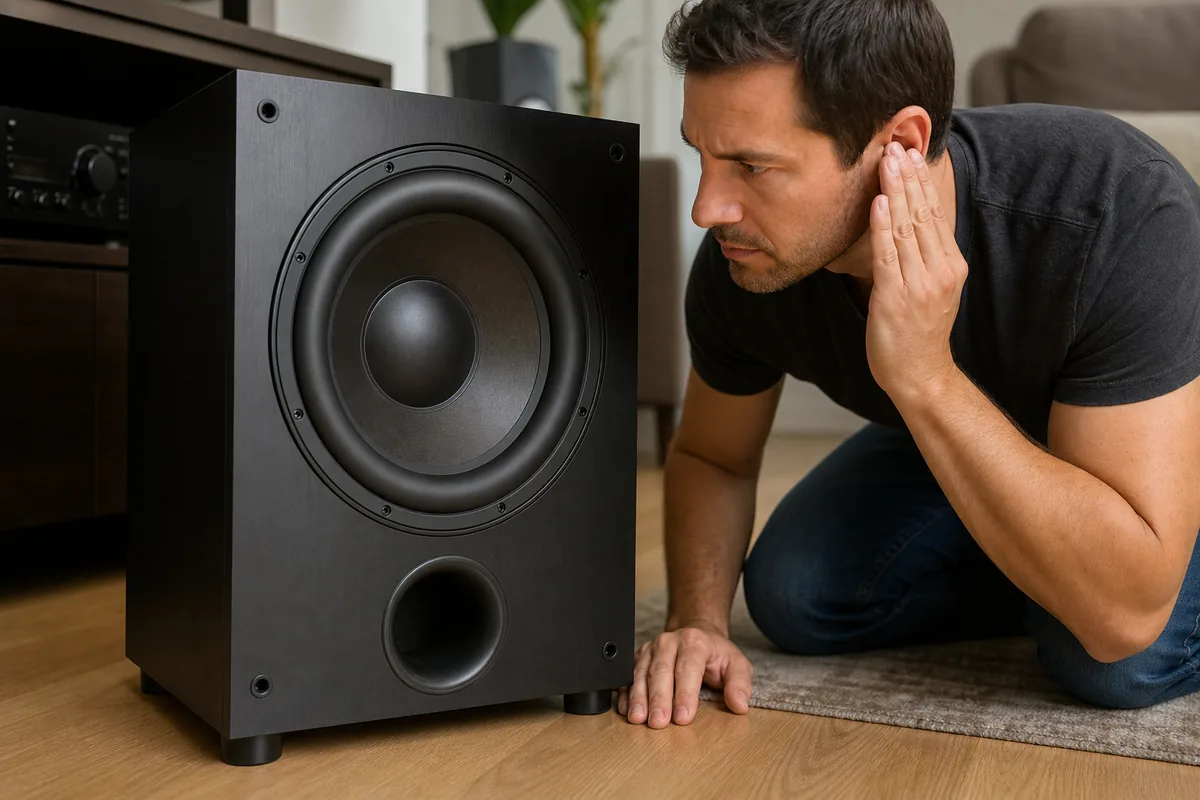
Subwoofer or settings? Check these before blaming the driver
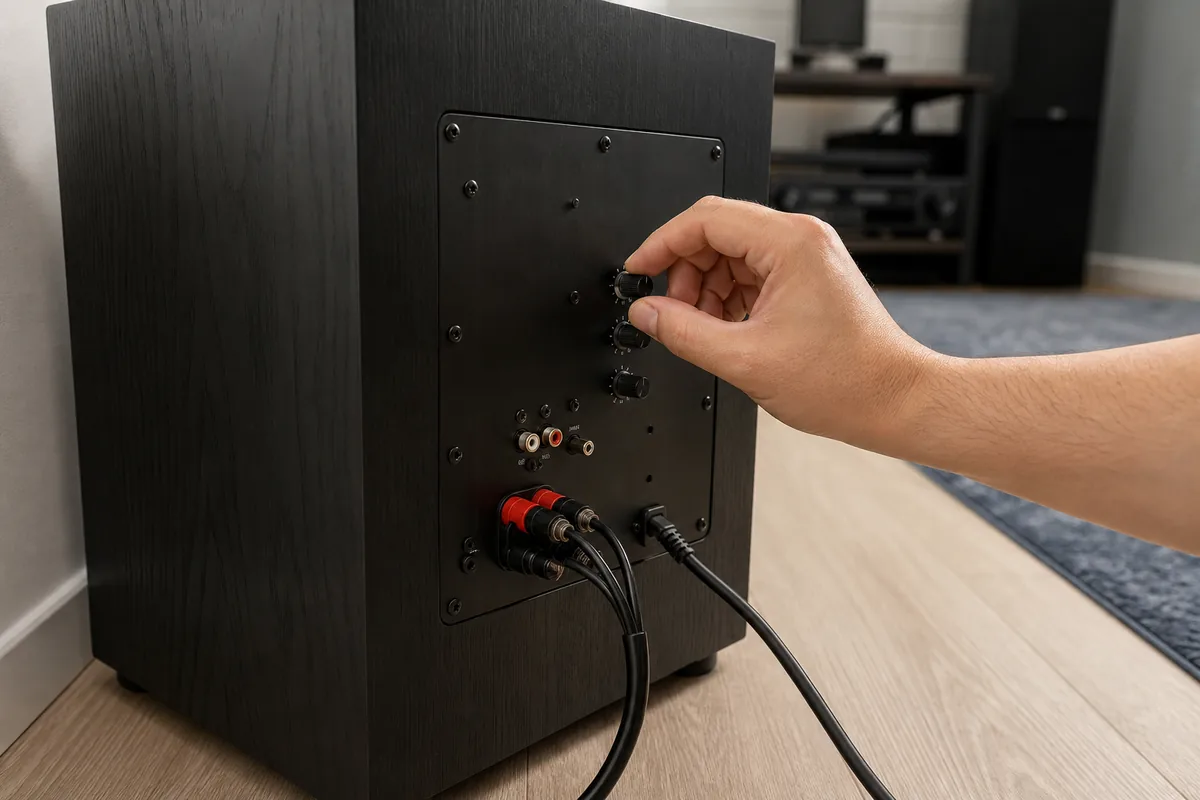
Most home-theater and PC subwoofer complaints are routing and calibration problems before they are hardware failures. Make these quick checks while the sweep is paused.
| Check | Why it matters | Quick fix |
|---|---|---|
| Power and standby mode | Auto-standby may not wake on quiet signals. | Switch to On while testing, then return to Auto later. |
| LFE/sub cable | A loose RCA, wrong output, or wrong input makes the sub appear dead. | Reseat the cable and use the receiver sub/LFE output. |
| Receiver speaker size | If fronts are set Large and bass management is off, little bass may reach the sub. | Set speakers Small and choose a sensible crossover such as 80 Hz as a starting point. |
| Crossover and gain | Too low a crossover or very low gain makes the sweep seem weak. | Start around 80 Hz and moderate gain, then adjust by ear and measurement. |
| Phase and placement | A sub can cancel with front speakers at the listening seat. | Try phase 0/180 and move the sub a little, then repeat the sweep. |
| Content mode | Stereo, Pure Direct, night mode, Bluetooth, or TV pass-through can drop LFE. | Test with known sub output or direct bass sweep before judging movie/game content. |
Is the subwoofer blown?
A browser test cannot certify electrical health, but it can tell you when to stop testing and inspect. The warning signs below deserve caution.
| Warning sign | What it suggests | What to do |
|---|---|---|
| Burnt smell from the cabinet or amp plate | Overheated voice coil or amplifier components. | Stop testing and unplug the sub. Do not keep feeding test tones. |
| Scraping when the cone moves gently | Voice coil rubbing in the magnet gap. | Do not force the cone. Use repair or warranty support. |
| Distortion at very low volume | Driver, amp, enclosure, or loose internal part may be damaged. | Retest with another source/cable, then inspect safely. |
| Sudden silence after a loud event | Blown fuse, protection mode, amp failure, or open voice coil. | Check fuse/manual if serviceable; otherwise contact support. |
What about headphones, laptop speakers, and small Bluetooth speakers?
Do not judge small drivers by sub-bass. Many laptops, phones, earbuds, and compact speakers cannot reproduce 20-60 Hz at useful volume. Silence there is expected unless the device is designed for deep bass.
For headphones, use the sweep to learn where bass rolls off, not to decide whether a subwoofer is blown. For laptop and phone speakers, missing 20-60 Hz is normal physics, not a defect.
Video: subwoofer setup basics
This setup explainer is useful before blaming the driver because it covers placement, crossover, level, and the role of the subwoofer in a room.
Sources checked
The workflow above combines the live KBT bass sweep, public low-frequency test references, and practical community diagnostics around subwoofer setup and failure symptoms.
- KBT Bass TestThe live browser tool used for the 20-200 Hz sweep, step tones, and hold mode.
- AudioCheck low-frequency range testReference low-frequency sweep and practical note that very low tones can be felt more than heard.
- OnlineToneGenerator subwoofer tone pageIndependent browser tone-generator reference for subwoofer frequency checks.
- BASSBOSS driver test noteProfessional support guidance for cautious driver checks and listening for abnormal sounds.
- Reddit home theater discussionCommunity examples showing that setup, AVR settings, and source routing often explain a quiet or silent sub.
Related audio tools
Sweep 20 Hz to 200 Hz or hold a single bass tone.
Frequency Response TestRun a wider 20 Hz to 20 kHz sweep after the low-end check.
Surround Sound TestConfirm the LFE/subwoofer channel is routed correctly.
Decibel MeterCompare relative loudness after placement and gain changes.
Related guides
Rule out swapped or dead left/right channels.
Rear Speakers Playing Through the Front?Fix 5.1/7.1 channel-routing problems that can also hide LFE.
Online Decibel Meter GuideUnderstand why browser loudness readings are relative, not lab SPL.
Why Can I Not Hear 17 kHz?Separate hearing limits from playback-hardware rolloff.
Subwoofer test FAQ
- How do I test if my subwoofer is working?Turn the volume down, open the bass test, and run the 20-200 Hz sweep. A working sub should produce smooth low-frequency output somewhere in the 30-120 Hz range. If there is no sound, check power, standby, LFE cable, receiver sub output, crossover, and mute settings before blaming the driver.
- What frequency should I use to test a subwoofer?Use a sweep from 20 Hz to 200 Hz first, then hold individual tones around 30, 40, 60, 80, and 100 Hz. The sweep shows rolloff and rattles; held tones help you repeat one problem frequency at low volume.
- How do I know if my subwoofer is blown?Warning signs include scraping, harsh buzzing, burnt smell, sudden silence after a loud event, or heavy distortion even at low volume. A browser sweep can reveal those symptoms, but it cannot certify the electrical fault. Stop testing and inspect safely or use warranty support.
- Why is there no sound below 40 Hz?Many systems simply cannot reproduce 20-40 Hz strongly, and some rooms cancel bass at the listening seat. Check whether the sub is really active, then try placement, phase, and crossover changes. For laptop, phone, and small speakers, no deep bass is expected.
- Can a bass test damage a subwoofer?Yes, if you run low-frequency sine waves too loudly. Sine tones demand high cone excursion and can stress small drivers quickly. Start low, raise slowly, and stop if you hear clack, scraping, or distress.
- Should I use music or a sine sweep to test bass?Use a sine sweep for diagnosis because it isolates one frequency at a time. Music is better for final listening, but it mixes many frequencies and can hide the exact point where bass disappears, rattles, or distorts.
Start with the Bass Test. If the bass sweep is clean, use the Surround Sound Test or Left-Right Speaker Test to confirm channel routing. If you need to compare loudness after setup, use the Decibel Meter as a relative check.