Typing Speed

Run a typing speed check in seconds

Use this free online typing speed test to type the prompt and review results instantly.

Live feedback Quick reset Browser based
3 Core steps
100% Browser based
Live Results
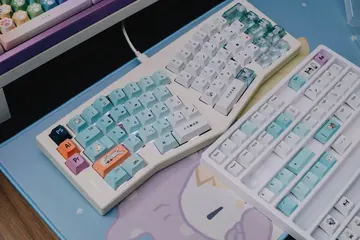
Typing speed test interface - measure WPM and typing accuracy online
Focused testing

Run quick checks tailored for typing speed.

Instant results

See updates as you test in real time.

Primary tool

Typing Speed Test

Use the live tool below to complete your test.

Test Your Typing Speed

Type the following text as fast as you can:

Loading text...

Time Left: 60 seconds

Speed: 0 WPM

Accuracy: 0%

Your Typing Results

Speed: 0 WPM

Accuracy: 0%

Live feedback
See results instantly
Quick reset
Run another test fast
Browser based
No installs or signups
Focused checks
Built for typing speed

Typing Speed

Everything you need for typing speed test

Run focused checks and confirm results in seconds.

Focused insights

Track typing speed with live updates.

Instant results

See changes as you test in real time.

Simple controls

Start, stop, and reset in seconds.

Repeatable tests

Compare multiple runs quickly.

Simple workflow

Three steps to run the typing speed test

Follow the quick steps below to test and confirm results.

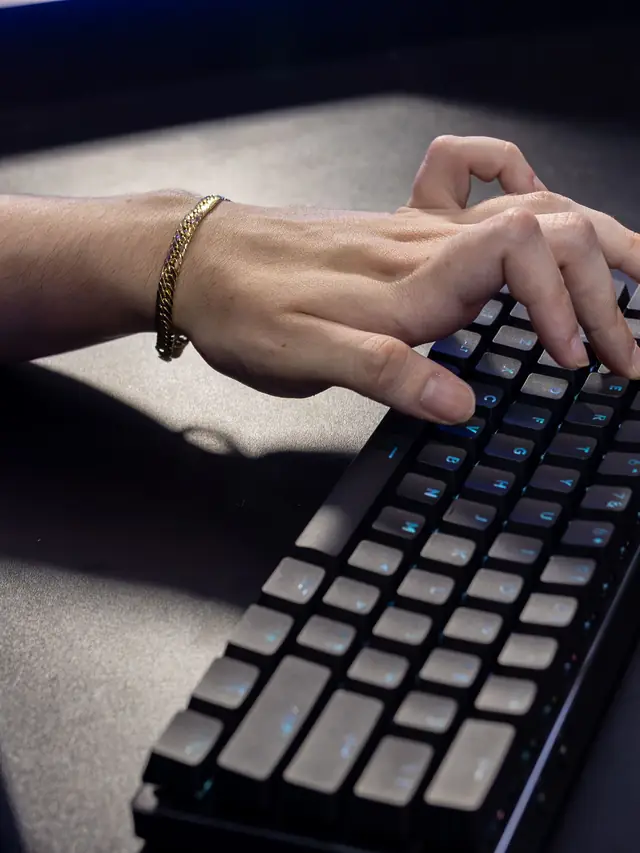
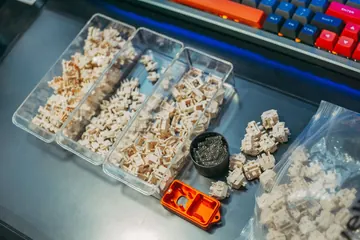
Typing speed test step 1 - start WPM measurement
01

Start the test

Open the tool and prepare to begin.

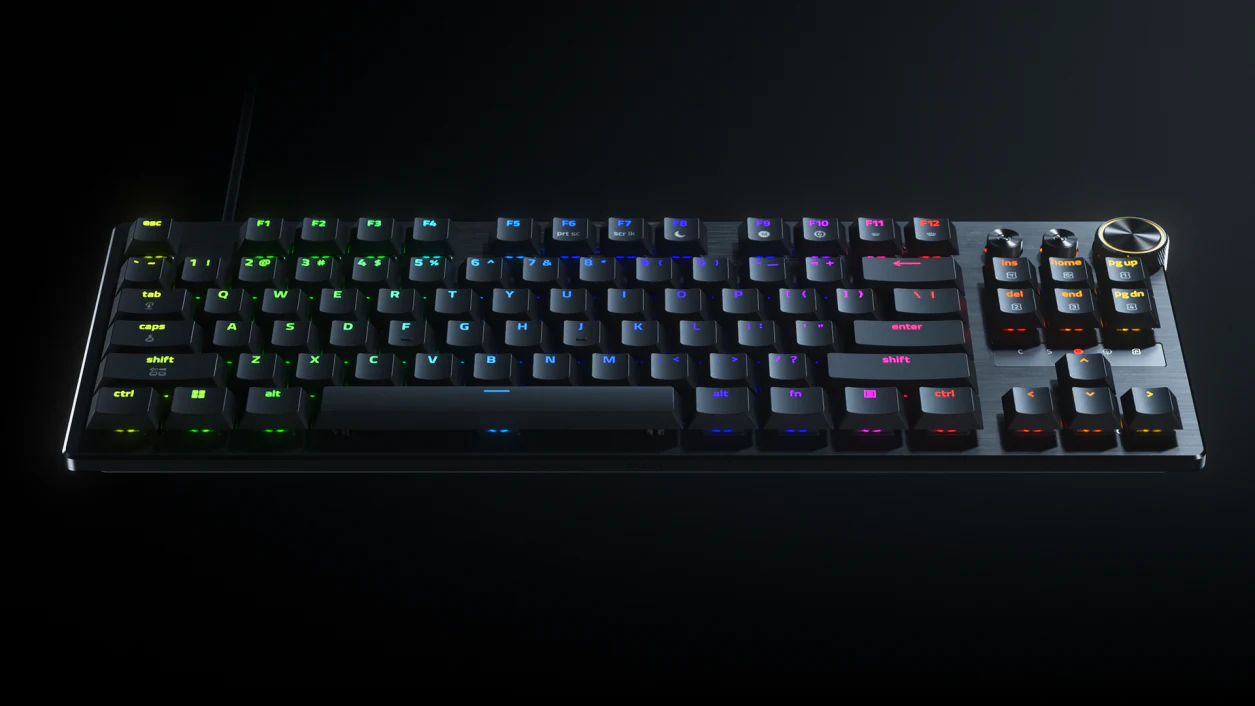
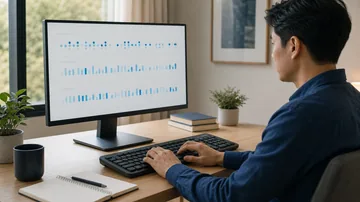
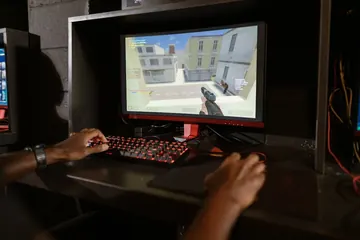
Typing test step 2 - type the text to measure speed
02

Type the prompt

until the timer ends.

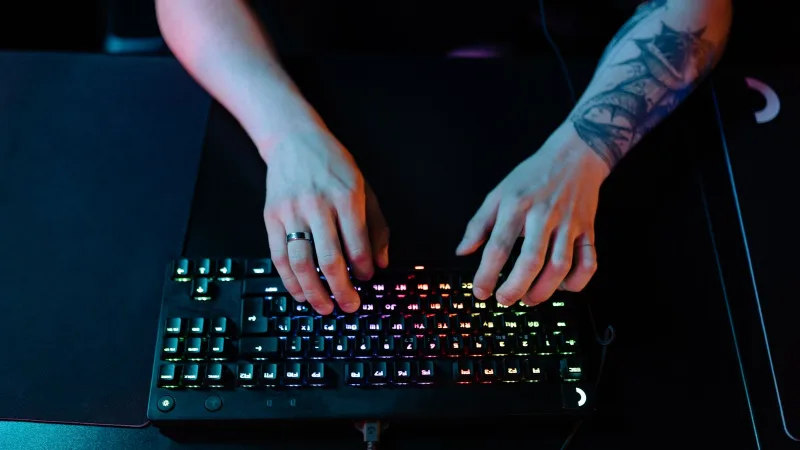
Typing speed results - WPM score and accuracy display
03

Review results

Check your typing speed stats and retest if needed.

More testing tools

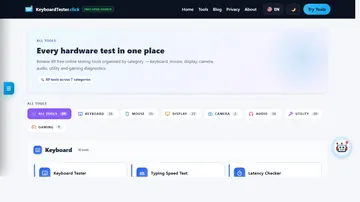
Explore the full suite for keyboard, mouse, audio, and utilities.

Language support: The Keyboard Tester is the only tool with translated interfaces (Arabic, Russian, Spanish, French, Portuguese, Japanese, German, Korean). All other tools are currently English-only.

Keyboard Tester

Test keyboard functionality, detect ghosting, measure latency, check for stuck keys

Test your keyboard
Arabic Keyboard Tester

Test Arabic keyboard layout and key response in an Arabic-first interface

Test Arabic layout
Mouse Tester

Check mouse buttons, scroll wheel, cursor movement, and responsiveness

Test your mouse
Mouse Speed Tester

Measure your click speed (CPM or CPS) with timed tests

Check click speed
Mouse Sensitivity / DPI

Test DPI, sensitivity, and tracking accuracy

Test DPI settings
Mouse Trail

Visualize mouse movement trails and precision

View mouse trails
Ghost Click Detector

Detect unintended or phantom clicks

Detect ghost clicks
Typing Speed Test

Measure WPM, accuracy, and typing consistency

Check typing speed
Latency Checker

Test device and input latency in your browser

Measure latency
Screen Tester

Detect dead, stuck, or hot pixels on screens

Test your screen
Webcam Tester

Check webcam quality, resolution, and snapshots

Test your webcam
Mic Tester

Verify microphone input and audio levels

Test your microphone
Headphone / Speaker Tester

Test stereo channels and sound output

Test audio output
OCR Tool

Extract text from images quickly

Extract text now
QR Code Reader

Scan QR codes with camera or image upload

Scan QR codes
QR Code Generator

Create custom QR codes instantly

Create QR code
WhatsApp Link Generator

Create clickable WhatsApp chat links

Generate chat link
WhatsApp Brand Links

Create branded WhatsApp links and QR codes

Create brand link
WhatsApp Sentiment Analyzer

Analyze chat sentiment and tone

Analyze sentiment
Password Generator

Create strong, secure passwords instantly

Generate password

Typing Speed Test Guide

Quick steps to run the typing speed test and review your typing speed results.

Start the test

  1. Open the tool and prepare to begin.
  2. Type the prompt until the timer ends.
  3. Reset to run another quick check.

Adjust settings if needed

  • Review tool options for your ideal test.
  • Switch inputs or settings if results look off.
  • Reset to run another quick check.

Review results

  • Look for missed inputs or delays.
  • Compare multiple runs for consistency.
  • Export or note results if required.
Why is the tool not responding?

Make sure the page is focused and the correct device is selected.

How do I reset the test?

Use the reset button to clear results and start over.

Does this work on mobile devices?

Most tools work best on desktop, but mobile may still function for basic checks.

Can I run multiple tests in a row?

Yes. Reset after each run to compare results.

Is the test private?

Testing runs locally in your browser and is not uploaded.

What should I do if results look wrong?

Try another browser or device to confirm the issue.