















Fast answer: Open the Keyboard Sound Test, allow the microphone, calibrate room noise, then tap letter keys first. A clean board has repeatable peaks and similar volume from key to key. Sharp extra spikes usually mean clicky switches, stabilizer rattle, desk echo, or chatter-like contact noise. If the sound looks wrong but the keyboard tester still shows one input per press, fix sound and mounting; if input counts double, use the repeat or chatter workflow.
A keyboard can sound loud, hollow, clicky, scratchy, or uneven even when every key still works. The useful question is not only what switch you have; it is whether the noise points to a real fault. This guide shows how to run a browser keyboard sound test, what to listen for, how to read the spectrum, and when to move from sound diagnosis to input diagnosis.
Set up a fair keyboard sound test
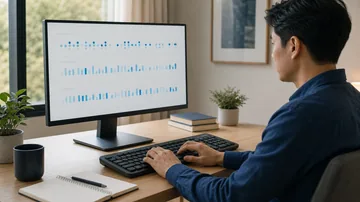
The microphone hears your keyboard, your desk, your room, and your fingers. Control those first so the result is useful.
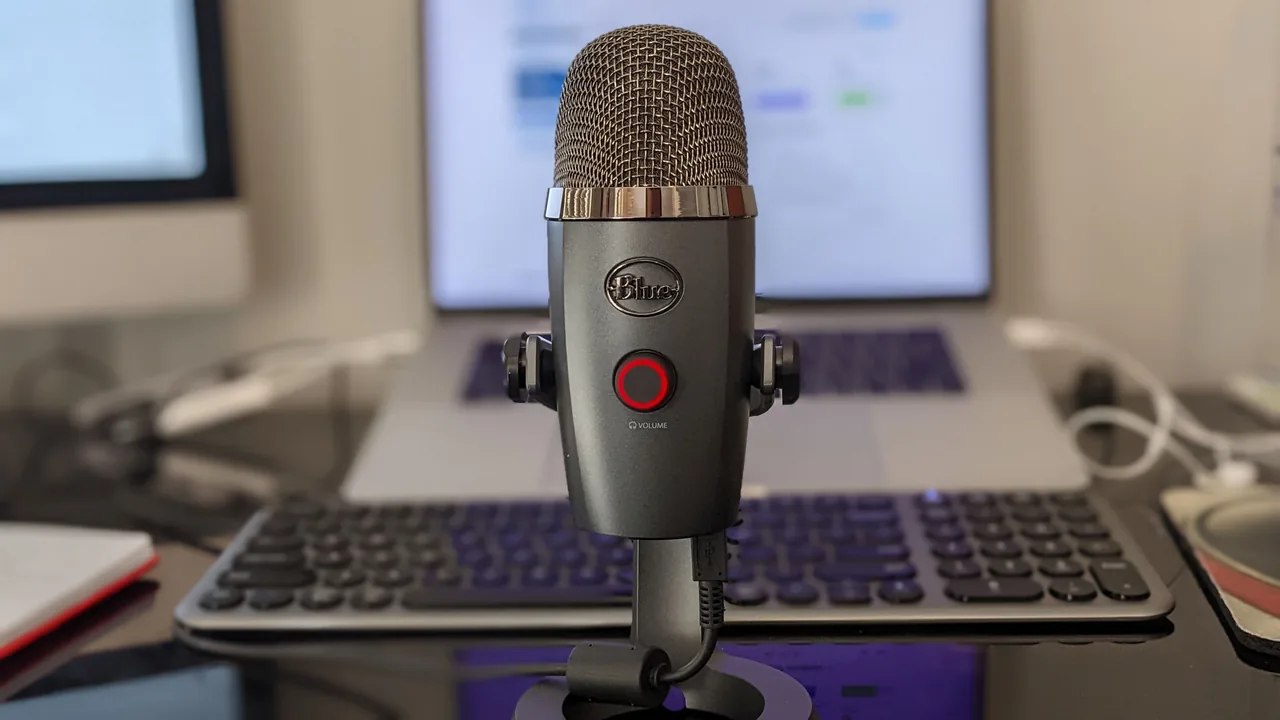
- Place the microphone 15-30 cm from the keysKeep the distance fixed for every run. Moving the mic changes the volume more than most keyboard changes.
- Calibrate room noise firstLet the page listen to silence before tapping. Fan noise, speech, and desk hum can mask the actual key sound.
- Start with letter keysLarge keys use stabilizers, so they often rattle even when the switch is fine. Letter keys give a cleaner baseline.
- Tap with the same forceBottoming out hard creates a loud case thud. Use deliberate, repeatable presses before comparing keys.
- Retest one change at a timeDesk mat, keycap, switch, foam, and mic position all affect sound. Change one variable, then test again.
How to read the sound test result
Do not judge one keystroke. Tap several letter keys, then a large stabilized key such as Space or Enter, and compare the pattern.

| What you see or hear | Likely meaning | What to do next |
|---|---|---|
| Similar peaks on most letter keys | Normal switch sound and consistent typing force. | Use this as the baseline before checking bigger keys. |
| One key is much louder or sharper | Loose keycap, uneven switch, desk resonance, or a small piece of debris. | Reseat the keycap, clean around the switch, then retest. |
| Spacebar or Enter rattles while letters sound fine | Stabilizer rattle, not a keyboard-wide switch problem. | Inspect the stabilizer, keycap fit, and desk surface. |
| Spectrum jumps on every press with a sharp high-frequency click | Likely clicky switches, or a hollow case adding click-like energy. | Compare with the switch-identification guide before replacing switches. |
| Sound is messy and the input also counts twice | Possible key chatter or switch bounce. | Run the key repeat test and the full keyboard tester before doing sound mods. |
What different keyboard noises usually mean
The same switch can sound different across cases and rooms, so treat these as diagnostic clues rather than absolute labels.
Big keys sound metallic or loose while letter keys are normal. The switch is usually fine; the stabilizer needs seating or tuning.
Every key has a ringing tail after the press. Try a desk mat and a different surface before opening the keyboard.
The downstroke has a rough sliding noise. Cleaning, switch replacement, or lubrication may help, but check warranty first.
A key makes two crisp ticks or the input tester counts double. That is an input fault candidate, not just an acoustic issue.
The meter moves before you type, or the spectrum is busy while silent. Recalibrate, mute fans, and choose the correct mic.
Your loudest keys follow your finger strength rather than the keyboard. Retest slowly with equal force.
Separate sound problems from input problems
A noisy key is not automatically a bad key. Confirm whether the computer receives one input per press before replacing parts.
- Run the sound testFind which keys sound different and note whether the issue is only on big stabilized keys.
- Run the keyboard testerPress the same key once. A healthy key should register once, not zero or two times.
- Run the key repeat test if neededIf a key repeats too soon or too often, solve repeat/chatter before changing sound parts.
- Fix the category you provedSound-only faults need cleaning, keycap, stabilizer, or desk changes. Input faults need debounce, switch, driver, or hardware diagnosis.
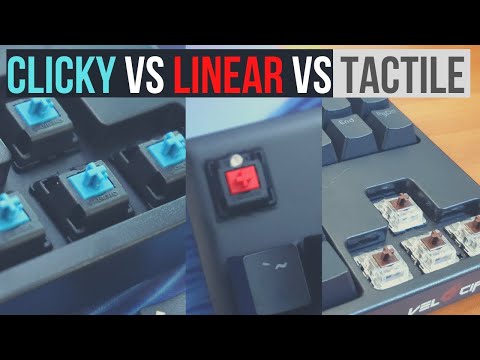
Video: clicky vs tactile vs linear sound examples
This sound-test video gives useful ear training before you compare your own board in the browser tool.
Sources and verification notes
- MDN: AnalyserNodeBrowser audio analyzers provide real-time frequency and time-domain data, which is the basis of the spectrum view.
https://developer.mozilla.org/en-US/docs/Web/API/AnalyserNode - MDN: getUserMedia microphone permissionMicrophone access requires explicit browser permission and returns a local MediaStream when allowed.
https://developer.mozilla.org/en-US/docs/Web/API/WebRTC_API/Build_a_phone_with_peerjs/Connect_peers/Get_microphone_permission - web.dev: capture audio and video in HTML5Explains browser microphone prompts and permission behavior for getUserMedia.
https://web.dev/articles/getusermedia-intro - YouTube: Switch and Click sound examplesReference video for clicky, tactile, and linear mechanical switch sound examples.
https://www.youtube.com/watch?v=MbL9j06siA0
Related tools
Record key noise, read peak frequency, and compare loudness in your browser.
Keyboard TesterConfirm whether the same key registers once, twice, or not at all.
Microphone TestCheck whether the mic itself is too quiet, clipping, or using the wrong input.
Key Repeat Rate TestSeparate repeat timing and switch chatter from normal keyboard sound.
Related guides
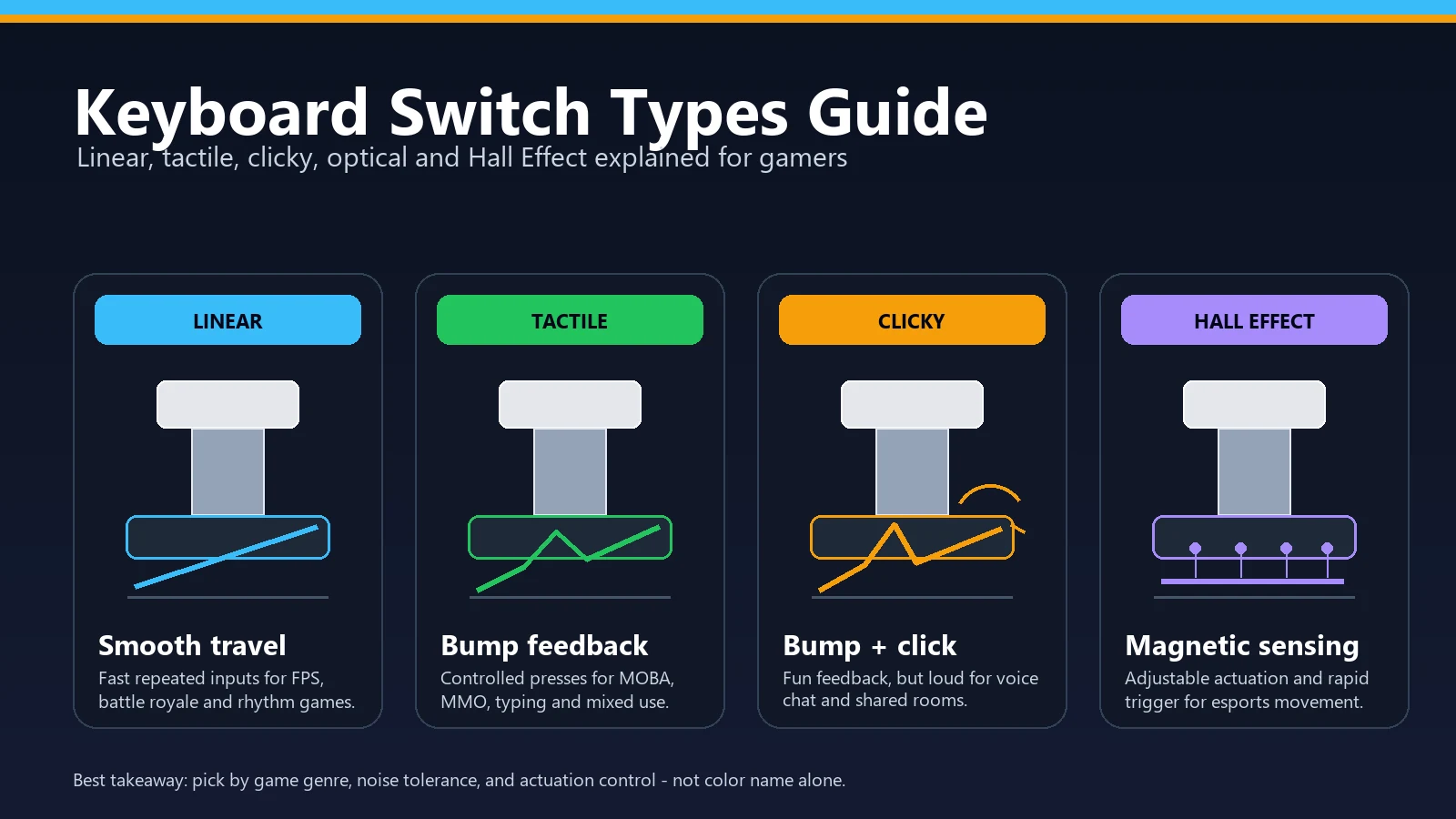
Identify linear, tactile, or clicky switches by sound and feel.
Spacebar Not Working or Double-SpacingUse the spacebar workflow when the loud or rattly key is the spacebar.
Keyboard Not Typing, Lagging, or StickyUse this guide when sound clues also come with missed or delayed input.
Keyboard sound test FAQ
- Can an online keyboard sound test identify my switch type?It can separate obvious clicky switches from quieter non-clicky switches, and it can show whether a key has unusual high-frequency energy. Tactile versus linear still needs a feel check because both can sound similar in many keyboard cases.
- Why does my keyboard sound louder in the browser test than in real life?The microphone may be too close, the input gain may be high, or the desk may be reflecting sound into the mic. Keep the mic distance fixed, calibrate room noise, and compare before/after results rather than treating one decibel number as universal.
- Does a rattly spacebar mean the keyboard is broken?Usually no. A rattly spacebar is commonly a stabilizer or keycap-fit issue. Test letter keys first; if they sound normal and register correctly, focus on the stabilizer rather than replacing the whole keyboard.
- How do I know if the sound is key chatter?Sound alone is not enough. Open the keyboard tester and press the suspect key once. If it registers twice, you likely have chatter or switch bounce. If it registers once, the problem is acoustic rather than input-related.
- Is the keyboard sound test private?The KeyboardTester.click sound test runs in the browser. It uses microphone permission so the page can analyze the live audio stream locally; you should still only grant mic access on pages you trust.
Start with the Keyboard Sound Test, then confirm input with the Keyboard Tester if any key sounds suspicious.





Reader discussion
Comments
Share what worked, what did not, or what you would test next. Every comment is reviewed before it appears.
Loading approved comments…
Leave a comment
No account or sign-in is required. Links and HTML are not accepted.