Free key repeat rate and delay tester online. Measure your keyboard initial delay and repeat speed in Hz. Compare to gaming benchmarks instantly. No download needed.
Hold any key to measure initial delay and repeat speed.
Hold any key — the tool measures initial delay (ms) and repeat rate (Hz)
Hold any key to start the measurement
—
Initial Delay (ms)
—
Repeat Rate (Hz)
0
Repeat Events
Key event timeline
Your Keyboard Results
Initial Delay
Repeat Rate
Gaming Rating
This test runs entirely in your browser. No data is collected.
Was this tool helpful?Rate Key Repeat Rate Tester:5.0(3 ratings)Thanks for rating!
Key Repeat Rate Tester guide
How to use the Key Repeat Rate Tester accurately
Free key repeat rate and delay tester online. Measure your keyboard initial delay and repeat speed in Hz. Compare to gaming benchmarks instantly. No download needed.
01What Is Key Repeat Rate?
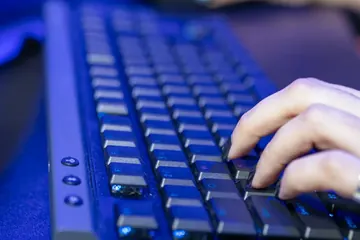
Key repeat rate is the number of keydown events your keyboard sends per second while a key is held down, measured in Hz (events per second).
02Gaming vs Typing Optimal Settings
Settings guide
03How to Change Key Repeat Speed in Windows & Mac
Windows: Open Control Panel → Keyboard → Speed tab. Drag "Repeat delay" left (shorter) and "Repeat rate" right (faster). Click OK and test in the text box. Changes take effect immediately without rebooting.
04Why Repeat Delay Matters for Gamers
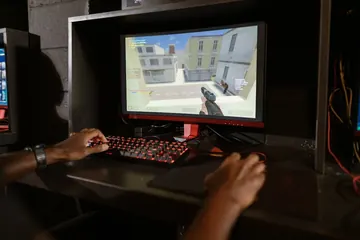
In many games, movement keys or menu navigation rely on the OS key-repeat mechanism. A long initial delay means your character hesitates before continuously moving. A low delay of 200 ms or less eliminates that pause.
Key repeat rate is how many times per second a held key fires repeat events after the initial delay. It is measured in Hz (events per second). Most keyboards default to 30 Hz; gaming keyboards can reach 50 Hz or higher.
What is key repeat delay?
Key repeat delay (also called repeat delay) is the time between the first keydown event and the second one when you hold a key. It is typically 200–1000 ms and controls how long you must hold a key before it starts repeating.
What is the optimal repeat rate for gaming?
For gaming, a repeat delay of 200–250 ms and a repeat rate of 30–50 Hz is generally considered optimal. Lower delay means keys start repeating faster; higher Hz means faster repetition once started.
How do I change key repeat speed in Windows?
Open Control Panel → Keyboard → Speed tab. Drag the 'Repeat delay' slider left to shorten the delay and drag the 'Repeat rate' slider right to increase speed. Click OK and test in the text box provided.
Does this test work on all keyboards?
Yes. The tester works on any USB, PS/2, Bluetooth, or wireless keyboard connected to a computer running a modern browser. It reads standard browser keydown events — no special drivers required.
Windows app
KeyboardTester.click is available from Microsoft Store
Install the official Windows app shortcut, or keep using the same free testing tools in your browser.
01 / 10New Razer TKLRazer Huntsman V3 Pro Low-Profile: What to TestRZ03-05850 is thinner, shorter-travel and $10 above Razer's standard US model.02 / 10Model checkKnow the exact modelRZ03-05850 is the Low-profile Tenkeyless 8KHz. Do not confuse it with RZ03-0552 or HE Magnetic RZ03-0592x.03 / 10The redesignWhat actually changed?Razer lists a 19.5 mm front height, 2.8 mm total travel and new low-profile analog optical switches.04 / 10Travel rangeShorter actuation rangeRazer lists 0.1-2.8 mm here versus 0.1-4.0 mm on the standard Pro TKL, so its maximum travel is shorter.05 / 10Price checkThe US premium is $10Checked Aug. 24: $229.99 for RZ03-05850 versus $219.99 for standard RZ03-0552. Prices can change.06 / 10Claim boundaryDo not treat 8K as proofRazer claims 8,000 Hz and 0.39 ms to USB. A browser cannot verify raw polling or end-to-end latency.07 / 10Buyer fitWho should consider it?Shortlist it for low deck height and short travel. Keep your board if you prefer deeper travel or need wireless.08 / 10Delivery testRun five delivery checksOn the factory profile, test all keys, NKRO chords, chatter and held-key repeat. Save repeatable results.09 / 10Read the resultWhat counts as a warning?Missed, doubled or stuck keys that repeat matter. One clean run cannot prove actuation depth or 8K.10 / 10Next actionTest every key firstTest every normal key once. Use repeatable return-window results, not the page as an 8K certificate.
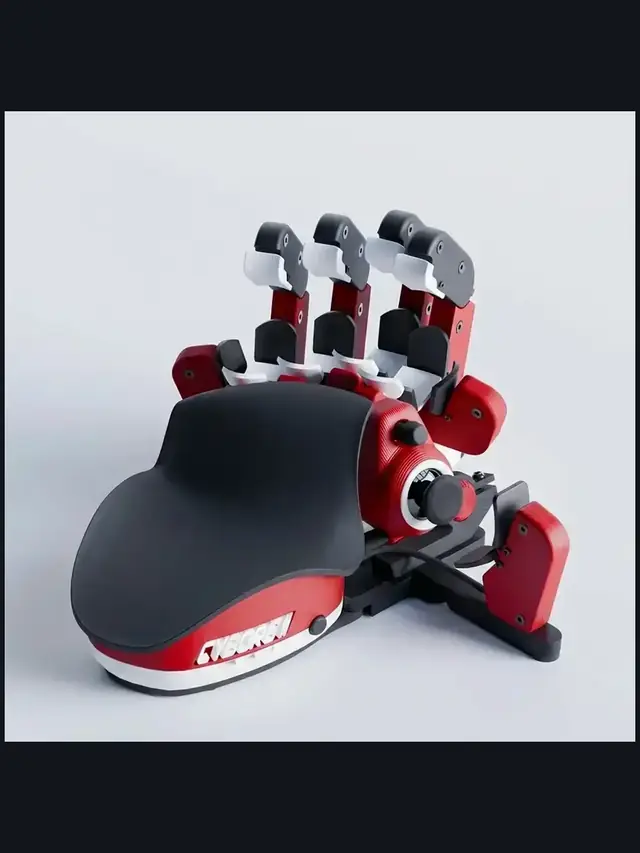
01 / 10Buyer guideOne-handed keyboards: choose by control, not hypeThe right pad depends on your thumb, hand fit, switch feel and setup time.02 / 10Start herePick the input style firstChoose raised finger towers, a flat key grid or a familiar keypad with a thumb control.03 / 10MovementA thumbstick can replace WASDTrue analog movement and an 8-way thumbpad are different. Check what each game supports.04 / 10Ergonomic pickAzeron favors reach over familiarityIts towers and 360-degree stick reduce finger travel, but profiles take time to learn.05 / 10Familiar optionMainstream keypads feel easier soonerA flatter grid and thumbpad shorten the learning curve, but offer less hand shaping.06 / 10Key feelSwitch labels do not tell the whole storyCompare press feel, spacing, stabilizers and fatigue instead of buying for RGB alone.07 / 10ProfilesSoftware can decide the experienceCheck remapping, per-game profiles, onboard memory and whether the app must stay open.08 / 10ErgonomicsHand fit beats a long feature listVerify palm-rest position, thumb reach, orientation and whether adjustments stay secure.09 / 10Return windowTest the exact bindings you will useScan every key, then try real movement-plus-modifier combos before the return window closes.10 / 10Final checkTrust your inputs, not the boxOpen the full Keyboard Tester and check every mapped key before keeping the pad.