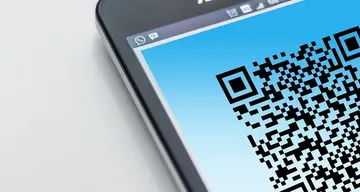
Free open source QR code generator online. Create QR codes for URLs, text, phone numbers, emails, and more. Customize, preview in real time, and download your QR code instantly. No sign-up needed.
Was this tool helpful?Rate QR Code Generator:5.0(1 rating)Thanks for rating!
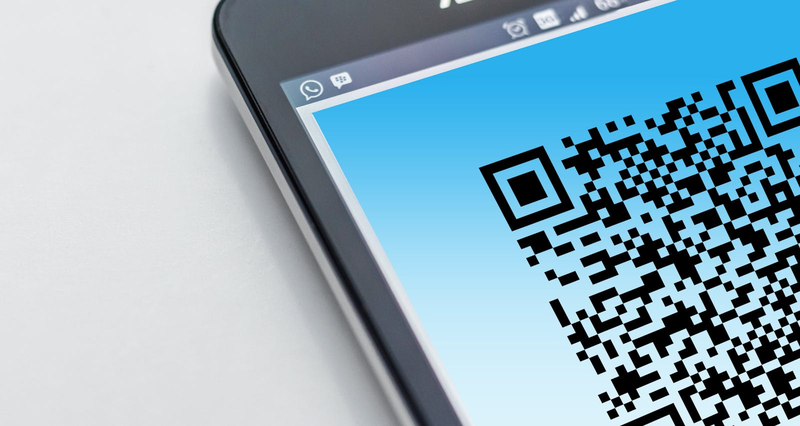
QR Code Generator is a free, browser-based online utility that lets you create custom QR codes for URLs and text in your browser.
Cost: Free, no signup
Install: None — runs in the browser
Privacy: Runs locally, no uploads
Platforms: Windows, macOS, Linux, Android, iOS
Time: Under a minute
What This QR Generator Does
Type any text or URL and the tool renders the QR code immediately in your browser — nothing is uploaded to a server. Pick one of three sizes (160, 220, or 280 px), adjust the colors, and download the finished code as a PNG. Phone numbers and email addresses work too: enter them as plain text, or use tel:+1234567890 / mailto:[email protected] so phones offer to call or compose directly on scan.
Prefer It One Click Away? Get the Edge Extension
The same generator and scanner now ship as an official browser add-on: KeyboardTester.Click QR tools on the Microsoft Edge Add-ons store. It puts QR creation in your toolbar so you can turn the page you are reading into a code without opening a new tab. The web tool on this page stays free and identical — the extension is just a shortcut.
Generator or Reader? Pick the Right QR Tool
This page creates codes. If you need to go the other way — you have a code and want the content out of it — use the QR code reader, which decodes an uploaded image, including a screenshot or photo with the code inside it. A practical workflow for anything you plan to print: generate the code here, download the PNG, then run it back through the reader once to confirm it decodes to exactly what you intended.
Tips for QR Codes That Scan Reliably
Keep contrast high: dark code on a light background scans best. Light-on-dark ("inverted") codes fail on many camera apps, and low-contrast color pairs fail everywhere.
Leave the quiet zone alone: the white margin around the code is part of the spec. Cropping it or placing the code against a busy background breaks scanning.
Size for the scan distance: 220 px is fine on screen; for print, a code should be at least 2 x 2 cm for close-range scanning, larger if it will be read from further away.
Shorter content = tougher code: long URLs create denser codes that are harder to scan when small. Keep the destination short where you can.
Test before you publish: scan the downloaded PNG with a phone camera or decode it with the reader tool before printing or posting it anywhere.
QR Code Generator FAQ
Common qr code generator questions
How do I generate a QR code online for free?
Type or paste your text, URL, phone number, or email into the QR generator. The QR code is created instantly in your browser. Right-click the generated image and choose Save Image As, or use the download button to save as PNG. No signup or watermark.
What can I encode in a QR code?
Anything that fits in text: website URLs, plain text, phone numbers (tel:), email addresses (mailto:), Wi-Fi credentials, vCards, calendar events, app store links, and more. Maximum capacity depends on data type — typically 2,953 bytes (alphanumeric) or 7,089 numeric digits.
Are QR codes generated by this tool free to use commercially?
Yes. QR codes themselves are an open ISO standard (ISO/IEC 18004) and free to use commercially. The QR codes you generate here have no licensing or attribution requirement and can be printed on products, business cards, packaging, or marketing materials.
Do generated QR codes ever expire?
No. The QR code itself is just a visual encoding of the data — it never expires. However, if the QR code points to a URL, that URL may go offline. For long-term use, point QR codes at stable URLs or your own domain rather than third-party shorteners.
Is my data sent anywhere when I generate a QR code?
No. The QR code is generated entirely in your browser using client-side JavaScript. The text you enter is never sent to any server. You can verify this by opening browser dev tools and watching the network tab while you type.
Can I customize colors or add a logo to the QR code?
The basic generator produces standard black-on-white QR codes that scan reliably with any reader. For colored or logo-overlaid QR codes, ensure high contrast (avoid light colors on white backgrounds) and keep the logo small (under 20% of code area) to avoid breaking scan reliability.
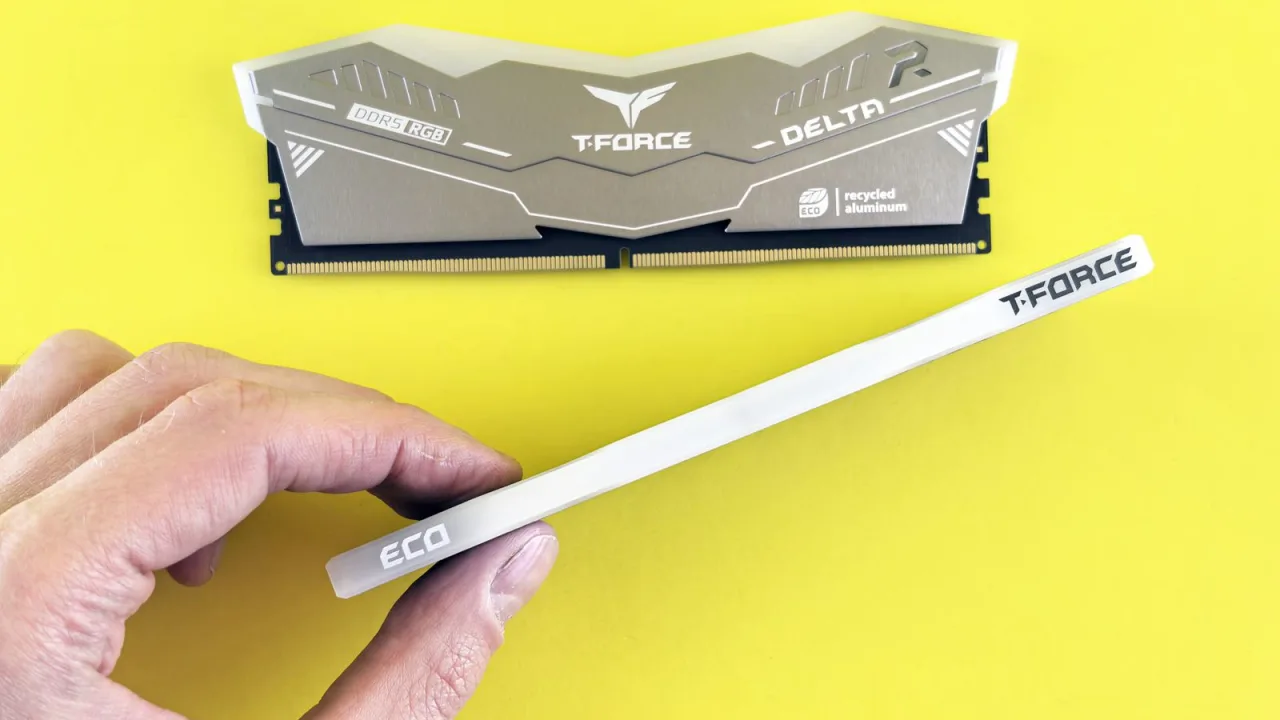
01 / 10DDR5 buying mathPay $120 more for 2 nanoseconds?CL30 vs CL36 looks big on the box. The real difference is 2 nanoseconds.02 / 10What CL really isCAS latency counts cycles, not timeCL is how many clock ticks the RAM waits before answering. Ticks get faster with speed.03 / 10The one-line formulans = 2000 x CL / MT/sTrue latency in nanoseconds. DDR5-6000 CL30: 2000 x 30 / 6000 = 10.0 ns.04 / 10CL30 vs CL36 at 600010.0 ns versus 12.0 nsSame speed, different CL: the whole debate is about 2 nanoseconds of wait time.05 / 10The tie surprise7200 CL36 is also 10.0 nsSo is 6400 CL32. A higher CL on a faster kit can match a lower CL exactly.06 / 10What 2 ns buys in gamesRoughly 1-4% average FPSOnly when CPU-bound, and benchmarks disagree. Smoother 1% lows are the steadier win.07 / 10Price check, Aug 11, 2026The CL30 premium: $120G.Skill CL30 $599.99 vs CL36 $479.99. A Patriot CL30 kit: $429.99. Shop across brands.08 / 10The EXPO/XMP gotchaYour CL30 may be running CL40Kits boot at JEDEC defaults until you enable EXPO or XMP in BIOS. Check yours today.09 / 10The X3D exceptionBig cache blunts CLOn 7800X3D-class CPUs, the stacked cache blunts CL gains. Buy CL36 and save.10 / 10The verdictSmall delta: yes. Upgrade: no.Compare your two kits in real nanoseconds - presets loaded, math done for you.
01 / 10Phone vibration testYour phone stopped buzzingBefore you book a repair, find out whether it is the motor or just a setting.02 / 10The symptomMissed calls and silent alertsA dead motor is easy to miss. You only notice the calls you never felt arrive.03 / 10What is insideA tiny weight on a motorMost phones spin an offset weight or drive a linear actuator to make the buzz.04 / 10Check this firstSettings fake a dead motorSilent mode, Do Not Disturb and per-app vibration all switch the buzz off.05 / 10Run the testOne tap, three patternsThe browser asks the phone to vibrate in short, long and pulsed patterns.06 / 10Result: weakYou feel it, but barelyA faint buzz often means a loose motor mount or a case damping the vibration.07 / 10Result: nothingNo buzz on any patternWith settings ruled out, silence points at the motor or its connector.08 / 10Result: on and offIt works, then it does notIntermittent buzzing usually means a failing solder joint or a worn motor.09 / 10One honest limitiPhones cannot run this testSafari on iOS does not support the browser vibration API, so use Android.10 / 10Your turnFind out in thirty secondsRun the three patterns, then decide whether it is a setting or the hardware.