WebGPU compute
Not checked yet.
Tool categories



Check whether your browser can use the GPU for modern AI workloads. The tool detects WebGPU, WebGL2, WebNN, software-rendering fallbacks, adapter limits, and runs a safe matrix-multiply compute benchmark similar to the math used in local AI inference.
Readiness verdict
Run detection to see whether this browser can use GPU acceleration for local AI and heavy graphics workloads.
Not checked yet.
Not checked yet.
Not checked yet.
Not checked yet.
Safe AI-style compute
Runs matrix multiplication through WebGPU. Matrix multiplication is the core operation behind transformer and vision-model inference, so this is a practical browser AI readiness signal.
The benchmark is idle. Results are browser-relative, not a replacement for native 3DMark, FurMark, or MLPerf scores.
Adapter details
Graphics sanity check
AI GPU Test is a free, browser-based AI GPU test for WebGPU, WebGL2, WebNN, browser hardware acceleration, software-rendering fallback detection, and safe matrix compute benchmarking.
This online AI GPU test checks the browser path that matters for modern local AI: WebGPU for GPU compute, WebGL2 for graphics acceleration, WebNN for emerging neural-network acceleration, and software-rendering fallback detection. A strong result means your browser is more likely to run WebGPU-based AI demos, local image tools, small transformer models, and other on-device AI workloads smoothly. A weak result usually means WebGPU is missing, hardware acceleration is disabled, the browser is using a CPU renderer, or the device has an older integrated GPU.
For the full research-backed explanation, read the AI GPU test and WebGPU readiness guide.
If you are choosing new hardware instead of testing the device you already own, compare current RTX 5090 and RTX 5080 laptop options in our best laptops with good GPU guide.
Older browser GPU features were built mainly for graphics. WebGPU exposes modern GPU compute features through a safer web API, which makes it much more useful for matrix multiplication, tensor operations, image processing, and browser-based machine learning. This test uses a small matrix multiplication workload because matrix multiplication is the central operation behind many AI models. The reported GFLOPS estimate is not a universal hardware score, but it gives a practical signal for whether your browser can handle local AI acceleration.
A score above 80 means the browser exposes WebGPU, WebGL2, and enough compute performance for serious browser-side AI experiments. A score around 50-80 means the device should handle lighter AI demos and GPU-accelerated graphics, but heavy models may be slow or memory-limited. Below 50 means the browser is missing key acceleration features or is falling back to CPU/software rendering. For the best result, use the latest Chrome, Edge, or another browser with WebGPU enabled, then confirm hardware acceleration is turned on.
An AI GPU test checks compute readiness: WebGPU support, matrix throughput, browser GPU limits, and local-AI compatibility. A GPU stress test pushes graphics rendering over time to expose heat, throttling, crashes, and unstable overclocks. Use this page first to answer "can my browser use GPU acceleration for AI?" Then use the GPU stress test if you want sustained WebGL load, FPS stability, and thermal-throttling checks.
For a separate gaming build decision, compare processor and graphics-card limits; that model estimates the pairing rather than measuring browser AI readiness or model-specific inference speed.
AI GPU Test FAQ
WebGL2 Mandelbrot fragment shader benchmark that pushes any GPU and reports FPS, minimum FPS, and software-rendering fallback
Browser heap monitor with live performance.memory readout, allocation stressor, and safe auto-abort
Convert CAS latency (CL) and memory speed (MT/s) to real nanoseconds, compare DDR4 vs DDR5 kits side by side
Usable capacity and fault tolerance for RAID 0/1/5/6/10/50/60 with side-by-side level comparison
Estimate battery backup time, check VA and watt headroom, and reverse-size required battery Ah
Multi-threaded WebWorker SHA-256 busy loop to load every logical core and report ops per second
23 tools · 2 Web Stories



 01 / 10
DDR5 buying math
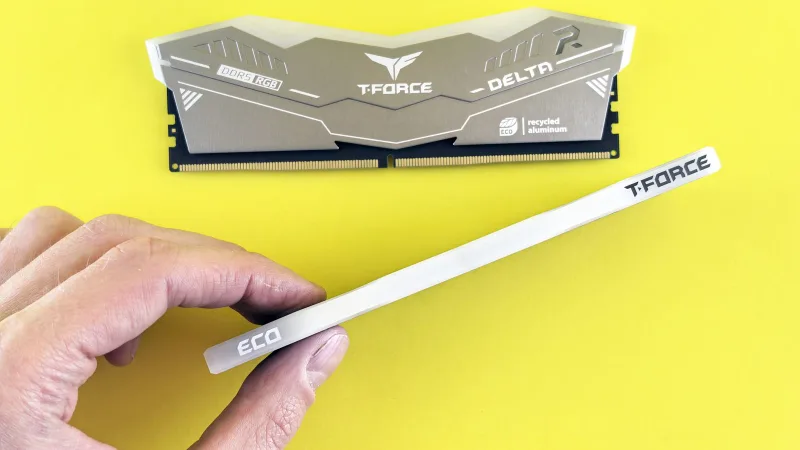
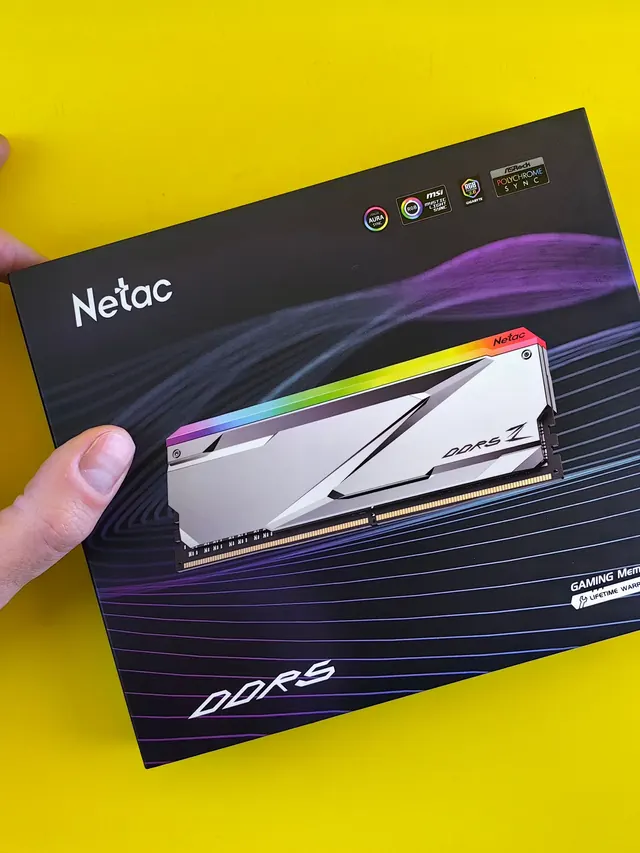
Pay $120 more for 2 nanoseconds?
CL30 vs CL36 looks big on the box. The real difference is 2 nanoseconds.
01 / 10
DDR5 buying math
Pay $120 more for 2 nanoseconds?
CL30 vs CL36 looks big on the box. The real difference is 2 nanoseconds.





 01 / 10
Phone vibration test
Your phone stopped buzzing
Before you book a repair, find out whether it is the motor or just a setting.
01 / 10
Phone vibration test
Your phone stopped buzzing
Before you book a repair, find out whether it is the motor or just a setting.




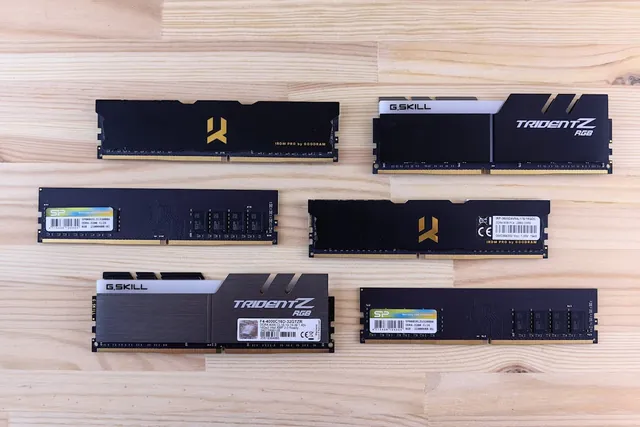
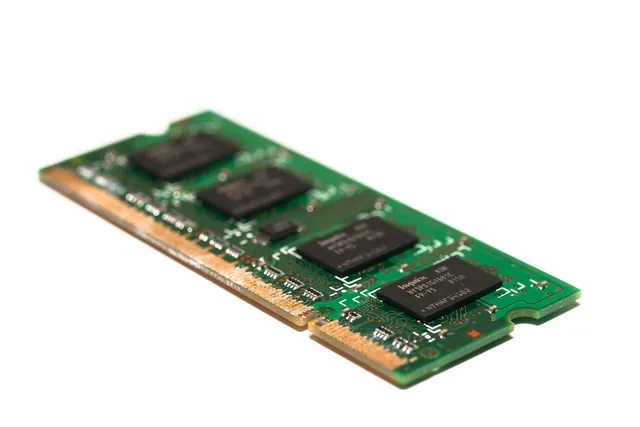

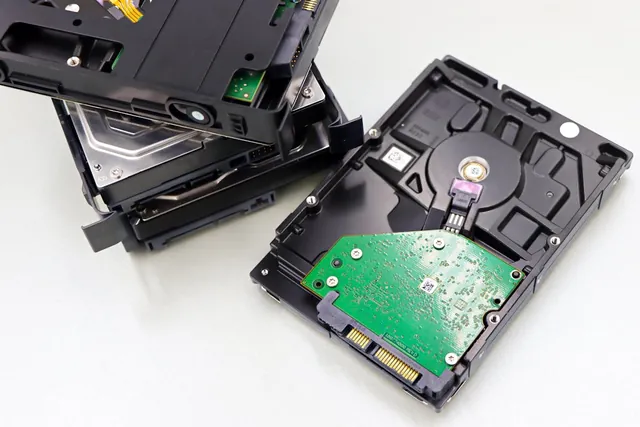


Keyboard, microphone, sound level, speakers, screen and webcam — the browser-based testers that diagnose most device problems in seconds, with nothing to install.