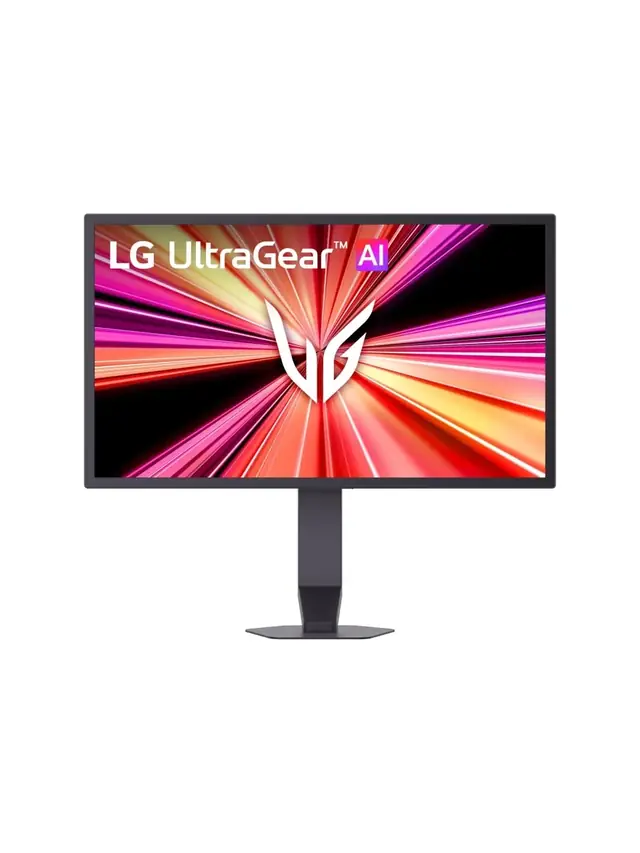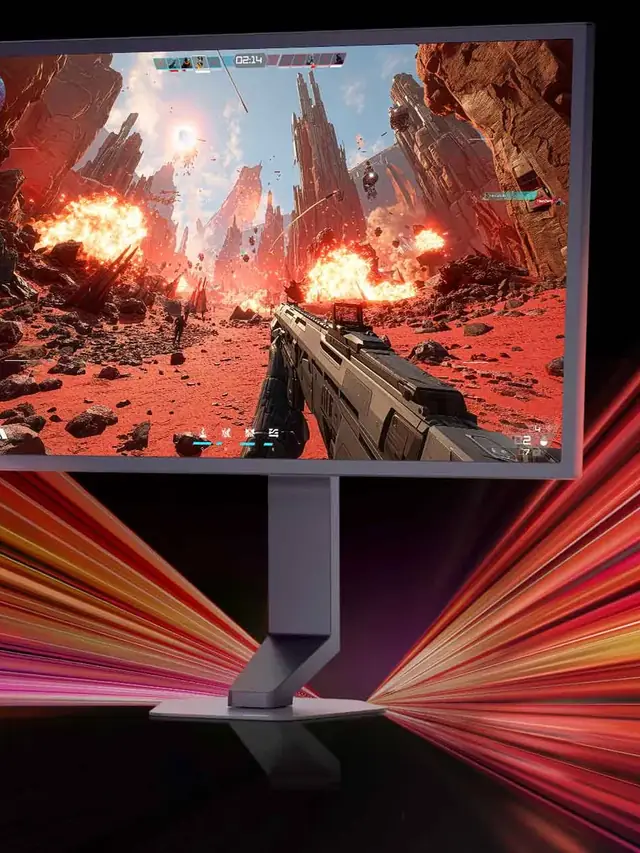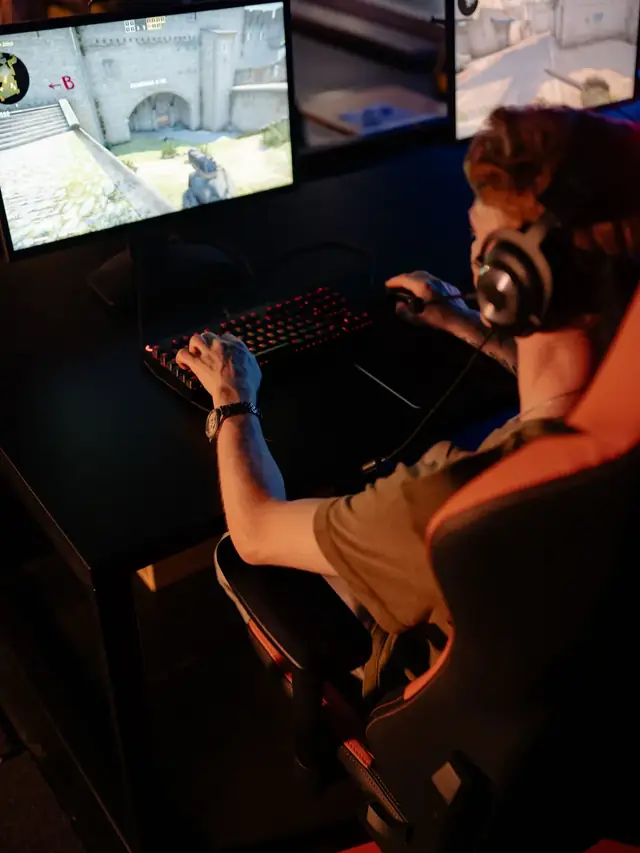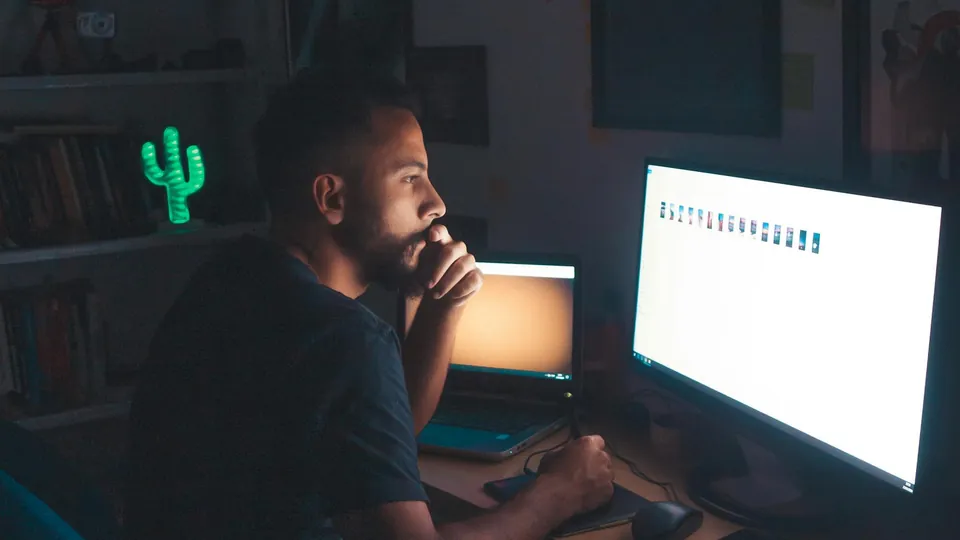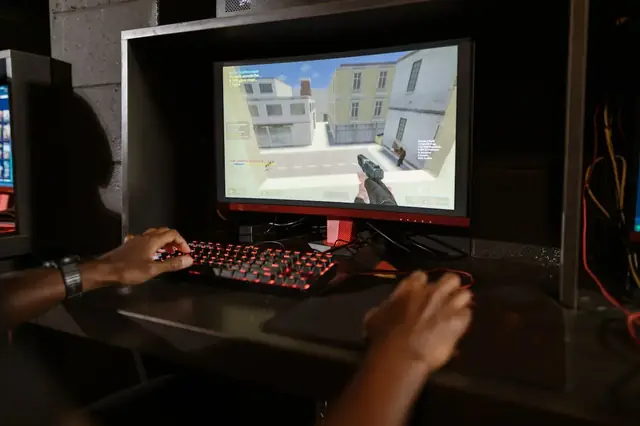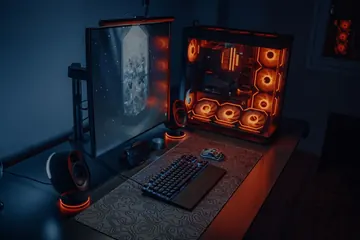


RGB gaming PC setup with a high-refresh-rate monitor used to check display Hz

KeyboardTester.click

Free Monitor Refresh Rate Test — Check Your Hz, FPS & Frame Time

Free monitor refresh rate test — detect your real Hz (60, 144, 240+) with a live FPS graph, frame time, jitter, stability and dropped-frame analysis, plus a motion smoothness test. No install.

Free Monitor Refresh Rate Test

Detect your real Hz, then watch live FPS, frame time, jitter, stability and dropped frames — with a motion smoothness test and fullscreen mode.

Press  Start test  — a beam sweeps across so you can see how smooth your refresh rate looks.
FPS history live FPS · target line
Motion:
Detected refresh rate
--Hz
Ready to test
Live FPS
--
Frame time
-- ms
Target frame time
-- ms
Confidence
--%
Min FPS
--
Avg FPS
--
Max FPS
--
Jitter
-- ms
Dropped frames
0
Frames / time
0 · 0.0s
Stability
Target:
Important notes & browser limitations
  • Run it in Chrome or Edge. Some browsers cap a windowed tab at 60fps. If you have a high-refresh display but see 60Hz here, switch browser or use the fullscreen test.
  • Use fullscreen for the most accurate reading. Fullscreen removes the 60fps windowed cap in some browsers and lowers jitter by cutting UI overhead.
  • Close other apps and keep this tab focused. Background tabs are throttled and heavy apps add dropped frames.
  • Multi-monitor: the result reflects the screen this browser window is on. Drag the window to another monitor and re-test to check each display.
  • VRR (G-Sync / FreeSync): a variable refresh rate display can show higher jitter and a fluctuating FPS even when working correctly.

This test runs entirely in your browser. No data is collected.

Rate Monitor Refresh Rate Test: 5.0 (1 rating)
KeyboardTester.click assistant

Free for your site

Embed this Monitor Refresh Rate Test on your website

Add this free, no-signup tool to your own page or blog post in one click — just keep the small credit link.

Monitor Refresh Rate Test guide

How to use the Monitor Refresh Rate Test accurately

Free monitor refresh rate test — detect your real Hz (60, 144, 240+) with a live FPS graph, frame time, jitter, stability and dropped-frame analysis, plus a motion smoothness test. No install.

01 What Is Monitor Refresh Rate? Refresh rate is how many times per second your monitor redraws its image, measured in Hz (Hertz). A 60Hz monitor redraws the screen 60 times every second.
02 Why Does This Tool Show Lower Than My Monitor Specs? If your 144Hz monitor tests at 60Hz here, your display is not running at its maximum refresh rate. Windows often defaults new monitors to 60Hz even when the hardware supports more.
03 How to Enable 144Hz on Windows 11 Cable requirements: HDMI 2.0 or DisplayPort 1.2 (or higher) is required to run 1080p or 1440p at 144Hz. If 144Hz does not appear in the list, try a different cable or port type.

Monitor Refresh Rate Test FAQ

Common monitor refresh rate test questions

How does this refresh rate test work?

The tool uses requestAnimationFrame to time how often your browser paints a new frame. It measures the gap between hundreds of frames, takes the median to find the frame interval, and converts it to Hz. It then reports live FPS, frame time, jitter, confidence and dropped frames so you can see how stable that rate is.

Why does the test show 60Hz when my monitor is 144Hz?

Your display is not running at its maximum refresh rate. Windows often defaults new monitors to 60Hz. Set it under Settings > Display > Advanced display > Choose a refresh rate. A cable that is too slow (HDMI 1.

What is a good refresh rate for gaming?

60Hz is fine for office work and video. 144Hz is the sweet spot for competitive gaming and is clearly smoother than 60Hz. 240Hz and above give smaller gains that mainly matter to esports players. Anything from 120Hz up will feel noticeably more fluid for fast motion and aiming.

Why is my detected refresh rate slightly off, like 143 or 59?

Browser frame timing has tiny variations, so the raw measurement is rarely a perfect whole number. The tool snaps values that are within a few percent of a standard rate (60, 120, 144, 165, 240, etc.). A result of 143 or 59 simply reflects normal timing jitter, not a hardware fault.

Does fullscreen give a more accurate result?

Often yes. Some browsers limit a windowed or background tab to 60fps and remove that cap in fullscreen. Fullscreen also reduces browser UI rendering overhead, which lowers jitter and raises the confidence score. For the most accurate reading, close other apps, run the test in fullscreen, and keep the tab focused.

What do jitter, confidence and dropped frames mean?

Jitter is how much the time between frames varies — lower is more stable. Confidence is how tightly the frames cluster around the detected rate, shown as a percentage. Dropped (or skipped) frames are intervals that took roughly twice as long as expected, meaning the browser missed a refresh.

Windows app

KeyboardTester.click is available from Microsoft Store

Install the official Windows app shortcut, or keep using the same free testing tools in your browser.

Download from Microsoft Store Download from Microsoft Store