FreeMouse Polling Rate Test - Check Mouse Hz Online Free
Free open source mouse polling rate test online. Check if your gaming mouse runs at 125Hz, 500Hz, 1000Hz or higher. Move your mouse to see live Hz readings. No download needed.
Was this tool helpful?Rate Mouse Polling Rate Test:4.0(4 ratings)Thanks for rating!
Mouse Polling Rate Test guide
How to use the Mouse Polling Rate Test accurately
Free open source mouse polling rate test online. Check if your gaming mouse runs at 125Hz, 500Hz, 1000Hz or higher. Move your mouse to see live Hz readings. No download needed.
01What Is Mouse Polling Rate?
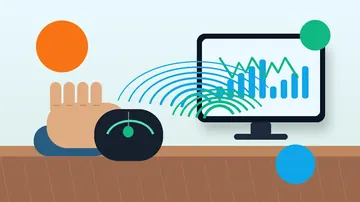
Mouse polling rate is how frequently your mouse sends position data to the computer, measured in Hz (reports per second). At 125Hz it reports every 8ms. At 1000Hz, every 1ms. At 8000Hz, every 0.125ms.
02Polling Rate Guide
Quick reference
03Why Does My Mouse Show Lower Than Expected Hz?
Browser-based tests measure the Hz your browser receives, which may be 10–20% lower than hardware polling rate due to JavaScript event processing overhead and OS input scheduling.
04How to Change Mouse Polling Rate
Settings guide
A mouse polling rate test measures how many times per second your mouse reports its position, in Hz. Click Start and move the mouse in steady circles inside the test area to see the live Hz reading, the average, the peak, and the total sample count.
What is a good mouse polling rate?
Office mice typically poll at 125 Hz, which is fine for desktop work. Gaming mice standardize on 500 or 1000 Hz for smoother tracking, and newer gaming mice can reach 2000 Hz or higher.
Why does my mouse show a lower Hz than advertised?
Slow or small movements generate fewer events, and browsers can coalesce input events under load. Move the mouse quickly in large continuous circles and treat the peak Hz as the closest indicator of the true polling rate.
How do I change my mouse polling rate?
Gaming mice usually expose the setting in their companion software, and some have a dedicated switch on the underside. Office mice generally run at a fixed 125 Hz that cannot be changed.
Is the mouse polling rate test free?
Yes. The mouse polling rate test is free, runs in your browser with no download, and all measurement happens locally on your device.
Windows app
KeyboardTester.click is available from Microsoft Store
Install the official Windows app shortcut, or keep using the same free testing tools in your browser.
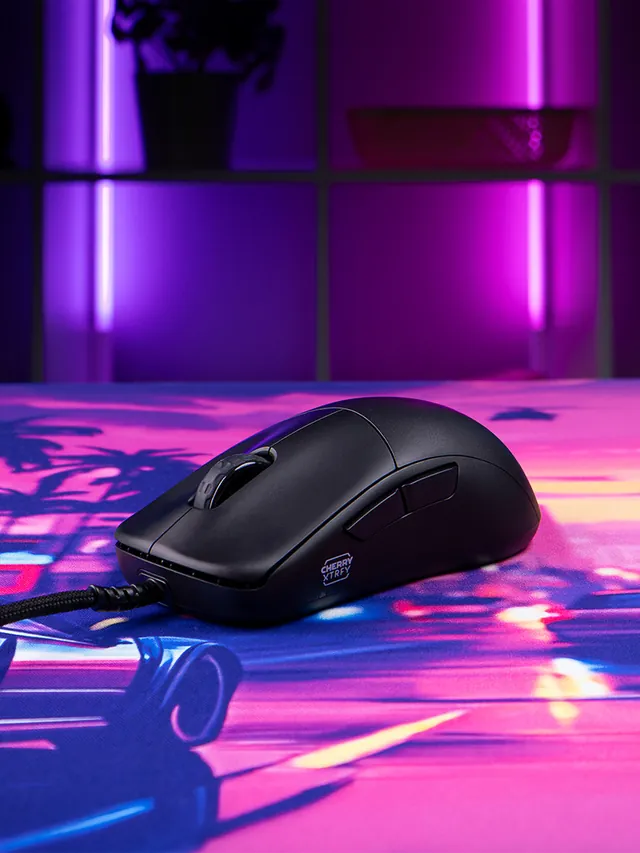
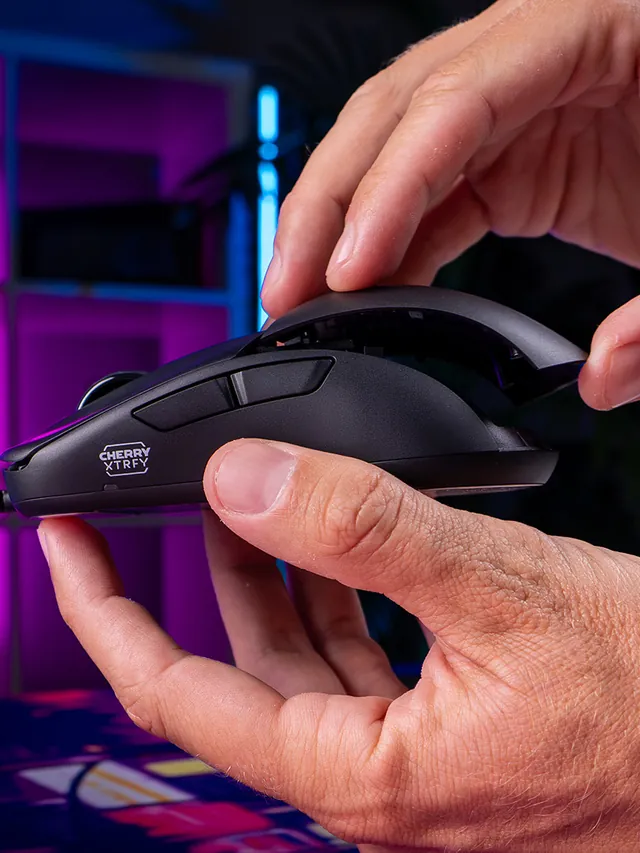
01 / 10Mouse showdownM42V2 vs M42The new mouse drops 14 g and seals the shell—but also moves from a PixArt 3389 to a 3327.02 / 10Weight45 g, Cable ExcludedCHERRY lists 45 g versus 59 g for the original M42. The V2 is solid, not perforated.03 / 10Modular shellTwo Shells Are Not NewBoth mice include two rear shapes. V2’s real shell change is a hole-free body with tool-free swaps.04 / 10SensorThe Sensor Trade-OffM42V2: 6,200 CPI, 220 IPS, 30 G. Original M42: 16,000 CPI, 400 IPS, 50 G.05 / 10InterpretationA Downgrade on PaperThose limits are lower. They do not prove bad tracking; independent instrumented tests still matter.06 / 10PollingSame 1,000 Hz CeilingBoth wired mice top out at 1,000 Hz. The V2 also offers 125, 250, and 500 Hz modes.07 / 10Price$39.99 US LaunchThe V2 launched at $39.99. The older M42 also showed $39.99 on sale when checked Sept. 4.08 / 10Other changesWhat Else Changed?Huano 80M-rated switches, no RGB, PTFE-free UHMW-PE glides, and no software requirement.09 / 10Buyer cautionWho Should Wait?Low-sensitivity players focused on fast-swipe tracking should wait for lab data or test within a return window.10 / 10Your turnTest Your M42V2Compare browser-observed pointer-event consistency at 1,000 Hz. A browser cannot certify raw USB polling.
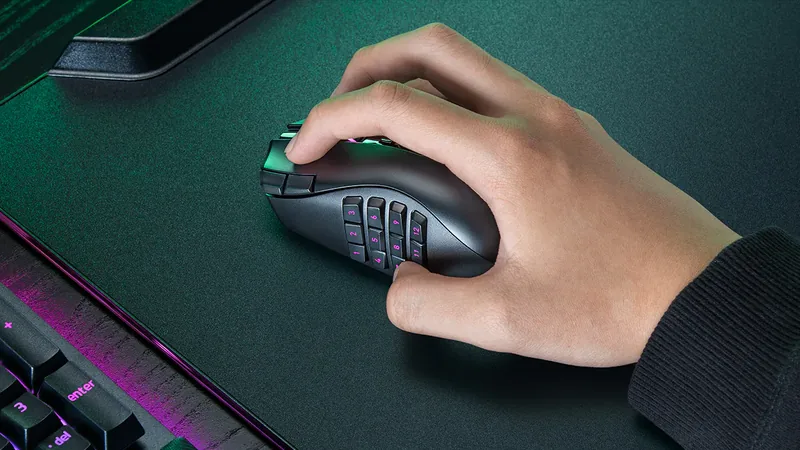
01 / 10MMO mouse decisionIs Razer's $180 Naga V3 Pro worth it?The answer depends on your binds, grip and tolerance for a heavier mouse.02 / 10The main reasonThree plates. Up to 23 controls.Choose 12 buttons for MMOs, 6 for mixed games or 2 for a simpler layout.03 / 10Learning curveMore buttons are not instant speedMap only awkward keyboard reaches first, then add commands as muscle memory settles.04 / 10Fit checkExpect about 112–117 g with a plateThat is feature-dense, not ultralight. Test grip comfort inside the return window.05 / 10Wireless and battery155 hours HyperSpeed; 280 BluetoothThose are Razer claims. Lighting, polling and use can shorten real runtime.06 / 1050K sensorShape matters more than maximum DPIFocus Pro 50K is flagship hardware, but normal play uses a fraction of its ceiling.07 / 10Clicks and scrollGen-4 optical switches; three wheel modesThe 100-million-click figure is a rating, not a promise for every unit.08 / 10Delivery dayTest every plate before building profilesCheck all buttons, wheel tilt, double inputs, DPI stages and wireless consistency.09 / 10The price tradeoff$179.99, while 8K needs an extra accessoryNative polling is 1,000 Hz. Do not buy a dongle unless you know why you need 8K.10 / 10VerdictBuy for many binds; skip for simple FPSIf you buy it, test every physical input before trusting a complex profile.