FreeMouse Lift-Off Distance Test — Check Your Mouse LOD Online Free
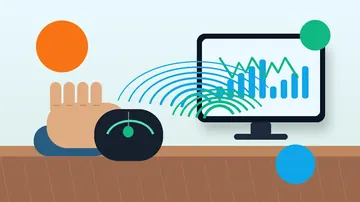
Test your gaming mouse lift-off distance (LOD) online free. Move your mouse, lift and reposition it, and our tool measures cursor displacement to rate your LOD. No software needed.
Move your mouse in the tracking area, lift and reposition it — the tool measures cursor displacement each time.
Move, lift, and reposition your mouse 5 times to get an averaged LOD classification
Instructions: Move your mouse inside the tracking area below. Lift it off your mouse pad and put it back down. Repeat 5 times — the tool calculates the average cursor drift on each lift.
—
Avg Displacement (px)
0
Lifts Recorded
—
Last Lift (px)
Move your mouse in this area, then lift off the mouse pad
Lift displacement history
This test runs entirely in your browser. No data is collected or transmitted.
Was this tool helpful?Rate Mouse LOD Tester:4.7(3 ratings)Thanks for rating!
Mouse LOD Tester guide
How to use the Mouse LOD Tester accurately
Test your gaming mouse lift-off distance (LOD) online free. Move your mouse, lift and reposition it, and our tool measures cursor displacement to rate your LOD. No software needed.
01What Is Mouse Lift-Off Distance (LOD)?
Lift-off distance (LOD) is the height above a surface at which a mouse's optical or laser sensor stops tracking. When you physically lift your mouse off the pad, the sensor continues reading the surface briefly as the mouse rises...
02Why LOD Matters for FPS Gamers
In first-person shooters played at low sensitivity — a common setup for precise aim — players must frequently lift and reposition the mouse to stay within the physical bounds of their mouse pad.
03High LOD vs Low LOD — Which Is Better?
The answer depends entirely on use case. For competitive FPS gaming at low sensitivity, lower is always better — a Very Low LOD rating (under 5px in this test) is the gold standard.
04How to Reduce Your Mouse's LOD
If this test shows High or Medium LOD and you want to improve it, there are several practical approaches. Switch to a hard mouse pad: hard pads (acrylic, aluminum, or glass) present a perfectly flat surface that the sensor reads...
For competitive FPS gaming, very low LOD — shown as less than 5px cursor shift in this test — is ideal. Players who use low sensitivity and frequently lift to reposition benefit most. For casual use, medium LOD (15–30px) is perfectly fine and makes no practical difference.
Why does my LOD vary between tests?
Lift speed, angle, and surface texture all affect LOD readings. A fast, straight lift produces less sensor drift than a slow angled lift. Test 10+ times at your natural lifting speed for an accurate average.
Does mouse pad material affect LOD?
Yes — rough cloth pads can increase effective LOD compared to hard pads because the surface texture catches the sensor at a shallower angle. Hard pads provide a flatter surface that tends to give lower and more consistent LOD readings.
Can I test LOD on a laptop trackpad?
This tool is designed for external mice with optical or laser sensors. Laptop trackpads do not have lift-off distance in the same physical sense — they detect finger presence rather than optical surface reflection.
My cursor barely moves when I lift — is my LOD very low?
Yes! Less than 5px average displacement means your mouse has excellent low LOD. This is ideal for FPS gaming. Most modern gaming mice from Logitech, Razer, and SteelSeries have very low LOD by default, especially on hard pads.
Windows app
KeyboardTester.click is available from Microsoft Store
Install the official Windows app shortcut, or keep using the same free testing tools in your browser.
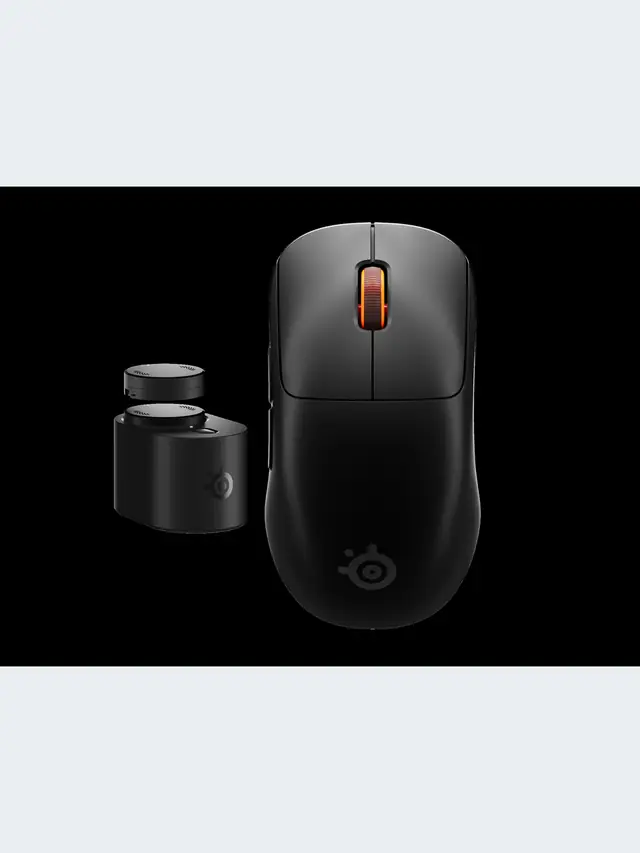
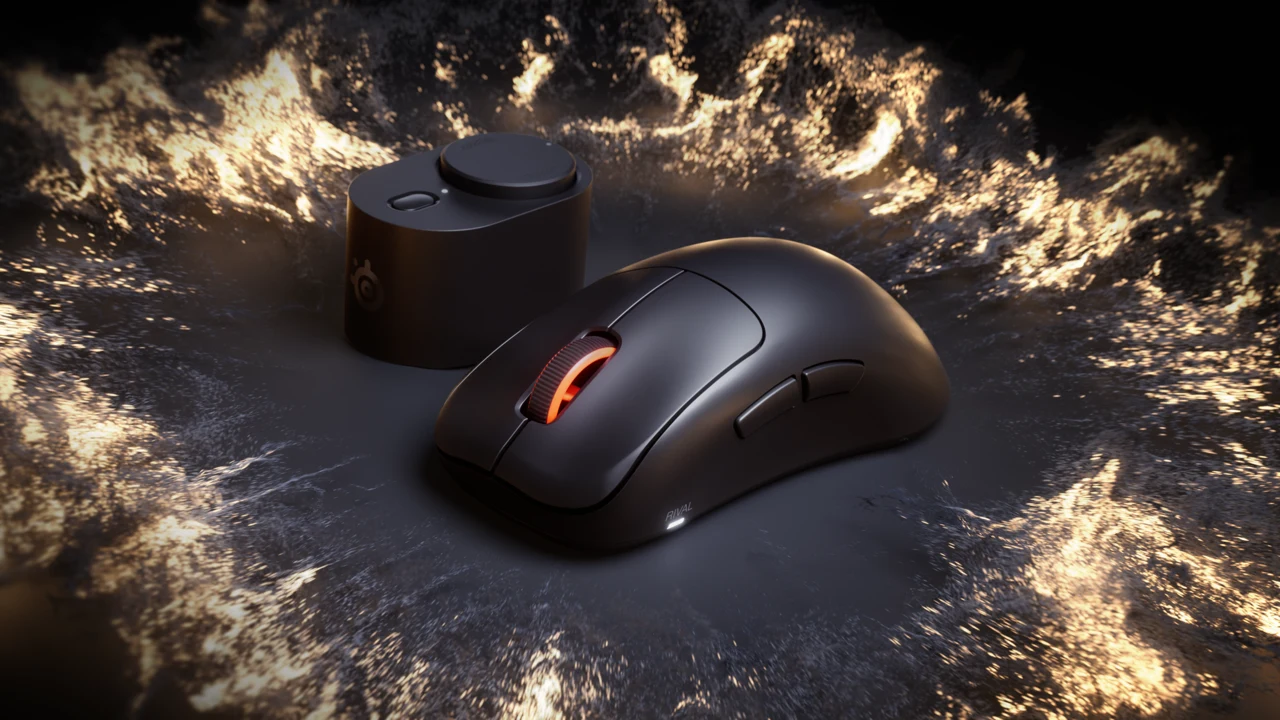
01 / 10Shape before specsRival Pro or Sensei Pro?Start with fit, size and button reach. The wireless headline is shared. Stock photos illustrate gaming.02 / 10Start hereWhat needs to change?Note palm contact, grip pressure and button reach on your current mouse. A replacement should solve a specific problem.03 / 10Official productRival: taller supportSteelSeries describes an ergonomic shell for palm and relaxed claw. Try the exact standard or Mini size for fit.04 / 10Official productSensei: lower profileA lower symmetrical shell, aimed at fingertip and aggressive claw. Check the exact thumb-button layout.05 / 10Compare dimensionsMini is not always lowerRival Pro Mini is 40.5 mm tall; standard Sensei Pro is 38.6 mm. Compare height as well as length.06 / 10In normal playCan you reach the controls?Aim while using the actions you need together. Check thumb-button reach and avoid accidental presses.07 / 10Vendor claimRead runtime per batterySteelSeries claims up to 16 h at 8K or 60 h at 1K per battery. The 32/120 h figures combine two batteries.08 / 10Know the limits8K is not a latency resultA browser cannot certify radio stability or physical click latency. Compare settings in your actual game.09 / 10Buying decisionUpgrade for a clear needKeep a mouse that works and fits. Confirm essential modes, total price and return terms before buying.10 / 10Check before replacingTest ordinary controls firstTest clicks and scrolling, then assess fit in play. A browser cannot certify hardware claims.
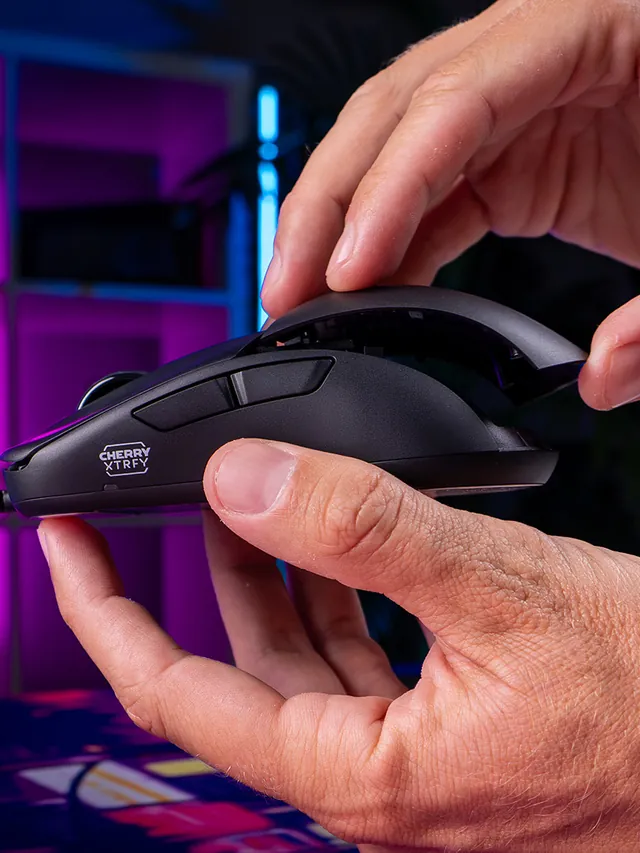
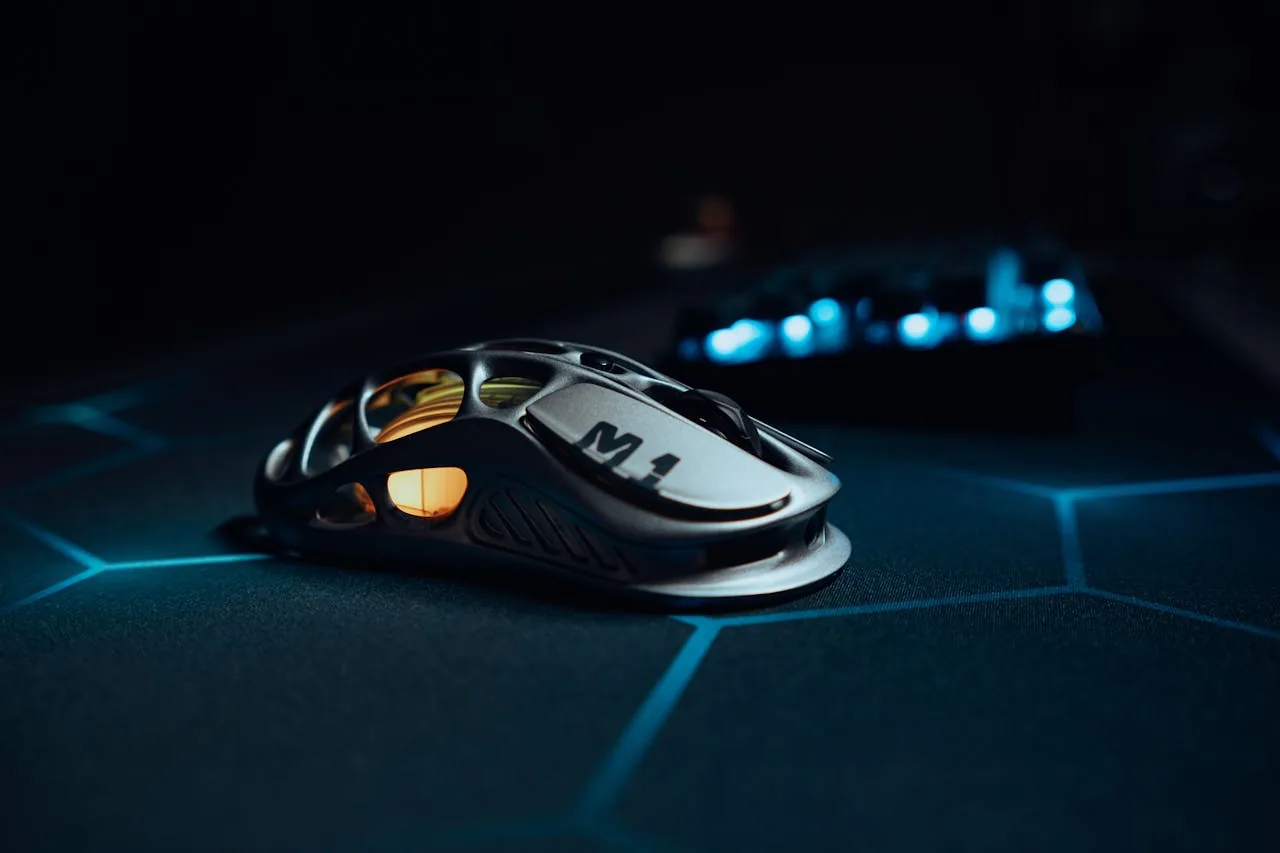
01 / 10Mouse showdownM42V2 vs M42The new mouse drops 14 g and seals the shell—but also moves from a PixArt 3389 to a 3327.02 / 10Weight45 g, Cable ExcludedCHERRY lists 45 g versus 59 g for the original M42. The V2 is solid, not perforated.03 / 10Modular shellTwo Shells Are Not NewBoth mice include two rear shapes. V2’s real shell change is a hole-free body with tool-free swaps.04 / 10SensorThe Sensor Trade-OffM42V2: 6,200 CPI, 220 IPS, 30 G. Original M42: 16,000 CPI, 400 IPS, 50 G.05 / 10InterpretationA Downgrade on PaperThose limits are lower. They do not prove bad tracking; independent instrumented tests still matter.06 / 10PollingSame 1,000 Hz CeilingBoth wired mice top out at 1,000 Hz. The V2 also offers 125, 250, and 500 Hz modes.07 / 10Price$39.99 US LaunchThe V2 launched at $39.99. The older M42 also showed $39.99 on sale when checked Sept. 4.08 / 10Other changesWhat Else Changed?Huano 80M-rated switches, no RGB, PTFE-free UHMW-PE glides, and no software requirement.09 / 10Buyer cautionWho Should Wait?Low-sensitivity players focused on fast-swipe tracking should wait for lab data or test within a return window.10 / 10Your turnTest Your M42V2Compare browser-observed pointer-event consistency at 1,000 Hz. A browser cannot certify raw USB polling.
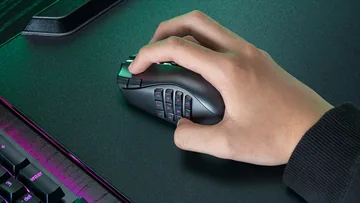
01 / 10MMO mouse decisionIs Razer's $180 Naga V3 Pro worth it?The answer depends on your binds, grip and tolerance for a heavier mouse.02 / 10The main reasonThree plates. Up to 23 controls.Choose 12 buttons for MMOs, 6 for mixed games or 2 for a simpler layout.03 / 10Learning curveMore buttons are not instant speedMap only awkward keyboard reaches first, then add commands as muscle memory settles.04 / 10Fit checkExpect about 112–117 g with a plateThat is feature-dense, not ultralight. Test grip comfort inside the return window.05 / 10Wireless and battery155 hours HyperSpeed; 280 BluetoothThose are Razer claims. Lighting, polling and use can shorten real runtime.06 / 1050K sensorShape matters more than maximum DPIFocus Pro 50K is flagship hardware, but normal play uses a fraction of its ceiling.07 / 10Clicks and scrollGen-4 optical switches; three wheel modesThe 100-million-click figure is a rating, not a promise for every unit.08 / 10Delivery dayTest every plate before building profilesCheck all buttons, wheel tilt, double inputs, DPI stages and wireless consistency.09 / 10The price tradeoff$179.99, while 8K needs an extra accessoryNative polling is 1,000 Hz. Do not buy a dongle unless you know why you need 8K.10 / 10VerdictBuy for many binds; skip for simple FPSIf you buy it, test every physical input before trusting a complex profile.