Free eDPI calculator. Compute effective DPI (DPI × sensitivity) and cm/360 for CS2, Valorant, Apex, Overwatch and other FPS games. Includes yaw-multiplier presets.
Enter DPI and in-game sensitivity. We calculate eDPI and cm/360.
Enter your mouse DPI and your in-game sensitivity. eDPI = DPI x sensitivity, used to compare aim across games and players.
Effective DPI (eDPI)
400
cm/360 (estimated, default 0.022 yaw): 45.0 cm
Pro reference: 800 DPI x 0.5 sens = 400 eDPI
Was this tool helpful?Rate eDPI Calculator:4.8(4 ratings)Thanks for rating!
eDPI Calculator is a free, browser-based mouse testing tool that lets you calculate effective DPI (DPI x sensitivity) and cm/360 for CS2, Valorant, Apex, Overwatch and other FPS games.
Cost: Free, no signup
Install: None — runs in the browser
Privacy: Runs locally, no uploads
Platforms: Windows, macOS, Linux, Android, iOS
Time: Under a minute
What Is eDPI?
eDPI (effective DPI) is the standard metric for comparing mouse aim across different DPI/sensitivity settings and different games. The formula is simple: eDPI = mouse DPI x in-game sensitivity. A player at 800 DPI / 0.5 sens has the same effective aim as one at 400 DPI / 1.0 sens - both equal 400 eDPI. If you are not certain what DPI your mouse really runs, measure your mouse DPI first — labeled and true DPI often differ, which throws the whole eDPI number off.
Pro CS2 / Valorant players cluster between 200-400 eDPI. Pro Apex players cluster 800-1600 eDPI. Knowing your eDPI lets you copy a pro setting reliably or compare yourself meaningfully to benchmarks. For the outcome side of that comparison — the average aim trainer score in milliseconds per target, plus the hit-% and pixel-error tiers that go with it — check your number against the benchmark table before you change eDPI again.
Changing DPI is where most mistakes happen. Before you move from 800 DPI to 1600 DPI or back down to 400 DPI, use the step-by-step guide on changing mouse DPI without losing aim so your eDPI stays locked.
Fortnite: 60-150 eDPI (very low for build precision)
cm/360 - The Other Reference
cm/360 (centimeters per 360-degree turn) is the physical distance you need to mouse-swipe to do a complete spin in-game. Lower cm/360 = faster sensitivity. Most CS pros play 30-50 cm/360. Apex pros 18-25 cm/360. Calculated from eDPI and the games yaw multiplier (Source engine = 0.022, Valorant = 0.07).
Further Reading
eDPI is the number, crosshair is what you actually see. Once your sensitivity is locked, match a pro's reticle: read how to copy a pro's crosshair in CS2 and Valorant — covers import codes, dot vs cross, and color theory for your new eDPI. And when the loadout debate starts, settle it with numbers: the time-to-kill calculator turns damage, RPM, and armor into exact bullets-to-kill so you know how many milliseconds your aim actually has to buy.
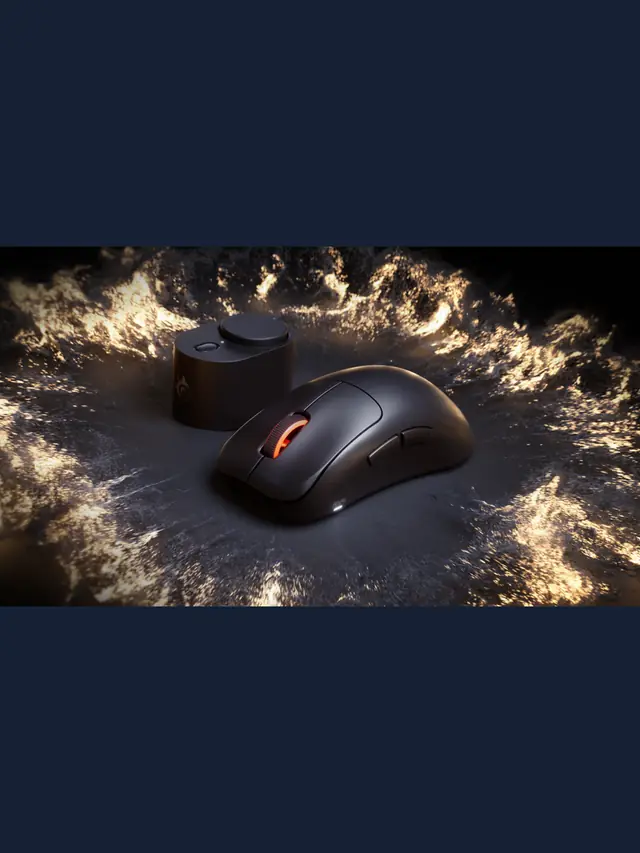
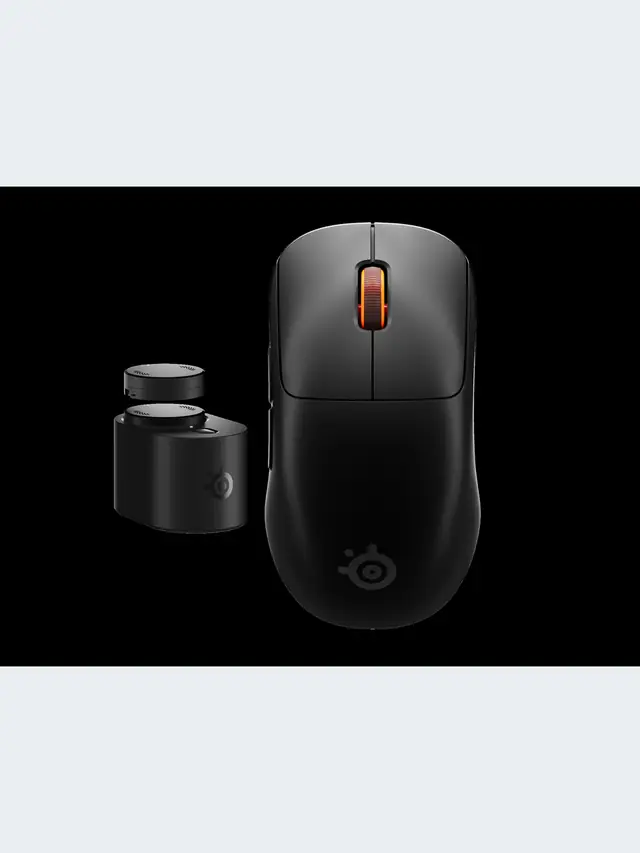
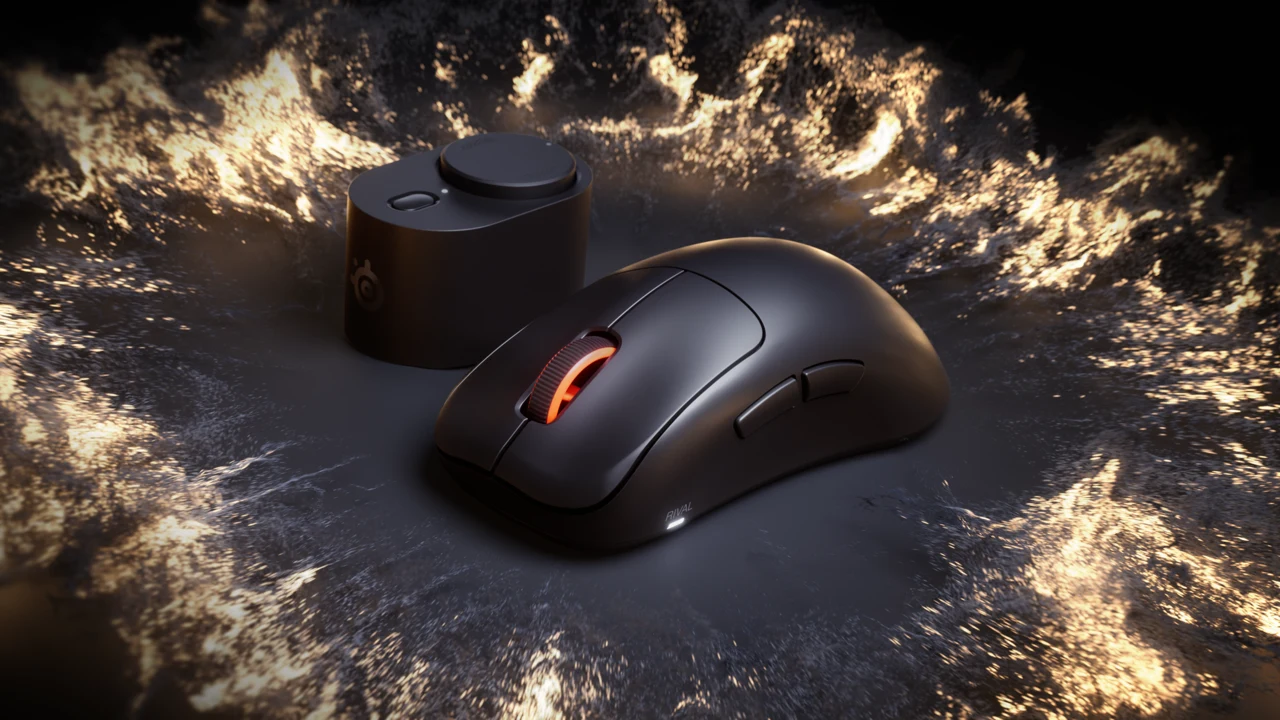
01 / 10Shape before specsRival Pro or Sensei Pro?Start with fit, size and button reach. The wireless headline is shared. Stock photos illustrate gaming.02 / 10Start hereWhat needs to change?Note palm contact, grip pressure and button reach on your current mouse. A replacement should solve a specific problem.03 / 10Official productRival: taller supportSteelSeries describes an ergonomic shell for palm and relaxed claw. Try the exact standard or Mini size for fit.04 / 10Official productSensei: lower profileA lower symmetrical shell, aimed at fingertip and aggressive claw. Check the exact thumb-button layout.05 / 10Compare dimensionsMini is not always lowerRival Pro Mini is 40.5 mm tall; standard Sensei Pro is 38.6 mm. Compare height as well as length.06 / 10In normal playCan you reach the controls?Aim while using the actions you need together. Check thumb-button reach and avoid accidental presses.07 / 10Vendor claimRead runtime per batterySteelSeries claims up to 16 h at 8K or 60 h at 1K per battery. The 32/120 h figures combine two batteries.08 / 10Know the limits8K is not a latency resultA browser cannot certify radio stability or physical click latency. Compare settings in your actual game.09 / 10Buying decisionUpgrade for a clear needKeep a mouse that works and fits. Confirm essential modes, total price and return terms before buying.10 / 10Check before replacingTest ordinary controls firstTest clicks and scrolling, then assess fit in play. A browser cannot certify hardware claims.
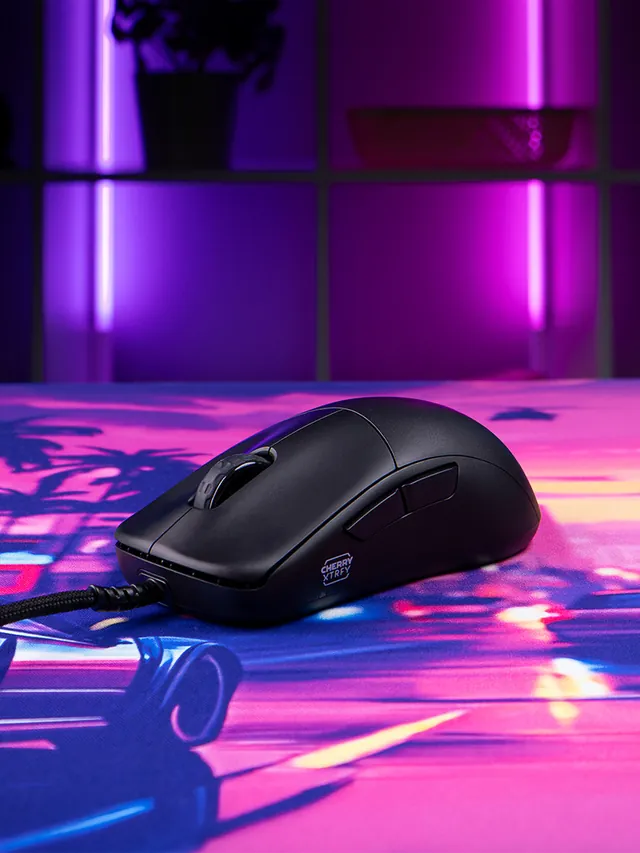
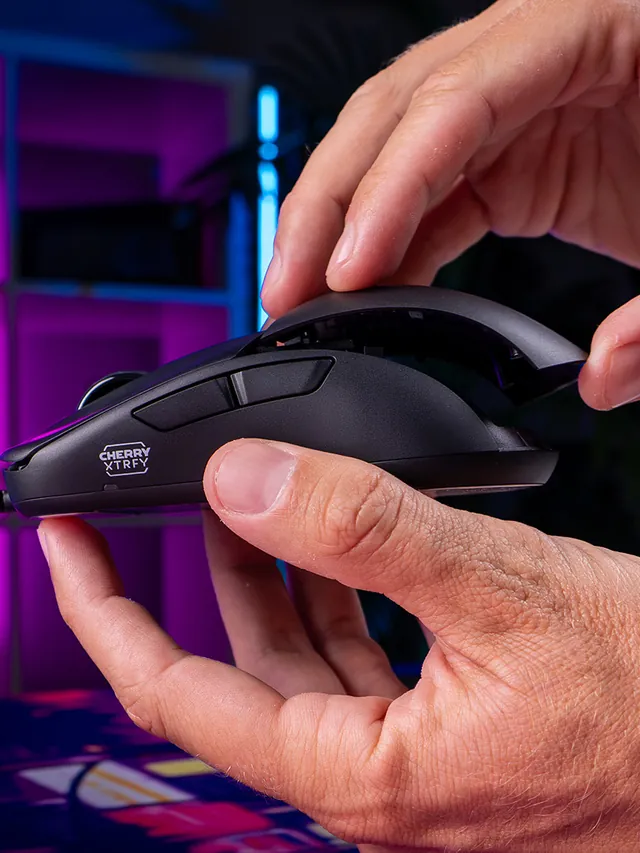
01 / 10Mouse showdownM42V2 vs M42The new mouse drops 14 g and seals the shell—but also moves from a PixArt 3389 to a 3327.02 / 10Weight45 g, Cable ExcludedCHERRY lists 45 g versus 59 g for the original M42. The V2 is solid, not perforated.03 / 10Modular shellTwo Shells Are Not NewBoth mice include two rear shapes. V2’s real shell change is a hole-free body with tool-free swaps.04 / 10SensorThe Sensor Trade-OffM42V2: 6,200 CPI, 220 IPS, 30 G. Original M42: 16,000 CPI, 400 IPS, 50 G.05 / 10InterpretationA Downgrade on PaperThose limits are lower. They do not prove bad tracking; independent instrumented tests still matter.06 / 10PollingSame 1,000 Hz CeilingBoth wired mice top out at 1,000 Hz. The V2 also offers 125, 250, and 500 Hz modes.07 / 10Price$39.99 US LaunchThe V2 launched at $39.99. The older M42 also showed $39.99 on sale when checked Sept. 4.08 / 10Other changesWhat Else Changed?Huano 80M-rated switches, no RGB, PTFE-free UHMW-PE glides, and no software requirement.09 / 10Buyer cautionWho Should Wait?Low-sensitivity players focused on fast-swipe tracking should wait for lab data or test within a return window.10 / 10Your turnTest Your M42V2Compare browser-observed pointer-event consistency at 1,000 Hz. A browser cannot certify raw USB polling.
01 / 10MMO mouse decisionIs Razer's $180 Naga V3 Pro worth it?The answer depends on your binds, grip and tolerance for a heavier mouse.02 / 10The main reasonThree plates. Up to 23 controls.Choose 12 buttons for MMOs, 6 for mixed games or 2 for a simpler layout.03 / 10Learning curveMore buttons are not instant speedMap only awkward keyboard reaches first, then add commands as muscle memory settles.04 / 10Fit checkExpect about 112–117 g with a plateThat is feature-dense, not ultralight. Test grip comfort inside the return window.05 / 10Wireless and battery155 hours HyperSpeed; 280 BluetoothThose are Razer claims. Lighting, polling and use can shorten real runtime.06 / 1050K sensorShape matters more than maximum DPIFocus Pro 50K is flagship hardware, but normal play uses a fraction of its ceiling.07 / 10Clicks and scrollGen-4 optical switches; three wheel modesThe 100-million-click figure is a rating, not a promise for every unit.08 / 10Delivery dayTest every plate before building profilesCheck all buttons, wheel tilt, double inputs, DPI stages and wireless consistency.09 / 10The price tradeoff$179.99, while 8K needs an extra accessoryNative polling is 1,000 Hz. Do not buy a dongle unless you know why you need 8K.10 / 10VerdictBuy for many binds; skip for simple FPSIf you buy it, test every physical input before trusting a complex profile.