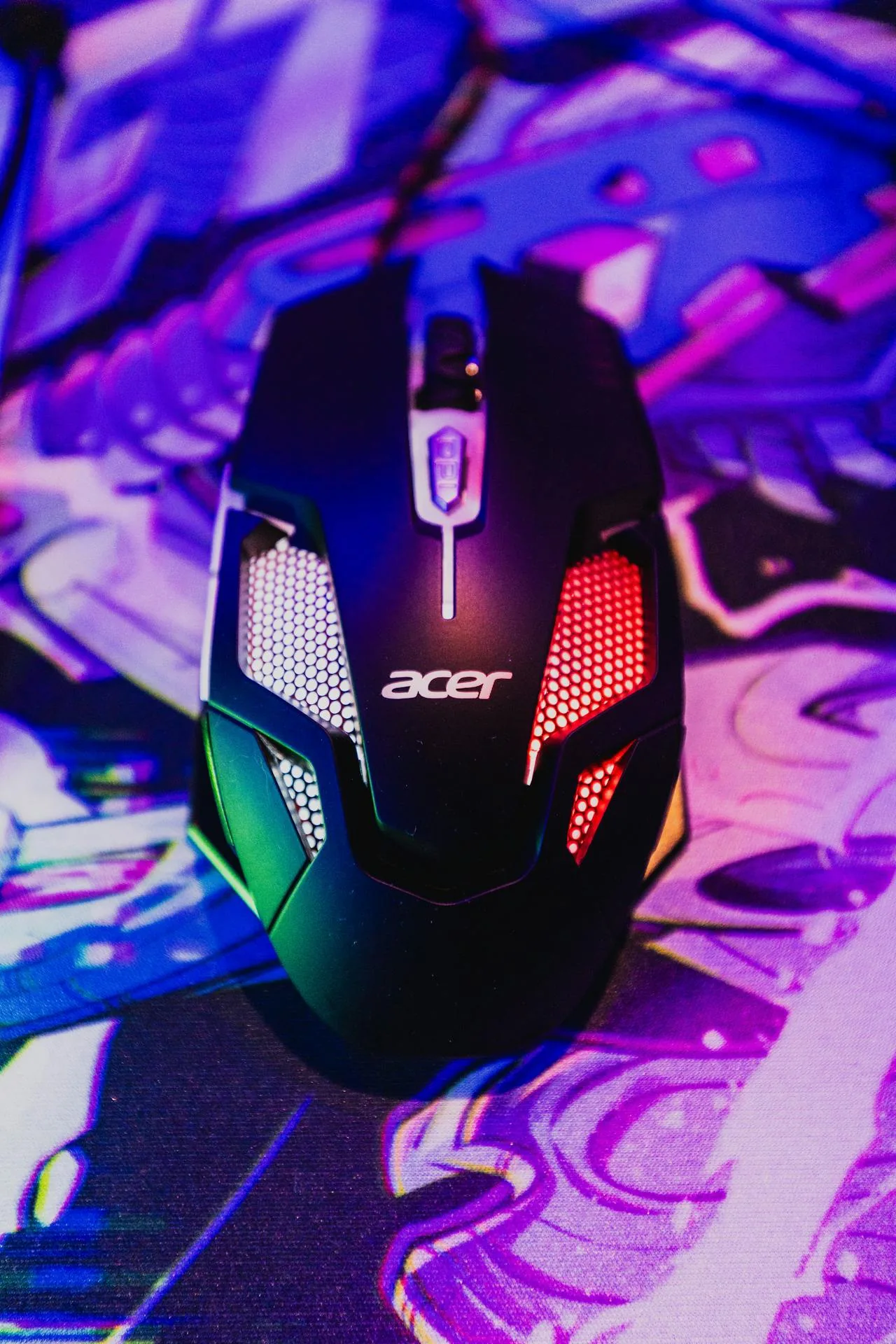
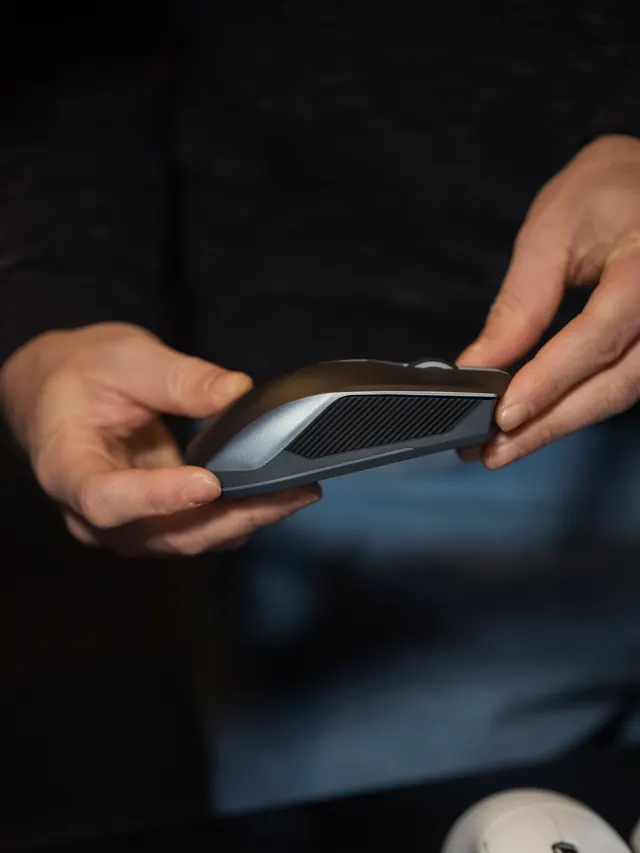
Use a free mouse ghost click detector to check if one press creates extra rapid clicks. Test left, right, and middle buttons with switch-bounce timing.
Click normally to see whether your mouse sends suspicious rapid duplicate events from the left, right, or middle button.
Free mouse ghost click diagnostics
Click normally, one deliberate press at a time. The tool logs the intervals your browser receives and flags suspicious rapid repeats that can point to switch bounce or mouse chatter.
Ready to test
Test area
For the cleanest result, test one mouse button at a time and avoid intentional double-clicking.
Start a clean testPress Start, then single-click inside this box. Right-click and middle-click are supported inside the box.
This is a browser-level diagnostic. It cannot see your finger; it flags suspicious click timing that is useful when you are intentionally single-clicking.
Results
Use 30 or more deliberate clicks for a reliable sample.
ReadyStart the test and click normally to collect a sample.
Total clicks0
Suspicious0
Suspicious rate0%
Average interval-- ms
Fastest interval-- ms
Last button--
Press Start and single-click inside the test area.
Was this tool helpful?Rate Ghost Click Detector:5.0(3 ratings)Thanks for rating!
Ghost Click Detector is a free, browser-based ghost click detector and mouse double click test with left, right, and middle button timing logs, suspicious interval flags, and exportable switch-bounce evidence.
Cost: Free, no signup
Install: None — runs in the browser
Privacy: Runs locally, no uploads
Platforms: Windows, macOS, Linux, Android, iOS
Time: Under a minute
What Is a Mouse Ghost Click?
A mouse ghost click happens when one physical button press is received as extra rapid click events. People also describe this as mouse double-clicking, switch bounce, mouse chatter, or phantom clicking.
This detector is designed for that exact problem. It records the timing between clicks, shows which mouse button was involved, and flags intervals that are unusually fast when you are trying to single-click.
If you want the focused search page for the same issue, use the double click test. If you need a full button, wheel, and movement check, use the online mouse tester.
How to Run a Reliable Double Click Test
The most important rule is simple: do not intentionally double-click during the test. Click once, release, wait naturally, and repeat. This gives the detector a clean sample of what your mouse is sending during normal single-click use.
Pick a button. Test left, right, or middle separately if only one button feels wrong.
Start with 150 ms. This is the recommended threshold for most users.
Collect at least 30 clicks. A larger sample makes the suspicious rate more meaningful.
Repeat the same button. A real hardware issue usually appears more than once.
Compare another computer or USB port. This helps separate hardware failure from driver or port issues.
What the Threshold Means
The threshold is the interval below which a repeat click is flagged as suspicious. Lower thresholds are stricter and reduce false positives. Higher thresholds catch more noisy behavior but can also flag intentional fast clicking.
Threshold
Best use
How to read it
80 ms
Strict switch-bounce evidence
Strong signal when it repeats during single-clicking.
150 ms
Recommended everyday test
Balanced setting for most double-click complaints.
250 ms
Noisy or aging mouse investigation
Retest carefully because fast human clicking can be flagged.
300 ms
Very loose troubleshooting
Useful for comparison, not final proof by itself.
Common Causes of Mouse Double Clicking
The most common cause is a worn micro-switch. Mechanical contacts inside the switch can bounce, oxidize, or become unstable after heavy use. When that happens, the computer can receive two click events from one press.
Worn left-click switch: common on gaming and office mice used daily.
Right-click chatter: often noticed in games, design apps, or context menus.
Middle-click bounce: can make browser tabs, CAD tools, and 3D apps feel unreliable.
Driver or mouse software conflict: macro tools and vendor software can change click handling.
Wireless or USB instability: low battery, bad hubs, and power-saving settings can add inconsistent behavior.
Fix Checklist Before Replacing the Mouse
If the same button repeatedly shows suspicious intervals, work through these checks before buying a replacement.
Clean around the button with compressed air.
Try another USB port, preferably directly on the computer.
Replace or recharge the battery on wireless mice.
Disable mouse macros or vendor profiles temporarily.
Update or reinstall the mouse driver/software.
Retest on another browser or computer.
If the issue follows the same mouse to another computer, the switch is the main suspect. For gaming calibration after a replacement, check the mouse DPI tester and the click speed test.
Mouse Ghost Clicking vs Keyboard Ghosting
Mouse ghost clicking is about unwanted extra mouse click events. Keyboard ghosting is different: it happens when certain key combinations fail or extra keys appear while pressing multiple keys together.
How do I know if my mouse is double-clicking from one press?
Start the detector, choose the button you suspect, and single-click normally. Repeated suspicious intervals on the same button are a strong sign of mouse chatter or switch bounce.
Can this test detect right-click and middle-click ghosting?
Yes. The live tester supports left, right, and middle button checks. Select one button at a time when you want cleaner evidence.
Is a 150 ms threshold accurate?
It is a practical default for most users. For stricter hardware evidence, use 80 ms. For broader troubleshooting, compare 250 ms or 300 ms but retest carefully.
Why does my mouse only double-click sometimes?
Intermittent double-clicking often means the switch is starting to fail. It can also come from low wireless battery, driver conflict, dirty contacts, or unstable USB power.
Can I fix ghost clicking without replacing the mouse?
Sometimes. Cleaning, driver updates, another USB port, and disabling mouse macros can help. If the same switch keeps bouncing across different computers, hardware repair or replacement is more likely.
Does this page upload my click data?
No. The test runs in your browser. The optional export creates a local text file so you can keep the result.
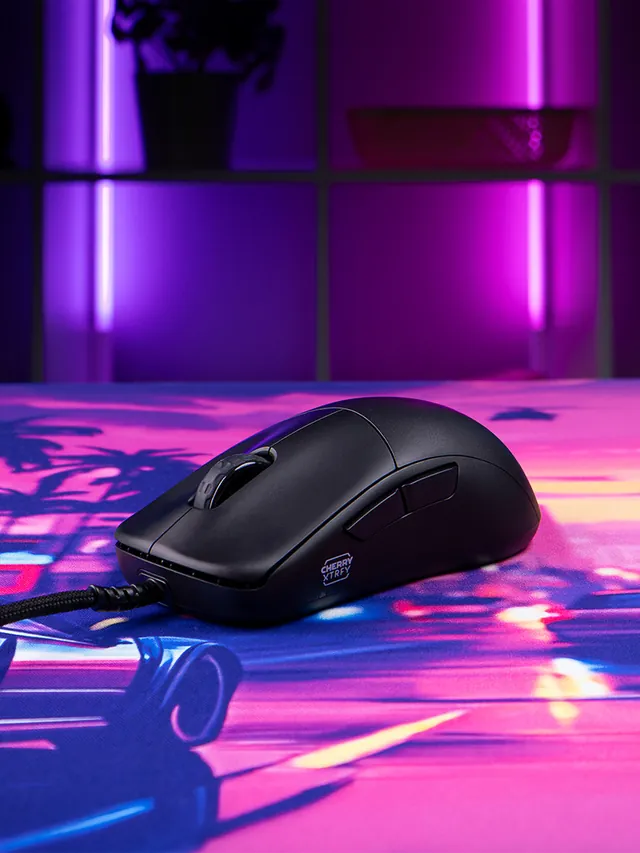
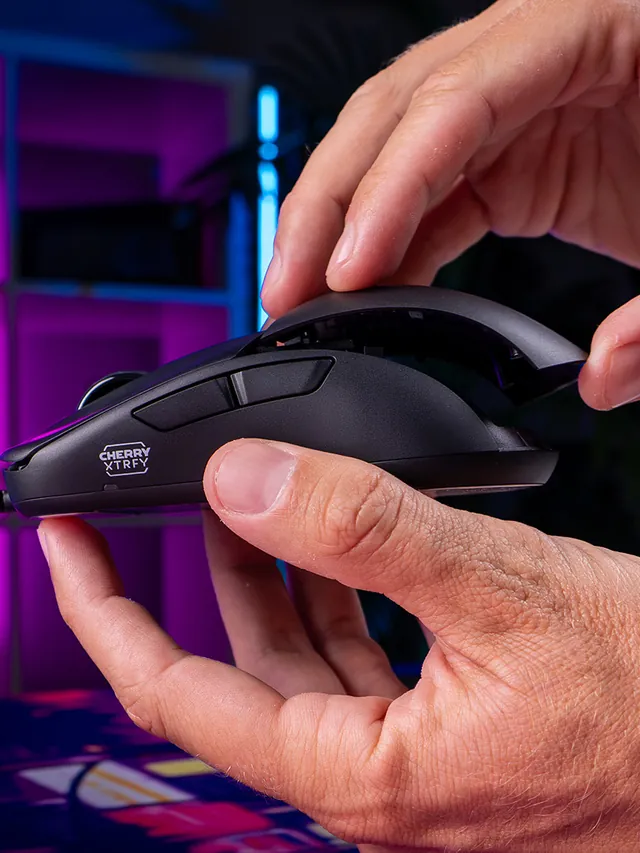
01 / 10Mouse showdownM42V2 vs M42The new mouse drops 14 g and seals the shell—but also moves from a PixArt 3389 to a 3327.02 / 10Weight45 g, Cable ExcludedCHERRY lists 45 g versus 59 g for the original M42. The V2 is solid, not perforated.03 / 10Modular shellTwo Shells Are Not NewBoth mice include two rear shapes. V2’s real shell change is a hole-free body with tool-free swaps.04 / 10SensorThe Sensor Trade-OffM42V2: 6,200 CPI, 220 IPS, 30 G. Original M42: 16,000 CPI, 400 IPS, 50 G.05 / 10InterpretationA Downgrade on PaperThose limits are lower. They do not prove bad tracking; independent instrumented tests still matter.06 / 10PollingSame 1,000 Hz CeilingBoth wired mice top out at 1,000 Hz. The V2 also offers 125, 250, and 500 Hz modes.07 / 10Price$39.99 US LaunchThe V2 launched at $39.99. The older M42 also showed $39.99 on sale when checked Sept. 4.08 / 10Other changesWhat Else Changed?Huano 80M-rated switches, no RGB, PTFE-free UHMW-PE glides, and no software requirement.09 / 10Buyer cautionWho Should Wait?Low-sensitivity players focused on fast-swipe tracking should wait for lab data or test within a return window.10 / 10Your turnTest Your M42V2Compare browser-observed pointer-event consistency at 1,000 Hz. A browser cannot certify raw USB polling.
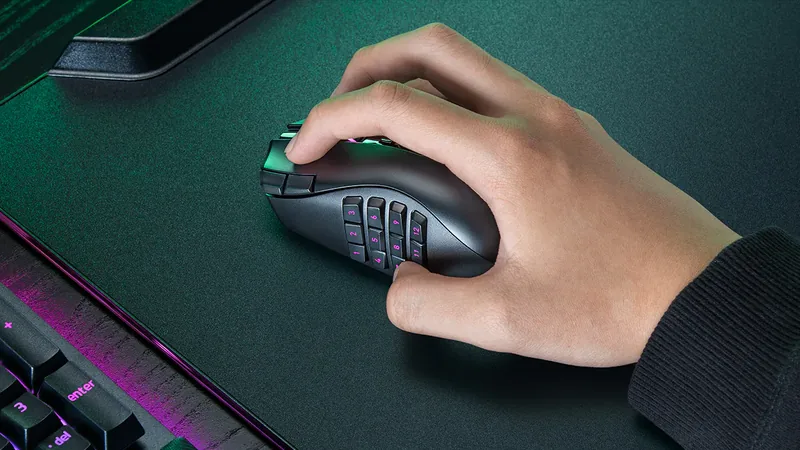
01 / 10MMO mouse decisionIs Razer's $180 Naga V3 Pro worth it?The answer depends on your binds, grip and tolerance for a heavier mouse.02 / 10The main reasonThree plates. Up to 23 controls.Choose 12 buttons for MMOs, 6 for mixed games or 2 for a simpler layout.03 / 10Learning curveMore buttons are not instant speedMap only awkward keyboard reaches first, then add commands as muscle memory settles.04 / 10Fit checkExpect about 112–117 g with a plateThat is feature-dense, not ultralight. Test grip comfort inside the return window.05 / 10Wireless and battery155 hours HyperSpeed; 280 BluetoothThose are Razer claims. Lighting, polling and use can shorten real runtime.06 / 1050K sensorShape matters more than maximum DPIFocus Pro 50K is flagship hardware, but normal play uses a fraction of its ceiling.07 / 10Clicks and scrollGen-4 optical switches; three wheel modesThe 100-million-click figure is a rating, not a promise for every unit.08 / 10Delivery dayTest every plate before building profilesCheck all buttons, wheel tilt, double inputs, DPI stages and wireless consistency.09 / 10The price tradeoff$179.99, while 8K needs an extra accessoryNative polling is 1,000 Hz. Do not buy a dongle unless you know why you need 8K.10 / 10VerdictBuy for many binds; skip for simple FPSIf you buy it, test every physical input before trusting a complex profile.