
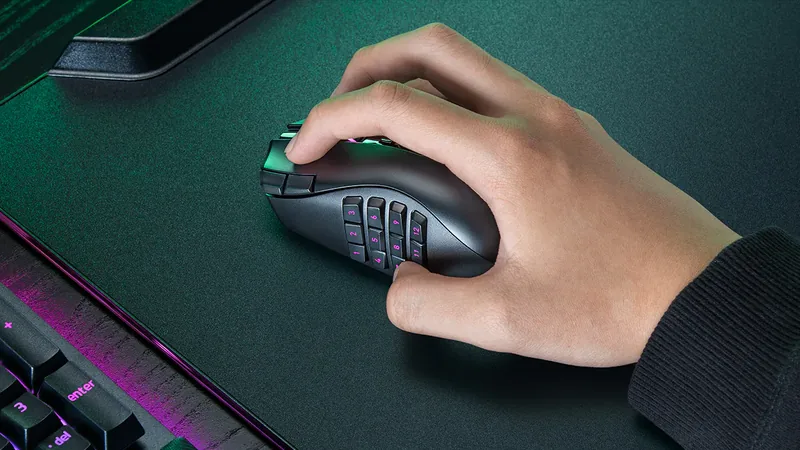


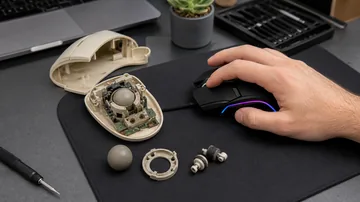


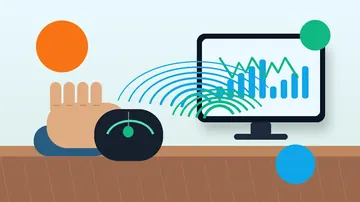
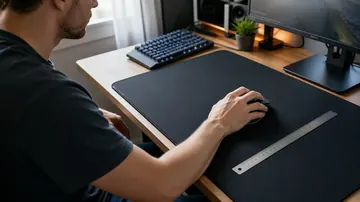



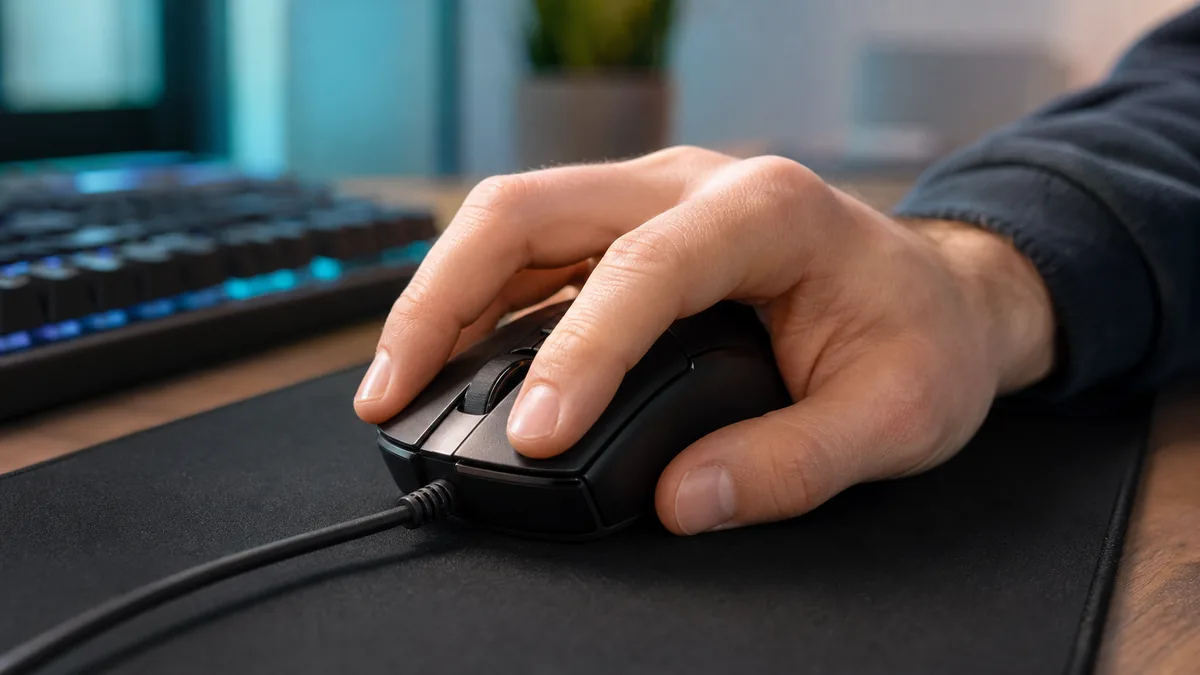


Fast answer: Yes, right-click CPS is often lower than left-click CPS. Your middle finger is usually less trained, the right button can feel heavier, and the browser context menu must be suppressed correctly for a clean test. Run the right-button CPS check, compare it with a left-click speed baseline, then test the button itself before blaming your aim or technique.
A low right-click score does not automatically mean your mouse is broken. Most people use the left button hundreds of times more often than the right, so the index finger gets cleaner timing and better endurance.
This guide shows how to test right-click CPS, what a practical score looks like, why the right side often trails the left, and when a slow or inconsistent result points to switch wear, swapped settings, or software interference.
Run the right-click CPS test, then compare left vs right
Use one test length and one posture. If your right result is lower but stable, that is usually normal. If it jumps from good to bad, misses obvious clicks, or creates extra clicks, treat it as a button diagnosis.
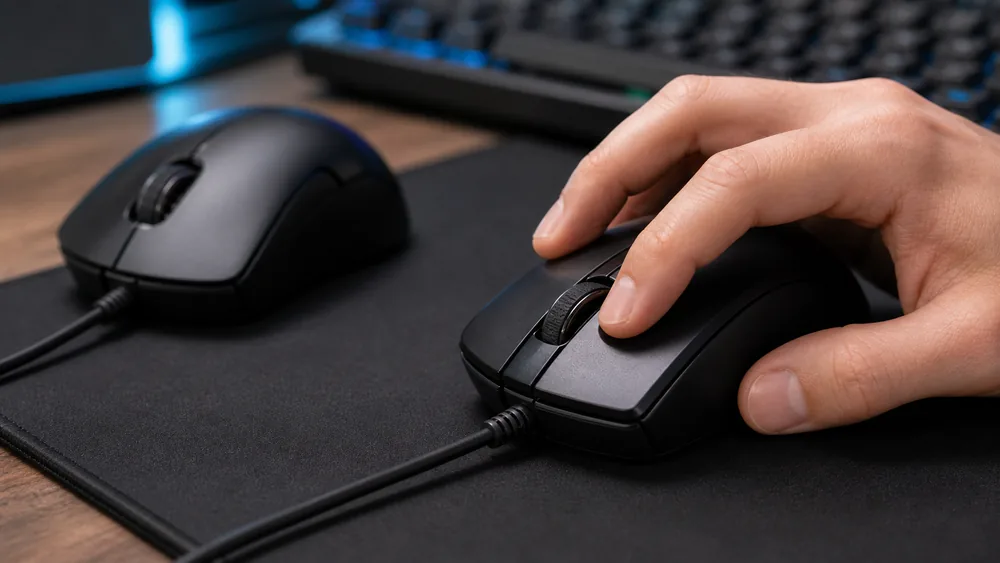
- Choose one timerUse 5 seconds for a quick warmup, 10 seconds for a normal CPS check, and 30 seconds when you want endurance rather than a single burst.
- Test right click without the menuOpen the right-click CPS tester. It is designed to count secondary-button clicks without the browser menu interrupting the run.
- Test left click the same wayRun the same length on the standard CPS counter. Keep the mouse, surface, grip, and arm position unchanged.
- Compare the pattern, not only the best scoreA right score 10-30 percent lower can be normal. Missed clicks, accidental double clicks, or a big score drop across repeated runs need more checking.
What is a good right-click CPS score?
These are practical browser-test ranges, not lab hardware limits. A consistent number matters more than one lucky burst.
| Right-click CPS | What it usually means | Next action |
|---|---|---|
| 3-5 CPS | Normal casual pace, especially on office mice or laptop-style compact mice. | Check comfort first; do not force jitter clicking. |
| 6-8 CPS | Solid right-click control for general gaming, browsing, and repeated ADS or block-place actions. | Compare with left-click CPS to see if the gap is reasonable. |
| 9-12 CPS | Fast right-click pace for practiced users and Minecraft/PvP-style bursts. | Watch for fatigue and false double-clicking. |
| 13+ CPS | Very fast. Often technique-sensitive and harder to sustain cleanly on right click. | Verify with the ghost-click test so a worn switch is not inflating the score. |
Why right-click CPS is usually slower than left-click CPS
The right button is not just a mirror of the left button. Finger mechanics, button shape, and software behavior all change the result.
Most users click left with the index finger and right with the middle finger. The middle finger is often less precise for rapid tapping.
A high hump, heavy right button, or side flare can make the right side harder to tap without moving the whole mouse.
Browsers normally open a context menu on secondary click. A proper test listens for the right button and prevents that menu during the test area.
A worn switch can miss clicks, bounce into doubles, or need extra force. That feels like low CPS even when your finger is moving fast.
Diagnose whether it is technique or a weak right switch
Do not jump straight to replacing the mouse. Use the nearby KBT tools to isolate the symptom.
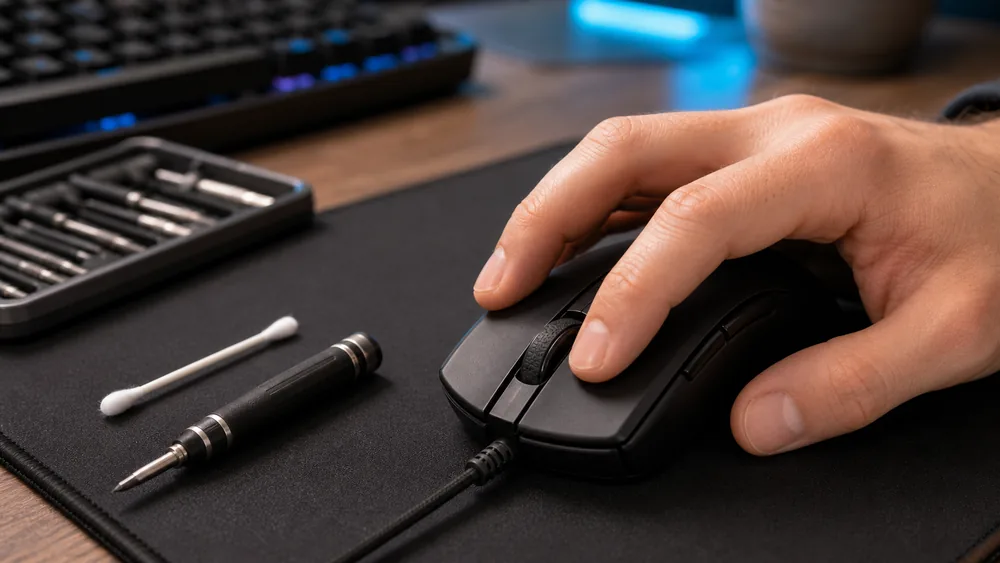
- Check basic button registrationOpen the mouse button tester and press left, right, middle, and scroll. The right button should light once per press without delay.
- Look for phantom or double clicksIf one right press sometimes creates two events, run the phantom-click detector. A bounce pattern means the switch is suspect.
- Separate speed from drag techniqueIf you are trying Minecraft block placement or butterfly/drag habits, read the drag-click low CPS fix guide before assuming the right switch is bad.
- Compare with the general CPS guideUse the CPS measurement guide to keep test length, warmups, and score interpretation consistent.
Fix workflow when right click is slow or inconsistent
Work through the simple checks first. The goal is to prove whether the problem is settings, technique, dirt, wireless behavior, or hardware.
- Confirm primary-button settingsIn Windows or your mouse software, make sure primary and secondary buttons have not been swapped. A left-handed profile can make tests feel backwards.
- Close overlay and macro softwareDisable mouse macros, rapid-fire profiles, and game overlays while testing. One physical press should equal one counted click.
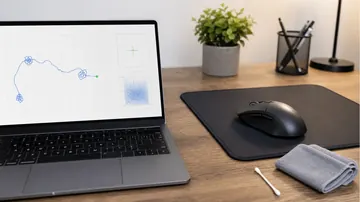
- Clean around the right buttonDust, skin oil, or a crumb near the shell can make the right button feel heavier. Power off or unplug the mouse before cleaning.
- Retest wired or with another receiverFor wireless mice, compare wired mode or another USB port. A weak link can look like missed clicks even when the switch is fine.
- Replace or service only after evidenceIf registration stays uneven across computers and the ghost-click detector shows bounce or misses, the right switch may need repair or replacement.
Safe practice tips for right-click CPS
- Use short runs. Long forced jitter sessions are not needed for diagnosis.
- Stop if you feel pain, numbness, or tendon strain.
- Practice relaxed, repeatable taps before chasing a peak number.
- Compare median scores from three runs instead of one best attempt.
Video: checking for mouse double-click problems
This KeyboardTester.click video is not a right-click CPS tutorial, but it is relevant to the diagnosis step: it shows how to check whether a mouse button is double-clicking when you press it once.

Sources and verification notes
The article combines the live KBT tool behavior with browser event documentation and existing right-click CPS/search-demand examples.
- MDN Web Docs: Element contextmenu eventContext-menu documentation used to explain why a right-click tester must suppress the menu inside the test area.
https://developer.mozilla.org/en-US/docs/Web/API/Element/contextmenu_event - MDN Web Docs: MouseEvent.buttonMouse button documentation used for the secondary-button detection claim.
https://developer.mozilla.org/en-US/docs/Web/API/MouseEvent/button - CPS-Check: Right button click testExternal right-click CPS page checked for the common left-vs-right comparison wording.
https://cps-check.com/right-button-click-test - XbitLabs: Right Click CPS TestExternal right-click CPS guide checked for finger-positioning and practice-intent overlap.
https://www.xbitlabs.com/right-click-cps-test/ - SuperUser: mouse buttons clicking the wrong actionCommunity troubleshooting thread checked for real user demand around swapped or incorrect click behavior.
https://superuser.com/questions/1566490/my-mouse-sometimes-right-clicks-when-i-try-to-left-click
Related KBT tools
Measure secondary-button CPS without the browser context menu breaking the run.
Click Speed TestBuild a left-click baseline so the right-click gap means something.
Mouse Button TestCheck whether the right button registers once per press.
Ghost Click DetectorCatch accidental double clicks or switch bounce.
Related guides
Troubleshoot grip, pressure, and surface issues when drag clicking will not register cleanly.
Click Speed Test: Measure CPSUse consistent test lengths and clean scoring before comparing results.
Jitter Click vs Butterfly ClickDecide which fast-clicking technique to train for your left button by speed, aim, fatigue, and ban risk.
Right-click CPS test FAQ
- Is it normal for right-click CPS to be lower than left-click CPS?Yes. Most users train the index finger on left click far more often than the middle finger on right click. A moderate gap is normal if the right button registers consistently.
- Why does the context menu open during a right-click speed test?The browser opens a context menu for normal secondary clicks. A proper test area prevents that default menu while it is counting, so the timer can keep running.
- What is a good right-click CPS for Minecraft?For clean browser testing, 6-8 CPS is already usable and 9-12 CPS is fast. For Minecraft, consistency and registration matter more than a single high burst.
- How do I know if my right mouse button is broken?If the button misses obvious presses, fires two clicks from one press, or behaves differently on another computer, test it with the mouse button tester and ghost-click detector before replacing it.
- Can I test right click on a Mac?Yes, if your mouse sends a normal secondary-click event in the browser. Trackpads and gesture settings can behave differently, so use a physical mouse for the cleanest CPS comparison.
Start with the right-click CPS test, compare it with a left-click CPS run, then use the mouse button tester if the right side feels inconsistent.





Reader discussion
Comments
Share what worked, what did not, or what you would test next. Every comment is reviewed before it appears.
Loading approved comments…
Leave a comment
No account or sign-in is required. Links and HTML are not accepted.