Free online right click CPS test. Measure right-mouse-button clicks per second in 5, 10 or 30 second sessions. Browser context menu suppressed for clean counts.
Right-click in the arena as fast as you can. Browser context menu is suppressed.
RCPS
Right-click CPS test
Choose a duration, left-click the target once to start, then right-click as fast as you can. Only right clicks count.
🖱️
Use one left click only to start. During the timed test, only secondary/right clicks count; other inputs are ignored.
Duration5 sec
Right clicks0
Time left5 sec
Live CPS0.00
Ignored inputs0
Average right-click CPS0.00 CPS
Right clicks0
Peak 1-second CPS0
Consistency—
CPM pace0
Ignored inputs0
Clicks each second
Taller bars mean more inputs in that second.
Recent results
Complete a test to build your local history.
#
Time
Right clicks
CPS
Peak
Ignored
Personal bests and history stay only in this browser. They are not uploaded.
Was this tool helpful?Rate Right Click CPS Test:5.0(2 ratings)Thanks for rating!
Right Click CPS Test is a free, browser-based mouse testing tool that lets you measure right-mouse-button clicks per second with browser context menu suppressed.
Cost: Free, no signup
Install: None — runs in the browser
Privacy: Runs locally, no uploads
Platforms: Windows, macOS, Linux, Android, iOS
Time: Under a minute
What Is a Right Click CPS Test?
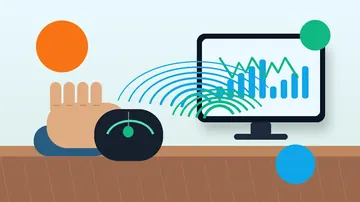
A right click CPS test measures how many times you can click the right mouse button per second within a timed window. Unlike the standard left-click CPS test, this tool specifically tracks right-click events and suppresses the browser's context menu so every click registers cleanly.
The test is useful for competitive gamers who use right-click for aiming (ADS in FPS), blocking (in Minecraft PvP), and ability activation. It also helps diagnose right-mouse-button hardware issues — if your right-click CPS is dramatically lower than your left, the right switch may be failing. Clicks are also only one input stream: in RTS and MOBA play what counts is keys and clicks combined, which is what the gaming APM test measures as actions per minute.
Why Right Click CPS Matters
Minecraft PvP blocking
In older Minecraft versions, right-click activates shield blocking or eating. A higher right-click CPS means faster blocking in combat.
FPS aim down sights (ADS)
Some competitive shooter players tap ADS instead of holding. Higher right-click CPS gives cleaner target acquisition.
Right switch diagnostics
If your right-click CPS caps at 8-10 when left-click hits 12-15, the right switch may be debouncing incorrectly or beginning to fail. Run the ghost click detector to confirm, and read the double-click switch bounce guide if presses are registering twice.
Use jitter-click technique: tense the forearm so your middle finger tremors the right button naturally.
Ensure your mouse doesn't have a "right-click lock" or macro enabled in vendor software (Razer Synapse, Logitech G HUB).
Test on different surfaces — grip stability affects how consistently you can click.
Compare to left-click CPS with our click speed test. Normal right CPS is 10-20% lower than left for most people.
For drag clicking, open the drag click test guide after this right-click CPS check to decide whether the limit is technique, debounce, or the mouse switch.
A right click CPS test measures how many times you can press the right mouse button per second while suppressing the browser context menu for clean counts.
What is a good right click CPS?
Normal right-click CPS is often around 8 to 12 sustained. Scores above that depend on technique, mouse switch feel, and session length.
Why is my right click slower than left click?
Many users have less fine motor control with the middle finger, and some mice use different switch feel or debounce behavior on the right button.
Is this right click CPS test free?
Yes. It runs in your browser with no signup or download, and best scores are saved locally on your device.
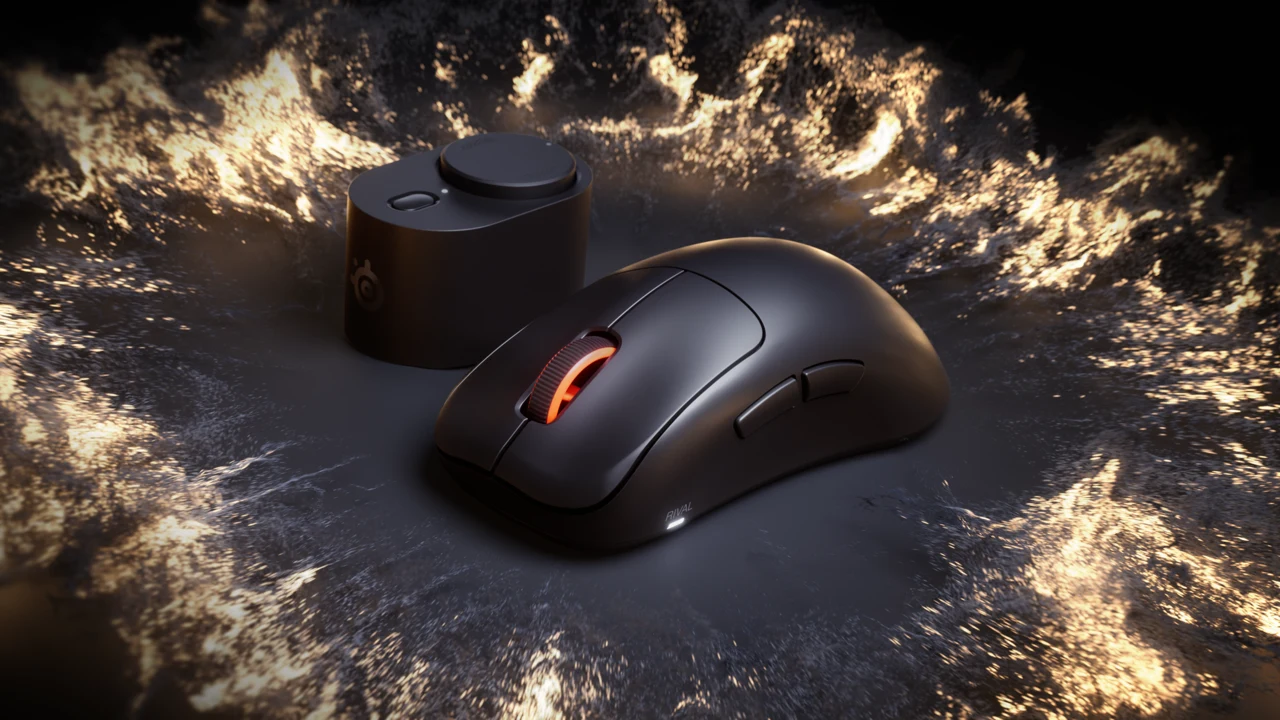
01 / 10Shape before specsRival Pro or Sensei Pro?Start with fit, size and button reach. The wireless headline is shared. Stock photos illustrate gaming.02 / 10Start hereWhat needs to change?Note palm contact, grip pressure and button reach on your current mouse. A replacement should solve a specific problem.03 / 10Official productRival: taller supportSteelSeries describes an ergonomic shell for palm and relaxed claw. Try the exact standard or Mini size for fit.04 / 10Official productSensei: lower profileA lower symmetrical shell, aimed at fingertip and aggressive claw. Check the exact thumb-button layout.05 / 10Compare dimensionsMini is not always lowerRival Pro Mini is 40.5 mm tall; standard Sensei Pro is 38.6 mm. Compare height as well as length.06 / 10In normal playCan you reach the controls?Aim while using the actions you need together. Check thumb-button reach and avoid accidental presses.07 / 10Vendor claimRead runtime per batterySteelSeries claims up to 16 h at 8K or 60 h at 1K per battery. The 32/120 h figures combine two batteries.08 / 10Know the limits8K is not a latency resultA browser cannot certify radio stability or physical click latency. Compare settings in your actual game.09 / 10Buying decisionUpgrade for a clear needKeep a mouse that works and fits. Confirm essential modes, total price and return terms before buying.10 / 10Check before replacingTest ordinary controls firstTest clicks and scrolling, then assess fit in play. A browser cannot certify hardware claims.
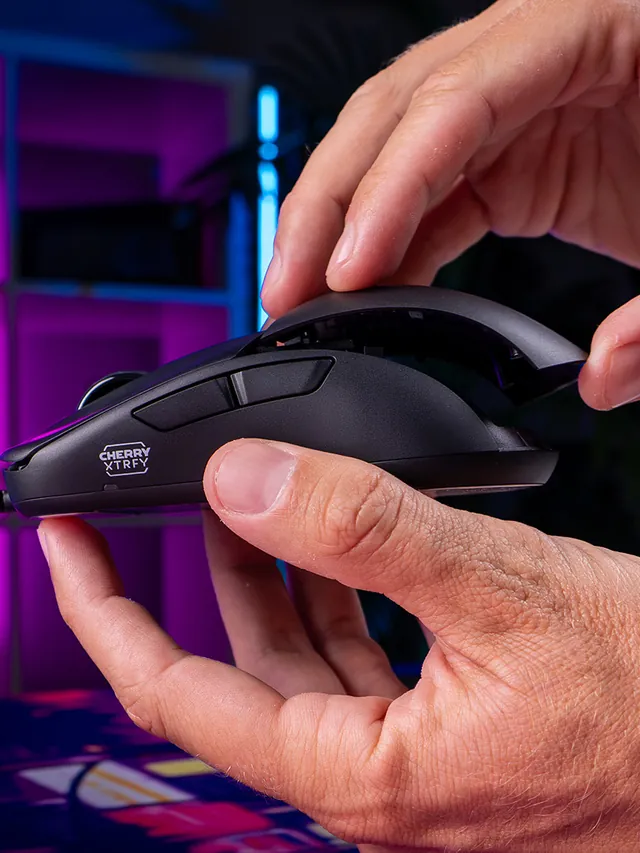
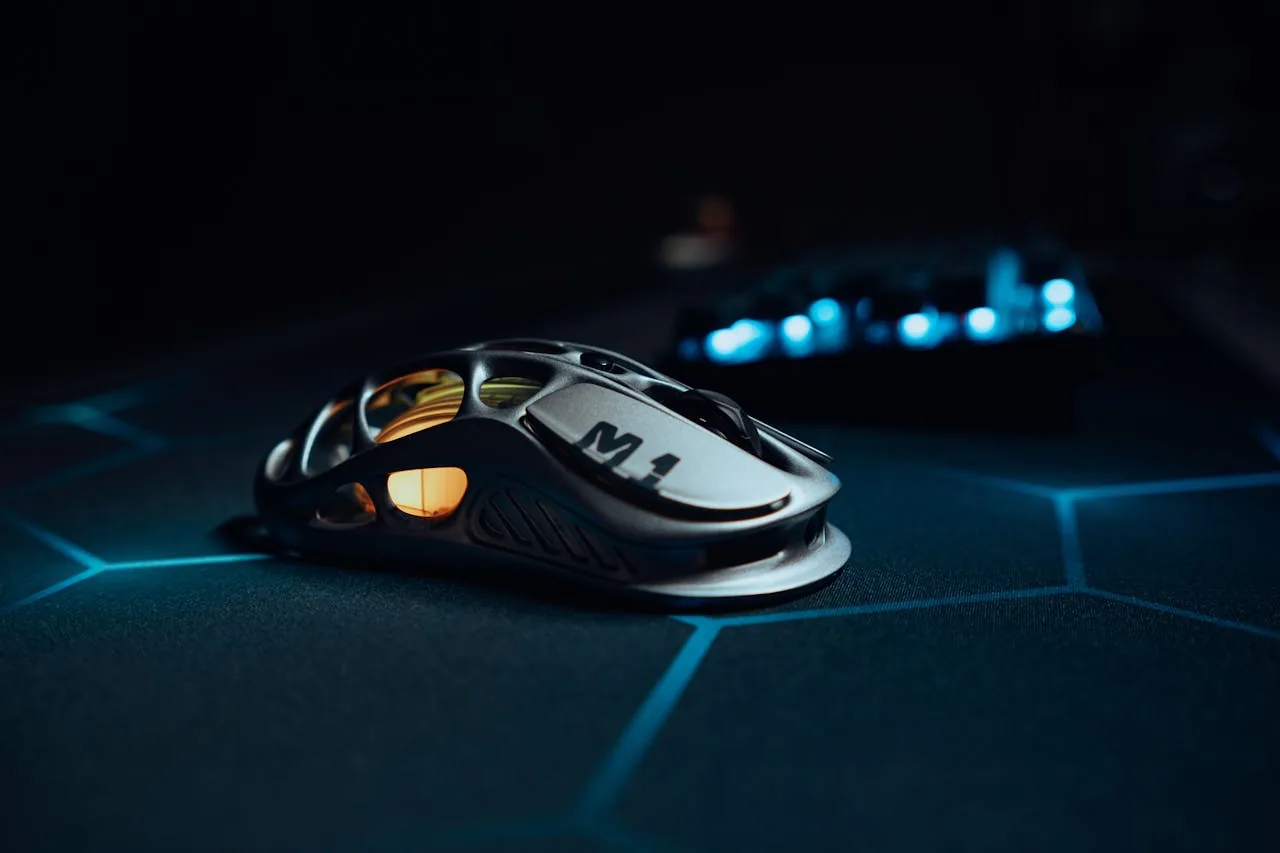
01 / 10Mouse showdownM42V2 vs M42The new mouse drops 14 g and seals the shell—but also moves from a PixArt 3389 to a 3327.02 / 10Weight45 g, Cable ExcludedCHERRY lists 45 g versus 59 g for the original M42. The V2 is solid, not perforated.03 / 10Modular shellTwo Shells Are Not NewBoth mice include two rear shapes. V2’s real shell change is a hole-free body with tool-free swaps.04 / 10SensorThe Sensor Trade-OffM42V2: 6,200 CPI, 220 IPS, 30 G. Original M42: 16,000 CPI, 400 IPS, 50 G.05 / 10InterpretationA Downgrade on PaperThose limits are lower. They do not prove bad tracking; independent instrumented tests still matter.06 / 10PollingSame 1,000 Hz CeilingBoth wired mice top out at 1,000 Hz. The V2 also offers 125, 250, and 500 Hz modes.07 / 10Price$39.99 US LaunchThe V2 launched at $39.99. The older M42 also showed $39.99 on sale when checked Sept. 4.08 / 10Other changesWhat Else Changed?Huano 80M-rated switches, no RGB, PTFE-free UHMW-PE glides, and no software requirement.09 / 10Buyer cautionWho Should Wait?Low-sensitivity players focused on fast-swipe tracking should wait for lab data or test within a return window.10 / 10Your turnTest Your M42V2Compare browser-observed pointer-event consistency at 1,000 Hz. A browser cannot certify raw USB polling.
01 / 10MMO mouse decisionIs Razer's $180 Naga V3 Pro worth it?The answer depends on your binds, grip and tolerance for a heavier mouse.02 / 10The main reasonThree plates. Up to 23 controls.Choose 12 buttons for MMOs, 6 for mixed games or 2 for a simpler layout.03 / 10Learning curveMore buttons are not instant speedMap only awkward keyboard reaches first, then add commands as muscle memory settles.04 / 10Fit checkExpect about 112–117 g with a plateThat is feature-dense, not ultralight. Test grip comfort inside the return window.05 / 10Wireless and battery155 hours HyperSpeed; 280 BluetoothThose are Razer claims. Lighting, polling and use can shorten real runtime.06 / 1050K sensorShape matters more than maximum DPIFocus Pro 50K is flagship hardware, but normal play uses a fraction of its ceiling.07 / 10Clicks and scrollGen-4 optical switches; three wheel modesThe 100-million-click figure is a rating, not a promise for every unit.08 / 10Delivery dayTest every plate before building profilesCheck all buttons, wheel tilt, double inputs, DPI stages and wireless consistency.09 / 10The price tradeoff$179.99, while 8K needs an extra accessoryNative polling is 1,000 Hz. Do not buy a dongle unless you know why you need 8K.10 / 10VerdictBuy for many binds; skip for simple FPSIf you buy it, test every physical input before trusting a complex profile.