Mouse click diagnostics

Free Online Mouse Drag Click Test — CPS, Burst Rate and Flick Detection

Measure drag-click CPS, peak burst rate, and total clicks in 5, 10, or 30 second timed sessions. Perfect for Minecraft PvP and competitive click-heavy gameplay. No downloads required.

Live CPS counter Burst peak Click timeline graph
3Duration options
60Graph buckets
0Downloads
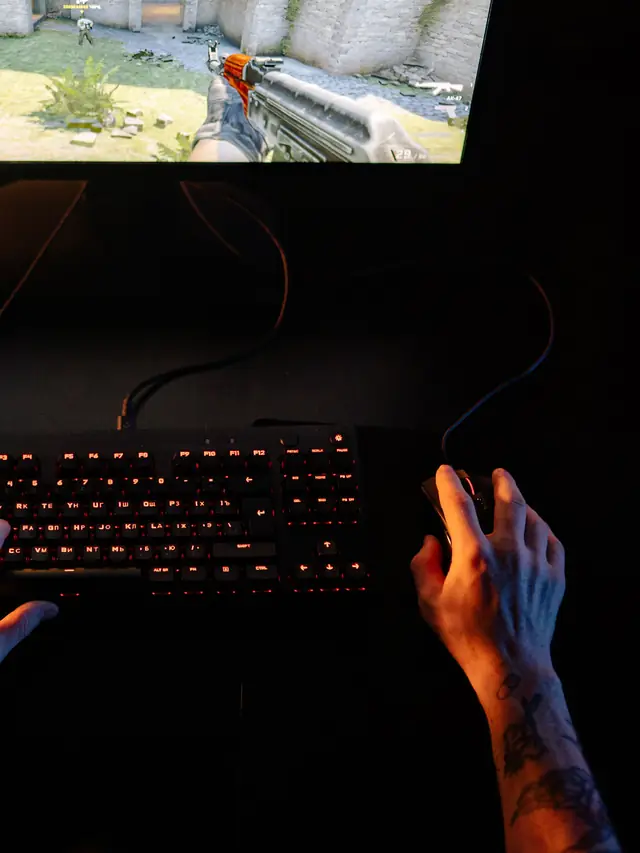
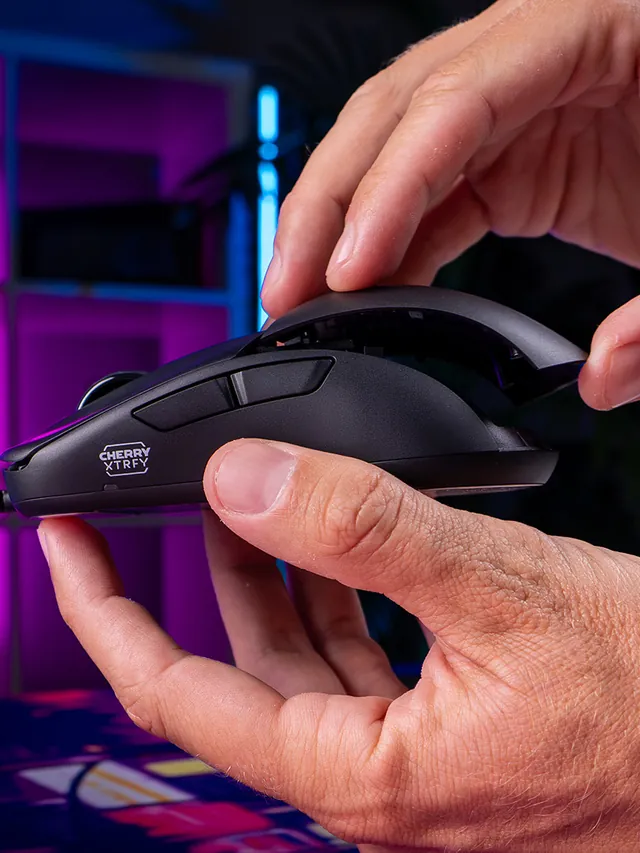
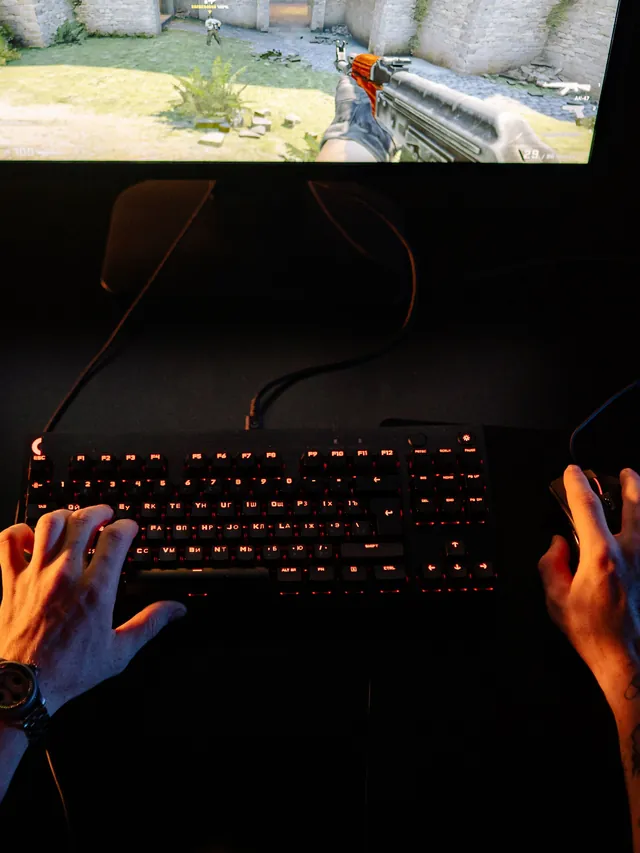
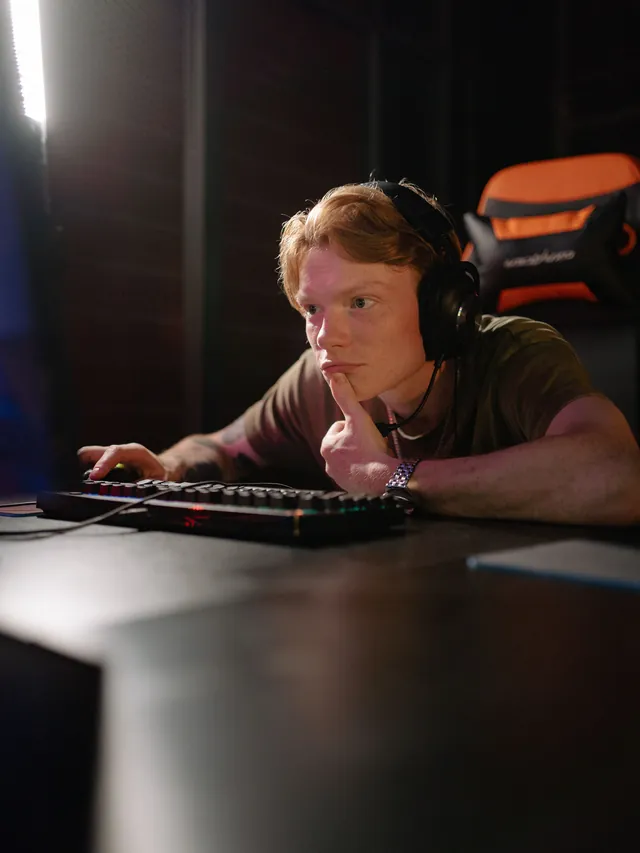
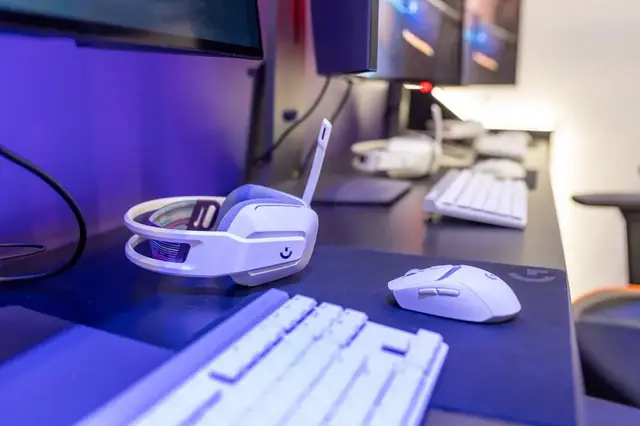
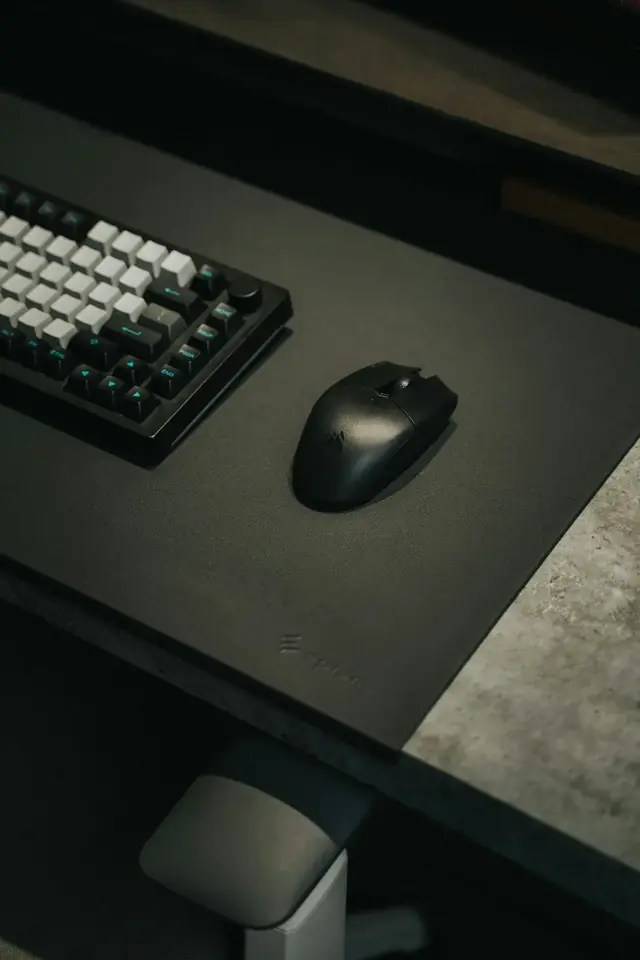
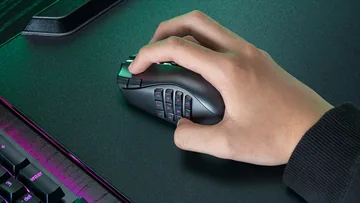
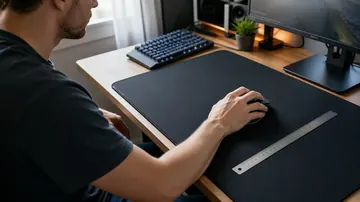
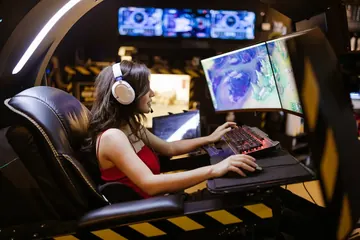
Gaming desk setup with mouse and keyboard used for mouse drag click CPS testing
Live CPS + peak

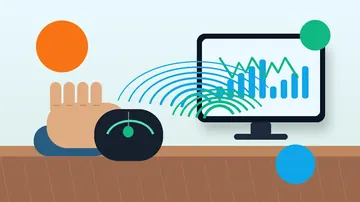
See average and peak clicks per second update in real time.

Burst detection

Short 200ms bursts from drag-clicks are captured separately.

Primary tool

Mouse Drag Click Test

Click or drag a finger across the arena. We track CPS, bursts, and timeline.

Total clicks0
CPS0
Peak CPS0
Drag burst peak0
Time left10s
Best0
Press Start. Click or drag your finger across the mouse button as fast as possible.
Click and drag here
Live CPS + peak
Average and peak clicks per second update in real time
Drag burst detection
Separate metric for 200ms burst peaks
Click timeline graph
Visual feedback on pattern consistency
Runs local
No downloads, no signup, no tracking

Click diagnostics

Everything you need to benchmark your drag click

Three metrics instead of one CPS number — so you can tell dragging from jittering from butterfly.

Average CPS

Total clicks divided by session length — the headline number.

Peak CPS

Highest sustained CPS during the session. Shows your real ceiling.

Drag burst peak

Max clicks in any 200ms window times 5. Drag-click signature.

Timeline graph

60-bucket histogram showing exactly when your clicks clustered.

More testing tools

Explore the full suite for keyboard, mouse, audio, and utilities.

Language support: All major tools are available in 8 languages - Arabic, Russian, Spanish, French, Portuguese, Japanese, German, and Korean. Select your language from the header menu to switch.

Keyboard
Keyboard Tester

Test keyboard functionality, detect ghosting, measure latency, check for stuck keys

Test your keyboard
Keyboard
Arabic Keyboard Tester

Test Arabic keyboard layout and key response in an Arabic-first interface

Test Arabic layout
Keyboard
Typing Speed Test

Measure WPM, accuracy, and typing consistency

Check typing speed
Keyboard
Latency Checker

Test device and input latency in your browser

Measure latency
Keyboard
Spacebar Speed Test

Count how many spacebar presses you can make in 5, 10, or 30 seconds

Test your spacebar
Keyboard
Key Repeat Rate Tester

Measure your keyboard key repeat rate (Hz) and initial delay (ms) in your browser

Test repeat rate
Keyboard
Typing Rhythm Fingerprint

Visualize your inter-keystroke timing patterns and get a rhythm consistency score

Analyze rhythm
Keyboard
Keyboard Switch Sound Analyzer

Classify your mechanical keyboard switches as linear, tactile, or clicky using mic FFT analysis

Analyze sound
Keyboard
Keyboard Chatter Detector

Find keys that register twice from a single press with configurable threshold and per-key stats

Detect chatter
Keyboard
Keyboard Polling Rate Test

Estimate keyboard Hz using browser auto-repeat timing measurement

Test polling rate
Keyboard
Keyboard Shortcut Identifier

Press any key combination and instantly see what it does on Windows, macOS and Linux

Try a shortcut
Mouse
Mouse Tester

Check mouse buttons, scroll wheel, cursor movement, and responsiveness

Test your mouse
Mouse
Mouse Speed Tester

Measure your click speed (CPM or CPS) with timed tests

Check click speed
Mouse
Mouse Sensitivity / DPI

Test DPI, sensitivity, and tracking accuracy

Test DPI settings
Mouse
Mouse Trail

Visualize mouse movement trails and precision

View mouse trails
Mouse
Ghost Click Detector

Detect unintended or phantom clicks

Detect ghost clicks
Mouse
Mouse Polling Rate Test

Check if your gaming mouse runs at 125Hz, 500Hz, 1000Hz or higher

Test polling rate
Mouse
Mouse LOD Tester

Measure your gaming mouse lift-off distance to optimize sensor performance

Test LOD
Mouse
Mouse Accuracy Test

Aim trainer benchmark — measure hit percentage, average pixel error, and reaction time per target

Test your aim
Mouse
Mouse Drag Click Test

Measure drag-click CPS, peak burst rate, and total clicks with live timeline graph

Test drag clicks
Mouse
Right Click CPS Test

Measure right-mouse-button CPS with browser context menu suppressed

Test right CPS
Mouse
Mouse DPI Calculator

Measure true mouse DPI by dragging a known distance or entering pixel and inch values manually

Measure DPI
Mouse
eDPI Calculator

Calculate effective DPI (DPI x sensitivity) and cm/360 for CS2, Valorant, Apex and other FPS games

Calculate eDPI
Mouse
Mouse Drift Test

Detect idle cursor drift and sensor jitter with a 10s-3min pointer-event sampler and pass/fail verdict

Test drift
Mouse
Mouse Acceleration Test

Compare slow vs fast swipe pixels to catch Windows pointer acceleration or firmware-level sensor acceleration

Test acceleration
Mouse
Mouse Spin Test

Counts full 360° mouse rotations over 15/30/60 s with peak spins-per-second and direction indicator

Start spinning
Display
Screen Tester

Detect dead, stuck, or hot pixels on screens

Test your screen
Display
Monitor Refresh Rate Test

Detect if your display runs at 60Hz, 144Hz, 240Hz or higher

Test refresh rate
Display
Monitor Color Test

Check color accuracy, gradient banding and backlight uniformity

Test colors
Display
Backlight Bleed Test

Check your LCD monitor for backlight bleed, IPS glow, and clouding

Test for bleed
Display
Touch Screen Test

Test for dead zones, ghost touches and multi-touch on phone or tablet

Test touch screen
Display
PWM Flicker Test

Check if your monitor uses PWM backlight dimming that can cause eye strain

Test for flicker
Display
Monitor Gamma Test

Visual gamma calibration check using stripe-blend pattern, target sRGB 2.2

Test gamma
Display
Monitor Ghosting Test

Detect pixel response time issues with adjustable-speed moving box on color backgrounds

Test ghosting
Display
Black Level Test

Check shadow detail with 32 near-black patches, detect crushed blacks

Test black level
Display
White Level Test

Check highlight detail with 32 near-white patches, detect clipped whites

Test white level
Display
Brightness Test

11-step grayscale ladder to verify brightness, contrast, and gamma calibration

Test brightness
Display
Contrast Test

Checkerboard vs 50% gray squint test for contrast and gamma calibration

Test contrast
Display
PPI Calculator

Compute pixels per inch, dot pitch, aspect ratio and megapixels for any display from resolution + diagonal

Calculate PPI
Display
Aspect Ratio Calculator

Type any two of width, height, or ratio. Auto-simplifies to lowest integer terms and renders a live preview

Open calculator
Display
Screen Size Calculator

Compute diagonal, width, height and visible area from aspect ratio plus any one dimension — in inches and cm

Calculate size
Display
Viewing Distance Calculator

Optimal TV/monitor viewing distance by THX (36° FoV), SMPTE (30° FoV), and the 4K/8K resolving-limit

Find distance
Display
FPS Test

Live frame rate measurement with avg/min/max/1%-low plus 60/120/144/165/240Hz detection

Start FPS test
Display
Screen Resolution Test

Live readout of screen resolution, native pixels, device pixel ratio, color depth, and gamut

See resolution
Display
OLED Burn-In Test

Cycle 8 solid colors, fine checkerboard, and scrolling refresher fullscreen to detect OLED burn-in

Test burn-in
Display
Color Range Test

Detect Full RGB (0-255) vs Limited (16-235) via near-black and near-white patch grids

Test RGB range
Display
Screen Uniformity Test

Fullscreen gray/black/white/RGB at any brightness to spot clouding, IPS glow, and backlight bleed

Test uniformity
Display
Frame Skipping Test

Detects dropped or skipped frames at your refresh rate with rAF timestamp analysis and a visual reference bar

Detect skipped frames
Display
Monitor Sharpness Test

Lagom-style 1px pixel grid, multi-size text samples, color-fringing blocks, and an RGB sub-pixel ruler to evaluate display sharpness

Test sharpness
Camera
Webcam Tester

Check webcam quality, resolution, and snapshots

Test your webcam
Camera
Webcam Mirror

Use your webcam as a real-time virtual mirror with horizontal flip, brightness/contrast, grid, and snapshot

Open mirror
Audio
Mic Tester

Verify microphone input and audio levels

Test your microphone
Audio
Headphone / Speaker Tester

Test stereo channels and sound output

Test audio output
Audio
Decibel Meter

Live dB SPL measurement using your microphone with peak and rolling average

Open meter
Audio
Sound Test

Speaker and headphone channel verifier plus 100 Hz → 10 kHz frequency sweep

Test sound
Audio
Bass Test

Subwoofer and low-frequency sweep (20 Hz → 200 Hz) with ISO 1/3-octave bass presets

Test bass
Audio
Frequency Response Test

Full-range 20 Hz → 20 kHz log sweep with hearing-limit logging and manual tone slider

Start hearing test
Audio
Auditory Reaction Time Test

Measure how fast you respond to a sound cue in milliseconds using the Web Audio API

Start sound test
Audio
Surround Sound Test

5.1 and 7.1 channel walk-around to verify speaker wiring, with stereo panning fallback for headphones

Test surround
Audio
Pitch Detector

Sing or play any note. Get live Hz, nearest note (C0-C8), octave, and cents off perfect pitch

Open pitch detector
Audio
Hearing Age Test

Mosquito tone hearing test - 12 frequencies from 8 kHz to 22 kHz to estimate your hearing age

Test hearing age
Utility
OCR Tool

Extract text from images quickly

Extract text now
Utility
QR Code Reader

Scan QR codes with camera or image upload

Scan QR codes
Utility
QR Code Generator

Create custom QR codes instantly

Create QR code
Utility
Password Generator

Create strong, secure passwords instantly

Generate password
Utility
WhatsApp Link Generator

Create clickable WhatsApp chat links

Generate chat link
Utility
WhatsApp Brand Links

Create branded WhatsApp links and QR codes

Create brand link
Utility
WhatsApp Sentiment Analyzer

Analyze chat sentiment and tone

Analyze sentiment
Utility
All Tools

Browse all hardware testing tools in one place

View all tools
Utility
WebRTC Leak Test

Detect IP address leaks through your browser even when using a VPN, IPv4 + IPv6 + local

Check IP leak
Utility
Accelerometer Test

Live X/Y/Z acceleration readout in m/s² with tilt ball, shake counter, and peak-g tracking

Test motion sensor
Utility
Gyroscope Test

Live alpha/beta/gamma rotation readout with 3D cube, compass ring, and calibrate-to-zero

Test rotation sensor
Utility
Vibration Test

Phone haptics patterns (Vibration API) and gamepad rumble per-motor intensity in one tool

Test vibration
Utility
CPU Stress Test

Multi-threaded WebWorker SHA-256 busy loop to load every logical core and report ops per second

Stress the CPU
Utility
AI GPU Test

Check WebGPU, WebGL2, WebNN and browser AI readiness with a safe matrix compute benchmark

Test AI GPU readiness
Utility
GPU Stress Test

WebGL2 Mandelbrot fragment shader benchmark that pushes any GPU and reports FPS, minimum FPS, and software-rendering fallback

Stress the GPU
Utility
Memory Test

Browser heap monitor with live performance.memory readout, allocation stressor, and safe auto-abort

Open memory test
Utility
RAM Latency Calculator

Convert CAS latency (CL) and memory speed (MT/s) to real nanoseconds, compare DDR4 vs DDR5 kits side by side

Calculate RAM latency
Utility
Bandwidth Calculator

Solve for transfer time, file size, or required speed - handles bits vs bytes math automatically

Open bandwidth calc
Utility
Download Time Calculator

Estimate download duration for games, movies, and backups at your connection speed with realistic overhead

Estimate download time
Utility
RAID Calculator

Usable capacity and fault tolerance for RAID 0/1/5/6/10/50/60 with side-by-side level comparison

Calculate RAID
Utility
Online Ruler

Actual-size cm and inch ruler on screen with credit-card calibration (ISO ID-1) and DPI presets

Open ruler
Utility
AI Assistant

Chat with the site's AI helper — it picks the right hardware test, links you to it, and explains the result in 8 languages

Open AI chat
Gaming
Gamepad Tester

Test PS5, Xbox, Switch and PC controller buttons, stick drift and triggers

Test controller
Gaming
Reaction Time Test

Measure how fast you react with a browser-based millisecond reflex test

Test reaction time
Gaming
FoV Calculator

Convert field of view across aspect ratios and games with presets for CS2, Valorant, Apex, CoD and Fortnite

Convert FoV
Gaming
Crosshair Generator

Design a custom crosshair with live preview, PNG export, CS2 console command, and Valorant settings values

Open generator
Gaming
APM Test

Actions-per-minute counter for RTS & MOBA players — live APM, peak, and session average

Measure APM
Gaming
Gamertag Generator

Random gamer names across 6 styles with length limits for Xbox, PSN, Steam, and Discord

Generate names
Gaming
Guild Name Generator

Random MMO guild and clan names across 6 themes and 5 templates, with WoW/FFXIV/Destiny length limits

Generate guild names
Gaming
TTK Calculator

Time-to-kill math for FPS games with body vs head comparison, armor handling, and CS2/Valorant/Apex/CoD presets

Calculate TTK
Gaming
Minecraft Circle Generator

Pixel circle, filled disc, thick ring, and 3D sphere layer plotter for Minecraft builders, radius 1-256

Plot a circle

What Is a Mouse Drag Click Test?

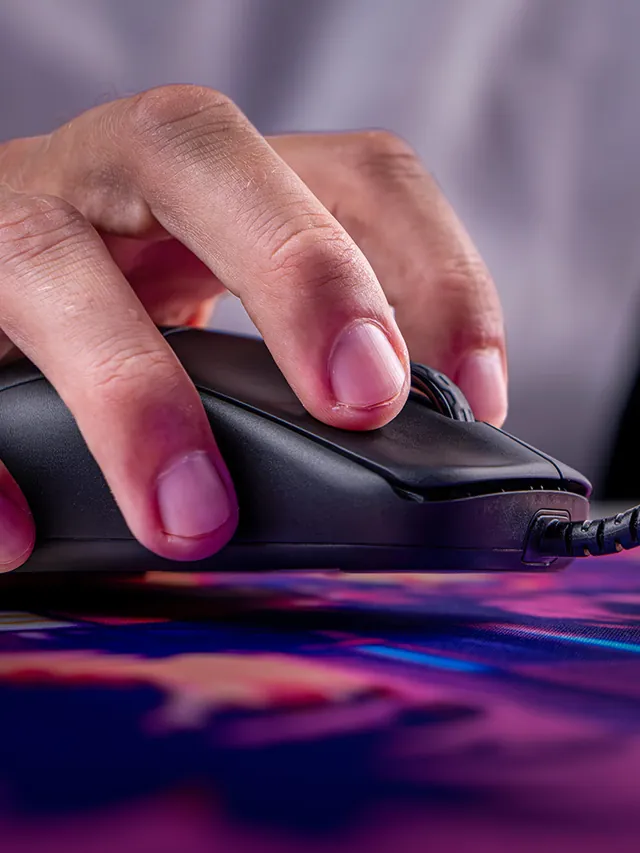
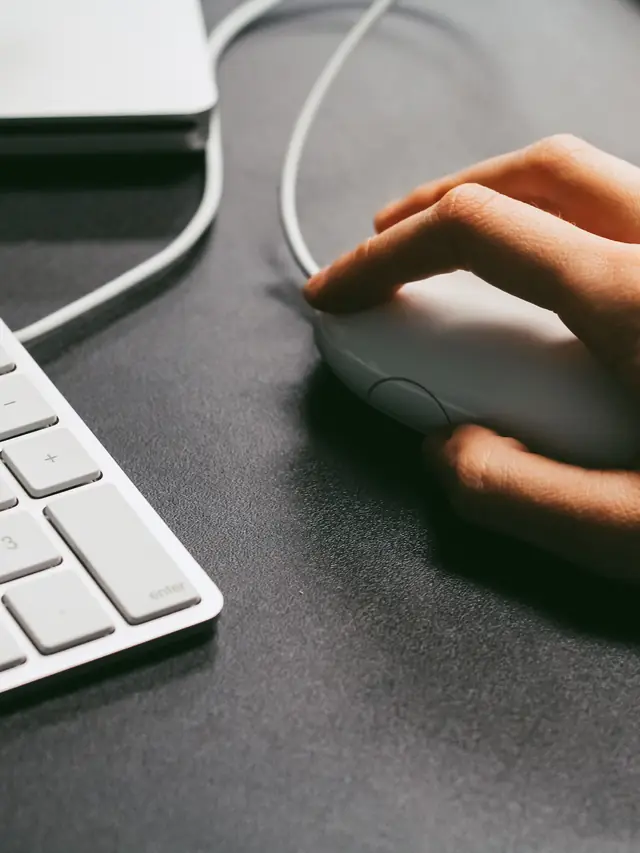
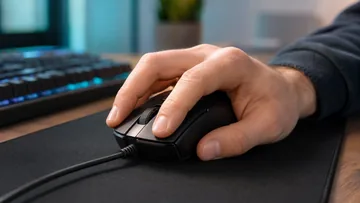
A mouse drag click test measures how many clicks per second (CPS) you can register by dragging a finger across your mouse button, exploiting the vibration between the finger and switch to trigger rapid-fire inputs. The tool counts every click event, calculates average CPS, peak CPS, and detects short 200ms burst spikes that distinguish drag-clicking from normal rapid clicking.

Unlike a standard click speed test, which measures sustained CPS from normal pressing, this test is tuned for the specific burst pattern of drag-clicking. Drag-clickers can hit 30-80 CPS in short bursts compared to 10-14 CPS from normal clicking, and this tool visualizes that difference on a live click-timeline graph.

The test runs entirely in your browser. Pick 5s, 10s, or 30s, press Start, and click or drag across the arena as fast as you can. Your best score is saved locally.

Drag Click vs Jitter Click vs Butterfly Click

Competitive clicking has three main techniques, each with different CPS profiles:

Drag click

Slide a finger across the mouse button. Finger friction causes the button to oscillate, triggering multiple electrical click events from one physical motion. Typical peak: 30-60 CPS for 0.5-1 second bursts. Requires a mouse with the right switch tolerances (many gaming mice have drag-click-friendly switches like Huano or Kailh whites).

Jitter click

Tense your forearm and let the muscle tremor click the button rapidly. Sustained, not burst. Typical peak: 10-15 CPS sustained. Works on any mouse but is physically fatiguing and can cause tendonitis.

Butterfly click

Alternating two fingers on the same button, or two buttons (left + right). Typical peak: 12-20 CPS sustained. Limited by the mouse's click debounce.

This test detects and reports all three. The Peak CPS metric shows your sustained rate. The Drag Burst Peak metric shows your highest 200ms burst — a clear indicator of drag-click capability.

Why Drag Click Testing Matters

Minecraft PvP and 1.8 combat

Pre-1.9 Minecraft combat rewards raw CPS. Drag-clicking gives competitive players a meaningful edge in hit frequency against opponents. Tournament servers often benchmark drag-click capability.

Mouse switch evaluation

If your mouse supports drag-clicking well, you'll see peak bursts of 30+ CPS. If you cap at 10-12 CPS no matter how you drag, the switches are debouncing the extra clicks at hardware level. This is useful data before you buy a new mouse for competitive clicking.

Hand technique feedback

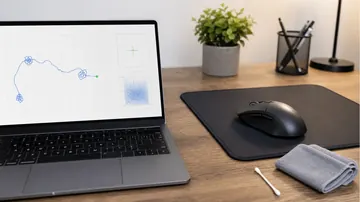
The click timeline graph shows exactly when your clicks cluster. Smooth drag-clickers see even distribution; beginners see spiky patterns with gaps. Practice with this visual feedback to smooth out your technique.

Tips to Improve Your Drag Click CPS

  • Texture matters. Slightly grippy finger pads (not dry) and a lightly textured click surface create the friction drag-click needs. Sand your fingertip lightly if it's too smooth.
  • Angle. Hold your finger at 30-45 degrees relative to the button surface. Too flat: not enough friction. Too vertical: not enough travel.
  • Short bursts. Target 0.5-1 second bursts, not sustained dragging. The Drag Burst Peak metric rewards short explosive patterns.
  • Avoid double-click detection. Some mice report drag-click bursts as single held clicks due to debounce. If your CPS stays low, run the ghost click detector to confirm each click registers as a separate event.
  • Use the right mouse. Glorious Model O, Razer Viper, Bloody A70, and some SteelSeries models are known for drag-click compatibility. Stock office mice and older Logitech G-series often cap clicks.

Mouse Drag Click Test Guide

Measure drag-click CPS, burst rate, and timeline with this free in-browser tool — built for Minecraft PvP, competitive clicking, and mouse switch evaluation.

Run a drag click session

  1. Pick a duration (5s / 10s / 30s).
  2. Press Start, then click or drag a finger rapidly across the arena.
  3. Read average CPS, peak CPS, drag burst peak, and total clicks.

Improve your drag click

  • Angle your finger 30-45 degrees for best friction.
  • Use short 0.5-1 second bursts instead of sustained dragging.
  • Slightly textured finger pads help — avoid dry or sweaty fingers.

Read the click graph

  • Tall bars = dense clicks in that window.

  • Even bars = consistent technique.
  • Spiky bars with gaps = inconsistent finger motion.

Mouse compatibility

  • If burst CPS stays under 15, your mouse debounces drag-clicks.
  • Glorious Model O, Bloody A70, and Razer Viper handle drag-click well.
  • Check your mouse for stuck or ghost clicks first.

Windows app

KeyboardTester.click is available from Microsoft Store

Install the official Windows app shortcut, or keep using the same free testing tools in your browser.

Get it from Microsoft Get it from Microsoft