What Is a CPS Test?
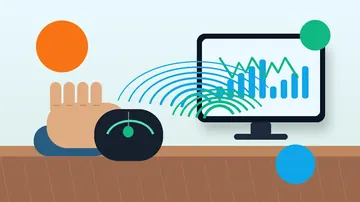
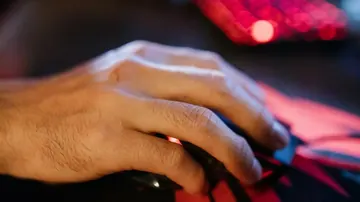
A CPS test (Clicks Per Second test) measures how fast you can click your mouse button. Our free click speed test counts every click you make within a set time and calculates your average CPS. This metric matters for gamers, especially in titles where click speed directly affects combat or interaction speed. Before testing your CPS, ensure your mouse is working properly with our online mouse tester.
The test runs entirely in your browser with millisecond-accurate timing. Click the test area as fast as you can, and we display your real-time CPS plus final score. No downloads, no accounts - just pure click speed measurement.
Average CPS for casual users is 4-6 clicks per second. Competitive players reach 8-12 CPS with practice. Elite clickers using advanced techniques can exceed 15-20 CPS. Where do you rank?
Why Click Speed Matters
Click speed affects performance in many activities.
Gaming Impact
- Minecraft PvP - Higher CPS means faster sword swings and better knockback combos
- Osu! and rhythm games - Fast clicking handles dense note patterns
- Clicker games - Cookie Clicker, Clicker Heroes reward high CPS
- MMO games - Spamming abilities or harvesting resources
- Competitive FPS - Semi-automatic weapons benefit from fast trigger fingers
Play on a pad as well as mouse and keyboard? Run a quick controller test online to confirm rapid button presses register cleanly without chatter before a session.
Beyond Gaming
Fast, controlled clicking also helps with:
- Data entry tasks requiring rapid selections
- Graphic design work with repetitive clicking
- Speed tests and competitions
- Accessibility testing (verifying mouse responsiveness)
Click Speed Techniques Explained
Different clicking methods achieve different speeds. Here's how each works.
Regular Clicking (5-8 CPS)
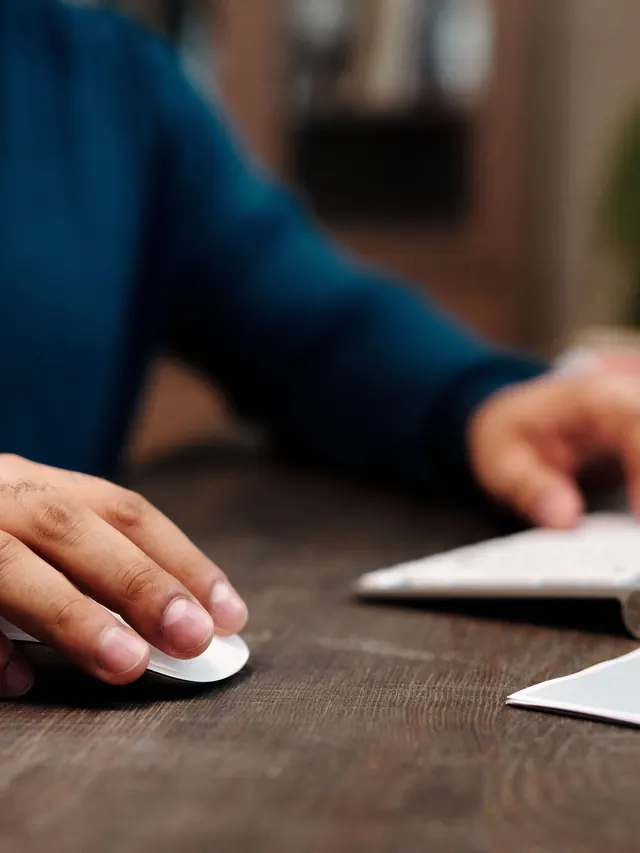
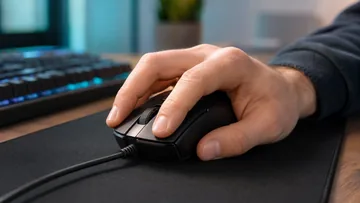
Standard clicking using your index finger. This is how most people naturally click.
- Reliable and consistent
- No strain or special technique needed
- Good for everyday use and casual gaming
- Maximum speed limited by finger muscle speed
To improve: Practice clicking with a relaxed hand. Tension slows you down. Keep your wrist stable and click from the finger, not the arm.
Jitter Clicking (10-14 CPS)
Jitter clicking uses arm tension to vibrate your hand rapidly, translating to fast clicks.
- Tense your forearm muscles (not your wrist)
- The vibration naturally moves your finger on the button
- Takes practice to control aim while jittering
- Can cause muscle fatigue over extended sessions
Warning: Jitter clicking for long periods may cause arm strain. Take breaks every 15-20 minutes. If you feel pain, stop immediately.
Butterfly Clicking (15-25 CPS)
Butterfly clicking alternates two fingers (usually index and middle) on the same mouse button.
- Each finger clicks independently at 7-12 CPS
- Combined output doubles your effective CPS
- Requires a mouse button wide enough for two fingers
- Some mice register butterfly clicks poorly
Note: Many servers consider butterfly clicking a gray area. Some anti-cheat systems flag it as suspicious. Check server rules before using in competitive play. Not sure whether to train jitter or butterfly? Our jitter click vs butterfly click comparison weighs speed, aim, hand fatigue, and ban risk side by side.
Drag Clicking (30-100+ CPS)
Drag clicking exploits friction between your finger and the mouse button to trigger multiple click signals.
- Requires specific mice with textured buttons (certain Glorious, Roccat models)
- You "drag" your finger across the button surface
- The friction causes the button to rapidly engage and disengage
- Can achieve seemingly impossible CPS numbers
Important: Drag clicking often triggers anti-cheat bans. It may also void your mouse warranty. The technique wears out mouse buttons faster than normal use.
CPS Test for Minecraft PvP
Click speed directly correlates with Minecraft combat effectiveness, especially in 1.8 PvP.
How CPS Affects Combat
In Minecraft 1.8 and earlier PvP (still popular on many servers):
- Each click swings your sword
- Faster swings mean more hits in the same time
- More hits create longer knockback combos
- Combos keep opponents unable to fight back
CPS Tiers for Minecraft
Also run a mouse DPI test to optimize your DPI settings for better aim alongside your click speed:
- 4-6 CPS (Casual) - You can play survival and build, but will lose most PvP fights
- 7-9 CPS (Intermediate) - Competitive against average players, can win fair fights
- 10-12 CPS (Advanced) - Strong advantage in combos, can combo most opponents
- 13-16 CPS (Expert) - Dominant in 1v1s, limited by anti-cheat on many servers
- 17+ CPS (Elite) - Often flagged by anti-cheat, practical ceiling for legit play
Server Anti-Cheat Considerations
Many Minecraft servers run anti-cheat plugins that flag unusual clicking:
- Most servers allow up to 15-20 CPS before flags
- Consistent CPS (no variance) triggers suspicion
- Some servers have hard CPS caps that ignore extra clicks
- Butterfly and drag clicking may be explicitly banned
Check your server's rules. Practice at a CPS level that won't get you banned.
Click Speed for Work and Productivity
While gaming drives most CPS interest, click speed affects work efficiency too.
Data Entry and Office Tasks
- Form filling - Fast clicking speeds up checkbox-heavy forms
- Spreadsheet navigation - Quick cell selection helps with large datasets
- File management - Selecting multiple files for batch operations
- Email processing - Rapid inbox management with click-heavy workflows
Creative Work
- Photo editing - Spot healing, clone stamp require many clicks
- Video editing - Cutting clips on timeline points
- 3D modeling - Vertex selection and manipulation
- UI/UX testing - Clicking through user flows repeatedly
Ergonomic Considerations
Fast clicking at work has health implications:
- Use a comfortable mouse that fits your hand
- Light switch actuation reduces finger strain
- Take breaks every 30-60 minutes
- Stretch your hands and wrists regularly
- If clicking causes pain, consult a doctor about RSI
Troubleshooting Click Speed Issues
Not hitting the CPS you expect? Here's what might be wrong.
Hardware Limitations
- Heavy mouse switches - Stiff switches fatigue your finger faster, reducing CPS
- High debounce - Some mice filter out rapid clicks to prevent double-clicking
- USB polling rate - Low polling rates (125Hz) may miss some clicks; 1000Hz is better
- Worn switches - Old switches may not register every click reliably. Use our ghost click detector to check for switch issues.
For drag-click-specific caps, debounce filtering, or the common "I hear the drag sound but clicks do not register" problem, use the drag click low CPS troubleshooting guide with the dedicated mouse drag click test.
Software Issues
- Browser performance - Laggy browser can miss click events; try Chrome or Firefox
- Mouse software - Check for settings that limit click rate
- System lag - Close other programs to ensure accurate measurement
Technique Problems
- Tension in wrong places - Wrist tension slows clicks; keep wrist relaxed
- Poor finger positioning - Click from fingertip, not whole finger
- Inconsistent rhythm - Practice maintaining steady speed