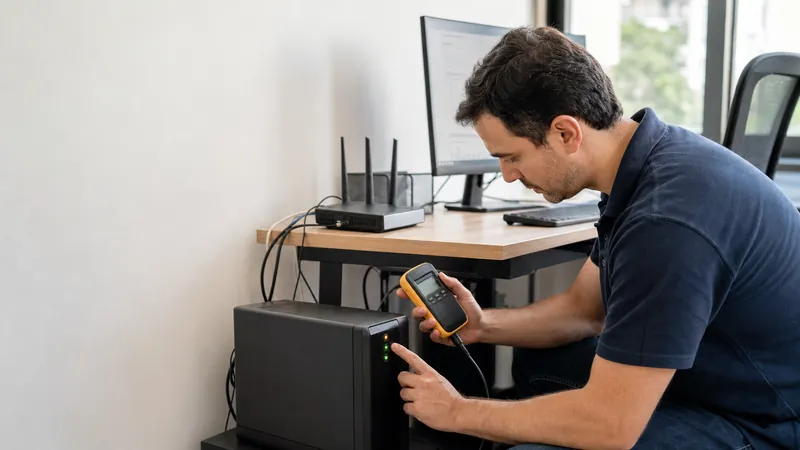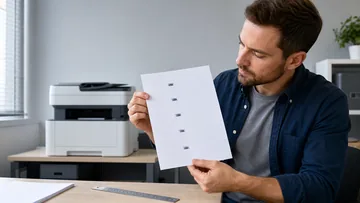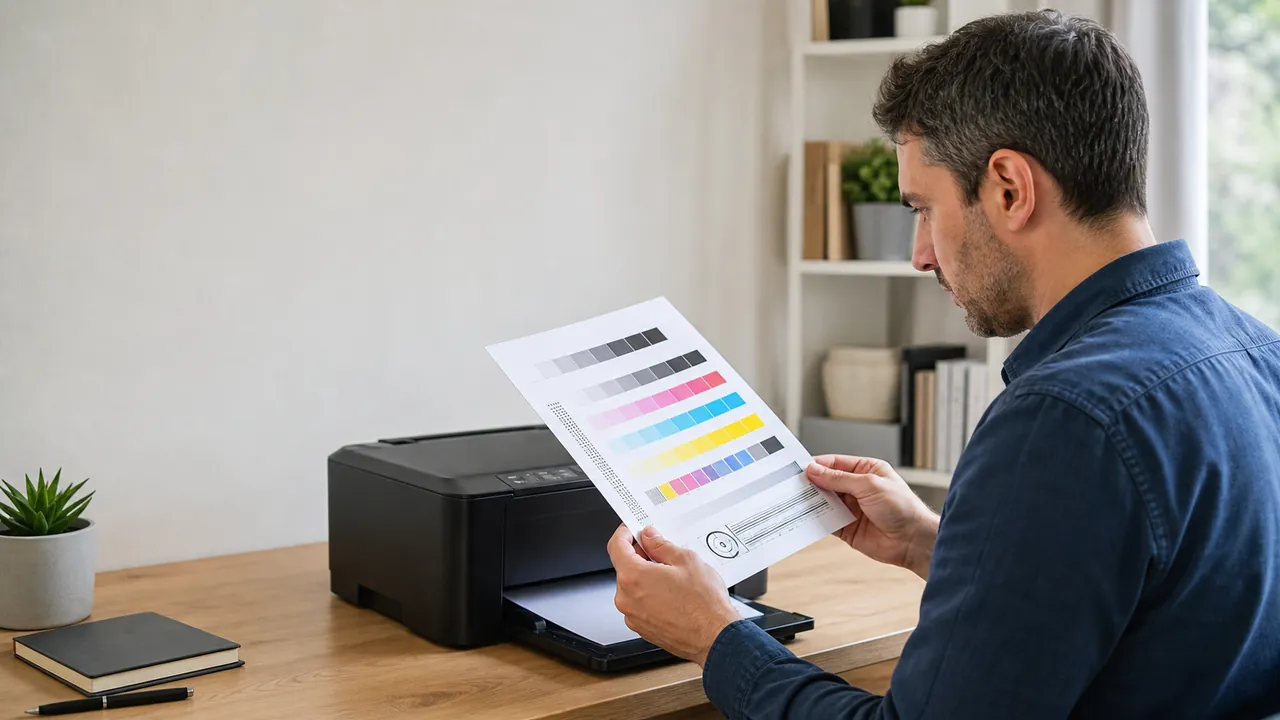


Office user inspecting a freshly printed color printer diagnostic page

Printer diagnostics

Printer Test Page Color, Grayscale & Alignment

Build a clean vector test pack for the paper already in your tray, then print only the sheets you need or download any sheet as SVG.

Download from Microsoft Store Download from Microsoft Store

Printable printer diagnostic pack

Choose A4 or Letter, portrait or landscape, and select color, grayscale, alignment, detail or nozzle-like reference sheets.

Vector test-page builder

Page setup

Select paper, orientation and the diagnostic sheets to include.

Generated locally. No printer or document data is uploaded.
Paper size
Orientation
Test sheets

The print dialog can save the selected sheets as PDF.

100% For geometry checks, print at Actual size / 100%.

Selected sheet preview

Every preview is scalable vector artwork and prints without raster blur.

Observation guide

What did you see on the printed page?

Choose the closest visible symptom for likely causes and a practical next check.

Rate Printable printer diagnostic pack: 5.0 (2 ratings)

Printable printer diagnostic pack is a free, browser-based online utility that lets you generate printable A4, Letter or Legal printer test pages for color bars, gradients, grayscale, alignment, fine lines, text clarity and nozzle-like band checks.

  • Cost: Free, no signup
  • Install: None — runs in the browser
  • Privacy: Runs locally, no uploads
  • Platforms: Windows, macOS, Linux, Android, iOS
  • Time: Under a minute

Reliable print check

How to use a printer test page

Run the same sheet before and after a setting, cartridge, paper or maintenance change so the comparison stays meaningful.

01 Match the paper Choose A4 or Letter and the intended orientation before generating the vector sheets.
02 Select only useful sheets Start with the full diagnostic page, then add color, grayscale, alignment, detail or nozzle-like sheets for the symptom you see.
03 Print at 100% Use Actual size or 100% in the print dialog. Disable Fit to page when checking alignment or line spacing.
04 Compare the evidence Look for missing bands, color casts, broken fine lines, fuzzy text, doubled registration marks or clipped gradients.
This browser tool generates reference artwork only. It cannot read ink levels, inspect hardware, or start a printer firmware nozzle-cleaning cycle.

Printer test FAQ

Before you print

What does a printer test page check?

It gives you known vector patterns for color transitions, neutral grayscale, registration, alignment, fine lines, small text and nozzle-like bands. Differences on paper can reveal a print-quality symptom, but they do not identify every hardware cause automatically.

Can this page read ink levels or clean print heads?
No. A website cannot read protected printer ink data or trigger the printer firmware cleaning routine. Use the printer control panel or manufacturer utility for ink status, head alignment and nozzle cleaning.

Should I choose A4 or Letter?

Choose the physical paper loaded in the tray. Print at Actual size or 100 percent, especially for the registration grid and measurement box, because Fit to page changes the geometry.
Why do printed colors differ from the screen?

Screens emit RGB light while printers combine inks on paper. Printer profiles, driver color management, ink, paper coating, rendering intent and ambient light can all change the result.

Is the printer test page private?

Yes. The SVG sheets are generated locally in your browser. Printing and SVG downloads do not upload the artwork or your printer information to KeyboardTester.click.

Windows app

KeyboardTester.click is also on Microsoft Store

Install the official Windows shortcut or keep using the same free browser tools.

Download from Microsoft Store Download from Microsoft Store