



Fast Answer
Phone not vibrating? Find out in ten seconds whether the motor itself still works. On Android, open the free phone vibration test in Chrome or Samsung Internet and tap the Short pulse preset. If the phone buzzes, the vibration motor is fine and a setting is silencing it: sound mode, Do Not Disturb, battery saver, or one app's notification settings. If it stays silent, you are probably on the hardware path: case off, sliders up, retest, then a repair quote. On iPhone the browser check cannot run at all (iOS never shipped the API), so start at Settings > Sounds & Haptics instead.
A phone that stops vibrating fails you quietly. Calls light up face-down on the desk, texts land without the buzz you rely on in a pocket, and alarms fire in silence until you notice them late. Most people jump straight into settings menus and toggle things at random; Quora and Android community threads are full of users who factory-reset a perfectly healthy phone because nobody told them how to check the motor first.
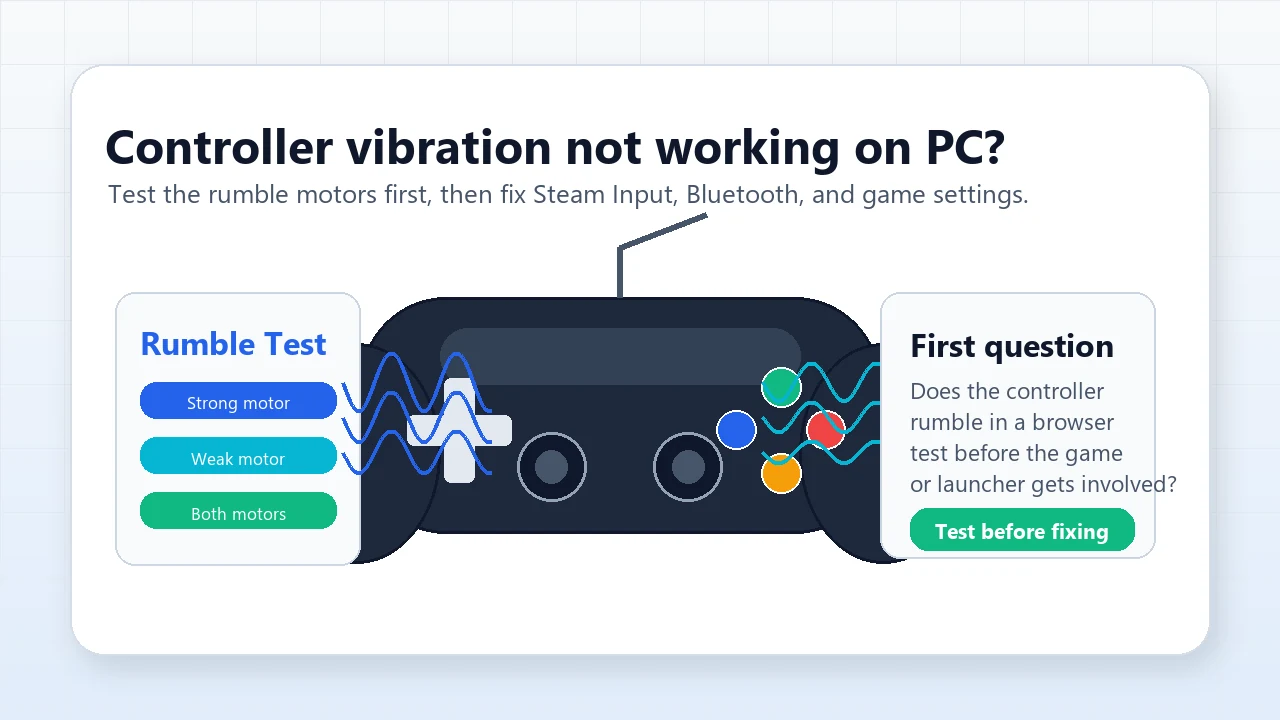
This guide starts with that check, because it forks everything that follows: a quick browser test proves in seconds whether your vibration motor can physically fire. Then it walks the Android settings ladder, gives iPhone owners an honest path (the browser test is Android-only), covers the physical causes people miss, and ends with sourced repair costs so you can decide between fixing and replacing. Troubleshooting a game controller that will not rumble instead? That is a different fix path: follow the controller vibration troubleshooting guide.
Step 1: prove the motor works with a 10-second browser check
Every fix below goes faster once you know which side of the fork you are on. The vibration motor test runs in the browser on Android (Chrome or Samsung Internet — Firefox removed the Vibration API in 2024) and asks the operating system to fire the motor directly through the Vibration API, navigator.vibrate(), using tap-to-play patterns: a 200 ms short pulse, a one-second buzz, triple tap, SOS, heartbeat, and any custom millisecond pattern you type in. Because the page skips your ringtone and per-app notification layers, a buzz here is clean evidence about the hardware itself.
Two honest limitations before you tap. First, the test triggers vibration patterns; it does not measure vibration strength, so "works but feels weak" is a judgment your hand makes, not a number the page reports. Second, this check is Android-only: Safari on iOS has never shipped navigator.vibrate (MDN documents the API as unavailable there), so an iPhone will report "Not supported" no matter how healthy its Taptic Engine is. iPhone owners should jump straight to the iPhone checklist.
- 1. Open the test on the phone with the problem. Use Chrome or Samsung Internet on Android, not a desktop and not an iPhone. The support banner at the top tells you immediately whether your browser exposes the Vibration API.
- 2. Hold the phone in your hand. A phone lying on a couch can hide a weak buzz; your palm will not.
- 3. Tap Short pulse, then Long buzz. The one-second preset is the easiest to feel even through a case.
- 4. Try a longer pattern. SOS and Heartbeat run multi-pulse sequences, or type a custom pattern like
500,200,500and press play. - 5. Read the verdict. Any buzz at all means the motor, its connector, and its driver all work, and your problem lives in settings. Total silence on a supported Android browser puts you on the hardware path.
One false negative to rule out: if the test stays silent, drag every vibration and haptic intensity slider in your sound settings to maximum and retest once. Some Android builds scale web-triggered vibration with the system haptic strength, and a slider parked at zero can imitate a dead motor. Still silent after that? Treat it as hardware and go to physical causes.
Match your symptom before you start
The fastest route through this guide depends on which of these describes your phone.
| Symptom | Most likely cause | Start here |
|---|---|---|
| Buzzes in the browser check, silent for calls and texts | Sound mode, Do Not Disturb, or notification settings | Android fix ladder, steps 1-4 |
| Silent everywhere, including the browser check | Motor, connector, or board fault after a drop or water | Physical causes, then repair or replace |
| Vibrates for calls but not for texts or one app | That app's notification category has vibration off | Android fix ladder, step 4 |
| Stopped vibrating after an update or a new app | Software conflict or changed defaults | Safe mode and reset app preferences, steps 5-6 |
| Buzz got weak, rattly, or gritty after a drop | Failing or loosened vibration motor | Physical causes, then repair or replace |
| iPhone with no vibration anywhere | Haptics settings or a Taptic Engine fault | iPhone checklist |
Android fix ladder: the settings that silence vibration
Work down the ladder in order and retest after each step, either with a quick preset in the browser haptics check or by having someone call you. Menu names below follow Samsung's One UI and Google's Pixel naming; other Android skins use close variants of the same paths. Samsung's own support flow for a Galaxy that will not vibrate walks the same first steps.
- 1. Check the sound mode. Settings > Sounds and vibration. "Silent" disables vibration on most phones unless it is separately enabled, "Vibrate" forces it, and "Sound" needs "Vibrate while ringing" turned on if you want buzz with your ringtone.
- 2. Open the vibration toggles. In the same menu, Call vibration, Notification vibration, and System vibration are separate switches on Samsung; Pixels group them under Sound & vibration > Vibration & haptics. Any one of them can be off while the others work.
- 3. Raise the intensity sliders. Vibration intensity set near zero feels identical to a dead motor. Max the sliders while testing, then dial back to taste after everything works.
- 4. Check Do Not Disturb and per-app settings. DND (Settings > Notifications > Do not disturb) suppresses notification vibration. For a single silent app: Settings > Apps > that app > Notifications, open the notification category, and check its vibration setting. Messaging apps like WhatsApp also keep their own in-app vibrate options.
- 5. Rule out battery saver, then restart. Battery saver profiles on many Android phones reduce or disable vibration. Charge the phone, switch battery saver off, then restart: a reboot alone clears a surprising share of vibration bugs.
- 6. Test in safe mode, then reset app preferences. Boot into safe mode (on most Androids, long-press the power-off button on the shutdown screen). If vibration returns, a third-party app is the culprit; remove recent installs one by one. Still broken? Settings > Apps > menu > Reset app preferences restores default notification behavior without deleting data, and a pending system update is worth installing before you consider hardware.
iPhone not vibrating? Why the browser test cannot help, and what to do instead
The web check above will not run on any iPhone: Apple has never shipped navigator.vibrate in Safari on iOS, and MDN lists the API as unsupported there. That is a platform decision, not a fault in your phone. Worldwide, Android holds 69.14% of mobile OS share versus 30.79% for iOS (StatCounter, June 2026), so the browser shortcut covers most of the world's phones, but iPhone owners need the manual route.
The manual route is short. iPhone vibration problems usually come down to one of two toggles buried in different menus: Haptics under Sounds & Haptics, and the master Vibration switch under Accessibility.
- 1. Settings > Sounds & Haptics > Haptics. Four options: Always Play, Play in Silent Mode, Don't Play in Silent Mode, and Never Play. "Never Play" means no vibration for calls or alerts at all; Apple's own guide makes this the first thing to check.
- 2. Settings > Accessibility > Touch > Vibration. The master switch. Turned off, it disables all vibration on the phone regardless of what Sounds & Haptics says.
- 3. System Haptics. Also under Sounds & Haptics: it controls the small taps for the keyboard and controls. If keyboard haptics died together with call vibration, a settings profile is more likely than hardware.
- 4. Check Focus modes. A scheduled Focus (Do Not Disturb) can silence alerts you expected to feel; look for the Focus icon in Control Center.
- 5. Check per-sound vibration patterns. Settings > Sounds & Haptics > Ringtone or Text Tone > Vibration: a pattern set to "None" silences just that alert type, which explains iPhones that buzz for calls but never for texts.
- 6. Restart and update. Restart the phone, install any pending iOS update, and retest.
If every toggle is right and the phone still never vibrates anywhere, no keyboard taps and no call buzz, the Taptic Engine or its connection is the suspect, and that is a hardware visit. Book Apple Support or an Apple Authorized Service Provider for a diagnostic; the costs section below shows what the published repair figures look like.
Physical causes: cases, drops, water, and a rattling motor
When settings are clean but vibration feels weak, muffled, or rattly, the cause is usually mechanical. Phone vibration comes from a small motor, either a spinning eccentric weight or a linear actuator (Apple's Taptic Engine is the best-known linear design), that shakes the whole chassis. Anything that damps the chassis or knocks the motor out of alignment changes what you feel.
- Thick or soft cases damp the buzz. Rugged cases, wallet folios, and thick TPU absorb vibration before it reaches your hand. A/B it: run the same long-buzz preset with and without the case; the difference is often bigger than people expect.
- Soft surfaces hide it. A phone on a couch or bed can vibrate without you hearing or feeling anything, while the same buzz is loud on a hard desk. Test in your hand for the honest middle ground.
- Drops knock motors loose. Vibration motors contain a moving mass. If the buzz turned rattly, gritty, or noticeably weaker after a hard drop, a loosened or damaged motor is the likely story, and that is repair territory.
- Water and corrosion. Liquid exposure can corrode the motor's contacts or connector and kill vibration while the rest of the phone survives.
- Listen during the test. Run the long buzz and hold the phone to your ear: a healthy motor hums evenly, while grinding, buzzing, or intermittent stutter is mechanical damage talking.
A drop or a swim that killed vibration often leaves other evidence. If the touchscreen also started acting up with phantom taps or dead zones, map it with the ghost touch troubleshooting guide before you pay for anything, so one repair quote covers everything at once.
Repair or replace: what a dead vibration motor costs
If the browser check stays silent on Android after the false-negative check, or an iPhone fails the full checklist, you are pricing a hardware fix. Vibration motor replacement is one of the cheaper board-level repairs, and the published figures are specific enough to plan around.
| Repair path | Published price | Source |
|---|---|---|
| Software-level fix at a repair shop (diagnosis, settings, firmware) | $39-59 | Owl Repair, 2026 |
| Android vibration motor replacement | $69-129 depending on model | Owl Repair, 2026 |
| iPhone 13 Taptic Engine via Apple Self Service Repair | $43.64 parts + $49 tool-kit rental = $92.64 | AppleInsider, 2022 |
| iPhone 13 out-of-warranty at Apple (billed as "other damage") | $449, or $99 with AppleCare+ | AppleInsider, 2022 |
Treat these as published reference points, not quotes: prices vary by model, region, and shop, and the iPhone 13 figures are the sources' own 2022 worked example. Both sources are linked in the Sources section. Get a written quote for your exact model before deciding.
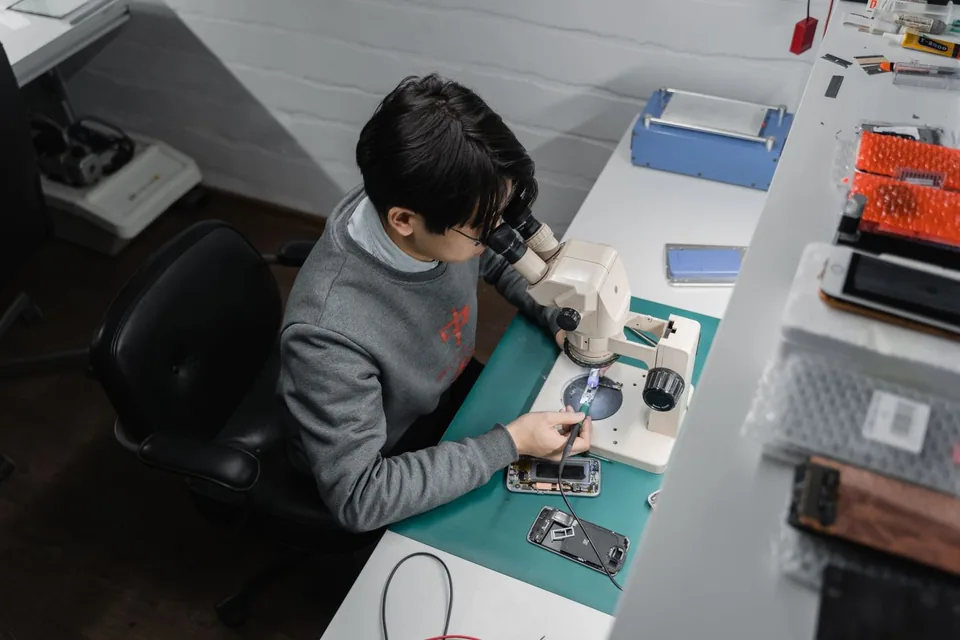
Two decision shortcuts. Under warranty, AppleCare+, or carrier device protection? Document the failure and claim it: a short video of the silent haptic test on Android is quick, unambiguous evidence for the claim, and Owl Repair's own case data attributes roughly 60% of no-vibration phones to hardware faults, exactly the failures coverage exists for. Out of coverage on an aging phone? Price the repair against the phone's trade-in value first: on an older device, a $100+ repair can be most of what the phone is worth.
DIY is possible on many Android models, and the motor itself is a cheap part, but modern phones bury it behind adhesive, a battery, or a stacked board. Factor in tools and risk before choosing that road; if the teardown guides for your model look scary, the $69-129 shop range above is the sane middle path.
Check the rest of the phone while you are at it
Each check below runs free in the browser with nothing to install. Together they cover the haptics motor, the touchscreen, and both motion sensors, which is most of what fails after drops and water.
Pattern presets (pulse, SOS, heartbeat) plus custom millisecond patterns for the phone motor, and a rumble check for gamepads.
Touch Screen TestMap dead zones, missed taps, and ghost touches across the whole screen grid.
Gyroscope TestLive rotation values and a 3D cube that should follow the phone's movement.
Accelerometer TestX/Y/Z acceleration and tilt readings, the other half of the motion-sensor pair.
Related phone troubleshooting guides
The gamepad-side rumble fix path: Steam Input, Xbox Accessories, DualSense quirks, and motor tests.
Ghost Touch Test OnlinePhantom taps, dead zones, and touchscreen drift: find them and collect repair evidence.
Accelerometer vs GyroscopeWhich motion sensor does what, and how to test both when auto-rotate or gyro aim misbehaves.
Does My Phone Have a Gyroscope?A 10-second no-app check for the phone's rotation sensor, plus fixes for PUBG and AR apps.
Video: the Samsung vibration settings, on screen
This Guiding Tech walkthrough shows the Samsung One UI menus from the fix ladder on screen, useful if you would rather follow taps than menu paths. Run the browser check before and after: it is your proof that a settings change, not luck, restored the buzz.

A walkthrough of the Samsung Galaxy sound and vibration settings used to restore vibration for calls and notifications.
Sources and research notes
API behavior comes from MDN, settings paths from Apple's and Samsung's official documentation, market share from StatCounter, and repair pricing from the published shop and press figures below. All sources were checked in July 2026.
- MDN: Navigator.vibrate()
Documents the Vibration API pattern call and its lack of availability in Safari on iOS.
- Apple: Change iPhone sounds and vibrations
Official guide covering Settings > Sounds & Haptics and the Haptics options, including Never Play.
- Apple: Turn off vibration on iPhone
Documents the Accessibility > Touch > Vibration master switch that disables all vibration.
- Samsung: Galaxy phone won't vibrate for calls or notifications
Samsung's official checklist for sound mode, vibration toggles, intensity, and Do Not Disturb.
- StatCounter: Mobile OS market share worldwide
June 2026 figures used in this article: Android 69.14%, iOS 30.79%.
- Owl Repair: Phone vibration not working
Published repair pricing ($39-59 software-level, $69-129 motor replacement) and the shop's software-versus-hardware case split.
- AppleInsider: Self Repair vs Genius Bar, iPhone 13 costs
April 2022 worked example: $43.64 Taptic Engine parts, $49 tool rental, $449 out-of-warranty, $99 with AppleCare+.
- Guiding Tech: How To Fix Vibration Not Working on Samsung Galaxy Phones
The embedded video walkthrough of Samsung's vibration settings.
FAQ
- Why is my phone not vibrating even though vibration is turned on?
Something between the event and the motor is eating it: Do Not Disturb, a per-app notification category, battery saver, or an intensity slider near zero. Prove the motor first with a browser vibration check on Android. If it buzzes there, walk the settings ladder; if it stays silent, suspect hardware.
- Why does my phone vibrate for calls but not for texts or apps?
Call vibration and notification vibration are separate switches on Android, and each app's notification categories carry their own vibration setting. Check Settings > Apps > the silent app > Notifications, plus the app's in-app vibrate option. On iPhone, a Text Tone vibration pattern set to None does the same thing.
- Why does the browser vibration test not work on my iPhone?
Apple has never shipped the navigator.vibrate API in Safari on iOS, so no web page can vibrate an iPhone. A "Not supported" result on an iPhone says nothing about the Taptic Engine. Use the Sounds & Haptics and Accessibility checklists instead.
- Can a phone case make vibration feel weak?
Yes. Thick rugged cases and wallet folios absorb part of the vibration before it reaches your hand. Run the same long-buzz preset with and without the case: if the naked phone feels normal, the motor is fine and the case is the filter.
- How much does it cost to fix a phone that will not vibrate?
Published shop pricing runs $39-59 for software-level fixes and $69-129 for an Android vibration motor replacement (Owl Repair, 2026). For an iPhone 13 Taptic Engine, AppleInsider's 2022 worked example was $92.64 via Apple Self Service Repair, $99 with AppleCare+, or $449 billed out-of-warranty as other damage.
- Will a factory reset fix vibration not working?
Only if the cause is software, and it is the last software step to try: safe mode and reset app preferences catch most app conflicts with far less pain. If the phone is silent in a browser motor check on Android, a factory reset will not resurrect a dead motor; save the effort and get a repair quote.
Stop toggling settings blind. Run the free vibration test on the phone itself, let the ten-second verdict pick your path, settings ladder or repair quote, and retest after every change so you know the moment it is fixed.





Reader discussion
Comments
Share what worked, what did not, or what you would test next. Every comment is reviewed before it appears.
Loading approved comments…
Leave a comment
No account or sign-in is required. Links and HTML are not accepted.