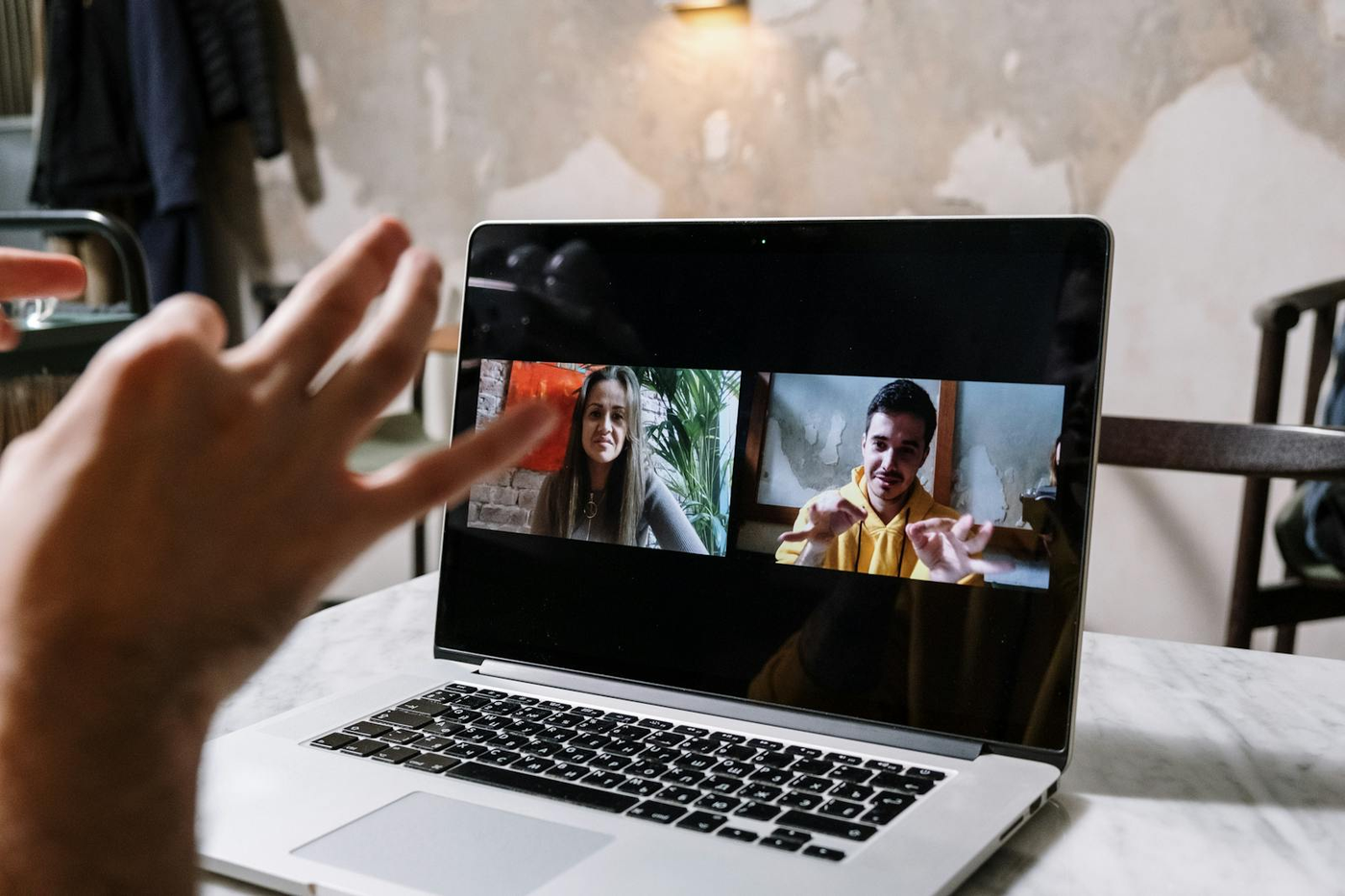


Person previewing webcam quality online with a live camera framing and resolution card

KeyboardTester.click

Free Webcam Tester

Free open source webcam test online. Preview the camera feed and verify video quality without installing any software. Works in all browsers instantly.

Download from Microsoft Store Download from Microsoft Store

Webcam Tester

Use the live tool below to complete your test.

📹

Webcam Preview

Click "Start Webcam" to begin testing

Webcam Information

Status Not Started
Resolution -
Aspect Ratio -
Frame Rate -
Device -

Settings

Features

Real-time video preview
Multiple camera support
Snapshot & download
Resolution detection
Rate Webcam Tester: 5.0 (3 ratings)
KeyboardTester.click assistant

Free for your site

Embed this Webcam Tester on your website

Add this free, no-signup tool to your own page or blog post in one click — just keep the small credit link.

Webcam Tester is a free, browser-based webcam testing tool that lets you check video quality and camera functionality.

  • Cost: Free, no signup
  • Install: None — runs in the browser
  • Privacy: Runs locally, no uploads
  • Platforms: Windows, macOS, Linux, Android, iOS
  • Time: Under a minute

What an Online Webcam Test Can Tell You

An online webcam test checks whether your browser can access the camera, whether the live preview looks correct, and what device and resolution details the browser reports back. That makes it useful before calls, recordings, streams, or support troubleshooting.

If resolution is your main concern, use the focused camera resolution test page built on the same live webcam tool.

If the issue is that your camera seems broken or blank, use the dedicated webcam not working test page.

If you specifically want to capture photos, use the take picture with webcam page built around the snapshot workflow.

Common Webcam Problems This Page Helps Diagnose

  • Browser permission denied
  • Wrong camera selected
  • Soft or blurry picture
  • Unexpected low resolution
  • Need for quick test snapshots before a meeting

Best Way to Test Before a Call

Open the preview, confirm you picked the correct camera, check the reported resolution, and take a test snapshot. That gives you a quick pre-call check without opening Zoom, Meet, or another app first.

Webcam Tester FAQ

Common webcam tester questions

Why is my webcam not showing in the tester?

Check browser permissions, ensure no other app is using the camera, and try selecting a different camera if multiple are available.

How do I test webcam quality?

Look at the live preview for clarity, color accuracy, and frame rate. Take a snapshot to check static image quality.

Is the webcam test private?

Yes. Video is processed locally and never uploaded. Snapshots stay in your browser until you download them.

Windows app

KeyboardTester.click is available from Microsoft Store

Install the official Windows app shortcut, or keep using the same free testing tools in your browser.

Download from Microsoft Store Download from Microsoft Store