







Quick answer
Start with Rival Pro if you want a taller ergonomic shell and more palm support; start with Sensei Pro if you prefer a lower symmetrical profile. Both families offer standard and Mini sizes and share the advertised UWB wireless and battery-swapping system. Your grip, button reach and actual fit should decide between them before the 8K headline does.
SteelSeries announced the same US $179.99 MSRP for all four variants. Mini is a smaller shape, not the cheaper tier. These are manufacturer specifications and buying guidance, not results from a KBT hands-on review.
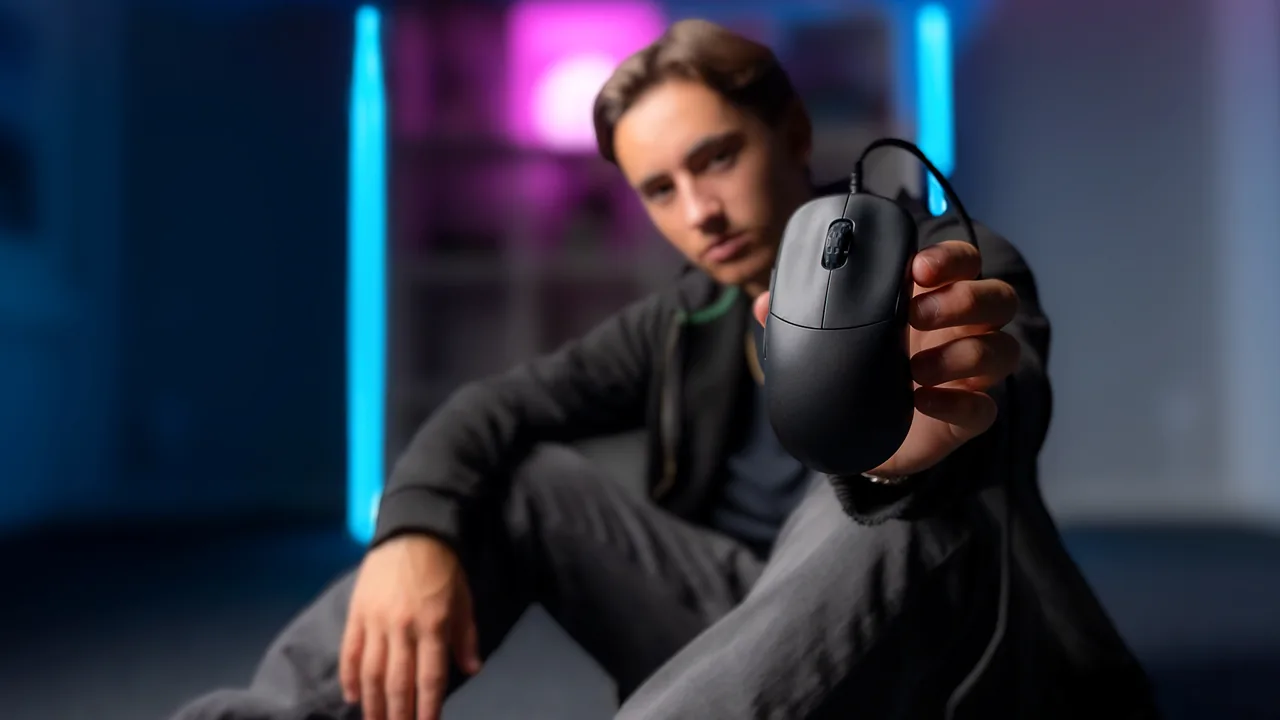
The useful SteelSeries Rival Pro vs Sensei Pro question is simple: which one lets you aim without squeezing the shell, stretching for a button or changing a grip you already like? Two mice can share a sensor and wireless system yet feel very different because of height, width and where your hand rests.
If you are shopping because your current mouse seems faulty, check its button and wheel events first. A connection setting or worn control is a different problem from choosing a more comfortable shape.
Four models: choose the shell before the size
SteelSeries introduced Rival Pro, Rival Pro Mini, Sensei Pro and Sensei Pro Mini on September 29, 2026. The announcement named October 13 as the retail start. Check your exact seller's delivery estimate: a preorder listing or a retailer's date is not proof that your unit has shipped.
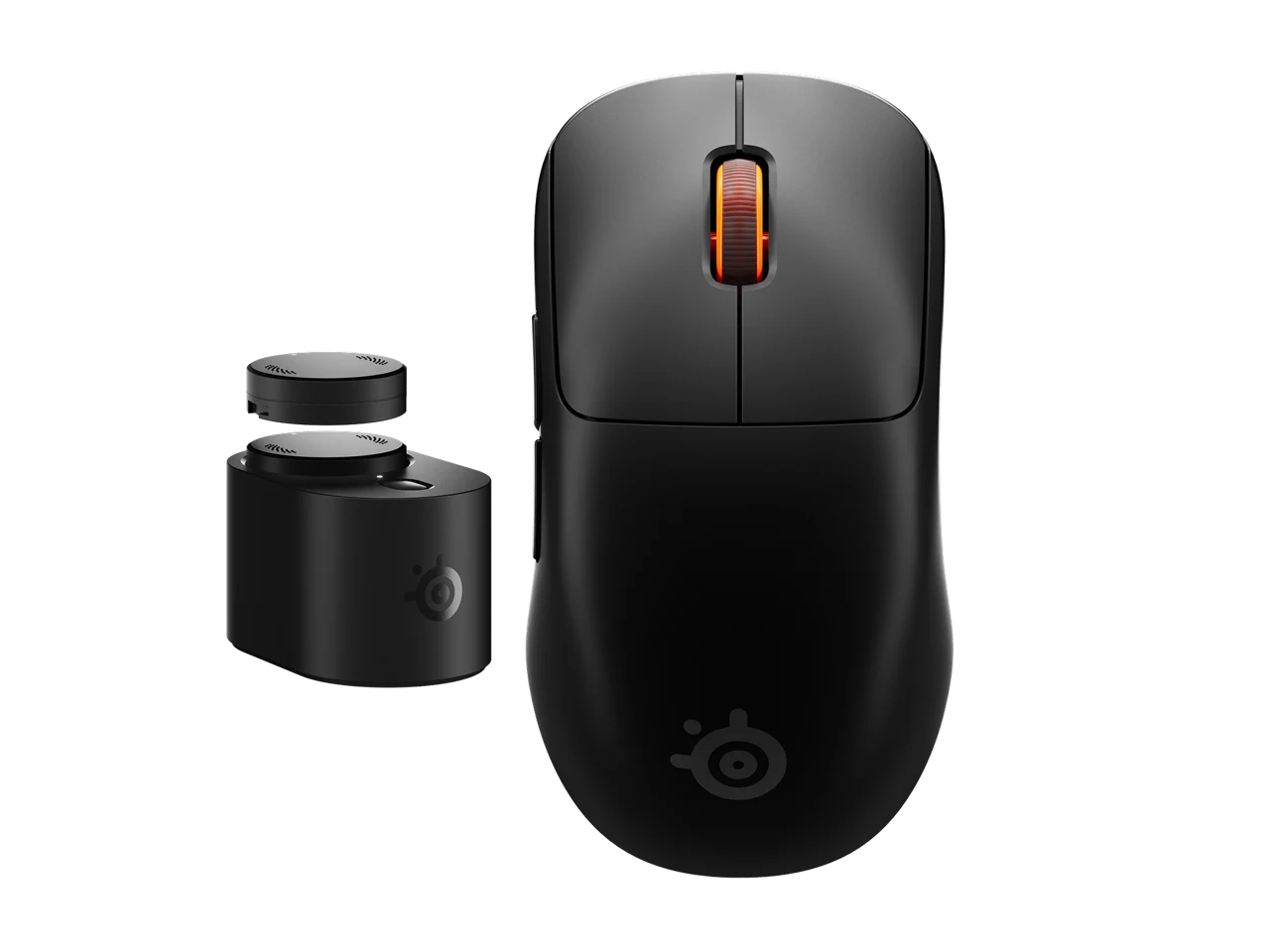
The official product specifications give the dimensions below. The Rival models are taller and wider than the corresponding Sensei models. Those differences can change palm contact and finger clearance; an overall width is not necessarily the width where you actually grip.
| Model | Shape | Length × width × height (mm) | Black / white weight |
|---|---|---|---|
| Rival Pro | Ergonomic | 125.7 × 68.2 × 42.2 | 53 g / 54 g |
| Rival Pro Mini | Ergonomic | 120.7 × 65.4 × 40.5 | 49 g / 50 g |
| Sensei Pro | Symmetrical | 125.6 × 66.5 × 38.6 | 53 g / 54 g |
| Sensei Pro Mini | Symmetrical | 118.0 × 62.5 × 36.2 | 49 g / 50 g |
Use a fit worksheet instead of a hand-size rule
SteelSeries describes Rival as aimed toward palm and relaxed claw grips, and Sensei toward fingertip and aggressive claw. That is a starting point from the manufacturer, not a guarantee. Your grip can shift between tracking, clicking and lifting, so a single hand-length cutoff would be misleading.
- Measure the mouse you already like. Record its length, overall width and height, then note whether the hump supports your palm or gets in the way. Compare those observations with the table.
- Name the change you need. More support suggests trying Rival; more room for finger movement suggests examining Sensei. If your current mouse is simply too long or wide, compare the corresponding Mini.
- Check contact points. During a slow tracking movement and a lift, notice thumb pressure, ring-finger clearance and whether you unintentionally press a side button. A shorter mouse is not automatically a better fingertip mouse for everyone.
- Plan an actual fit check. When possible, handle the exact model or buy from a seller whose return terms suit a fit assessment. Keep the packaging and check those terms before making modifications.
For example, Rival Pro Mini is still taller than full-size Sensei Pro. “Mini” does not mean the lowest shell in the range. Treat height and profile as separate choices from length.
Check controls and handedness, not just symmetry
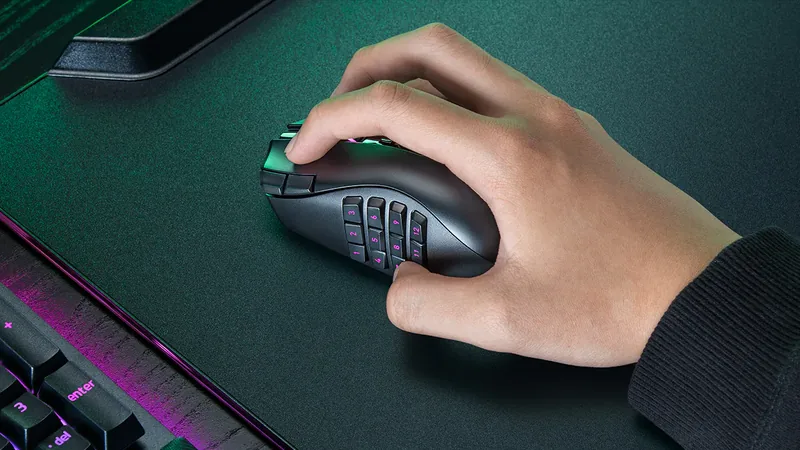
A symmetrical outline does not guarantee identical thumb controls for both hands. Inspect the exact side-button layout and decide whether your thumb can reach every action while you keep aiming. The familiar Sensei name is not proof that an older Sensei's controls or fit carry over unchanged.
List the actions you use together: aiming while holding a side button, scrolling to select a weapon, clicking the wheel or lifting while firing. You want deliberate presses without an awkward squeeze. Test remapped actions in the game as well as ordinary browser clicks.
SteelSeries also documents scroll-jump protection, which can ignore an initial scroll bump. If you enable that feature for a game, account for it when testing wheel behavior. A suppressed step with that option on is different from diagnosing a failed wheel.
UWB and 8K are shared features, not a shape advantage
The manufacturer announcement attributes the same UWB wireless system and maximum 8,000 Hz polling to both families. It says the wireless link uses the 6.4–9.056 GHz spectrum to reduce exposure to crowded 2.4 GHz traffic. That is SteelSeries' explanation, not an independent interference test performed here.
The ideal interval between 8,000 reports per second is 0.125 ms, compared with 1 ms at 1,000 Hz (1,000 divided by the rate). This arithmetic is not an end-to-end latency measurement or a promised improvement in aim. Game input handling, frame delivery and the rest of your setup still matter.
The official FAQ describes SuperSync as allowing separate sensor-report and wireless-polling settings. Record both rather than assuming an 8K indicator means every part of the input pipeline runs at that rate. Use the browser movement-event check and our polling-rate guide as setup aids. Browser event delivery cannot certify the radio link, raw hardware reporting or physical click latency.
If wired operation is essential to you, confirm the exact mouse's operating modes with SteelSeries before ordering. A USB cable connected to the base station does not, by itself, prove a wired mouse mode.
Battery life: read the per-battery number
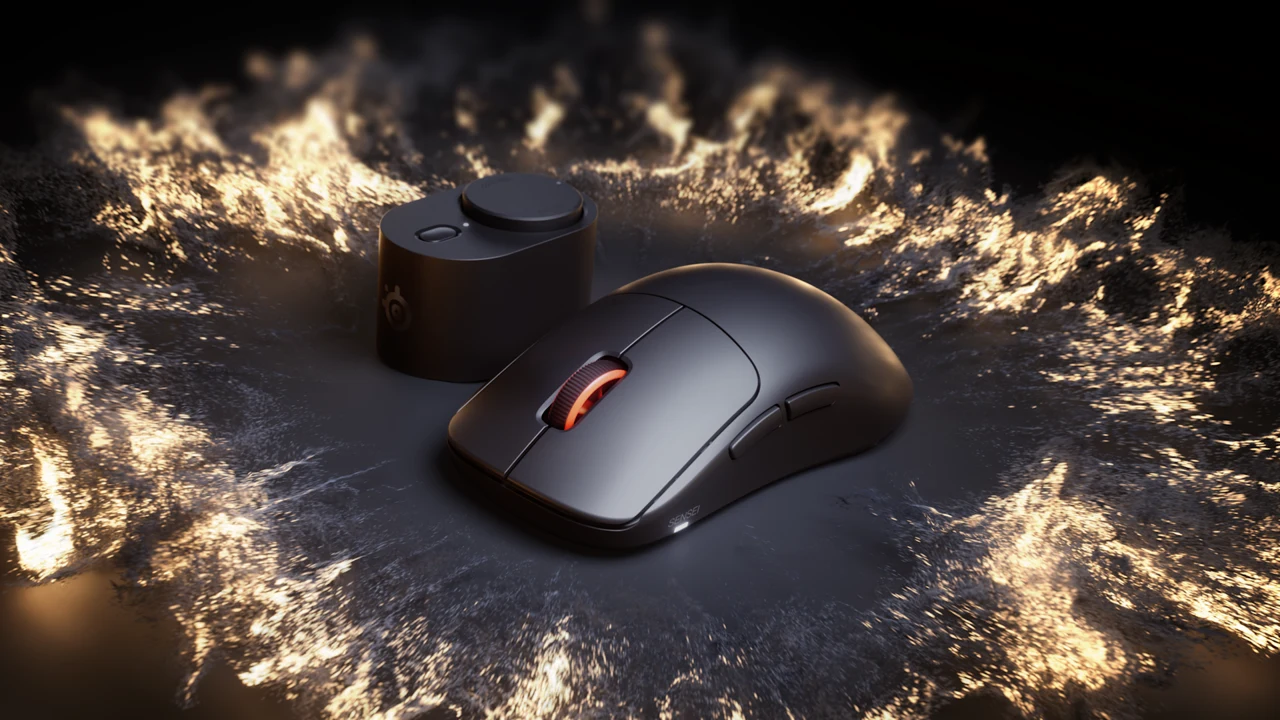
SteelSeries' September 29 announcement claims up to 16 hours at 8K or 60 hours at 1K per battery. The advertised 32 and 120 hours are the combined totals for two batteries. They are not the runtime of one battery or one uninterrupted charge.
The system lets you use one battery while charging the other at the station. It reduces the need to stop for a charging cable when you maintain the charged spare; it does not create unlimited stored energy. Follow the manufacturer's press-and-twist instructions and swap at a safe pause rather than assuming every swap preserves active gameplay.
Budget for the station's desk space and cable routing. The separately sold travel receiver was announced at US $24.99; adding it to the $179.99 MSRP gives $204.98 before taxes or shipping. It is an optional receiver, not a lower-priced mouse. Confirm its current availability and what is included in your exact package.
Buy, keep your mouse, or wait?
Consider Rival Pro
You specifically want the ergonomic profile and more hand support, and the chosen standard or Mini size leaves your buttons comfortably reachable.
Consider Sensei Pro
You prefer a lower symmetrical shell and the freedom to move it with your fingers. Choose standard versus Mini by fit, not by assuming smaller always means faster.
Keep or wait
Your current mouse works and fits well, or the purchase depends on unconfirmed controls, software support or measured RF performance. A newer wireless label is not enough by itself.
The launch MSRP was US $179.99, UK £169.99 and EMEA €199.99 for each standard/Mini model. These are dated manufacturer prices, not local currency conversions or current stock guarantees. Check the final seller total, return deadline, warranty region and any cost of replacement batteries before ordering.
For alternatives across grip styles and budgets, use our broader gaming-mouse buying guide alongside this exact-family comparison.
Delivery-day checks: change one variable at a time
- Confirm the exact model. Check family, size, color and contents against the order. Fit-test the stock mouse before changing skates or attaching optional accessories.
- Check ordinary controls. In the mouse button and scroll display, press and release left, right and middle clicks, then scroll both ways. Compare basic defaults with your intended remapping in the game. Browser navigation may intercept side buttons.
- Keep sensitivity consistent. Record your old DPI and game sensitivity. Use the distance-based DPI estimate with careful measurement, then the guide to changing DPI without losing familiar aim. Pointer settings and measurement error can affect a browser estimate.
- Compare reporting settings. Use the same surface, game and graphics settings when switching rates. Note both sensor and polling configuration. A smoother browser plot alone does not prove lower in-game latency.
- Check lifting and normal play. The lift-off behavior test can show cursor movement during a repeatable lift; it cannot measure physical sensor height in millimeters. Finish with an ordinary game session and assess grip pressure, control reach and tracking.
Record a reproducible fault with its settings before contacting the seller. Basic browser passes cannot certify sensor accuracy, battery endurance, RF immunity or every game's input compatibility.
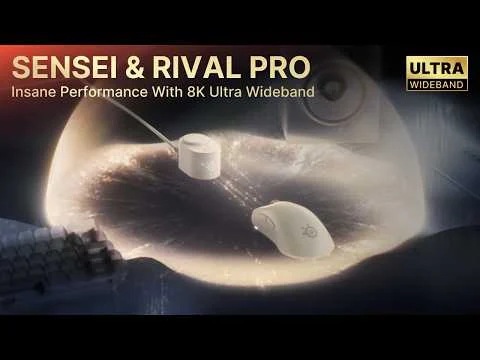
Watch the official launch film
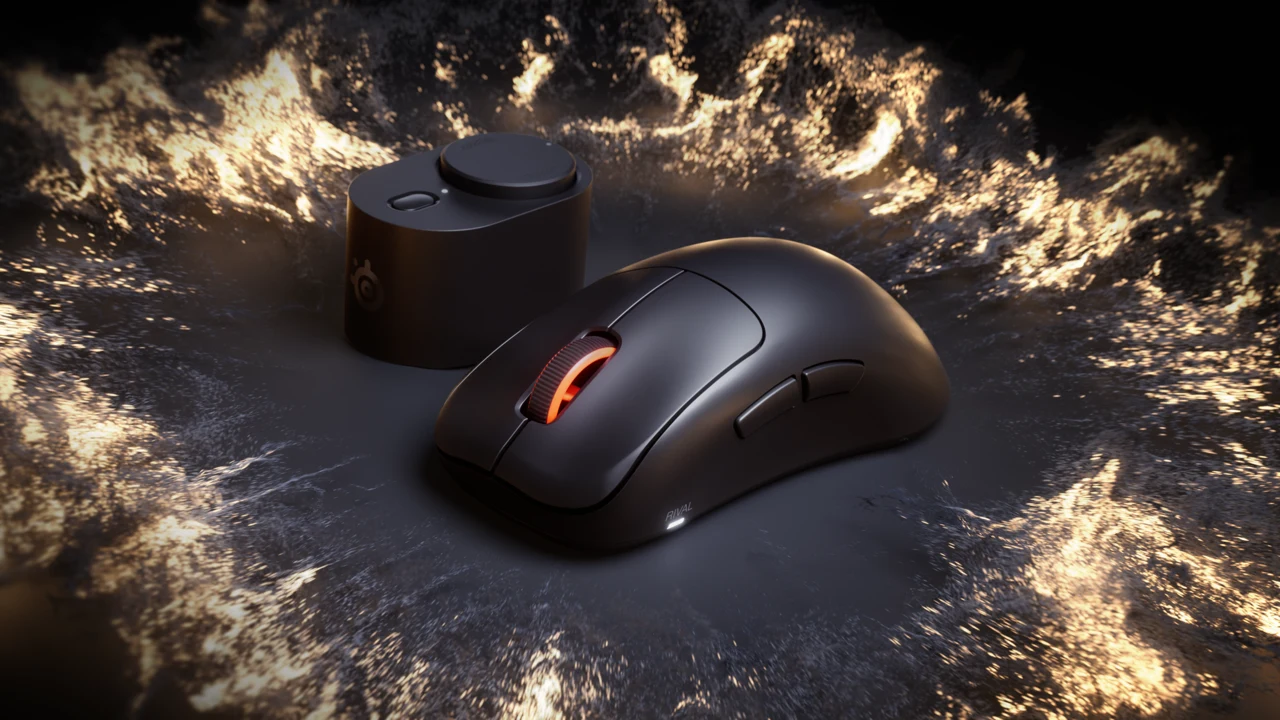
Manufacturer presentation; it illustrates the product family, not independent performance testing.
Buying questions
What is the main difference between Rival Pro and Sensei Pro?
Rival Pro has a taller ergonomic shell; Sensei Pro has a lower symmetrical shell. Both offer standard and Mini sizes and share the advertised UWB and battery system. Choose by fit and controls rather than expecting one family to have a different headline wireless rate.
Is Rival Pro Mini cheaper than the standard model?
The September 29 announcement listed the same US $179.99 MSRP for all four standard and Mini variants. Retail offers can change; Mini describes the smaller size, not a guaranteed cheaper tier.
Does Sensei Pro guarantee left-handed suitability?
No. A symmetrical shell does not establish mirrored thumb-button access. Check the exact control layout and required bindings before buying for left-handed use.
Does one battery last 32 hours at 8K?
No. SteelSeries claims up to 16 hours at 8K per battery. The 32-hour figure combines two batteries; at 1K the corresponding claims are 60 hours each and 120 combined.
Can an online test prove the mouse runs at 8,000 Hz?
A browser observes delivered input events, which may be limited or combined by the browser and operating system. It cannot certify raw hardware reporting, UWB reliability or physical click latency. Use it to check behavior, not as a laboratory certificate.
Research basis: official SteelSeries specifications, launch announcement and product FAQ checked October 3, 2026. We have not handled or benchmarked these mice. The fit worksheet and check sequence are editorial guidance. Product imagery is original SteelSeries media, used for this comparison with attribution. Prices and software details may change.
Sources and verification
More mouse guides
Check your current mouse first
A replacement should solve a specific problem. Test basic behavior, then decide which shape and size you actually need.
Open Mouse Tester


Reader discussion
Comments
Share what worked, what did not, or what you would test next. Every comment is reviewed before it appears.
Loading approved comments…
Leave a comment
No account or sign-in is required. Links and HTML are not accepted.