












Quick answer
The best drag-clicking mouse depends on your grip, the exact model and firmware, and how reliably it registers your own technique. Compare the Bloody A70, Turtle Beach Kone XP Air, ROCCAT Kone Pro, Glorious Model O 2 and ROCCAT Kain 120 AIMO as candidates—not guaranteed CPS upgrades. Glorious documents an adjustable debounce control for the Model O 2; Bloody’s advertised 0.2 ms A70 key response is a different specification and does not establish a configurable debounce time.
Drag clicking uses finger friction to create repeated button activations. Butterfly clicking alternates two fingers on one button; it does not require every tap to register twice. Shape, surface condition, technique and firmware all affect results. This comparison separates documented specifications from our software illustration and does not rank these mice by hardware CPS measurements.
For technique, start with our jitter versus butterfly clicking guide. Investigate unintended repeats with the switch-bounce and double-click guide, and use the low drag-click CPS checklist before buying hardware.
Specification comparison
| Model | Documented specification | What to check |
|---|---|---|
| Bloody A70 | BC3332-A · 12,000 CPI · 125–2,000 Hz · 0.2 ms | Bloody A70 |
| Turtle Beach Kone XP Air | 99 g · TITAN Optical · 19K · 2.4 GHz / Bluetooth | Turtle Beach Kone XP Air |
| ROCCAT Kone Pro | ROCCAT Kone Pro · RTINGS | ROCCAT Kone Pro |
| Glorious Model O 2 | 59 g / 68 g · 26,000 DPI · 0–16 ms | Glorious Model O 2 |
| ROCCAT Kain 120 AIMO | ROCCAT Kain 120 AIMO · RTINGS | ROCCAT Kain 120 AIMO |
Debounce, switch response and click latency
Debounce filters unwanted repeat transitions; a switch response specification and end-to-end click latency describe different things. A 0 ms software setting does not mean zero system latency, and the values from different review methods cannot be compared as one universal benchmark. The current official Model O 2 wired guide lists a 0–16 ms range and a 2 ms default. Firmware and software versions can change: inspect your actual device before adjusting anything. Do not assume that every optical mouse has the same filtering, a fixed CPS ceiling, or the same drag-click support.
Five models: fit and trade-offs
1. Bloody A70
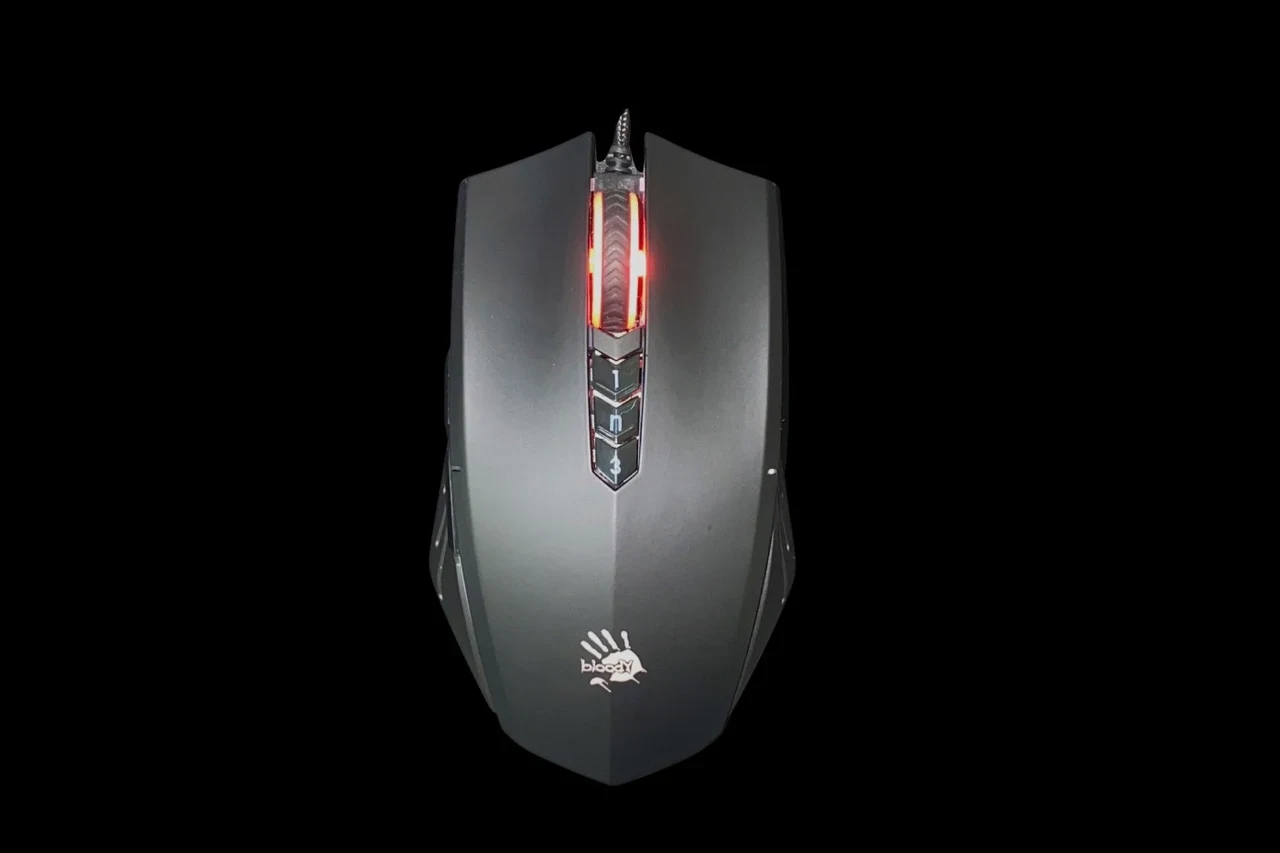
Bloody’s A70 page lists a BC3332-A sensor up to 12,000 CPI, a 125–2,000 Hz report rate, Light Strike switches and 0.2 ms key response. That response claim is not a measured click latency or a software debounce range. Check the exact A70 finish, SKU and software support; do not transfer its specifications to an A70x listing. Bloody A70.
2. Turtle Beach Kone XP Air
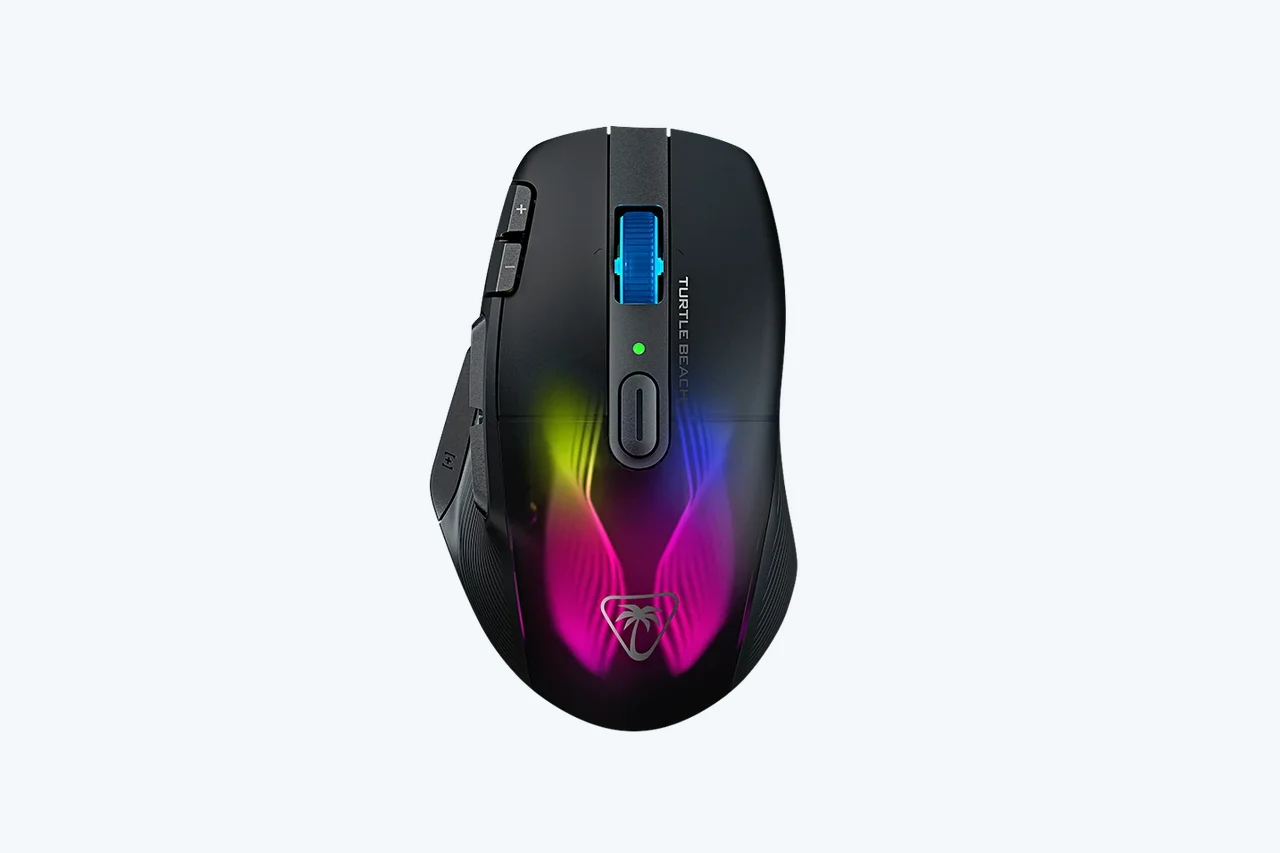
Turtle Beach documents a 99 g mouse, TITAN optical switches rated for 100 million clicks, an Owl-Eye 19K sensor, 2.4 GHz and Bluetooth connectivity, and an included charging dock. Its right-handed shape and many controls may suit mixed gaming and productivity. The official page does not establish a drag-CPS guarantee or a specific debounce range. Turtle Beach Kone XP Air.
3. ROCCAT Kone Pro
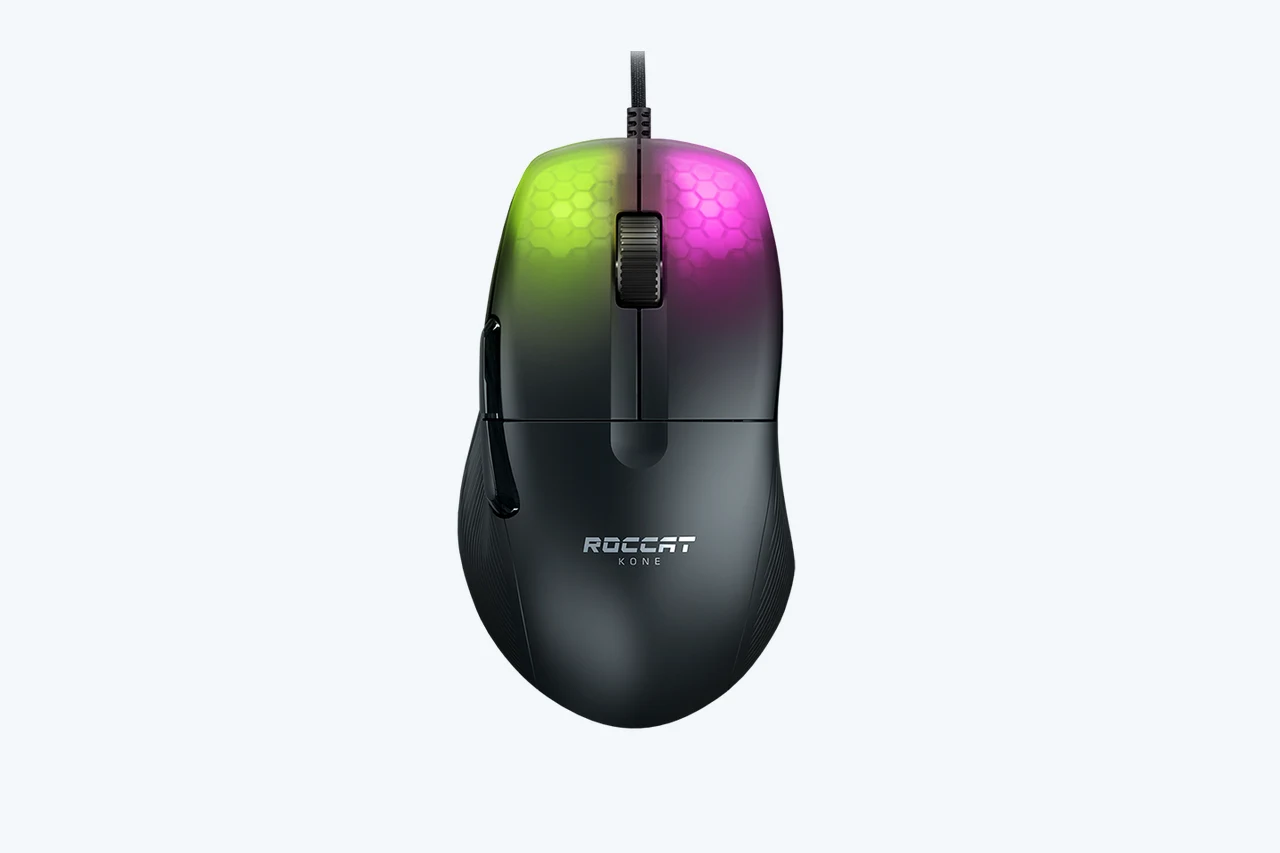
The Kone Pro is a lightweight, wired, right-handed alternative. RTINGS describes its comfortable shape and low click latency, while noting Windows-only configuration software. Compare the exact wired Kone Pro rather than transferring specifications from the Kone Pro Air or Kone XP. Try its button reach and shape if possible. ROCCAT Kone Pro.
4. Glorious Model O 2
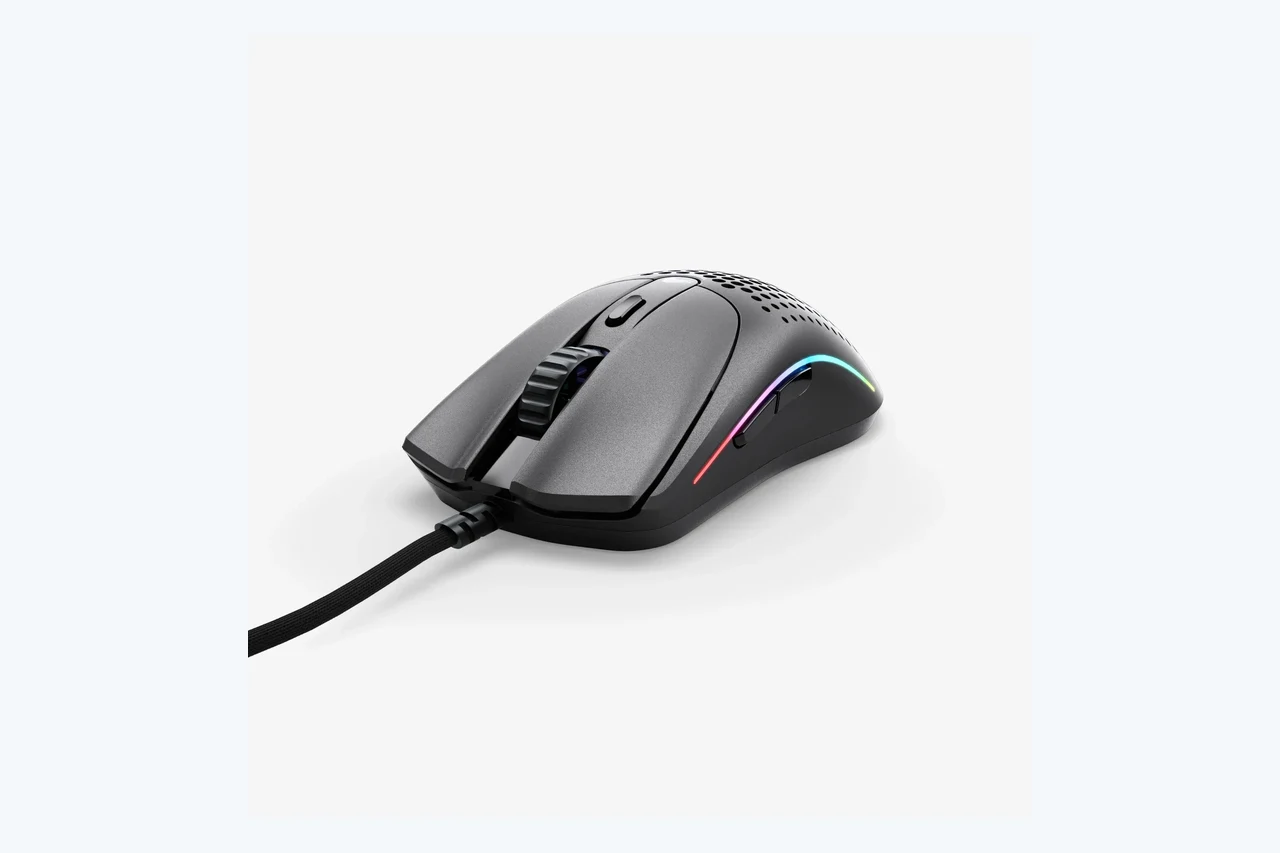
Glorious lists the wired Model O 2 at 59 g and the wireless edition at 68 g, with a BAMF 2.0 26,000 DPI sensor and switches rated for 80 million clicks. The wired guide documents adjustable 0–16 ms debounce, with 2 ms as the current listed default. Check firmware, test normal desktop clicks after a change, and compare wired and wireless reviews separately. Glorious Model O 2.
5. ROCCAT Kain 120 AIMO
The Kain 120 AIMO is an older wired, right-handed design with two left-side buttons. RTINGS highlights its sturdy feel and relatively high weight. Stock, warranty and software support deserve special attention on older or renewed listings. Kain 100 and Kain 120 specifications are not interchangeable. ROCCAT Kain 120 AIMO.
Prices, stock and buying checks
No regional price or current-stock guarantee is made here. Compare the seller’s current total price, shipping, tax, warranty and return policy in your country. Check whether a listing is new, used or renewed and confirm its exact model number. A low price on an unsupported legacy model may be poor value; avoid buying solely for an advertised CPS number.
A repeatable browser check and its limits
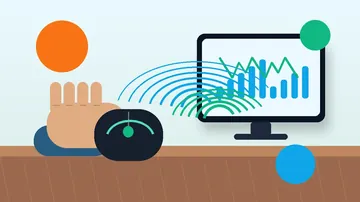
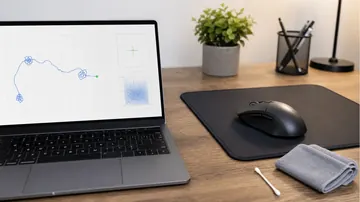
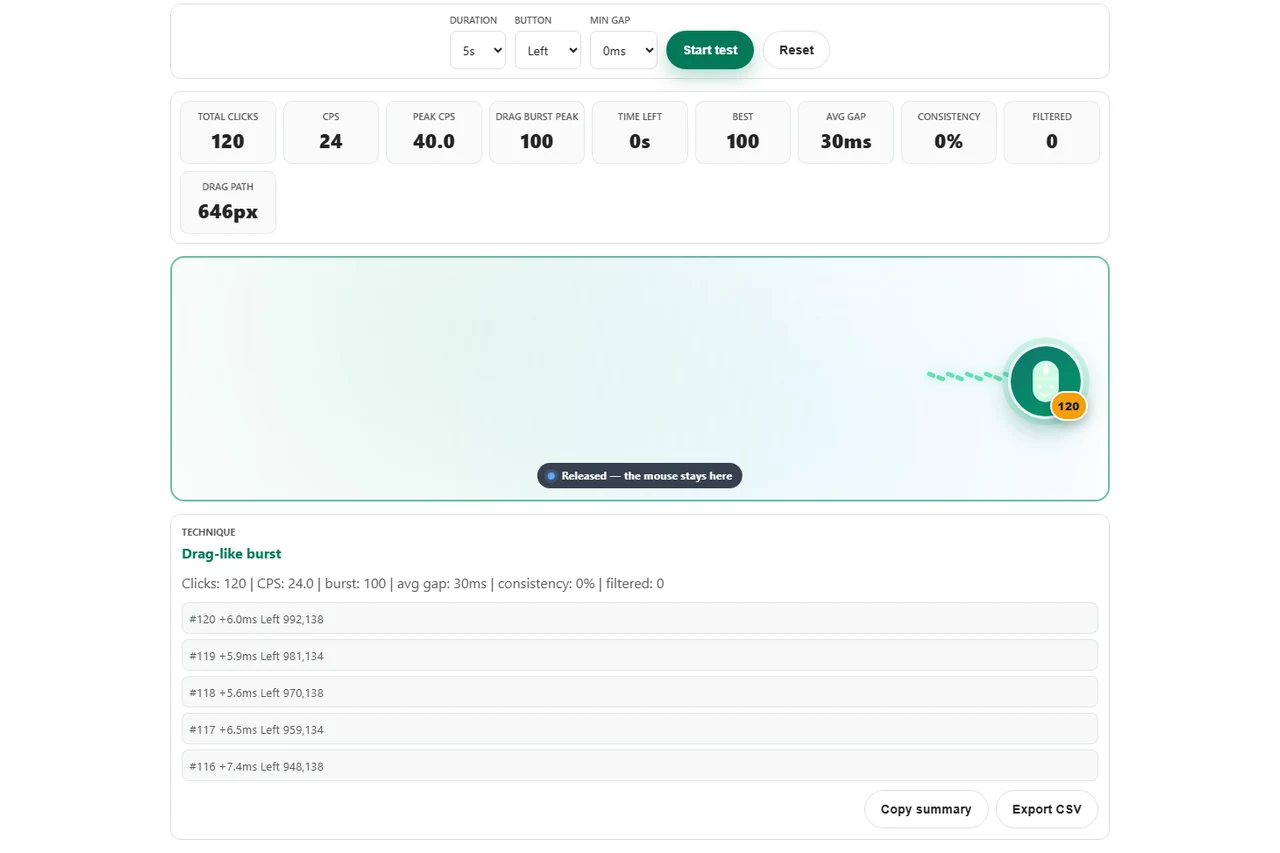
The November 9, 2026 screenshot shows a scripted illustration in our browser tool, not a physical-mouse benchmark. Synthetic pointer events demonstrate how the tool counts and filters its input. They do not pass through a mouse switch, firmware, USB polling or the operating system’s physical-input path. Changing the tool’s Min gap setting changes only that software filter and cannot identify a hardware debounce value.
- Open the drag-click test with Min gap at 0 ms and run several five-second sessions using your own mouse and the same button, posture and technique. Record variation rather than selecting only the highest burst.
- If the manufacturer supports a debounce setting, save one small change and repeat the same sessions. Also test deliberate single clicks in the double-click tool. Restore a more stable setting if ordinary clicks register twice.
- Use the CPS counter for a separate sustained butterfly-clicking check. Browser event timing can be affected by scheduling and input delivery; a low result alone does not identify faulty hardware or firmware. Follow your game or server’s actual rules.
Mouse Drag Click Test · CPS Counter & Click Speed Test · Double Click Switch Bounce Test · Ghost Click Detector
Choosing a mouse without a CPS promise
Choose by hand fit, button feel, current software support and return options first. A documented adjustable setting is useful, but none of these specifications guarantees a particular drag or butterfly CPS. Compare repeated sessions on your own setup before deciding whether a new mouse would solve your problem.
Drag and butterfly clicking mouse questions
Which is the best mouse for drag clicking?
There is no universal winner without testing your technique and grip on the exact model. Compare documented controls, shape, software support and return options. This article does not measure or guarantee hardware CPS.
Does an optical switch guarantee or prevent drag clicking?
No. Optical describes the sensing mechanism; button mechanics, firmware, surface and technique also matter. Do not infer a universal CPS limit or drag-click capability from switch type alone.
What debounce setting does the Glorious Model O 2 support?
The current official wired guide lists 0–16 ms and a 2 ms default. Check the guide, software and firmware for your exact wired or wireless model. A 0 ms setting is not zero end-to-end latency.
Do I need grip tape?
Grip tape changes the surface feel, but it does not guarantee more clicks. Test the original surface first, keep the button clean, and check compatibility and the manufacturer’s care guidance before applying anything.
Can a browser test measure hardware debounce or prove a fault?
No. It measures the input events that reach the page. Scheduling, input delivery, technique and software filtering all affect the result; a low CPS number alone cannot identify a hardware cause.
Is low debounce allowed in every game?
Rules differ by game and server. Read the current rules, avoid macros or artificial input where prohibited, and choose a setting that keeps normal desktop single clicks reliable.
Editorial disclosure: prepared with AI drafting assistance. Manufacturer specifications and primary review descriptions are attributed in the sources below; this is a researched comparison, not a hands-on test of the five mice. The November 9, 2026 image is an illustrative scripted browser session only. It cannot establish hardware debounce, click latency or real-world CPS. No paid sponsorship, affiliate links or review units were involved.
Sources and verification
More mouse comparisons and CPS testing guides
- Drag Click Test: How to Drag Click, Hit 20+ CPS, and Not Wreck Your Mouse
- Jitter Click vs Butterfly Click: Which Is Faster (and Which Gets You Banned)?
- Double Click Test: Check If Your Mouse Double-Clicks on Single Click (2026 Guide)
- Right Click CPS Test: Why Your Right Click Is Slower Than Left
- PowerToys Mouse Button Lock and CursorHide: Drag Without Holding
- SteelSeries Rival Pro vs Sensei Pro: Which Shape Fits You?
A repeatable browser check and its limits
Compare repeated sessions before changing hardware. A browser test can show the events it receives; it cannot diagnose a mouse’s internal debounce timer.
Open the Mouse Drag Click Test


Reader discussion
Comments
Share what worked, what did not, or what you would test next. Every comment is reviewed before it appears.
Loading approved comments…
Leave a comment
No account or sign-in is required. Links and HTML are not accepted.