Switch bounce suspicion
Single presses that create rapid repeated events can point to a worn or unstable switch.
🖱️Mouse
🖥️Display
Mouse switch diagnostics
Use the live click interval detector below to check whether single presses create suspicious rapid double-click behavior in the browser.
Useful when a single press sometimes behaves like a double click.
Reset, retest, and compare behavior after cleaning or driver changes.
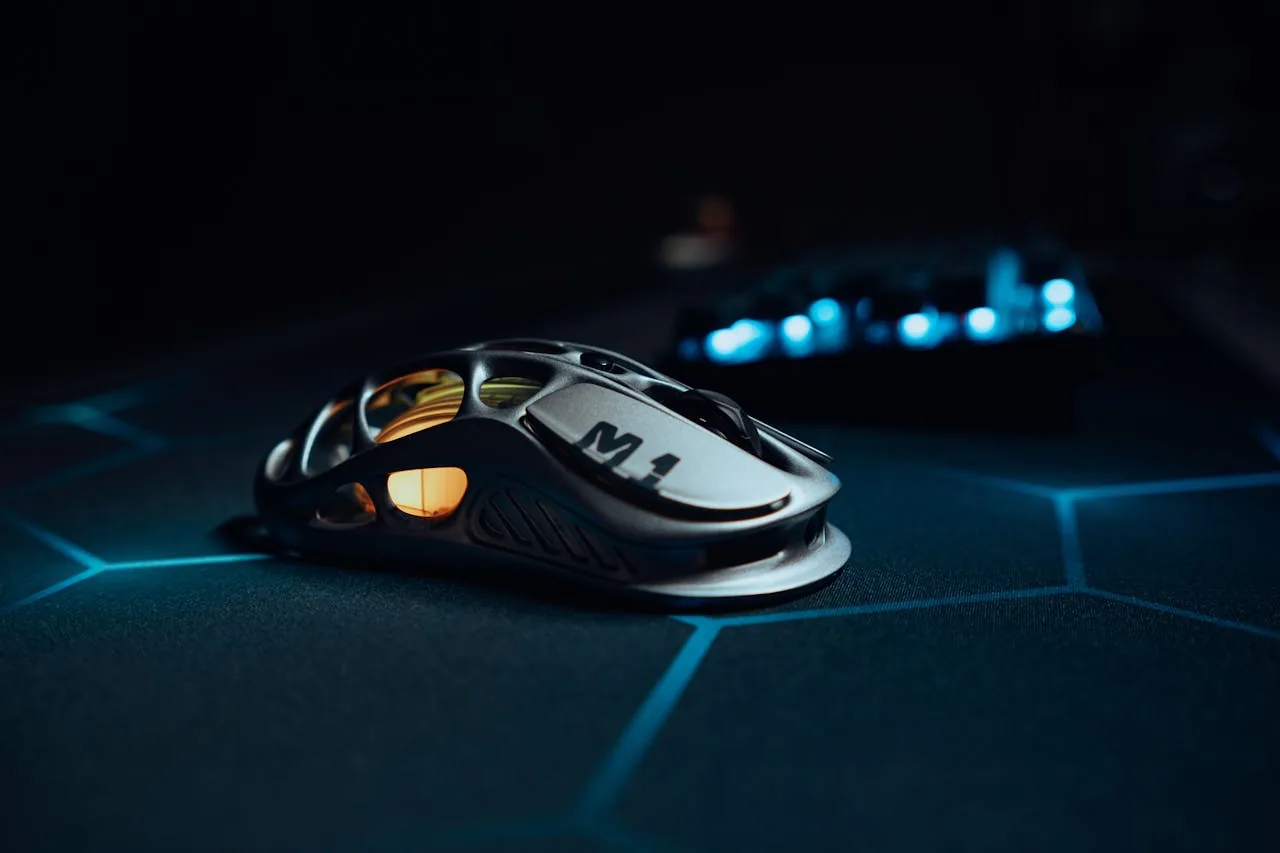
Live click interval check
Start the tool below, click naturally, and review whether suspiciously fast intervals appear in the results log.
Click in the area below. Very fast double clicks under 300 ms are flagged as possible ghost clicks.

Built for double-click issues
Unwanted double clicks usually show up as extremely fast repeated events. This page makes those intervals easier to spot.
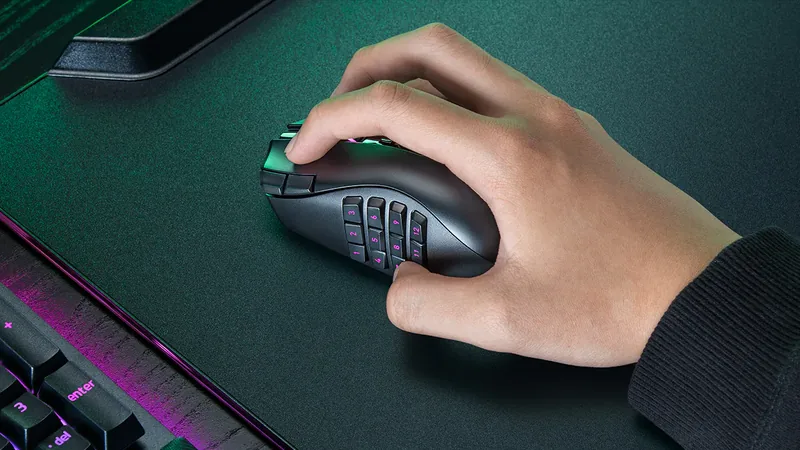
Single presses that create rapid repeated events can point to a worn or unstable switch.
A repeatable click log is useful when you need to explain the problem clearly.
Run a controlled browser check before deciding the hardware is truly failing.
Retest after cleaning, driver changes, or USB-port changes to see whether behavior improved.
Simple workflow
Start the detector, click naturally, and watch the interval log for suspicious rapid repeats.
Activate the test so every click inside the area is logged.
Use the button as you normally would instead of trying to game the result.
Look for repeated fast intervals, reset, and retest a few times before drawing conclusions.
Search Intent Cluster
These browser-based mouse diagnostics cover general button checks, scroll-wheel troubleshooting, and suspicious double-click behavior.
Explore the full suite for keyboard, mouse, audio, and utilities.
Language support: All major tools are available in 8 languages - Arabic, Russian, Spanish, French, Portuguese, Japanese, German, and Korean. Select your language from the header menu to switch.
Test keyboard functionality, detect ghosting, measure latency, check for stuck keys
Test your keyboard Arabic Keyboard TesterTest Arabic keyboard layout and key response in an Arabic-first interface
Test Arabic layout Typing Speed TestMeasure WPM, accuracy, and typing consistency
Check typing speed Latency CheckerTest device and input latency in your browser
Measure latency Spacebar Speed TestCount how many spacebar presses you can make in 5, 10, or 30 seconds
Test your spacebar Key Repeat Rate TesterMeasure your keyboard key repeat rate (Hz) and initial delay (ms) in your browser
Test repeat rate Typing Rhythm FingerprintVisualize your inter-keystroke timing patterns and get a rhythm consistency score
Analyze rhythm Keyboard Switch Sound AnalyzerClassify your mechanical keyboard switches as linear, tactile, or clicky using mic FFT analysis
Analyze sound Mouse TesterCheck mouse buttons, scroll wheel, cursor movement, and responsiveness
Test your mouse Mouse Speed TesterMeasure your click speed (CPM or CPS) with timed tests
Check click speed Mouse Sensitivity / DPITest DPI, sensitivity, and tracking accuracy
Test DPI settings Mouse TrailVisualize mouse movement trails and precision
View mouse trails Ghost Click DetectorDetect unintended or phantom clicks
Detect ghost clicks Mouse Polling Rate TestCheck if your gaming mouse runs at 125Hz, 500Hz, 1000Hz or higher
Test polling rate Mouse LOD TesterMeasure your gaming mouse lift-off distance to optimize sensor performance
Test LOD Screen TesterDetect dead, stuck, or hot pixels on screens
Test your screen Monitor Refresh Rate TestDetect if your display runs at 60Hz, 144Hz, 240Hz or higher
Test refresh rate Monitor Color TestCheck color accuracy, gradient banding and backlight uniformity
Test colors Backlight Bleed TestCheck your LCD monitor for backlight bleed, IPS glow, and clouding
Test for bleed Touch Screen TestTest for dead zones, ghost touches and multi-touch on phone or tablet
Test touch screen PWM Flicker TestCheck if your monitor uses PWM backlight dimming that can cause eye strain
Test for flicker Webcam TesterCheck webcam quality, resolution, and snapshots
Test your webcam Mic TesterVerify microphone input and audio levels
Test your microphone Headphone / Speaker TesterTest stereo channels and sound output
Test audio output OCR ToolExtract text from images quickly
Extract text now QR Code ReaderScan QR codes with camera or image upload
Scan QR codes QR Code GeneratorCreate custom QR codes instantly
Create QR code Password GeneratorCreate strong, secure passwords instantly
Generate password WhatsApp Link GeneratorCreate clickable WhatsApp chat links
Generate chat link WhatsApp Brand LinksCreate branded WhatsApp links and QR codes
Create brand link WhatsApp Sentiment AnalyzerAnalyze chat sentiment and tone
Analyze sentiment All ToolsBrowse all hardware testing tools in one place
View all tools Gamepad TesterTest PS5, Xbox, Switch and PC controller buttons, stick drift and triggers
Test controller Reaction Time TestMeasure how fast you react with a browser-based millisecond reflex test
Test reaction timeNo tools match that category yet.
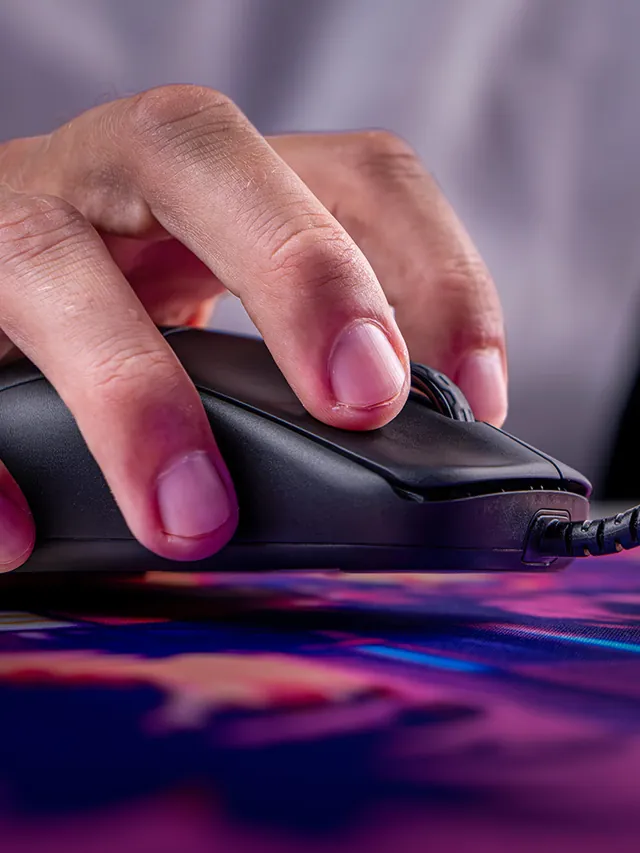
A double click test is useful when a single press of your mouse button sometimes behaves like two rapid clicks. That can happen because of genuine fast user input, but repeated suspiciously short intervals between clicks — especially when you are trying to click once at a normal pace — can indicate switch bounce or a worn primary button switch.
This page uses the same live detector as our ghost click detector, but it is focused specifically around the symptom most users search for: an unintended double-click that opens files when you want to select them, or fires abilities twice in games when you meant to fire once.
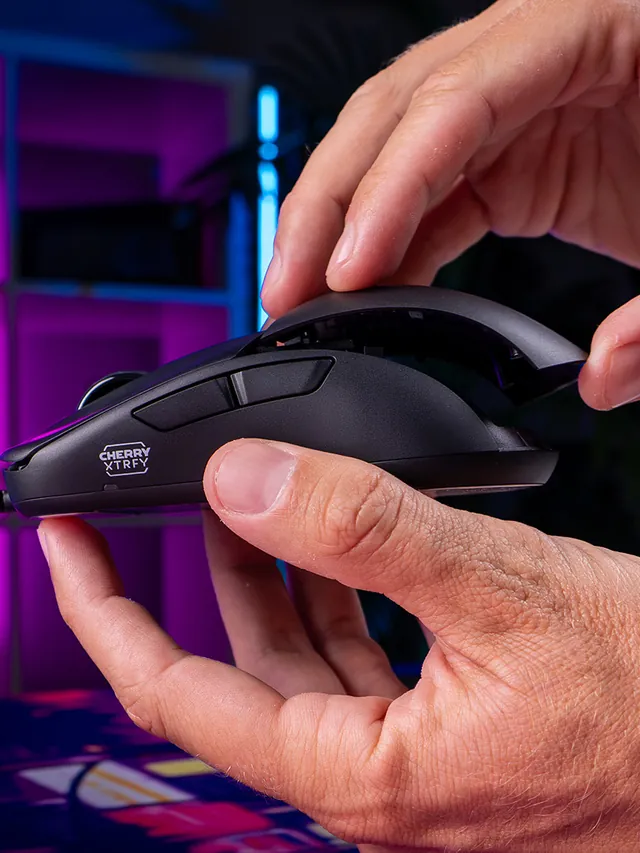
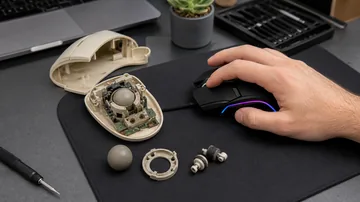
Inside every mouse button is a tactile switch — usually a small dome or leaf-spring switch from a manufacturer like Omron, Huano, or Kailh. When you press the button, two metal contacts meet and complete an electrical circuit. When you release it, the contacts separate. The mouse firmware monitors these contact state changes and reports each complete press-and-release cycle as one click event to the operating system.
Switch bounce is the phenomenon where the metal contacts do not make or break cleanly in a single event. Instead, they rapidly vibrate or "bounce" several times as they connect — much like a ball bouncing on a floor before settling. A new switch bounces for an extremely brief time (microseconds), and the firmware handles this with debounce filtering: it ignores rapid repeated state changes within a short time window and only reports one clean edge.
As a switch ages and its contact surfaces wear, the bounce becomes longer and more erratic. Eventually the bounce duration exceeds the firmware's debounce threshold. When that happens, the firmware interprets the extended bounce as two separate press-and-release cycles — and the operating system receives two clicks from what was physically one button press. This is switch bounce causing an unwanted double click.
Switch bounce is not a universal failure mode. Some switch designs and materials age faster than others:
No. Intentionally fast clicks will always produce short intervals in the log. The useful diagnostic signal is repeated short intervals that appear when you are deliberately trying to click only once at a normal pace. If short intervals only appear when you click quickly on purpose, the mouse is working as designed.
Switch bounce is the rapid electrical oscillation that occurs when metal contacts meet or separate. In a healthy switch the bounce is too brief for the firmware's debounce filter to miss. In a worn switch the bounce lasts long enough that the firmware interprets it as two distinct press-and-release events, producing an unwanted double click.
Run the general mouse tester to check whether all buttons register individually, then use the scroll wheel test if scrolling also feels unreliable. If only the primary click is affected, the issue is isolated to that switch.
Yes, in many cases. For mice with accessible PCBs, desoldering the old switch and installing a new one of the same footprint costs a few dollars and takes 10–15 minutes with a soldering iron. Many popular mouse models have detailed disassembly guides and compatible replacement switches readily available. This is a permanent fix rather than an OS-level workaround.
Some mouse manufacturer utilities include a debounce time slider that can filter out very short intervals between clicks. Extending the debounce time masks the symptom without fixing the switch. This is a reasonable temporary solution if you are waiting for a replacement switch or a new mouse to arrive.
Quick steps to run the ghost click detector and review your ghost clicks results.
Make sure the page is focused and the correct device is selected.
Use the reset button to clear results and start over.
Most tools work best on desktop, but mobile may still function for basic checks.
Yes. Reset after each run to compare results.
Testing runs locally in your browser and is not uploaded.
Try another browser or device to confirm the issue.