FreeTyping Rhythm Fingerprint Test — Consistency & Bigram Heatmap Online
Free typing rhythm test online. Measure your keystroke dwell time, flight time, and get a bigram heatmap showing your fastest and slowest key transitions. No download needed.
Type the passage below and see your unique keystroke timing pattern.
Type the passage — your rhythm timeline, consistency score, and slowest key pairs appear live as you type
120 BPM
Click here, then start typing the text
Esc restarts · Backspace fixes mistakes · timing starts on your first key
—
WPM
—
Accuracy
—
Consistency
—
Avg gap (ms)
—
Dwell (ms)
0
Errors
Rhythm timeline — the gap before each keystroke (flatter = steadier)
SteadyHesitationErrorPauseMean gap
Listen to your typing rhythm
Replay your input timing with a different sound. Your pauses stay in the rhythm.
Type a few characters to hear your rhythm.
Rhythm Fingerprint Results
—/ 100
New personal best!
Per-key speed map
Green = fast · red = slow · gray = not typed
Fastest pairs
Slowest pairs
This test runs entirely in your browser. No keystroke data is stored or transmitted.
Was this tool helpful?Rate Typing Rhythm Fingerprint:2.8(11 ratings)Thanks for rating!
Typing Rhythm Fingerprint guide
How to use the Typing Rhythm Fingerprint accurately
Free typing rhythm test online. Measure your keystroke dwell time, flight time, and get a bigram heatmap showing your fastest and slowest key transitions. No download needed.
01Type the passage
Choose a passage length and type the shown text. After a few characters, you can replay the inputs captured so far. Finish the passage for the full results.
02Read your rhythm
Read the gap timeline alongside WPM, accuracy and consistency. In the completed results, inspect the per-key speed map and fastest/slowest pairs; use the drill button to practise slow pairs.
03Listen in four styles
Choose Drums, Woodblock, Bells or Synth, then press Play rhythm. Volume starts at 30%. Playback preserves the spacing of your inputs and any pauses.
04Compare and practise
Stop, choose another style and press Play again to compare the same rhythm. The metronome supplies a fixed practice beat; starting it stops playback, and playback stops the metronome.
It tracks gaps between inputs, key hold time (dwell), release-to-next-press time (flight), WPM and accuracy. A bigram is a pair of consecutive letters. The completed results include a per-key speed map and fastest/slowest letter pairs.
How is the consistency score calculated?
After six usable gaps, the score is 100 minus the gap coefficient of variation as a percentage, limited to 0–100. It uses consecutive input timings, not flight times. Gaps of 1.5 seconds or more are excluded from the score but stay in playback.
How do I listen to my rhythm in different styles?
Type a few characters, choose Drums, Woodblock, Bells or Synth and press Play rhythm. You can listen before finishing. Each style keeps the same input timing and pauses. Stop, choose a different style and press Play again; the style does not change your score.
Why is Play disabled, or why can I not hear anything?
Play needs at least two separate committed input events; an input-method batch counts as one beat. Intermediate composition updates do not count. Press Play to start sound, check the volume and whether the tab or device is muted. The browser must support Web Audio.
Does playback record or upload my keyboard sound?
No. It synthesizes sounds in your browser from the captured input timing, without a microphone. Timings and replay audio are not uploaded or saved between visits. Only your personal best score and its WPM are saved locally on this device.
What stops playback or clears the current rhythm?
Stop, a style change, the metronome, hiding or leaving the tab stops playback. Typing more during an unfinished run also stops it. A new passage, repeat, length change or drill clears the rhythm. Backspace is not a beat; retyped characters are. Press Play again to hear the current run.
Windows app
KeyboardTester.click is available from Microsoft Store
Install the official Windows app shortcut, or keep using the same free testing tools in your browser.
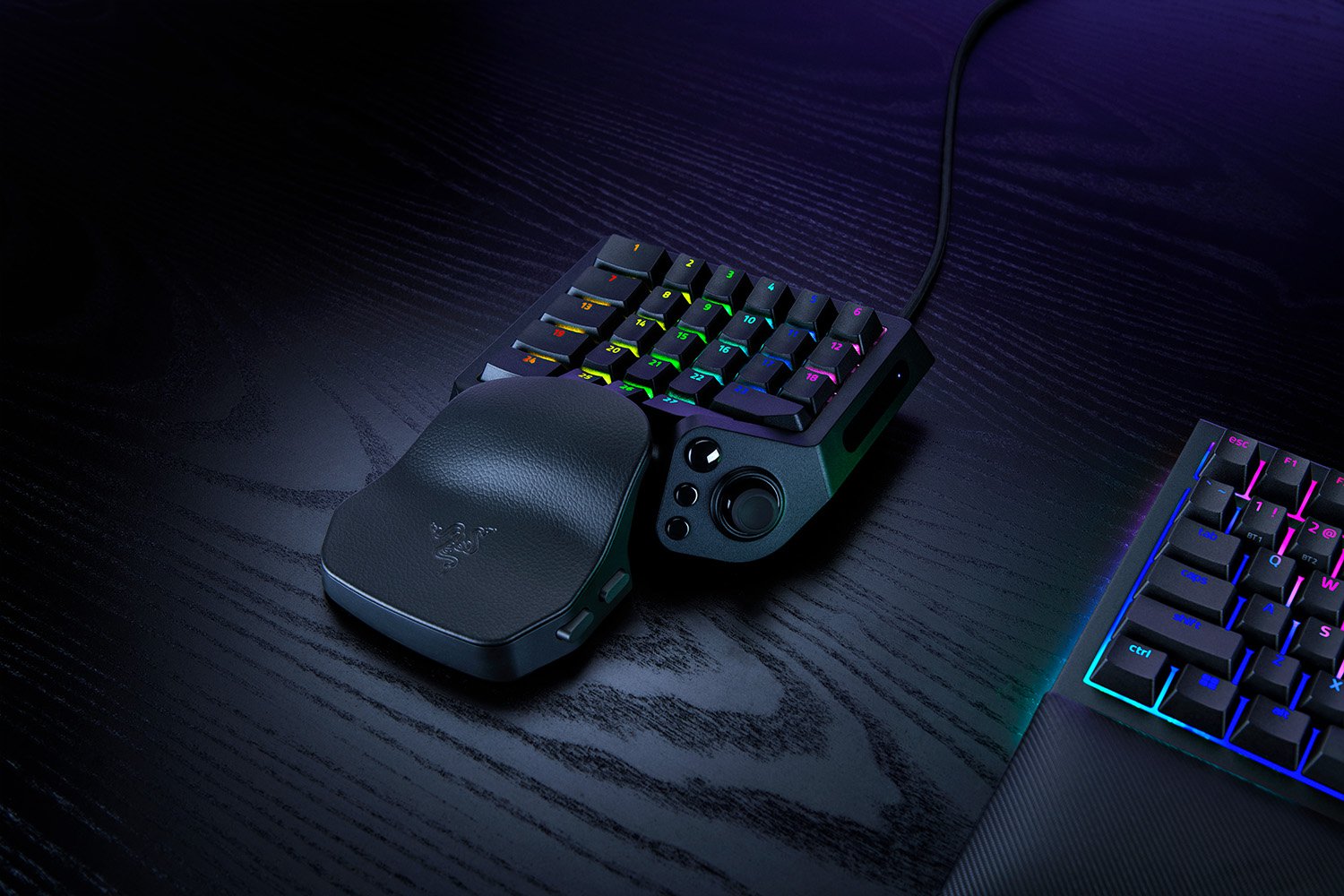
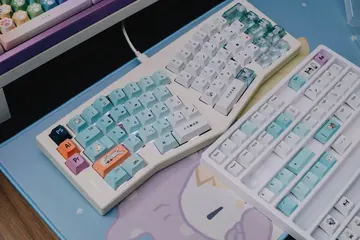
01 / 10Keep or upgradeTartarus V2 Pro: upgrade or keep?Keep a working Pro if its bindings fit. Illustrative stock photos; none shows a Tartarus.02 / 10Identify the modelFind the 2026 modelRazer launched RZ07-0552 on September 17. It is not the older Tartarus V2 or the original Pro.03 / 10Before buyingList your thumb actionsList move, jump, modifiers and weapon changes. Every wheel or button function needs a comfortable replacement.04 / 10Different inputsD-pad or analog stick?Original Pro: eight-way pad. V2 Pro: TMR stick. Check the layout. This controller only illustrates input types.05 / 10Write it downMap move + jump + modifierAssign every essential action. Can you reach it while moving? If no comfortable binding fits, wait.06 / 10Check existing featuresRapid Trigger is on bothThe original Pro already has Rapid Trigger with supported Synapse. Do not upgrade just for that.07 / 10Try the actual gameAnalog movement + mouse aim?Try movement plus mouse aim, then jump and menus. Mixed-input support depends on the game and mapping.08 / 10After configurationPress, release, combineMap ordinary letters. Check each press and release, then your usual combinations. Keep the test page focused.09 / 10Know the limitA browser sees eventsIt cannot certify 8,000 Hz USB polling, 0.1 mm actuation or game compatibility. These need different evidence.10 / 10Next stepTest your current bindingsCheck mapped keys first. Upgrade only if a useful change preserves every needed action. Finish in your real game.
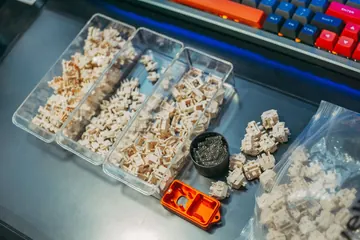
01 / 10US buyerWooting 80HE+: check before buyingParts or a full board? Avoid the case-fit trap. Stock photos illustrate this source-based guide.02 / 10Case checkPlus Module + old case? No.Wooting says the new connector can press against an old case rib and damage the cable. Do not force the fit.03 / 10One-way fitThe reverse worksThe original 80HE Module fits new Plus cases. New Module in an original case still does not work.04 / 10US prices: Sep 18$149.99 is not a whole keyboardModule + new ABS case = $184.98, before needed switches and keycaps. Taxes and shipping may add more.05 / 10Compare totalsA complete ABS board: $199.99The US ANSI prebuilt is $15.01 above Module + case. Price every missing part before choosing the Module.06 / 10Layout choiceNeed a split spacebar?Split needs the Module; prebuilts have a regular spacebar. Check the matching plate and keycaps before ordering.07 / 10Keep or replaceA working 80HE can stayWooting calls the performance difference minimal. Buy for a feature you need, not an assumed speed win.08 / 10TimingWarehouse date, not your doorABS/Module: late October. Zinc/knob: mid-December. Wooting estimates warehouse arrival; dates can change.09 / 10After arrivalCheck keys and real chordsTest each key, then the combinations you use. Browser events cannot certify 8 kHz or actuation travel.10 / 10Try itTest your actual keyboardUse one profile. Look for missed, stuck or duplicate inputs. A browser pass is not full hardware certification.