

















Fast answer
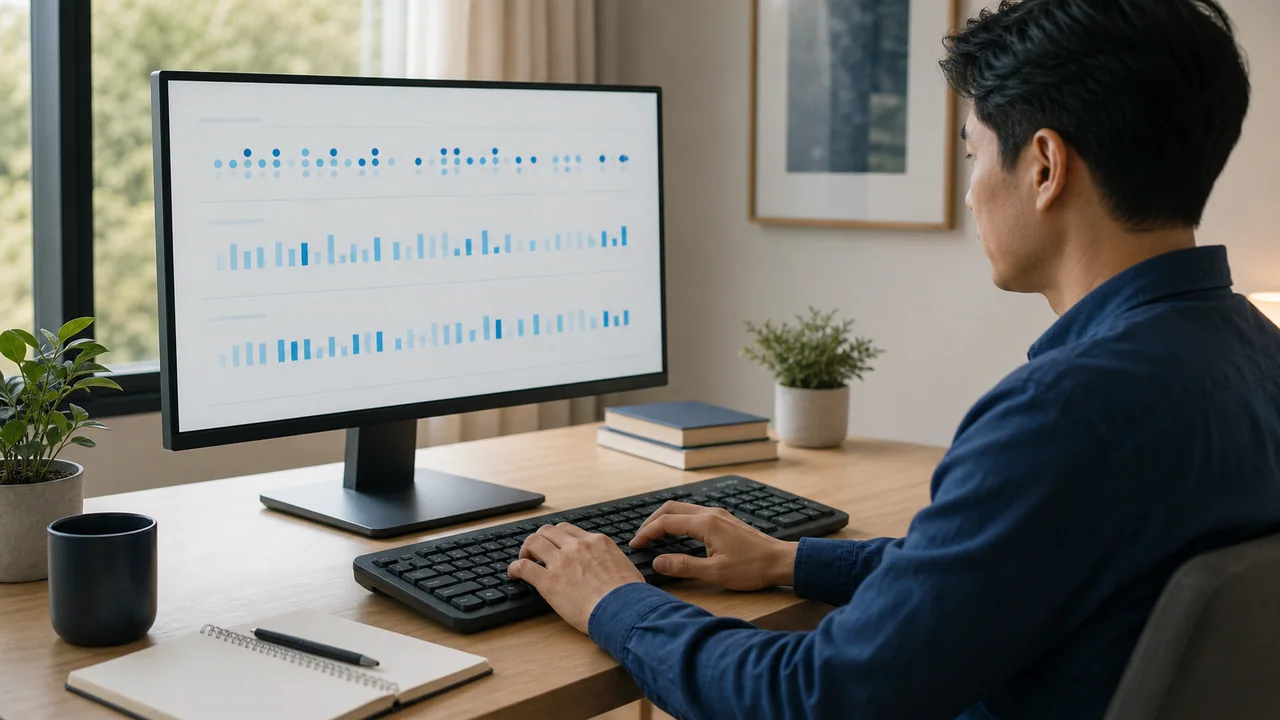
Your typing speed changes because a WPM result mixes passage difficulty, test length, mistakes and corrections, and how steadily you typed during that attempt. Compare three runs under the same conditions, use the median and range instead of your best score, then inspect your typing rhythm for uneven dwell times, flight times, and slow letter pairs. Treat repeatable missed or doubled keys as a separate keyboard problem.
One test says 82 WPM. The next says 69. A day later you reach 88. That does not mean your skill disappeared and returned. A single WPM score is a sample produced by a particular passage, duration, correction rule, device, and moment. If any of those change, the result can move even when your underlying ability is similar.
The useful question is not “Which score is the real me?” It is “Which part of the test changed?” This guide gives you a controlled three-run benchmark, a rhythm check for slow transitions, and a separate hardware branch. If you only need the formula behind the number, read the WPM measurement guide; here we focus on why comparable-looking results disagree.
First, make three typing tests comparable
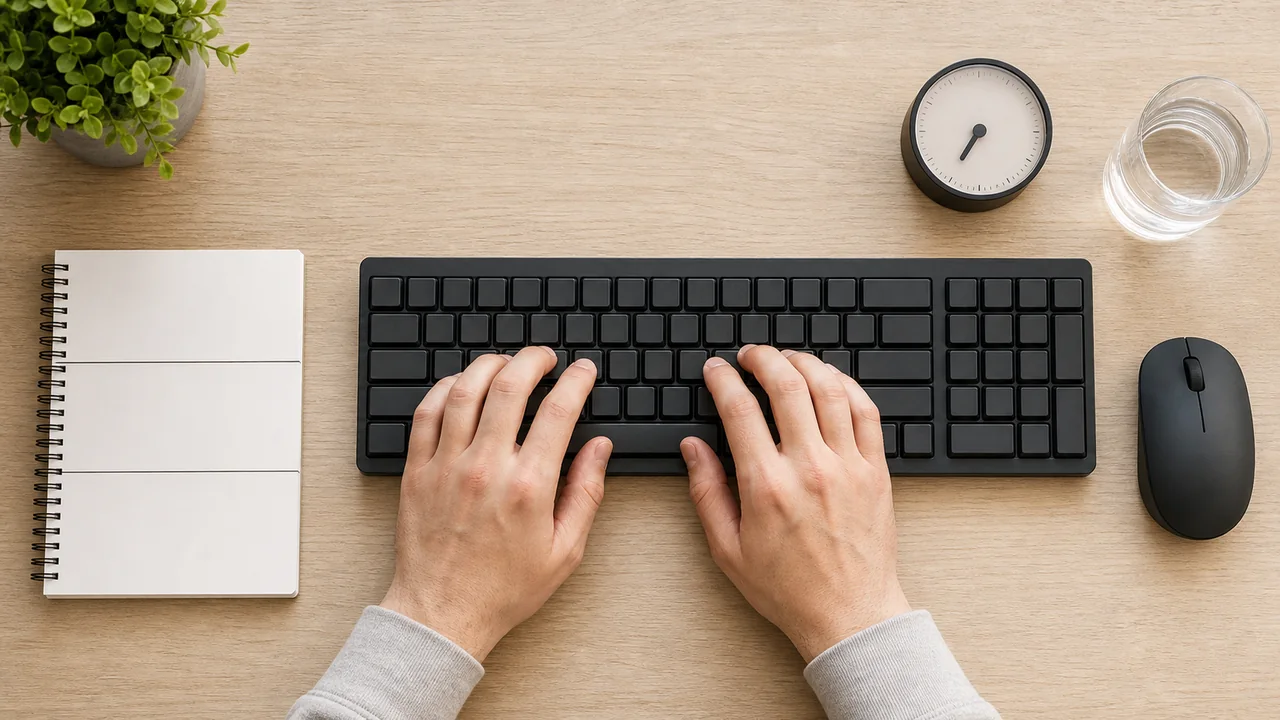
Do not compare a 15-second burst on familiar words with a two-minute passage full of punctuation. Use the same keyboard and layout, the same test duration, the same correction setting, and as similar a passage as the tool allows. Take a short neutral warm-up, then complete three attempts with a brief pause between them.
Record all three results. Sort the WPM values and use the middle one as the median. Also record the range: highest result minus lowest result. The median reduces the influence of one unusually good or bad run; the range shows how spread out the session was. Neither number is a diagnosis, but together they are more honest than a personal-best screenshot.
- Keep the setup fixed. Same computer, browser, keyboard, layout, desk position, and test duration.
- Warm up without chasing a score. Type normally for a few minutes so the first attempt is not your only cold sample.
- Run three attempts. Use the typing speed benchmark and record WPM plus accuracy each time.
- Use the median and range. Do not discard the slow run or report only the fastest one.
- Change one variable next. Test a different keyboard, passage type, or time of day only after the baseline is recorded.
Three-run worksheet
| Attempt | WPM | Accuracy | Rhythm score | Average dwell | Average flight | Slowest bigram |
|---|---|---|---|---|---|---|
| Run 1 | — | — | — | — | — | — |
| Run 2 | — | — | — | — | — | — |
| Run 3 | — | — | — | — | — | — |
Cause 1: the passage is harder to type
Two passages of the same length can demand different movements and reading effort. A 2026 Typability Index study found that text features such as total keystrokes, syllables per word, symbol use, high-frequency words, bigram frequency, nonwords, lowercase share, and keyboard-side patterns help predict how easy a passage is to type. Its eight-factor model explained about 74% of variation among its training sentences and 68% in a held-out test set.
That does not mean the model explains 68% of your day-to-day WPM. It explains differences between English sentence stimuli in the study. The practical lesson is narrower: a technical paragraph with uncommon words and punctuation is not directly comparable with a familiar word list. For progress tracking, keep passage difficulty as stable as possible.
- Uncommon words and nonwords require more visual checking and less automatic movement.
- Punctuation, numbers, and symbols add Shift use and longer reaches.
- Awkward letter pairs can interrupt an otherwise smooth run.
- Familiar passages may become a memory test rather than a clean typing comparison.
Causes 2–4: short tests, corrections, and your condition that day
Short tests magnify small events. One hesitation, typo, or backspace consumes a larger share of a 15-second result than a longer sample. Different sites also calculate errors differently, so gross WPM from one test may not match net WPM from another. Compare results only when duration and scoring rules are alike.
Warm-up, tiredness, tension, distractions, posture, and task switching can change how smoothly you execute a familiar skill. Keep notes rather than guessing. If the range narrows after the same warm-up and setup for several sessions, the routine—not a new keyboard—was probably the useful change.
Causes 5–6: inconsistent technique and slow bigrams
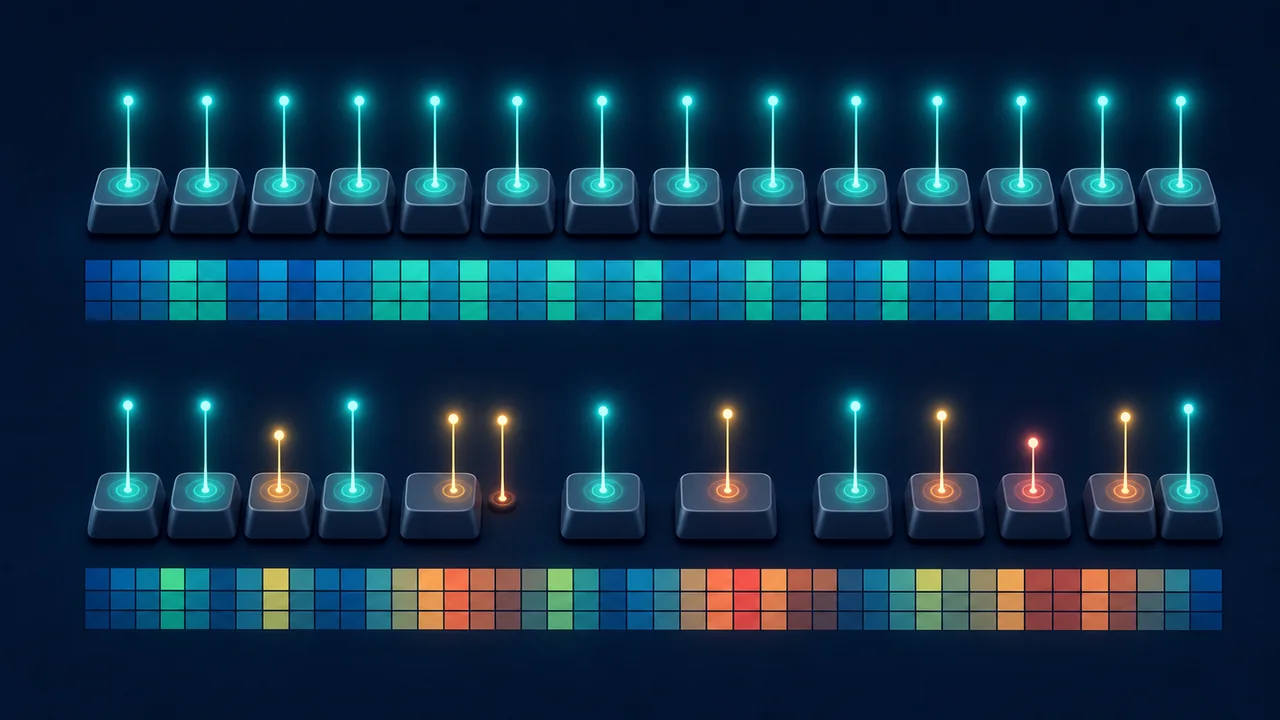
WPM tells you how much text came out. Timing data shows where the flow changed. Dwell time is the interval from pressing a key to releasing it. Research uses several definitions of flight time; in the KBT tool, flight time means the non-overlapping gap from releasing one key to pressing the next. Negative overlap samples are not included.
A bigram is a pair of consecutive characters, such as “th” or “ing” across overlapping pairs. In a study of roughly 136 million keystrokes from 168,960 volunteers, Dhakal and colleagues examined inter-key intervals and found that particular letter-pair patterns were informative about typing performance. The sample was self-selected and English-heavy, so use it as evidence that timing patterns matter—not as a universal benchmark.
Complete the fixed passage in the typing-rhythm analyzer three times. Compare average dwell and flight time, then note which bigrams repeatedly appear slow. A warm color on one run is not a verdict. A pair that remains slow across comparable runs is a better practice target.
Cause 7: a repeatable keyboard or input problem
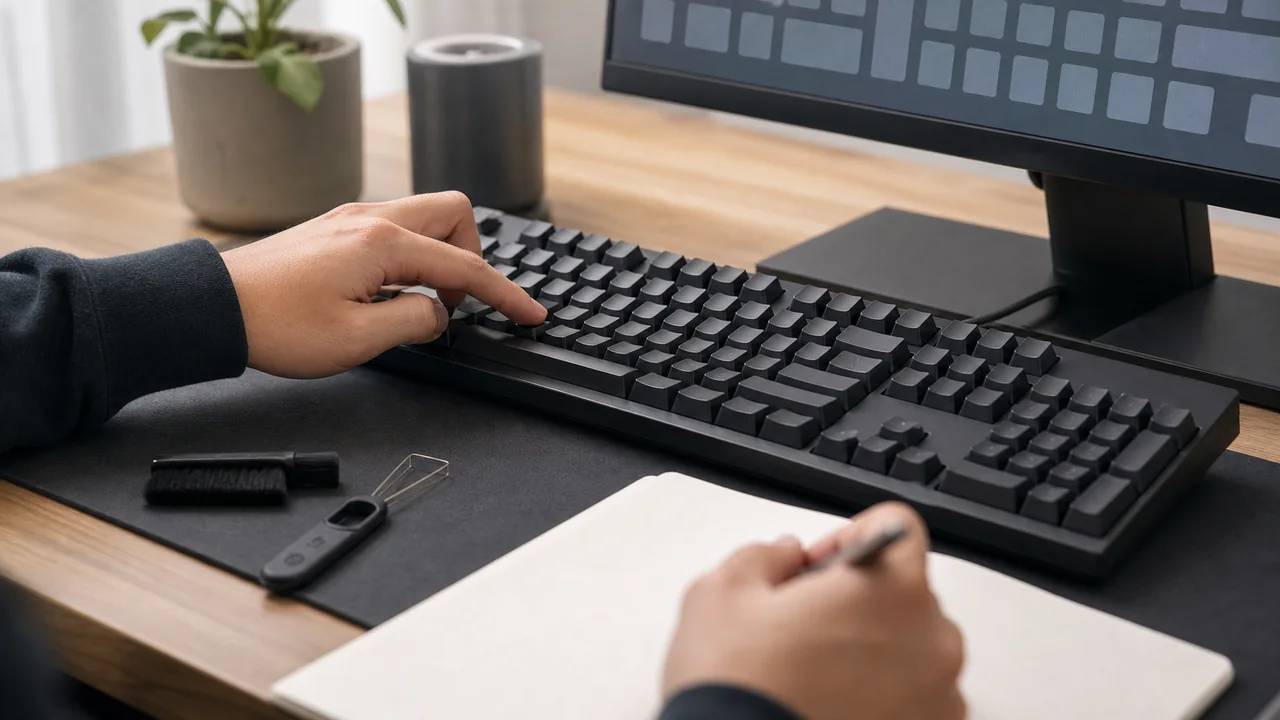
Variable WPM usually does not prove hardware failure. A keyboard problem becomes more plausible when the same physical key repeatedly misses, doubles, sticks, or registers late outside the typing test. Open the keyboard input checker and press the suspected key deliberately many times. If a held key repeats too early or waits too long, compare it with the key repeat-rate measurement.
If letters double consistently, follow the key-chatter troubleshooting branch. If input feels delayed or sticky across applications, the keyboard lag and sticky-key guide covers software, connection, cleaning, and hardware checks. Do not replace a keyboard because of one low WPM score; reproduce the input fault first.
Symptom → likely cause → next check
| What you notice | More likely explanation | Next check |
|---|---|---|
| WPM changes mainly between sites or passage types | Text difficulty, duration, or scoring rules | Repeat three runs on one test with comparable settings |
| First run is slow, later runs settle | Warm-up effect or unfamiliar passage | Use the same neutral warm-up before recording |
| WPM drops while corrections rise | Accuracy and recovery cost | Slow slightly and compare net WPM plus accuracy |
| The same bigrams pause across runs | Unstable letter transition or fingering | Use the rhythm heatmap and practise those pairs in words |
| One key repeatedly misses or doubles in other apps | Keyboard, connection, or repeat setting | Run the keyboard and repeat-rate checks |
Seven fixes for inconsistent typing speed
Apply one change at a time, then repeat the same three-run benchmark. That makes the result useful instead of turning practice into guesswork.
Use the same duration, device, layout, correction rule, and comparable passage type.
Keep all three runs. The median represents the session better than the personal best; the range shows its spread.
A rushed burst can raise raw speed while corrections damage the final result. Use the accuracy reported by the same test.
Choose only pairs that remain slow across comparable rhythm runs. Practise them inside real words, not endless random repetition.
Changing which finger reaches a key changes the movement path. Consistency matters more than copying one rigid style.
Stop when technique degrades. A clean repeatable session is more informative than a long frustrated one.
Use a keyboard tester for missed or doubled input. Repair or replace only after the fault is reproducible.
A seven-day retest protocol
Run the same three-attempt benchmark on days when you can reproduce the setup. You do not need to test every hour. The goal is to see whether the median becomes more stable, the range narrows, accuracy holds, and the same slow bigrams improve after focused practice.
Write context in the notes column: different keyboard, poor sleep, noisy room, unfamiliar punctuation, or a repeated key fault. Context prevents you from treating every number as a change in skill.
Seven-day typing consistency log
| Day | Median WPM | Range | Accuracy | Slow bigrams | Notes |
|---|---|---|---|---|---|
| Day 1 | — | — | — | — | — |
| Day 2 | — | — | — | — | — |
| Day 3 | — | — | — | — | — |
| Day 4 | — | — | — | — | — |
| Day 5 | — | — | — | — | — |
| Day 6 | — | — | — | — | — |
| Day 7 | — | — | — | — | — |
Practical typing technique video
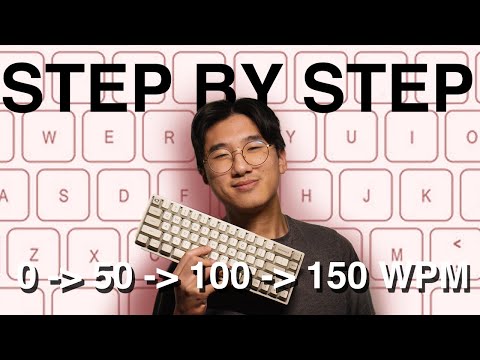
For an example of practical touch-typing, look-ahead, accuracy, and word-grouping techniques, the short video below offers ideas to try. It is included as a demonstration, not as scientific evidence or a promise of a particular WPM.
This four-minute video demonstrates touch typing, looking ahead, accuracy, and grouping words into familiar movement patterns. Treat the suggestions as practice ideas and verify what helps through your own controlled retest.
Sources and limits
These sources support the passage-difficulty, timing, and bigram explanations. They do not establish a universal “normal” WPM fluctuation or a good KBT consistency-score threshold.
- Williams et al., The Typability Index (2026)
Eight text features predicted relative sentence typability; use the model for passage-difficulty context, not personal diagnosis.
- Dhakal et al., Observations on Typing from 136 Million Keystrokes (CHI 2018)
Large self-selected online transcription dataset; useful for timing patterns but not representative of every typist or language.
- Teh et al., keystroke-dynamics review (2013)
Defines dwell timing and multiple flight-time conventions; KBT uses release-to-next-press for non-overlapping samples.
- TypingTest.com Bigram Blitz
A practical example of identifying and practising difficult letter pairs; not proof of a guaranteed improvement.
Use the right test for the next question
Start with WPM and accuracy, use rhythm timing to locate uneven transitions, and open a hardware test only when an input symptom repeats.
Compare dwell time, flight time, consistency, and slow bigrams in a fixed passage.
Run a typing speed benchmarkRecord WPM and accuracy for the three-run median and range.
Check every keyboard keyLook for missed, duplicate, or non-registering keys outside the WPM test.
Measure key repeat behaviorCheck repeat rate and initial delay when held-key behavior seems inconsistent.
Related guides
Understand gross speed, net speed, accuracy, and the five-character word convention.
Fix repeated or doubled lettersDiagnose key chatter when duplicate input is repeatable.
Troubleshoot lagging or sticky keysSeparate cleaning, settings, connection, software, and hardware causes.
Typing speed consistency FAQ
- Is it normal for WPM to change every day?
Some variation is expected because passage difficulty, test duration, mistakes, warm-up, focus, and setup can change. There is no single universal percentage that is normal for everyone. Compare three runs under the same conditions and watch the median and range over time.
- Why do I type faster on one typing test than another?
Tests can use different word lists, punctuation, durations, correction rules, and gross or net WPM calculations. Treat scores from different tests as different measurements unless their conditions are closely matched.
- Does keyboard type affect WPM?
A familiar, reliable keyboard can affect comfort and execution, but one low result does not prove the keyboard is bad. Keep the device fixed for your baseline, then compare another keyboard with the same three-run method. Test suspected keys separately before replacing hardware.
- What is a good typing-consistency score?
There is no validated universal good or expert threshold for the KBT score. Use it as a relative practice signal for your own comparable runs on the same setup, not as a clinical, biometric, employment, or identity assessment.
- Should I practise speed or accuracy first?
Use a pace at which your technique and accuracy remain controlled, then increase speed gradually. Track both WPM and accuracy because a faster raw burst with many corrections may not improve useful output.
Start with evidence: record three comparable WPM runs, then open the typing-rhythm analysis and look for transitions that repeat across attempts. Test the keyboard itself only if the same input fault appears outside the speed test.






Reader discussion
Comments
Share what worked, what did not, or what you would test next. Every comment is reviewed before it appears.
Loading approved comments…
Leave a comment
No account or sign-in is required. Links and HTML are not accepted.