











Fast Answer
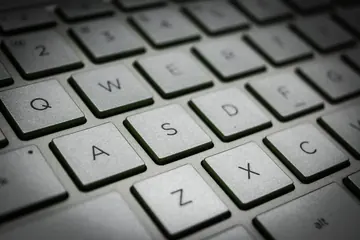
The keyboard became QWERTY because early typewriters, office training, and later computer standards grew around that layout. The simple claim that QWERTY was invented only to slow typists down is not reliable. The better answer is a mix of typewriter mechanics, telegraph-operator feedback, Remington's commercial success, trained typists, and decades of compatibility. After reading the history, you can test your own layout with the Keyboard Tester and compare localized layouts through the language keyboard tester hub.
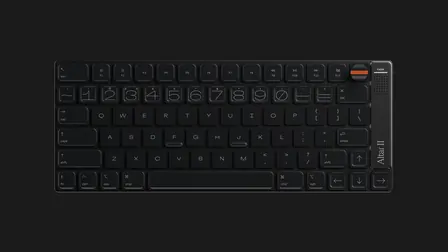
Most people use a keyboard every day without asking why the letters are not alphabetical. A beginner might expect A, B, C, D across the top row, but the first six letters spell QWERTY instead.
That layout looks accidental until you follow the keyboard back through typewriters, telegraph offices, electric writing machines, terminals, personal computers, laptops, phone keyboards, and gaming boards. Keyboard history is really the story of a habit that became a standard.
Before Computers, the Keyboard Was a Typewriter Control
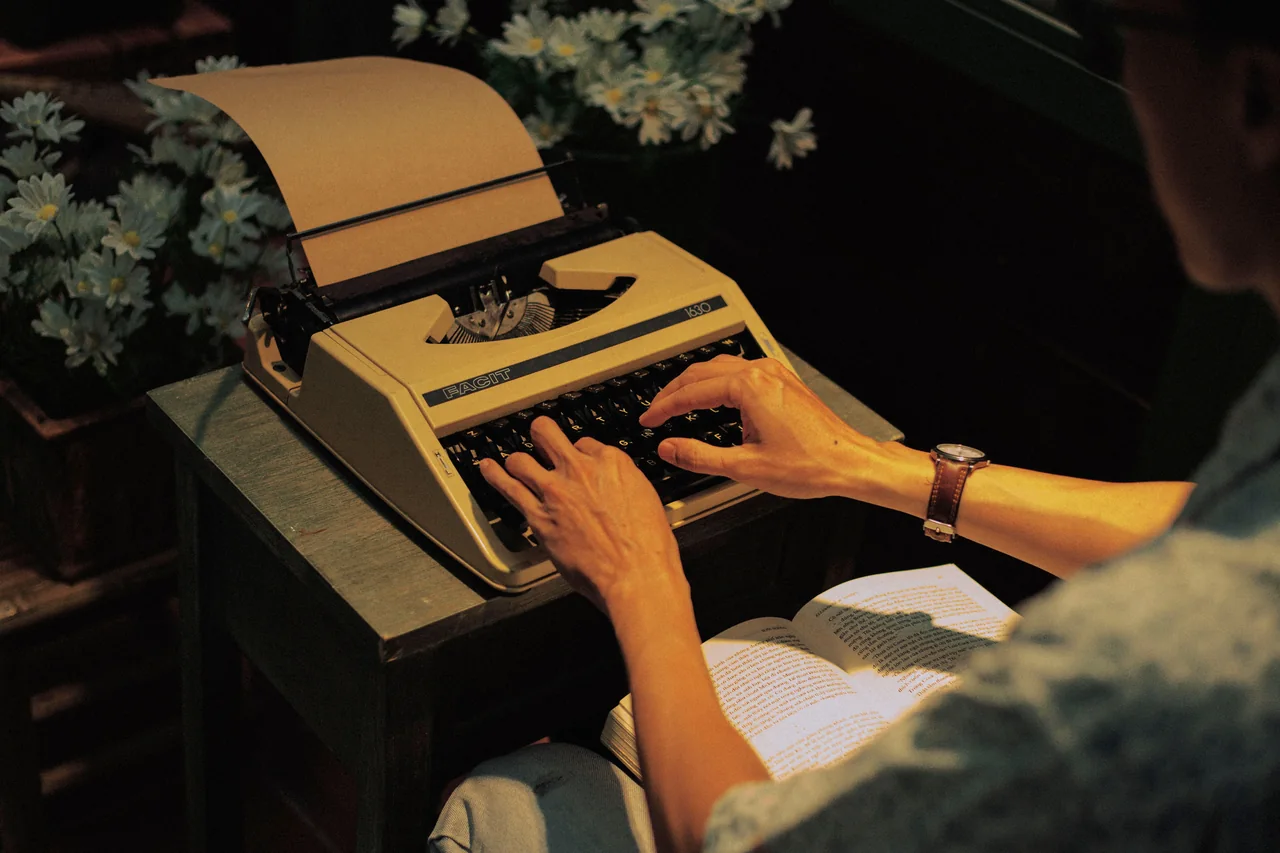
The keyboard did not begin as a computer accessory. It began as part of the typewriter: a mechanical writing machine built to put clear, repeatable letters on paper faster than handwriting.
Early writing machines were experimental. Some resembled pianos. Some used alphabetical keys. Some were made for specialized users. Inventors had to answer practical questions: how should a typist choose a letter, how should the machine strike ink, how should the paper move, and how could the mechanism avoid jamming?
Christopher Latham Sholes, Carlos Glidden, Samuel Soule, and their collaborators developed early typewriter designs in the 1860s. Their work did not instantly produce the modern keyboard, but it created the commercial path that led to QWERTY.
Why QWERTY Won: Mechanics, Operators, Remington, and Habit
The common story says QWERTY was designed to slow typists down so early typewriters would not jam. That is too simple. Early typewriter mechanics mattered because nearby typebars could interfere, but a usable layout had to help real operators type quickly enough for office work.
The Computer History Museum states the correction clearly: QWERTY was meant to speed typing by limiting interference between keys commonly struck in sequence. Smithsonian adds that the origin story is disputed, with telegraph-operator feedback also likely shaping the layout.
Remington then made QWERTY commercially important. Its typewriters trained typists, and businesses wanted machines that matched the trained workforce. Once schools, offices, manuals, and hiring practices adapted to QWERTY, the layout became hard to replace even if alternatives existed.
How Typewriter Keys Became Computer Keys
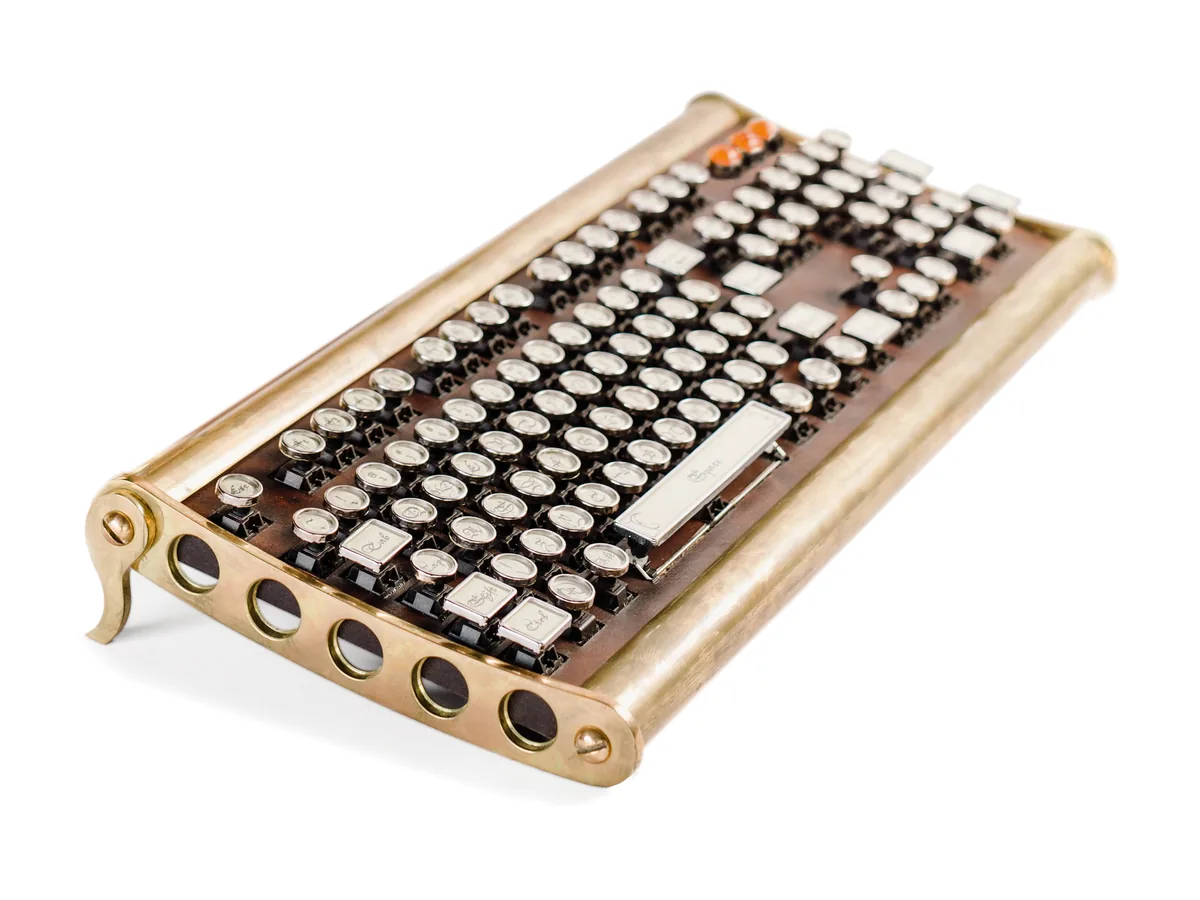
Modern keyboards still carry typewriter DNA. Shift comes from shifting the type mechanism for uppercase letters. Return comes from carriage return. Tab comes from tabulation. Caps Lock descends from mechanical shift-lock behavior.
Computers did not start with friendly keyboards. Early users often worked with punched cards, paper tape, and batch processing. Direct keyboard input became important when computers became interactive. The Computer History Museum documents 1956 MIT experiments using a Flexowriter connected to Whirlwind, showing how useful direct keyboard input could be.
Teletypes, electric typewriters, and terminals made the keyboard a command interface. The IBM Selectric helped bridge office typing and computing, and IBM later adapted Selectric-style devices for terminal use. By the IBM PC era, the keyboard was no longer only for letters; it was for commands, shortcuts, navigation, and software control.
Other Layouts: Dvorak, Colemak, AZERTY, QWERTZ, and Local Scripts
QWERTY is dominant, but it is not the only layout. Dvorak was designed in the 1930s to reduce finger travel and put more common letters on the home row. Colemak changes fewer keys than Dvorak and keeps more shortcut familiarity.
Regional layouts adapted QWERTY for local languages. AZERTY is common in French-speaking regions, QWERTZ appears in German-speaking regions, and many languages use dead keys, input methods, dual legends, or script-specific layouts.
This is why a keyboard tester must respect language and layout. A US English keyboard, a German keyboard, a French keyboard, an Arabic keyboard, and a Japanese keyboard can produce different logical keys even when the physical board looks familiar.
Modern Keyboards: Laptop, Mobile, Mechanical, and Gaming Boards
The PC era made the keyboard stable, but not frozen. Laptop keyboards became thinner through scissor switches and short travel. Membrane boards became common because they were quiet and cheap. Touchscreens made the keyboard software-defined.
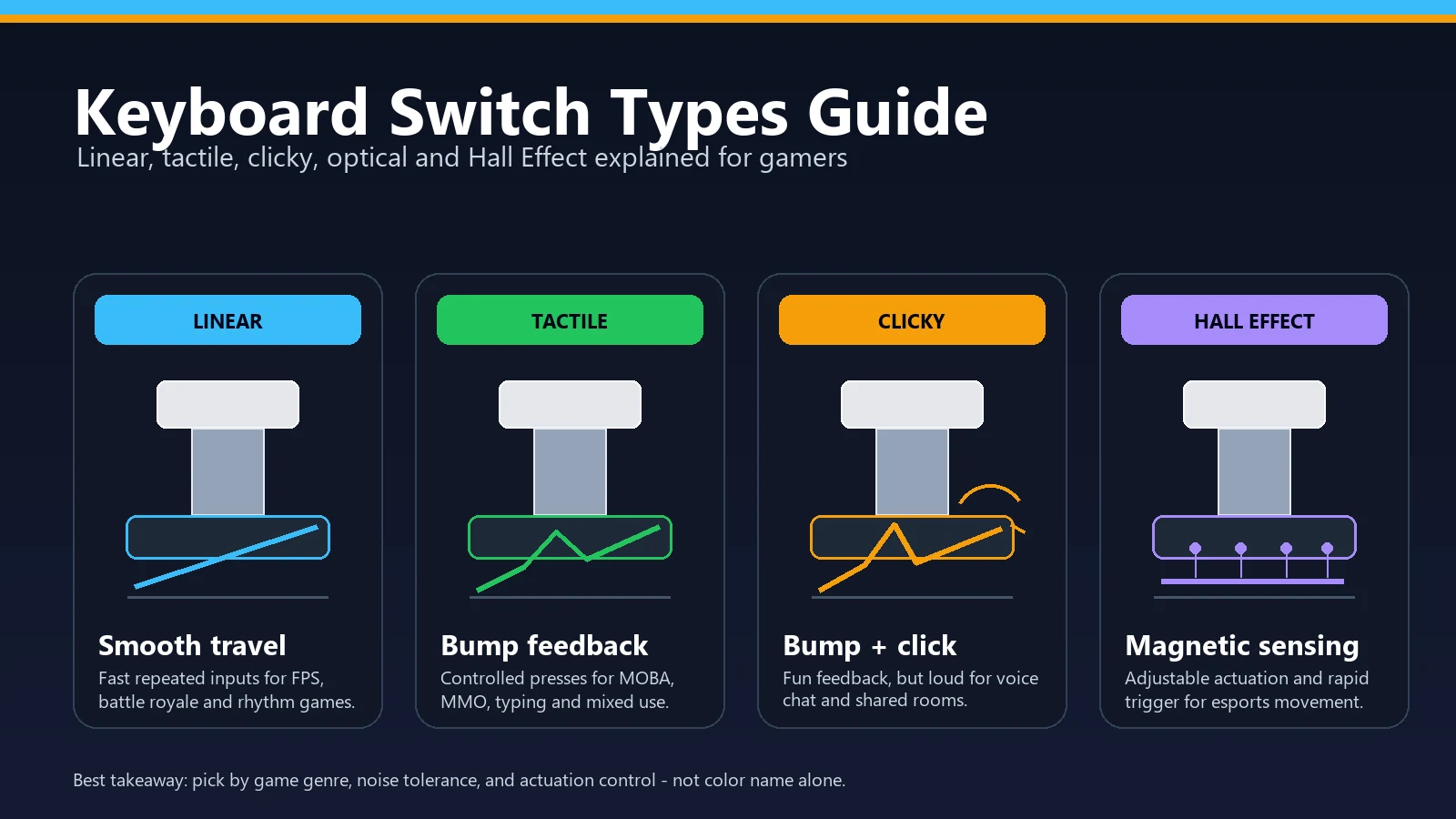
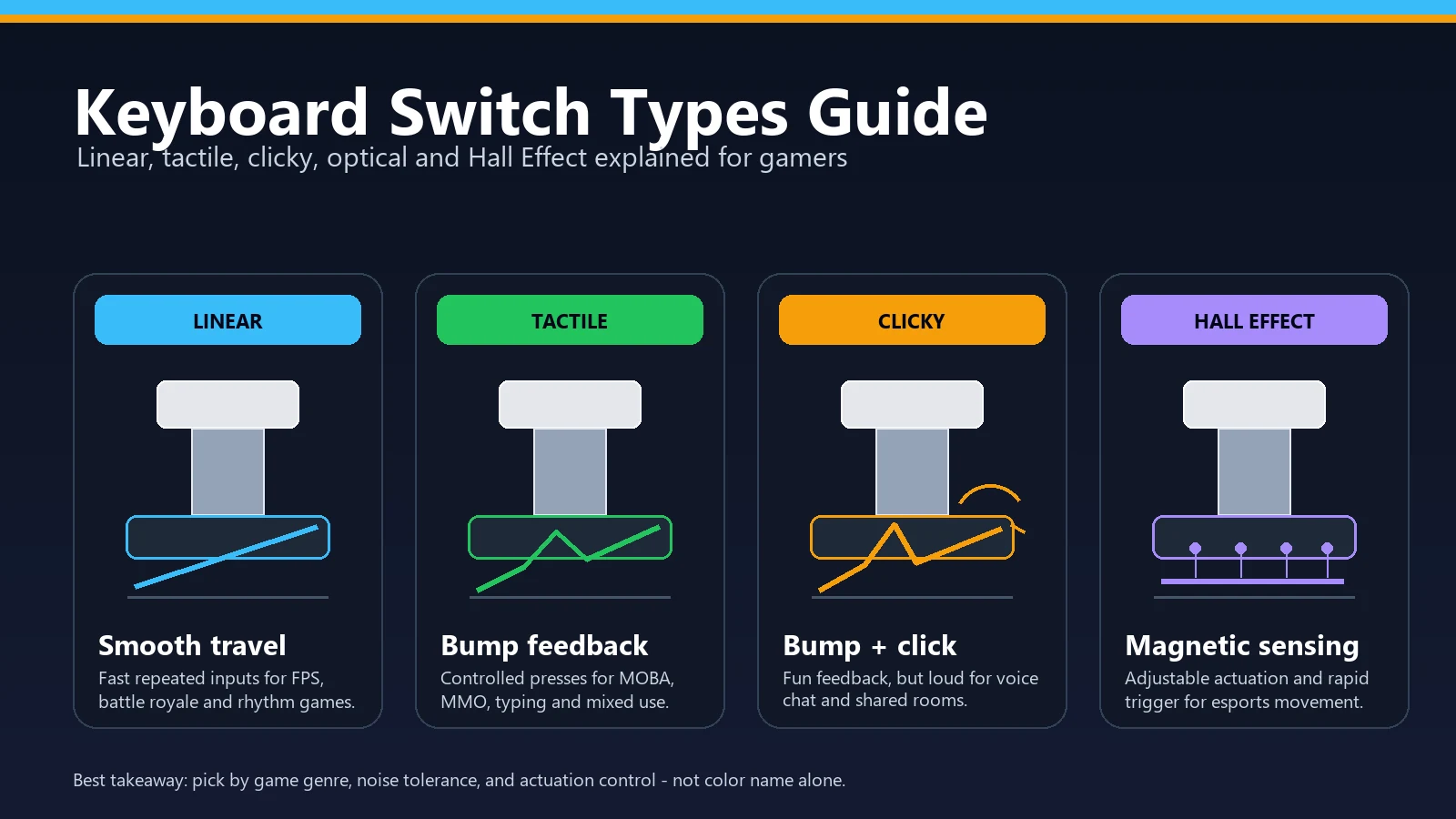
Mechanical keyboards returned because users cared about feel, sound, durability, and control. Gaming added new demands: rollover, anti-ghosting, low latency, high polling-rate claims, rapid trigger, and programmable firmware.
The problems changed too. Old typewriters jammed metal arms. Modern keyboards fail through ghosting limits, switch chatter, wireless delay, debounce behavior, repeat settings, firmware bugs, or worn stabilizers.
How to Test the Keyboard You Use Today
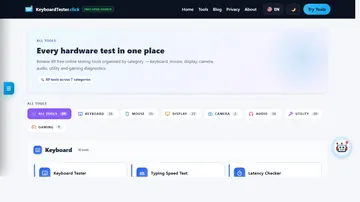
The practical end of keyboard history is the keyboard in front of you. Open the free keyboard tester and press every key once. Confirm that letters, numbers, modifiers, arrows, and the number pad register cleanly.
If you use a non-English layout, start from the different-language keyboard tester so the visual board matches your keyboard. Then check shortcuts with the Keyboard Shortcut Identifier, typing speed with the Typing Test, switch noise with the Keyboard Sound Test, held-key behavior with the Key Repeat Rate Test, and gaming combos with the Keyboard Polling Rate Test or ghosting workflow.
Practical takeaway
Keyboard history explains why the board looks old, but testing explains whether your board works today. QWERTY is inherited; reliability is something you can verify.
Keyboard History Timeline
A short timeline helps separate the mechanical typewriter era from the computer keyboard era.
| Era | What changed | Why it matters now |
|---|---|---|
| 1860s-1870s | Sholes, Glidden, and collaborators refine early typewriter designs. | The keyboard begins as a mechanical writing interface. |
| 1870s-1890s | Remington commercializes QWERTY typewriters. | Business training and typing schools help make QWERTY a standard. |
| Early 1900s | Shift, Tab, Return, Backspace, and office typing habits mature. | Modern key names and behaviors still reflect typewriter work. |
| 1950s-1960s | Flexowriters, teletypes, terminals, and the IBM Selectric bridge typing and computing. | The keyboard becomes an interactive computer input device. |
| 1981-1980s | The IBM PC and enhanced PC keyboards standardize the familiar desktop layout. | Function keys, arrows, modifiers, and shortcuts become everyday computing language. |
| 1990s-present | Laptop, membrane, mobile, mechanical, and gaming keyboards diversify the category. | Users now choose by layout, feel, sound, latency, rollover, and reliability. |
Video: the QWERTY origin story
This Smithsonian video is a useful companion to the myth-correction section. Watch it for the short version, then use the source links below for the deeper historical details.

A short Smithsonian explainer covering the disputed origin and endurance of the QWERTY keyboard layout.
Related Keyboard Tools
Press every key and confirm the browser sees the layout correctly.
Language Keyboard Tester HubCompare localized keyboard routes for non-English layouts.
Keyboard Shortcut IdentifierCheck modern command habits built on the keyboard standard.
Keyboard Sound TestListen for switch differences from modern mechanical boards.
Key Repeat Rate TestMeasure held-key behavior inherited from text-entry workflows.
Keyboard Double-Click TestCatch modern switch chatter that typewriters never had.
Related Guides
A complete practical testing workflow for the keyboard you own now.
Keyboard Switch Types GuideUnderstand modern switch feel, sound, and gaming tradeoffs.
Keyboard Shortcuts Cheat SheetSee how modern shortcuts depend on inherited key positions.
What Is Keyboard Ghosting?Learn why modern multi-key combinations can still fail.
Keyboard Polling Rate Test GuideSeparate keyboard history from modern input timing claims.
Key Chatter Fix GuideDiagnose double letters from worn or bouncing switches.
Sources and Research Notes
This article uses stable museum and vendor sources for historical claims. The practical testing sections point to KeyboardTester.click tools because those checks happen in your browser.
- Computer History Museum: Keyboards
Explains how computer designers reused teletypes, automatic typewriters, and established QWERTY input.
- Smithsonian Magazine: QWERTY origin
Covers the debated origin story, including mechanical-jam and telegraph-operator explanations.
- National Museum of American History: Remington Standard No. 2
Documents an early commercially successful QWERTY typewriter.
- Computer History Museum: 1956 direct keyboard input
Documents MIT experiments using a Flexowriter for direct keyboard input to Whirlwind.
- IBM: The IBM Selectric
Explains the Selectric typeball, electric typewriter bridge, and terminal use.
- IBM: The IBM PC
Documents the 1981 IBM PC and its role in mainstream personal computing.
- Wired: Dvorak patents keyboard
Useful background for alternative keyboard layout history.
FAQ
- Who invented the keyboard?
No single person invented the modern keyboard in one step. Christopher Latham Sholes and collaborators were central to early typewriter keyboard history, Remington commercialized QWERTY typewriters, and computer keyboards later evolved through teletypes, terminals, IBM PCs, laptops, and gaming boards.
- Why is the keyboard QWERTY and not ABCD?
QWERTY became dominant because early typewriter mechanics, operator feedback, Remington training, business adoption, and later computer compatibility all reinforced it. Alphabetical layouts were easy to understand, but they did not become the commercial standard.
- Was QWERTY designed to slow typists down?
That is an oversimplified myth. Early typewriter jams mattered, but the better explanation is that QWERTY made typing practical on the machines and workflows of the time. The Computer History Museum says QWERTY was designed to speed typing by reducing key interference.
- When did keyboards become part of computers?
Direct keyboard input was explored in the 1950s, including MIT work with a Flexowriter connected to Whirlwind. Teletypes, terminals, electric typewriters, and then personal computers made the keyboard a normal way to interact with computers.
- Are Dvorak or Colemak better than QWERTY?
They can be better for some users, especially those willing to retrain. Dvorak focuses on home-row efficiency, while Colemak changes fewer keys and preserves more shortcut familiarity. QWERTY remains dominant because most people and systems already use it.
- How do I test my keyboard layout?
Open the Keyboard Tester, press every key, then test shortcuts, repeat behavior, ghosting combinations, and typing speed. If you use a non-English keyboard, use the matching localized keyboard tester route.
Start with the history, then verify the hardware. Open the Keyboard Tester, press every key, and use the related tests when layout, shortcuts, repeat behavior, sound, or ghosting need a closer look.




Reader discussion
Comments
Share what worked, what did not, or what you would test next. Every comment is reviewed before it appears.
Loading approved comments…
Leave a comment
No account or sign-in is required. Links and HTML are not accepted.