

Acoustic Round-Trip Audio Latency Test
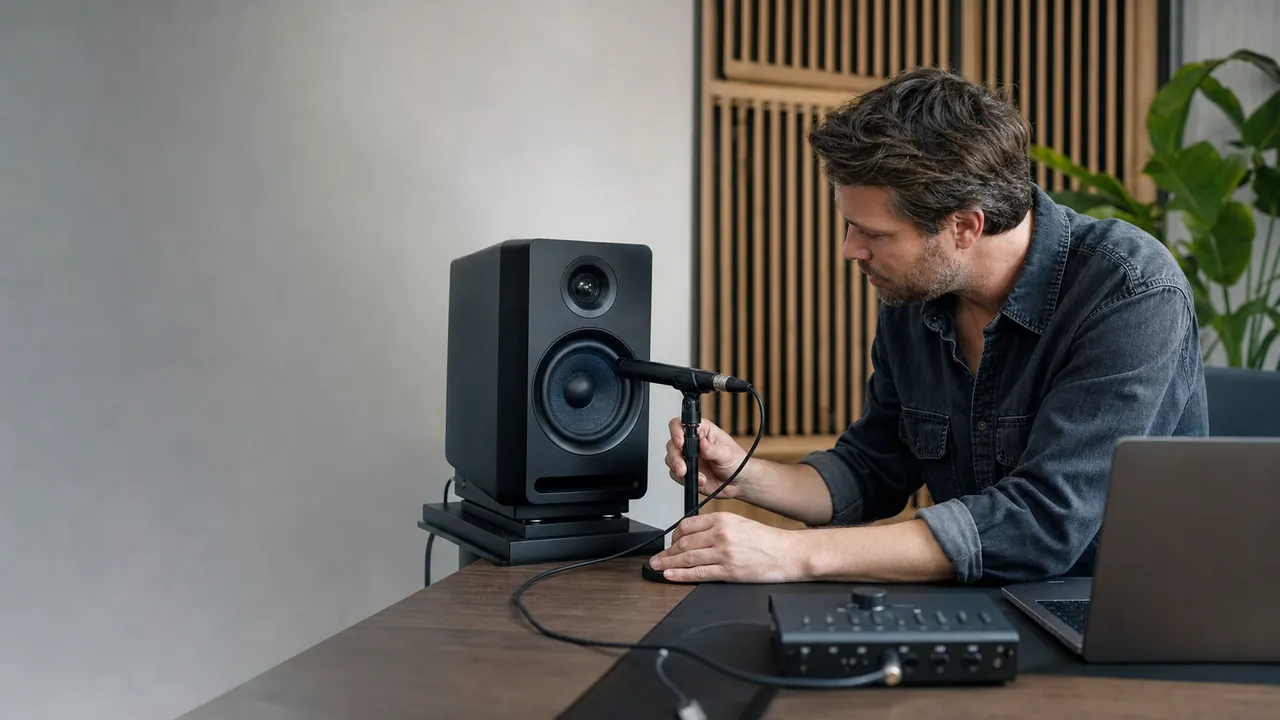
Use speakers and a nearby microphone in a quiet room. One warm-up and five measured trials produce a median, range, MAD jitter, and confidence score.
Before you start
Use speakers at 30-50% system volume in a quiet room. Keep the microphone nearby. The short chirps are intentionally low-volume.
Test setup
Optional air-travel correction. Keep the same distance for comparisons.
Status
Ready. Check volume and microphone placement.
Trial quality
- Warm-up Pending —
- Trial 1 Pending —
- Trial 2 Pending —
- Trial 3 Pending —
- Trial 4 Pending —
- Trial 5 Pending —
Round-trip results
Run the test to see measured results.
Median round trip—
Minimum—
Maximum—
MAD jitter—
Confidence—
Baseline delta—
No saved baseline
Browser and microphone details
- Browser base latency
- Unavailable
- Browser output latency
- Unavailable
- Capture sample rate
- Unavailable
- Mic processing
- Unavailable
What this number means
The result includes output buffering, the playback device, air travel, microphone input, capture buffering, and browser processing. Browser base/output latency estimates are shown separately.
Local only: microphone samples are analyzed in memory and are never uploaded.
Acoustic Round-Trip Audio Latency Test is a free, browser-based audio testing tool that lets you measure estimated acoustic round-trip audio latency with five correlated chirp trials, confidence checks, jitter, and browser latency estimates.
- Cost: Free, no signup
- Install: None — runs in the browser
- Privacy: Runs locally, no uploads
- Platforms: Windows, macOS, Linux, Android, iOS
- Time: Under a minute
Measurement workflow
How to test audio latency accurately
This test measures when a scheduled chirp returns through the microphone. A controlled setup matters more than a single fast-looking number.
The measured value is an acoustic round trip: browser output, speaker, air, microphone, capture, and processing. It is not isolated Bluetooth codec delay or one-way output latency.
Audio latency FAQ
Audio latency test questions