FreeKeyboard Shortcut Identifier — What Does This Key Combination Do
Press any key combination and instantly see what it does on Windows, macOS and Linux. Free online shortcut identifier — 120+ mapped shortcuts, privacy-first.
Was this tool helpful?Rate Keyboard Shortcut Identifier:5.0(6 ratings)Thanks for rating!
Keyboard Shortcut Identifier guide
How to use the Keyboard Shortcut Identifier accurately
Press any key combination and instantly see what it does on Windows, macOS and Linux. Free online shortcut identifier — 120+ mapped shortcuts, privacy-first.
01Start the live tool
Open the test area and follow the on-screen controls before drawing conclusions.
02Run one clean pass
Keep input steady so the result is useful for comparison and troubleshooting.
03Repeat the check
Run another pass if browser focus, permissions, or hardware settings changed.
04Compare with related tools
Use the related diagnostics to confirm whether the issue belongs to the device or the browser.
The keyboard shortcut identifier tells you what any key combination does. Press a key or combo and it displays the keys as realistic keycaps and explains what that shortcut triggers on Windows, macOS, and Linux, using a database of over 120 common shortcuts.
Does it show shortcuts for all operating systems?
Yes. Choose your operating system to see the primary action, and the identifier also lists what the same combination does on the other systems, so you can translate shortcuts between Windows, macOS, and Linux.
What happens if my shortcut is not recognized?
Combinations outside the catalogued database show a clear notice that the shortcut is not in the database. If you think a common shortcut is missing, you can suggest it through the site feedback link.
Is the keyboard shortcut identifier private?
Yes. Key presses are matched against a JavaScript database that ships with the page, so everything runs locally in your browser and no keystrokes are sent to a server. The tool is free with no download.
Checklist
Keyboard checks to confirm
Start the live toolOpen the test area and follow the on-screen controls before drawing conclusions.
Run one clean passKeep input steady so the result is useful for comparison and troubleshooting.
Repeat the checkRun another pass if browser focus, permissions, or hardware settings changed.
Windows app
KeyboardTester.click is available from Microsoft Store
Install the official Windows app shortcut, or keep using the same free testing tools in your browser.
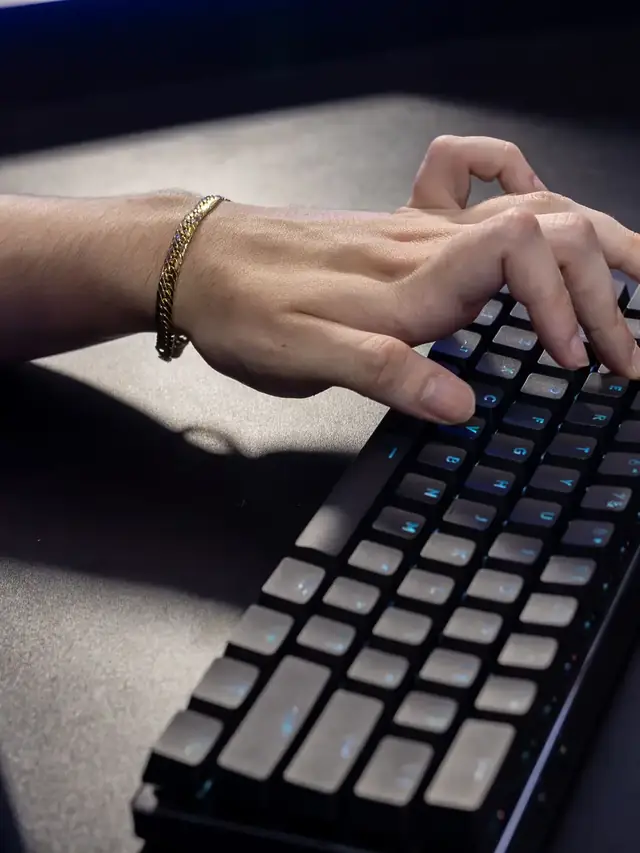
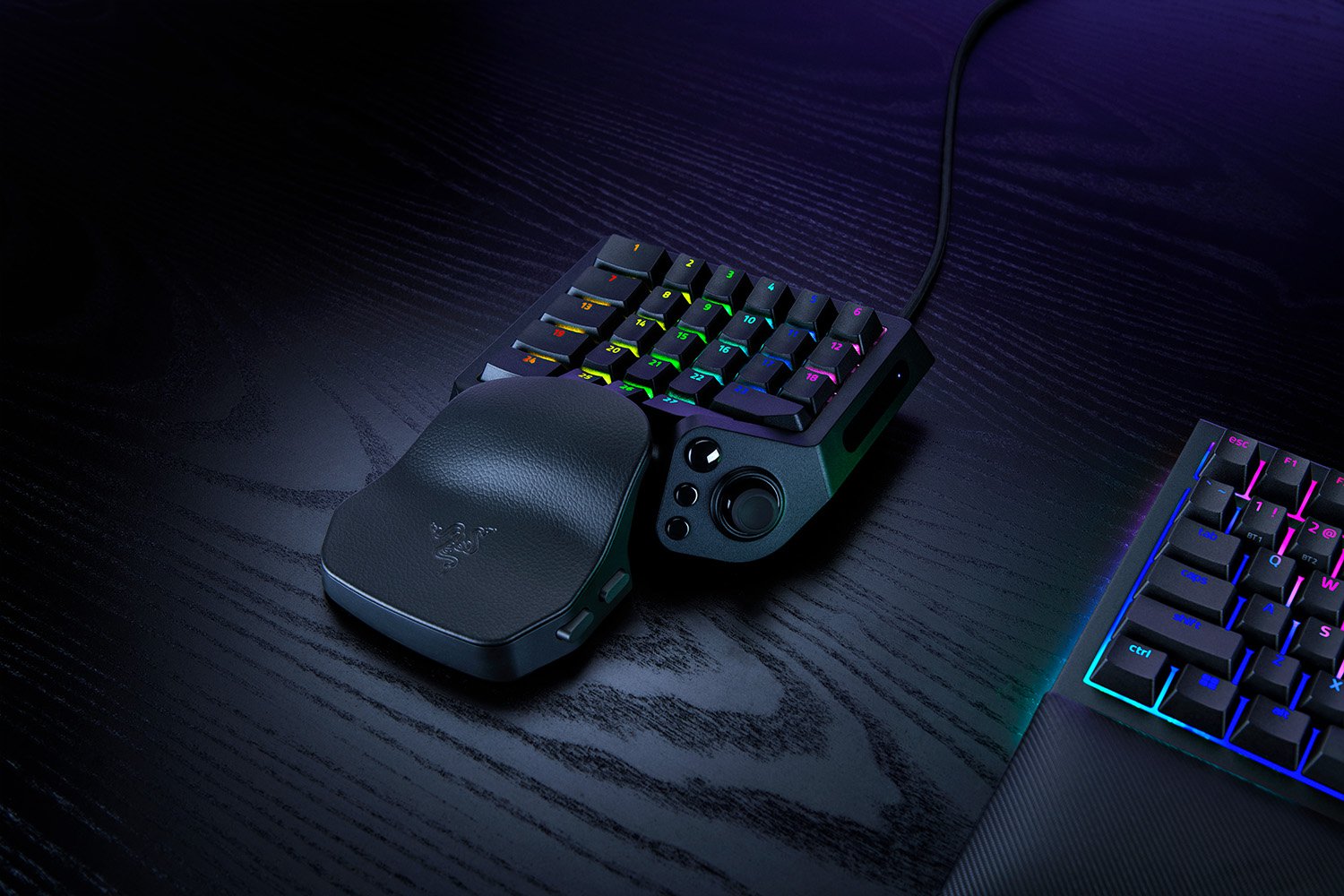
01 / 10Keep or upgradeTartarus V2 Pro: upgrade or keep?Keep a working Pro if its bindings fit. Illustrative stock photos; none shows a Tartarus.02 / 10Identify the modelFind the 2026 modelRazer launched RZ07-0552 on September 17. It is not the older Tartarus V2 or the original Pro.03 / 10Before buyingList your thumb actionsList move, jump, modifiers and weapon changes. Every wheel or button function needs a comfortable replacement.04 / 10Different inputsD-pad or analog stick?Original Pro: eight-way pad. V2 Pro: TMR stick. Check the layout. This controller only illustrates input types.05 / 10Write it downMap move + jump + modifierAssign every essential action. Can you reach it while moving? If no comfortable binding fits, wait.06 / 10Check existing featuresRapid Trigger is on bothThe original Pro already has Rapid Trigger with supported Synapse. Do not upgrade just for that.07 / 10Try the actual gameAnalog movement + mouse aim?Try movement plus mouse aim, then jump and menus. Mixed-input support depends on the game and mapping.08 / 10After configurationPress, release, combineMap ordinary letters. Check each press and release, then your usual combinations. Keep the test page focused.09 / 10Know the limitA browser sees eventsIt cannot certify 8,000 Hz USB polling, 0.1 mm actuation or game compatibility. These need different evidence.10 / 10Next stepTest your current bindingsCheck mapped keys first. Upgrade only if a useful change preserves every needed action. Finish in your real game.
01 / 10US buyerWooting 80HE+: check before buyingParts or a full board? Avoid the case-fit trap. Stock photos illustrate this source-based guide.02 / 10Case checkPlus Module + old case? No.Wooting says the new connector can press against an old case rib and damage the cable. Do not force the fit.03 / 10One-way fitThe reverse worksThe original 80HE Module fits new Plus cases. New Module in an original case still does not work.04 / 10US prices: Sep 18$149.99 is not a whole keyboardModule + new ABS case = $184.98, before needed switches and keycaps. Taxes and shipping may add more.05 / 10Compare totalsA complete ABS board: $199.99The US ANSI prebuilt is $15.01 above Module + case. Price every missing part before choosing the Module.06 / 10Layout choiceNeed a split spacebar?Split needs the Module; prebuilts have a regular spacebar. Check the matching plate and keycaps before ordering.07 / 10Keep or replaceA working 80HE can stayWooting calls the performance difference minimal. Buy for a feature you need, not an assumed speed win.08 / 10TimingWarehouse date, not your doorABS/Module: late October. Zinc/knob: mid-December. Wooting estimates warehouse arrival; dates can change.09 / 10After arrivalCheck keys and real chordsTest each key, then the combinations you use. Browser events cannot certify 8 kHz or actuation travel.10 / 10Try itTest your actual keyboardUse one profile. Look for missed, stuck or duplicate inputs. A browser pass is not full hardware certification.