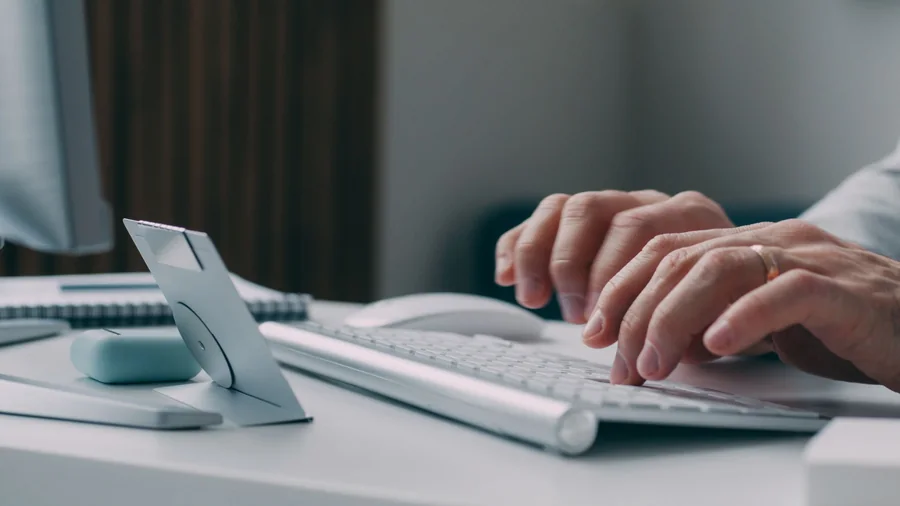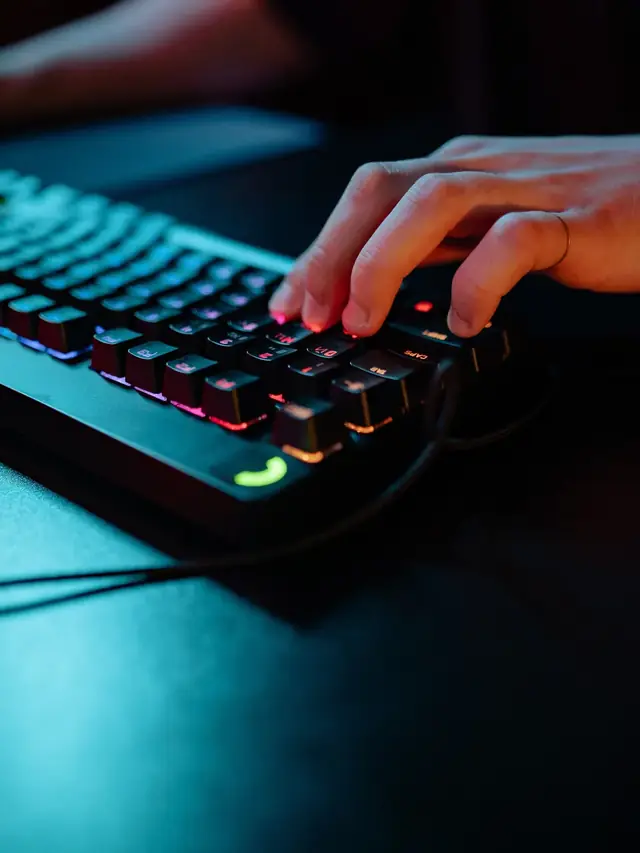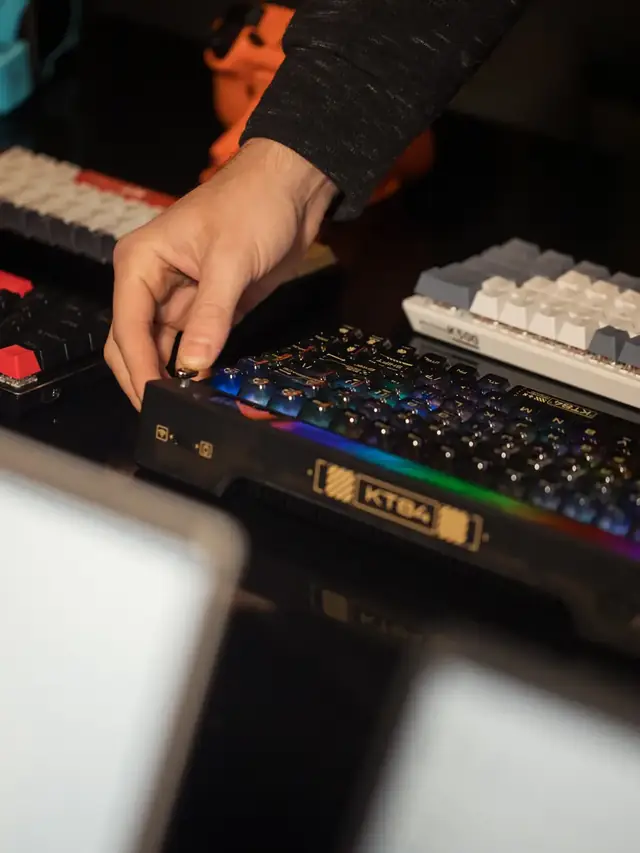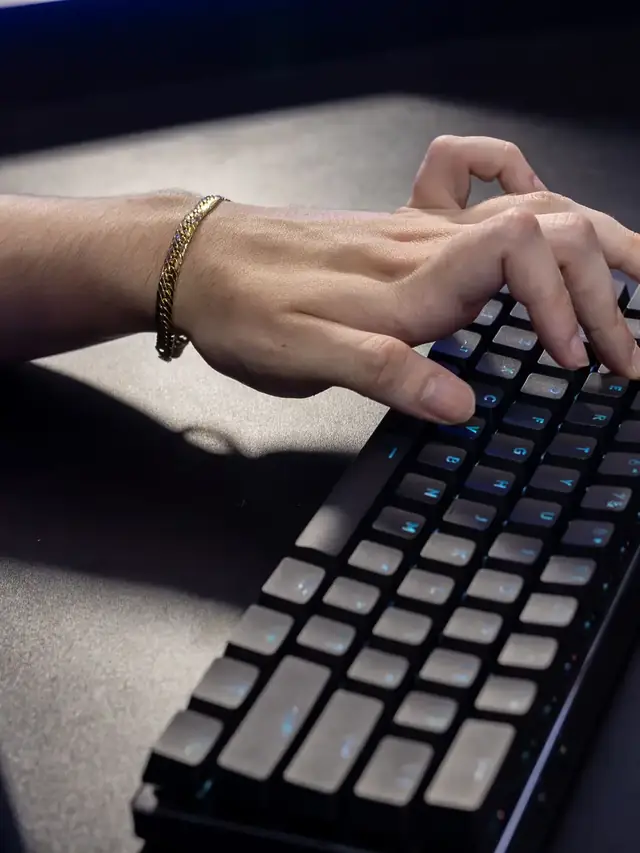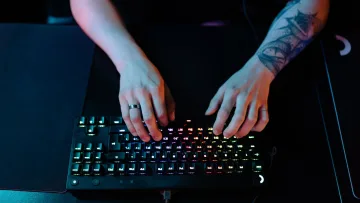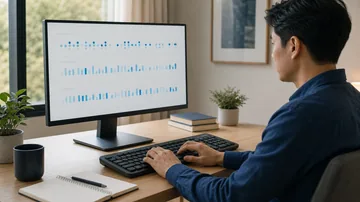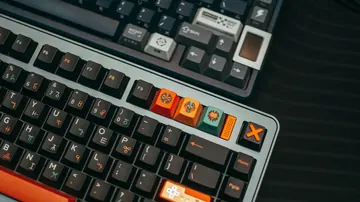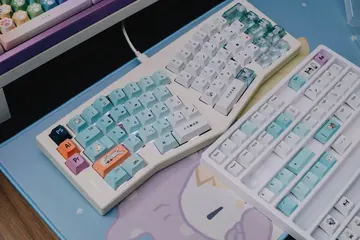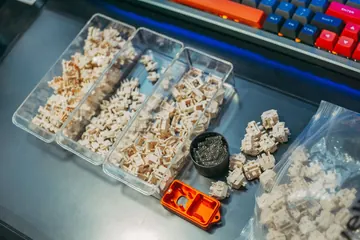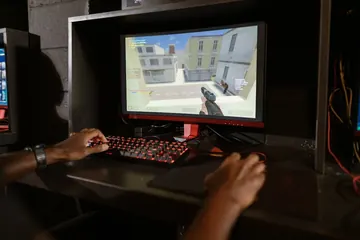


Focused person pressing a desktop keyboard during a keyboard CPS speed test

Keyboard CPS Test Measure Real Key Presses Per Second

Test one key, alternate two keys, practise WASD, or build a custom pattern while held-key auto-repeat is filtered from the score.

Download from Microsoft Store Download from Microsoft Store

Keyboard Presses Per Second Test

Choose a pattern and timed run, focus the press area, then compare accepted presses, average CPS, peak CPS, consistency, and key balance.

Status

Test setup

Raw key names, timing details, and saved results stay on this device.

Test setup

Key pattern
Duration
Status Ready. Choose a key pattern and duration.
10.0

Keyboard CPS press area

Press Start, then focus here.

Focus this area, then press only the selected keys as quickly and cleanly as you can.

Total presses0
Average CPS0.00
Peak CPS0
Consistency0%
Held repeats filtered0
Active keys0
Personal best

Key breakdown

KeyPressesShare
No accepted key presses yet.

Presses per second

    Test report

    Complete a test to create a report.

    Local history

    1. No saved results on this device.
    Rate Keyboard Presses Per Second Test: 5.0 (1 rating)

    Keyboard Presses Per Second Test is a free, browser-based keyboard testing tool that lets you measure keyboard presses per second with single-key, alternating, WASD, rhythm, and custom modes.

    • Cost: Free, no signup
    • Install: None — runs in the browser
    • Privacy: Runs locally, no uploads
    • Platforms: Windows, macOS, Linux, Android, iOS
    • Time: Under a minute

    Four-step workflow

    How to test keyboard CPS consistently

    A useful result comes from repeated physical presses under the same pattern, duration, keyboard, and browser conditions.

    01 Choose a pattern Use any-key, single-key, alternating, WASD, rhythm, or custom mode and select a duration.
    02 Focus the press area Start the test, keep the tab in front, and place focus inside the large keyboard input area.
    03 Make separate presses Release and press again for each count. Holding a key triggers browser auto-repeat, which the test filters out.
    04 Compare equal runs Read average and peak CPS, consistency, and per-key balance, then repeat without changing the setup.
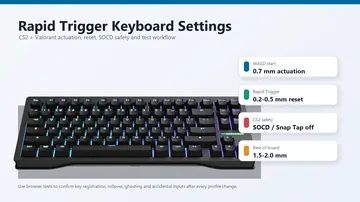
    This is a browser event-rate exercise, not a keyboard polling-rate, scan-rate, debounce, actuation, or latency benchmark.

    Keyboard CPS FAQ

    Keyboard CPS test questions
    What does keyboard CPS mean?

    Keyboard CPS is the number of accepted physical key presses per second during the timed browser test. Average CPS covers the full run; peak CPS is the strongest one-second interval.

    Does holding a key increase the score?

    No. Keyboard auto-repeat events produced while a key is held are identified by the browser and excluded. Release and press the key again for another accepted count.

    Can this test measure keyboard polling rate or latency?

    No. It measures the rate of keydown events delivered to the page. It cannot read USB polling packets, firmware scan rate, switch actuation, debounce time, or end-to-end latency.

    Why does changing tabs stop the test?

    Losing focus can hide key events or send them to another application. The run stops instead of presenting a misleading score.

    Are key presses or saved best scores uploaded?

    No. Live key data and optional personal-best history remain in local browser storage on this device. JSON export is created locally.

    Windows app

    KeyboardTester.click is also on Microsoft Store

    Install the official Windows shortcut or keep using the same free browser tools.

    Download from Microsoft Store Download from Microsoft Store