Free online gyroscope test. Live alpha, beta, gamma rotation readout in degrees, 3D cube that mirrors device orientation, and compass ring for alpha. DeviceOrientation API, no app install.
Live alpha, beta, and gamma orientation readout with a 3D cube that rotates exactly with your device, a compass ring for alpha, and a calibrate-to-zero button — verify the rotation sensor without installing an app.
⚠️ Not supported: This device does not expose DeviceOrientationEvent. Open this page on a phone or tablet.
Live orientation readout
Not started
On iOS 13+ you must tap "Start" to grant orientation permission.
Alpha
0°
compass / Z-axis
Beta
0°
front-back tilt
Gamma
0°
left-right tilt
N
E
S
W
0°
3D orientation cube
FRONT
BACK
RIGHT
LEFT
TOP
BOTTOM
Tilt, turn, or rotate your device — the cube follows in real time. "Calibrate to zero" snaps the cube's current orientation to the identity so you can measure relative rotation from a custom starting point.
Was this tool helpful?Rate Gyroscope Test:4.8(4 ratings)Thanks for rating!
Android app
Need native phone tests? Use the KBT Measure Suite APK
The Android app adds camera measurement, ruler, level, touch, vibration, accelerometer and gyroscope checks that run as native phone tools.
Gyroscope Test is a free, browser-based online gyroscope test.
Cost: Free, no signup
Install: None — runs in the browser
Privacy: Runs locally, no uploads
Platforms: Windows, macOS, Linux, Android, iOS
Time: Under a minute
What The Gyroscope Test Measures
The browser's DeviceOrientationEvent exposes three rotation values — alpha, beta, gamma — derived from a fusion of the phone's gyroscope and magnetometer. Alpha is rotation around the vertical (Z) axis and reports your compass heading from 0 to 360 degrees. Beta is front-to-back tilt (-180 to 180°), zero when the device is flat. Gamma is left-to-right tilt (-90 to 90°), zero when the device is flat. When you rotate the device, these numbers update several dozen times per second and the 3D cube on this page mirrors the new orientation in real time.
Gyroscope vs. Accelerometer: What Is The Difference
An accelerometer measures linear acceleration — how fast the device is speeding up or slowing down in a given direction, including the 9.8 m/s² constantly pulling it down. A gyroscope measures angular velocity — how fast the device is rotating around each axis. Modern phones fuse both sensors (plus the magnetometer) to produce a stable orientation estimate. If you only had an accelerometer, orientation would jitter as you walked; if you only had a gyroscope, it would drift over time. Fusion gives you smooth, drift-free orientation, which is what DeviceOrientationEvent reports. If this test works but the Accelerometer Test does not (or vice versa), one of the two sensors has a specific hardware fault. For the full comparison, with a live test workflow for each sensor and an auto-rotate repair checklist, read accelerometer vs gyroscope: what's the difference.
Why Alpha Might Not Work Everywhere
Alpha requires a magnetometer (compass chip) in addition to the gyroscope, because true north must come from somewhere. Some phones, tablets, and most desktops do not have a magnetometer — on those devices alpha may report 0, drift continuously, or never update. Beta and gamma rely only on the gyroscope plus accelerometer and work on every phone made in the last decade. Strong nearby magnets (laptop lid, magnetic phone mount, speakers) also throw the magnetometer off, making alpha unreliable indoors. Moving the device away from magnets usually restores a sane compass reading within 2-3 seconds.
iOS Orientation Permission
Starting with iOS 13, Safari requires an explicit user-initiated grant before DeviceOrientationEvent fires. Our "Start" button calls DeviceOrientationEvent.requestPermission(), which is the only way to ask. If the cube stays still after tapping Start, check Settings → Safari → Motion & Orientation Access is enabled. Private browsing windows on iOS may block the permission dialog entirely — use a normal Safari window.
Does Your Phone Have a Gyroscope?
If you are using this page because PUBG, CODM, Pokemon GO AR, or auto-rotate is not responding, read the deeper guide: Does My Phone Have a Gyroscope?. It explains how to separate missing hardware from blocked motion permission, a magnetometer problem, and game-specific gyro settings.
Alpha is rotation around the vertical axis (0-360° compass heading). Beta is front-to-back tilt (-180 to 180°, zero when flat). Gamma is left-to-right tilt (-90 to 90°, zero when flat).
What is the difference between gyroscope and accelerometer?
Accelerometer measures linear acceleration (including gravity). Gyroscope measures angular velocity. Modern phones fuse both (plus the magnetometer) to report drift-free orientation, which is what this test reads.
Why does alpha stay at 0 on my tablet?
Alpha requires a magnetometer (compass chip). Many tablets and most laptops lack one, so alpha reports 0 or never updates. Beta and gamma rely only on the gyroscope and work on every phone.
What does Calibrate to zero do?
It captures the current orientation as the new reference point so the cube reads 0/0/0 from that position. Useful when the device is sitting in a mount or holder and you want to measure rotation relative to that start.
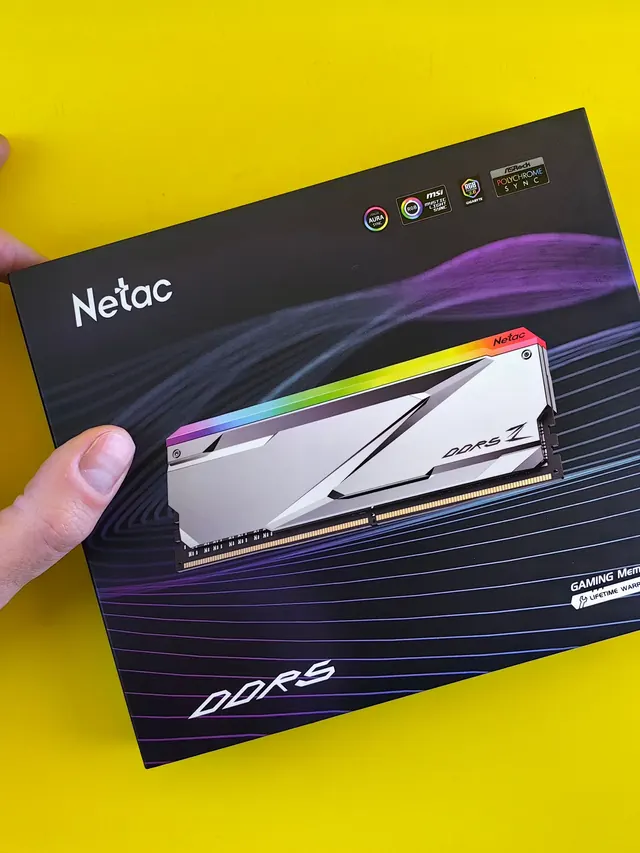
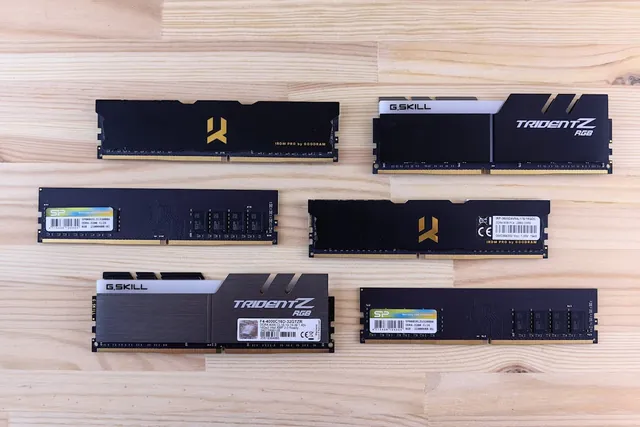
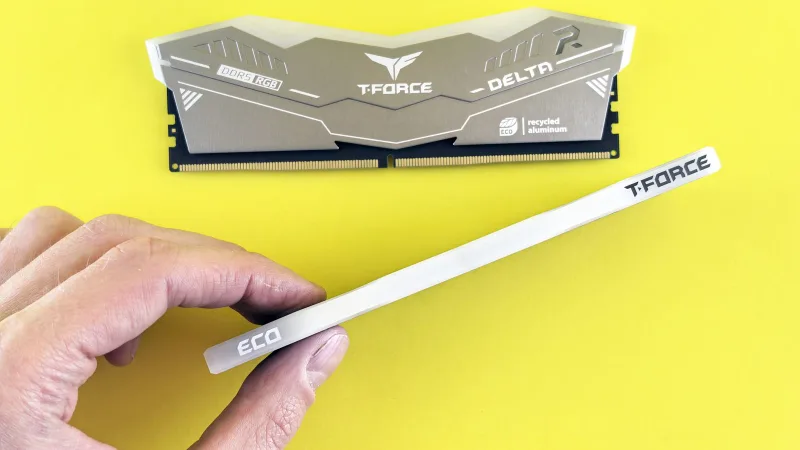
01 / 10DDR5 buying mathPay $120 more for 2 nanoseconds?CL30 vs CL36 looks big on the box. The real difference is 2 nanoseconds.02 / 10What CL really isCAS latency counts cycles, not timeCL is how many clock ticks the RAM waits before answering. Ticks get faster with speed.03 / 10The one-line formulans = 2000 x CL / MT/sTrue latency in nanoseconds. DDR5-6000 CL30: 2000 x 30 / 6000 = 10.0 ns.04 / 10CL30 vs CL36 at 600010.0 ns versus 12.0 nsSame speed, different CL: the whole debate is about 2 nanoseconds of wait time.05 / 10The tie surprise7200 CL36 is also 10.0 nsSo is 6400 CL32. A higher CL on a faster kit can match a lower CL exactly.06 / 10What 2 ns buys in gamesRoughly 1-4% average FPSOnly when CPU-bound, and benchmarks disagree. Smoother 1% lows are the steadier win.07 / 10Price check, Aug 11, 2026The CL30 premium: $120G.Skill CL30 $599.99 vs CL36 $479.99. A Patriot CL30 kit: $429.99. Shop across brands.08 / 10The EXPO/XMP gotchaYour CL30 may be running CL40Kits boot at JEDEC defaults until you enable EXPO or XMP in BIOS. Check yours today.09 / 10The X3D exceptionBig cache blunts CLOn 7800X3D-class CPUs, the stacked cache blunts CL gains. Buy CL36 and save.10 / 10The verdictSmall delta: yes. Upgrade: no.Compare your two kits in real nanoseconds - presets loaded, math done for you.
01 / 10Phone vibration testYour phone stopped buzzingBefore you book a repair, find out whether it is the motor or just a setting.02 / 10The symptomMissed calls and silent alertsA dead motor is easy to miss. You only notice the calls you never felt arrive.03 / 10What is insideA tiny weight on a motorMost phones spin an offset weight or drive a linear actuator to make the buzz.04 / 10Check this firstSettings fake a dead motorSilent mode, Do Not Disturb and per-app vibration all switch the buzz off.05 / 10Run the testOne tap, three patternsThe browser asks the phone to vibrate in short, long and pulsed patterns.06 / 10Result: weakYou feel it, but barelyA faint buzz often means a loose motor mount or a case damping the vibration.07 / 10Result: nothingNo buzz on any patternWith settings ruled out, silence points at the motor or its connector.08 / 10Result: on and offIt works, then it does notIntermittent buzzing usually means a failing solder joint or a worn motor.09 / 10One honest limitiPhones cannot run this testSafari on iOS does not support the browser vibration API, so use Android.10 / 10Your turnFind out in thirty secondsRun the three patterns, then decide whether it is a setting or the hardware.