








Fast answer: Most modern smartphones have a gyroscope, but some budget phones and older tablets leave it out. You can check in about 10 seconds without installing anything: open the Gyroscope Test, rotate your phone, and watch the alpha, beta, and gamma values. If the values move smoothly with the 3D cube, your gyroscope is working. If only tilt responds or every value stays stuck, the phone may have no gyro, a blocked browser permission, or a failing sensor.
This guide is for the exact moment when auto-rotate feels wrong, PUBG or BGMI gyro aiming will not respond, CODM ignores motion aim, or Pokemon GO says AR cannot detect phone orientation. The key is to separate three different cases: no gyroscope hardware, a working sensor blocked by permission or software, and a real sensor fault.
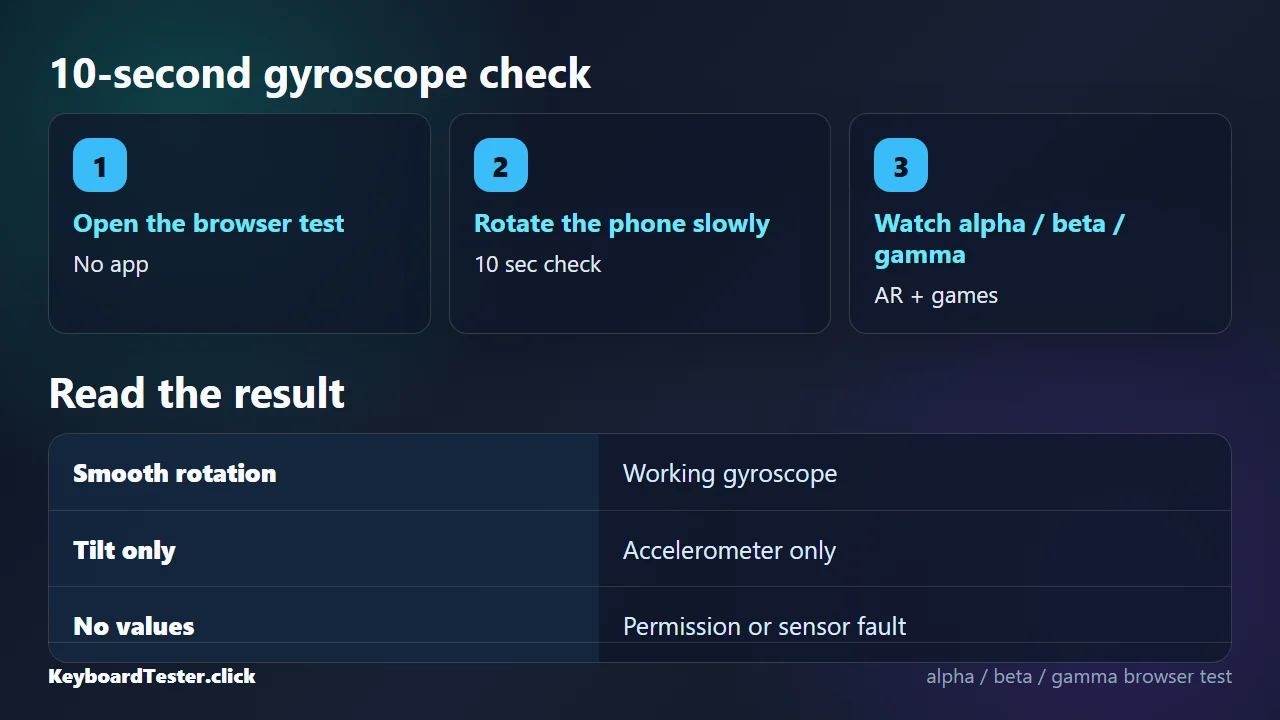
Run the 10-Second Gyroscope Test Without an App
Use the browser test first because it proves the sensor path before you install a diagnostic app, dial a phone-specific code, or change game settings.
- Open the test on the phone: Desktop computers usually do not expose phone-style motion sensors. Use the phone or tablet you want to check.
- Tap Start and allow motion access: iPhone Safari needs a user gesture before orientation data is released. Android browsers may also require a permission prompt.
- Rotate slowly on each axis: Tilt forward and back, tilt left and right, then rotate the phone flat on a table.
- Watch alpha, beta, gamma and the cube: A healthy orientation path updates smoothly and the cube follows the same movement.
- Retest after one fix: If it fails, change only one thing, then reload and repeat so you know what helped.
How to Read Your Gyroscope Result
Do not judge from one number alone. DeviceOrientation is a fused orientation signal, so the pattern matters more than a single alpha, beta, or gamma value.
| What you see | Likely meaning | Next move |
|---|---|---|
| All values update smoothly and cube rotates | The phone has a working orientation path with gyro-style rotation. | Use it in PUBG, CODM, AR, camera, or VR settings. |
| Beta/gamma tilt works but flat rotation is poor | Accelerometer works; gyro, compass, or sensor fusion may be weak. | Run the accelerometer test and remove magnets or metal mounts. |
| Alpha stays 0 or jumps while beta/gamma work | Compass/magnetometer issue more likely than a dead gyroscope. | Move away from magnetic cases, speakers, laptop lids, and car mounts. |
| No values after tapping Start | Permission blocked, unsupported browser, or no exposed sensor. | Try normal Safari/Chrome, enable motion access, then reboot. |
| Values are noisy or laggy | Browser throttling, low battery, background load, or sensor instability. | Close tabs, charge the phone, restart, and retest. |
Gyroscope vs Accelerometer vs Compass
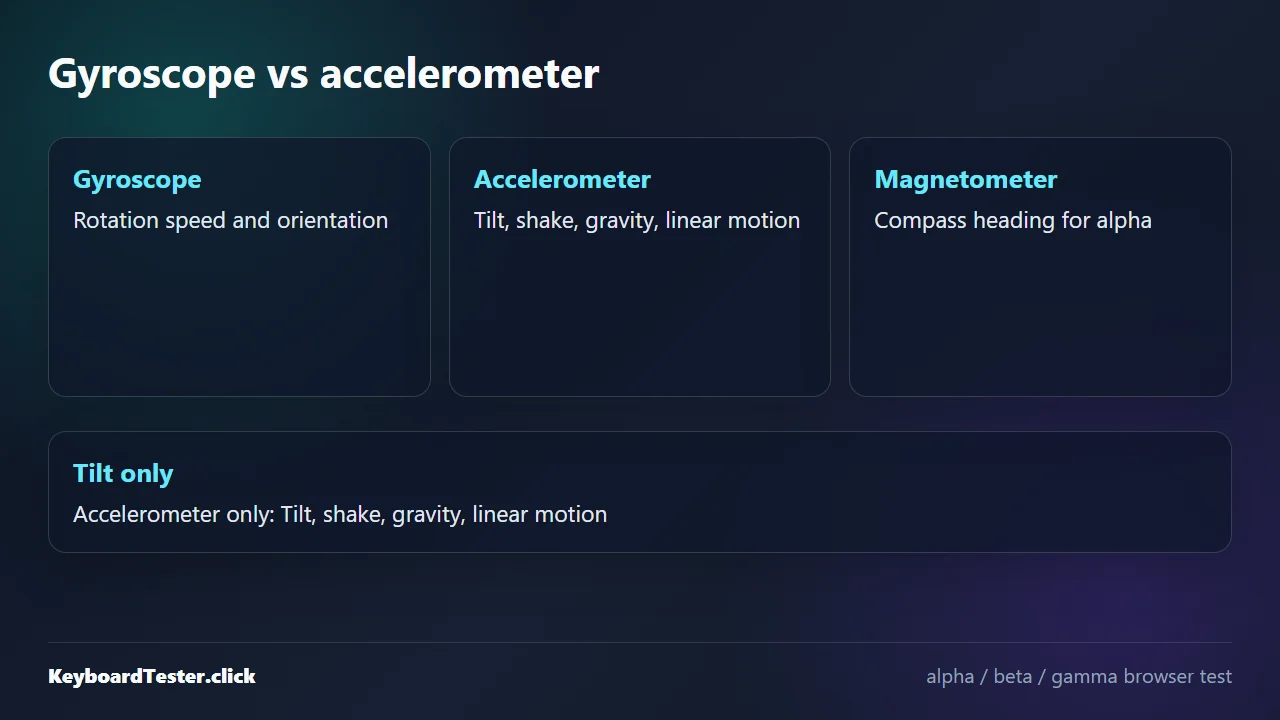
A gyroscope measures rotation rate around the phone axes. An accelerometer measures linear acceleration and gravity, so it can tell which way the phone is tilted. A magnetometer provides compass heading. Browser orientation values are usually a fused result from these sensors, which is why a phone can tilt without proving it has a good gyroscope.
The practical giveaway is yaw-style rotation. If beta and gamma move when you tilt the phone but alpha or the cube does not track smooth rotation, you may be seeing accelerometer-only behavior. Use the Accelerometer Test next if you need to isolate tilt and shake from rotation.
| Sensor | What it measures | Common use |
|---|---|---|
| Gyroscope | Angular rotation rate around X/Y/Z axes. | Gyro aiming, AR/VR head tracking, camera stabilization, smooth orientation. |
| Accelerometer | Linear acceleration and gravity. | Auto-rotate, tilt controls, shake detection, step and movement hints. |
| Magnetometer | Magnetic field / compass heading. | Compass direction and alpha heading correction. |
Phone Gyroscope Not Working? Fixes That Actually Help
If the hardware appears present but the test is frozen or jumpy, work through the simple fixes before assuming the phone is defective.
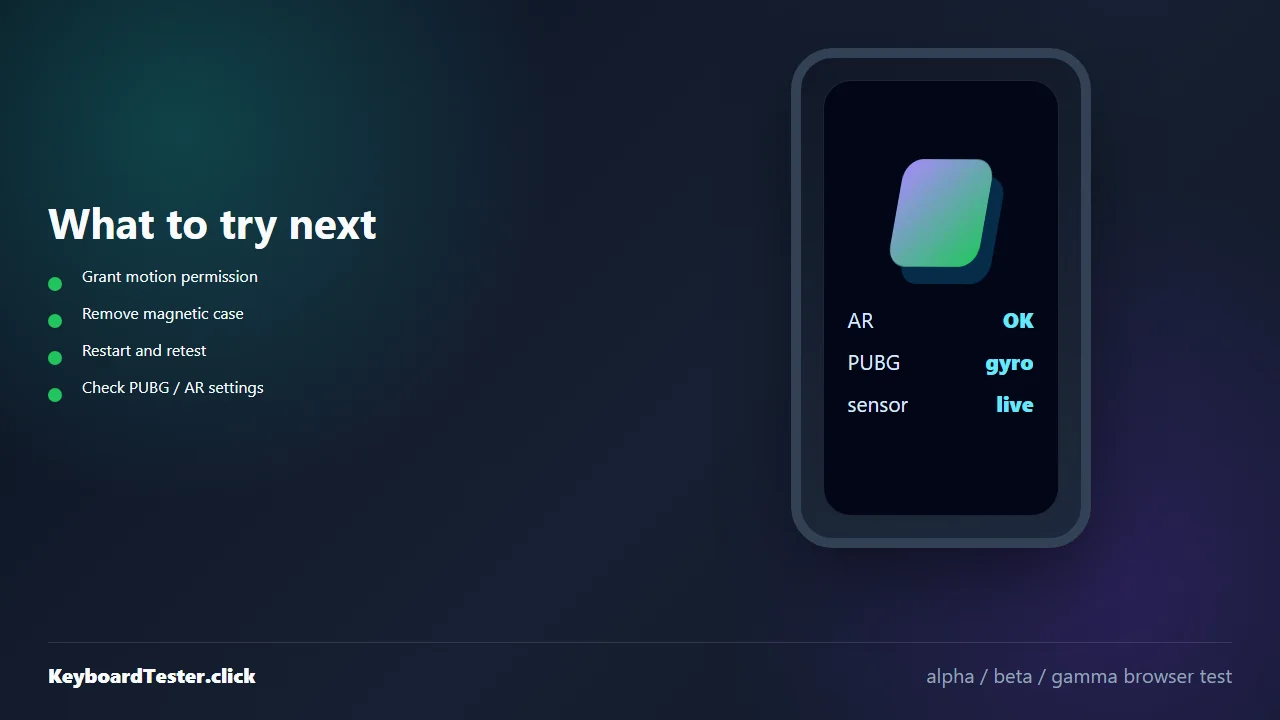
Use the Start button. On iOS, also check Safari Motion & Orientation Access if the prompt never appears.
Private windows, embedded browsers, and social-app webviews can block motion events.
MagSafe-style wallets, magnetic mounts, speakers, laptop lids, and some cases can disrupt the compass side of orientation.
Temporary sensor services can fail after OS updates or long uptime. Restart first, then install pending system updates.
If tilt works but rotation does not, the accelerometer may be fine while gyro or magnetometer behavior is the problem.
Gyroscope Not Working in PUBG, BGMI, CODM, or Pokemon GO AR
Mobile games and AR apps depend on motion data in different ways. A browser pass means the sensor is alive; it does not automatically mean the game setting is enabled.
| App or game | What to check | What the browser test tells you |
|---|---|---|
| PUBG / BGMI | Settings > Sensitivity > Gyroscope. Test Always On vs Scope On and start with low sensitivity. | If browser rotation works, fix game settings before blaming hardware. |
| Call of Duty Mobile | Enable gyroscope aiming, then adjust ADS and firing sensitivity separately. | A working browser gyro means CODM is likely blocked by settings or permissions. |
| Pokemon GO AR / AR+ | Use a supported AR mode/device and grant camera plus motion permissions. | If browser orientation fails, AR mode will likely fail too. |
| VR/Cardboard-style apps | Gyro-less phones can show a split screen, but tracking will feel stuck or drift badly. | Browser rotation failure confirms the VR limitation is hardware or permission related. |
Can You Add a Gyroscope to a Phone That Does Not Have One?
No practical app can add a real hardware gyroscope. Some apps simulate motion with the accelerometer and compass, but that is not the same as a fast, stable gyro for AR, VR, camera stabilization, or gyro aiming. If your phone is missing the sensor, the realistic options are to use non-AR mode, turn off gyro aiming, or choose a model whose spec sheet lists a gyroscope.
For Android, a browser result is usually enough. If you need a backup check, look up the exact model number and sensor list on the manufacturer spec page. Some Samsung phones also have a diagnostic menu, but secret codes are device-specific and should not be the first step.
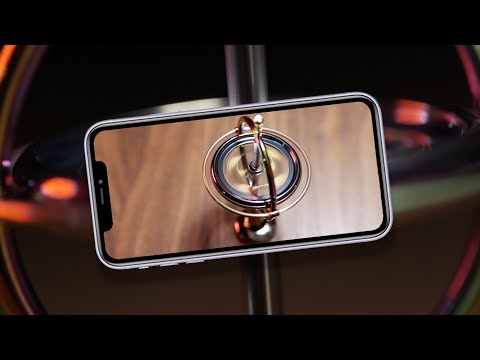
Watch: The Hidden Story of Your Phone Gyroscope
CNET explains why a tiny motion sensor matters in everyday phone features. Use the video for context, then run the browser test above for your actual device.
Sources and Research Notes
The article uses current web-platform documentation and Android sensor documentation for technical claims. The demand angle comes from first-party KBT Search Console rows and live support/forum results around gyro, PUBG, and Pokemon GO AR.
- MDN: Detecting device orientationDefines alpha, beta, and gamma ranges used by the browser test.
- W3C Device Orientation and Motion specificationExplains that orientation events expose high-level device orientation and motion data.
- web.dev: Device Orientation & MotionDocuments browser access to accelerometer, gyroscope, and compass data on mobile devices.
- Android Developers: Motion sensorsDefines the Android gyroscope as rotation rate around the device x, y, and z axes.
- Android Help: location settingsShows Android using available sensors such as accelerometer, barometer, and gyroscope for location accuracy.
- Google for Developers: ARCore supported devicesOfficial device list for ARCore-capable Android devices.
Related Tools
Read live alpha, beta, and gamma values and watch a 3D cube follow phone rotation.
Accelerometer TestCheck X/Y/Z acceleration, gravity, tilt, and shake when you need to separate tilt from rotation.
Vibration TestCheck phone vibration and gamepad haptics for the same mobile-hardware diagnostic workflow.
Touch Screen TestConfirm touch points and dead zones if your phone has multiple sensor symptoms.
Related Guides
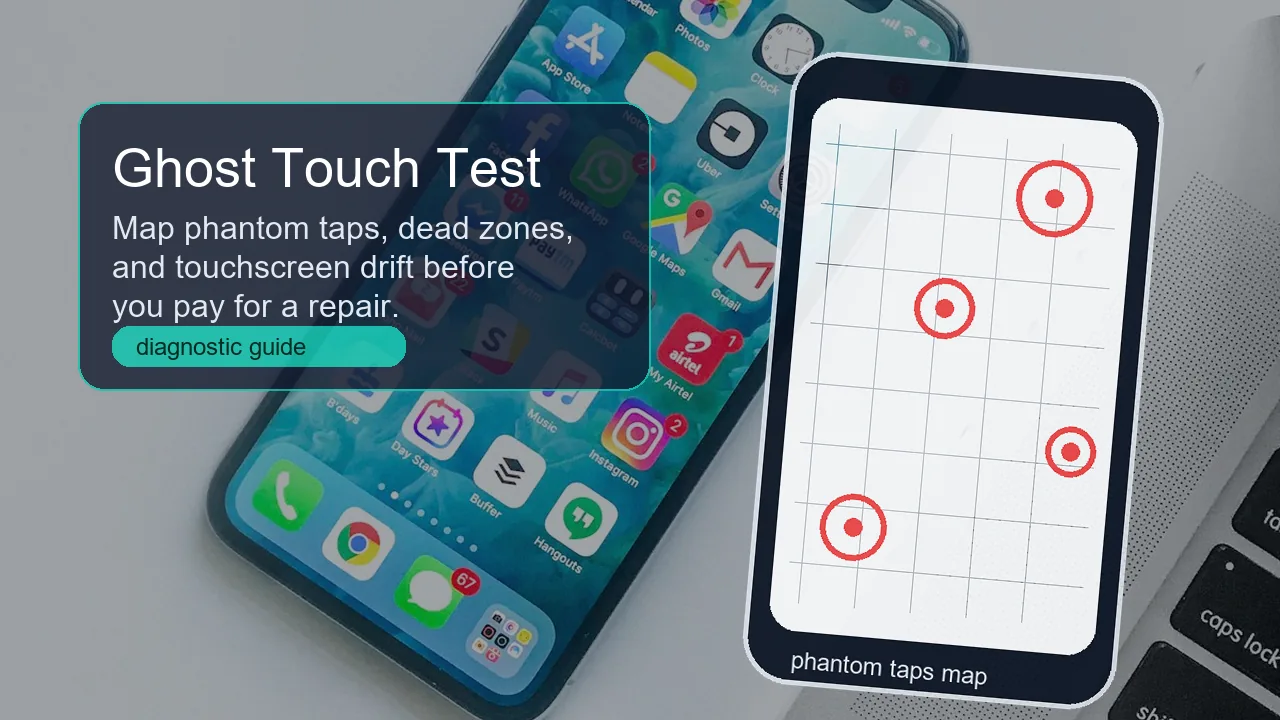
For phones that tap by themselves or misread touches while motion sensors seem fine.
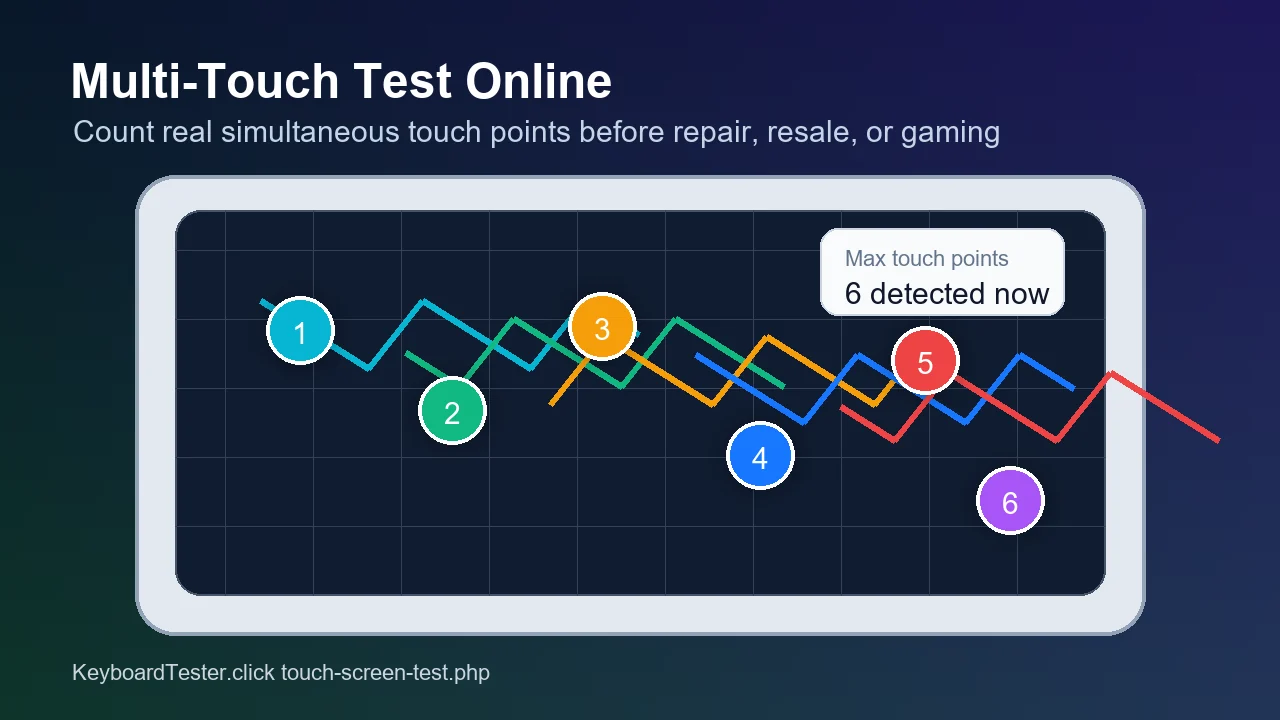
Multi-Touch Test OnlineUseful for PUBG/CODM claw players who also need reliable multi-finger input.
Controller Vibration Not Working on PCA related hardware triage guide for gamepad rumble and haptics.
Accelerometer vs GyroscopeWhat each motion sensor measures, live tests for both, and an auto-rotate fix list.
Phone Not Vibrating?The same test-first triage for the haptics motor: settings ladder, iPhone checklist, and repair costs.
FAQ
- How do I know if my phone has a gyroscope without installing an app?Open a browser gyroscope test on the phone, tap Start, allow motion access, and rotate the device. If alpha, beta, gamma, and the cube update smoothly, your phone exposes a working orientation path.
- Why does tilt work if my phone has no gyroscope?Tilt can come from the accelerometer because gravity tells the phone which side is up. Gyro-style rotation is different: it tracks angular movement more smoothly, especially for yaw, AR, VR, and game aiming.
- Can I install a gyroscope on a phone that does not have one?No normal app can add real gyro hardware. Apps can fake some behavior with the accelerometer and compass, but that is not reliable enough for AR, VR, or precise gyro aiming.
- Why is the gyroscope not working in PUBG or BGMI?If the browser test works, the hardware is alive. Check the game gyroscope toggle, Always On vs Scope On mode, sensitivity, permissions, and whether battery or game booster modes are limiting sensors.
- Does iPhone have a gyroscope?Modern iPhones do. If a browser test does not move on iPhone, the usual cause is Safari motion permission, a private tab, or a temporary software issue rather than missing hardware.
Start with the Gyroscope Test. If the cube follows your rotation, the sensor is alive; if it does not, compare it with the Accelerometer Test before changing game or AR settings.



Reader discussion
Comments
Share what worked, what did not, or what you would test next. Every comment is reviewed before it appears.
Loading approved comments…
Leave a comment
No account or sign-in is required. Links and HTML are not accepted.