










Fast Answer
An accelerometer measures linear acceleration plus gravity: how fast the phone speeds up, slows down, or tilts relative to "down". A gyroscope measures angular velocity: how fast the phone rotates around each axis. Your phone fuses both, so the accelerometer answers "which way is down?" while the gyroscope answers "how am I turning right now?". You can verify each in about a minute: run the browser accelerometer test with the phone flat (Z should read about 9.8 m/s²), then rotate the phone in the gyroscope test and watch alpha, beta, and gamma move.
When auto-rotate stops working, gyro aiming feels floaty, or an AR app says it cannot detect orientation, both motion sensors usually get blamed at once. That wastes time, because the accelerometer and the gyroscope are separate MEMS chips that measure different physical things, and each one fails in its own recognizable way.
This guide is phone-first and practical. It explains the difference in plain terms, lets you test both sensors live in the browser without installing any app, shows what each sensor powers in daily use, and walks through a step-by-step fix list for the classic "accelerometer not working" and broken auto-rotate cases on Android and iPhone.
What each sensor actually measures
The accelerometer measures proper acceleration along three axes (X, Y, Z) in meters per second squared. Gravity counts as acceleration, so a phone lying flat and still is not reading zero: a healthy sensor shows roughly +9.8 m/s² on the Z axis and near zero on X and Y. Tilt the phone and gravity shifts between the axes, which is exactly how the phone knows you turned it from portrait to landscape.
The gyroscope measures rotation rate, also called angular velocity, around the same three axes, usually in degrees or radians per second. A stationary gyroscope reads about zero no matter how the phone is oriented; only rotation moves the numbers. That makes it the sensor for fast, precise turning: gyro aiming, panning a 360° photo, or keeping AR objects locked in place while you move.
The browser exposes the two ideas separately. Motion events carry accelerometer-style X/Y/Z acceleration, while orientation events report the fused rotation angles alpha, beta, and gamma. A simple memory hook: the accelerometer feels pushes and gravity, the gyroscope feels spins.
- Accelerometer: linear acceleration + gravity, in m/s². Answers "which way is down, and am I being moved?"
- Gyroscope: angular velocity, in deg/s or rad/s. Answers "how fast am I rotating around each axis?"
- Alone, each is flawed: accelerometer-only orientation is jittery; gyroscope-only orientation drifts over time.
- The magnetometer is the third sibling: it reads compass heading and is often confused with the gyroscope.
Accelerometer vs gyroscope at a glance
Five rows cover ninety percent of the practical difference. Both links open live tests, so you can verify each row on your own phone as you read.
| Accelerometer | Gyroscope | |
|---|---|---|
| Measures | Linear acceleration + gravity (m/s²) | Rotation rate around X/Y/Z (deg/s or rad/s) |
| Reads when the phone is still | Z ≈ 9.8 m/s² from gravity | About 0 on all axes |
| Typical jobs | Auto-rotate, step counting, shake detection, lift-to-wake | Gyro aiming, AR/VR tracking, video stabilization, panorama |
| Weakness | Jittery orientation on its own | Drifts over time without a reference |
| Browser check | Live X/Y/Z accelerometer readout | Alpha/beta/gamma rotation test |
Test your accelerometer now (60 seconds)
Open the live accelerometer test online on your phone. On iOS 13 and later, Safari asks for motion access after you tap Start, and you must tap Allow. On most Android browsers the readout begins as soon as you interact with the page.
Pass criteria: lay the phone flat and still, screen up. X and Y should sit near 0 and Z near +9.8 m/s². Tilt the phone left and right and X should swing negative and positive; tilt the top edge down and up and Y should follow. Shake it briskly and the shake counter should climb while the peak value records your strongest movement.
Failure patterns are just as clear. All axes stuck at zero while you move the phone means the browser was denied motion permission or the sensor is dead. One axis pinned to a fixed value in every orientation is a hardware fault. Values jumping past 100 m/s² while the phone rests on a table point to a calibration or driver problem. A sample rate around 30 to 60 Hz is normal for phones.

Test your gyroscope now
Next, run the rotate-your-phone gyroscope test. Rotate the phone around each axis and watch three values: alpha tracks flat spinning (like a compass needle), beta tracks front-to-back tilt, and gamma tracks left-to-right tilt. The on-screen 3D cube should follow your hand smoothly, without lag, jumps, or frozen angles.
Interpretation matters here. If beta and gamma respond to tilt but alpha never tracks a smooth flat rotation, you may be looking at accelerometer-only behavior or a magnetometer problem, because many budget phones ship without a real gyroscope. If your question is whether the chip exists at all rather than how it differs, the dedicated guide on checking whether your phone has a gyroscope covers spec sheets, permission traps, and game-specific gyro settings in depth.
What each sensor powers on your phone
The accelerometer handles the everyday, low-drama jobs: flipping the screen between portrait and landscape, counting steps, waking the screen when you lift the phone, detecting falls and crashes, and reacting to shake gestures. The gyroscope takes over whenever rotation must be tracked quickly and precisely: gyro aiming in PUBG Mobile, CODM, and shooter games, anchoring AR content in Pokemon GO, stabilizing video, and stitching panoramas.
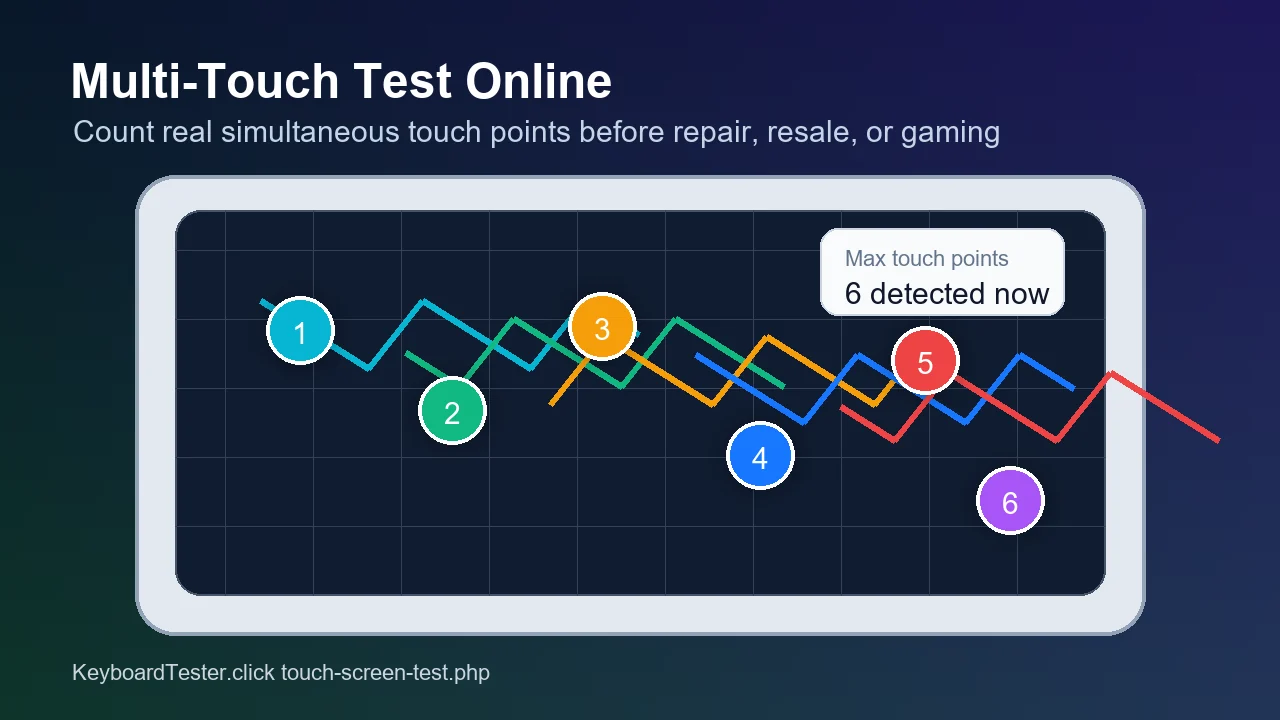
For mobile gamers the split is worth remembering: aim quality with motion controls is a gyroscope story, not an accelerometer one. Claw-grip players should also confirm how many fingers the screen tracks at once, because a motion sensor cannot compensate for missed touch points.
- Auto-rotate: accelerometer (gravity direction decides portrait vs landscape).
- Step counting: accelerometer, often through a low-power co-processor.
- Gyro aim in shooters: gyroscope (rotation rate maps to crosshair movement).
- AR and VR tracking: gyroscope and accelerometer fused together.
- Video stabilization and panorama: gyroscope.

Accelerometer not working? Fix auto-rotate step by step
Before changing settings, confirm what is actually broken. Run the quick X/Y/Z readout once more: if the values respond correctly there, the sensor is fine and your problem lives in software settings; if the values are stuck, work through the list below and re-test after each step.
- 1. Check the rotation lock. On Android, open Quick Settings and make sure Auto-rotate is on. On iPhone, open Control Center and check that Portrait Orientation Lock is off. Remember that many apps force portrait mode by design.
- 2. Restart the phone. A reboot clears stuck sensor services, which cause a surprising share of "dead accelerometer" reports.
- 3. Recalibrate. Move the phone in a figure-8 pattern for several seconds, then rest it on a flat, level surface. The figure-8 mainly recalibrates the compass, but it also nudges sensor fusion back in line on many phones; some brands add a calibration option in Settings.
- 4. Try safe mode (Android). Safe mode disables third-party apps. If auto-rotate works there, a recently installed app is interfering; uninstall the newest candidates.
- 5. Samsung diagnostic menu. On most Samsung phones, dial
*#0*#and open the Sensor panel to see live accelerometer values plus a built-in image test. Carrier variants sometimes block this menu. - 6. Hardware verdict. If the browser test and the diagnostic panel still show flat or frozen values after all of the above, the IMU chip or board connection has likely failed, often after a drop or a screen replacement. At that point a repair quote is the honest next step.
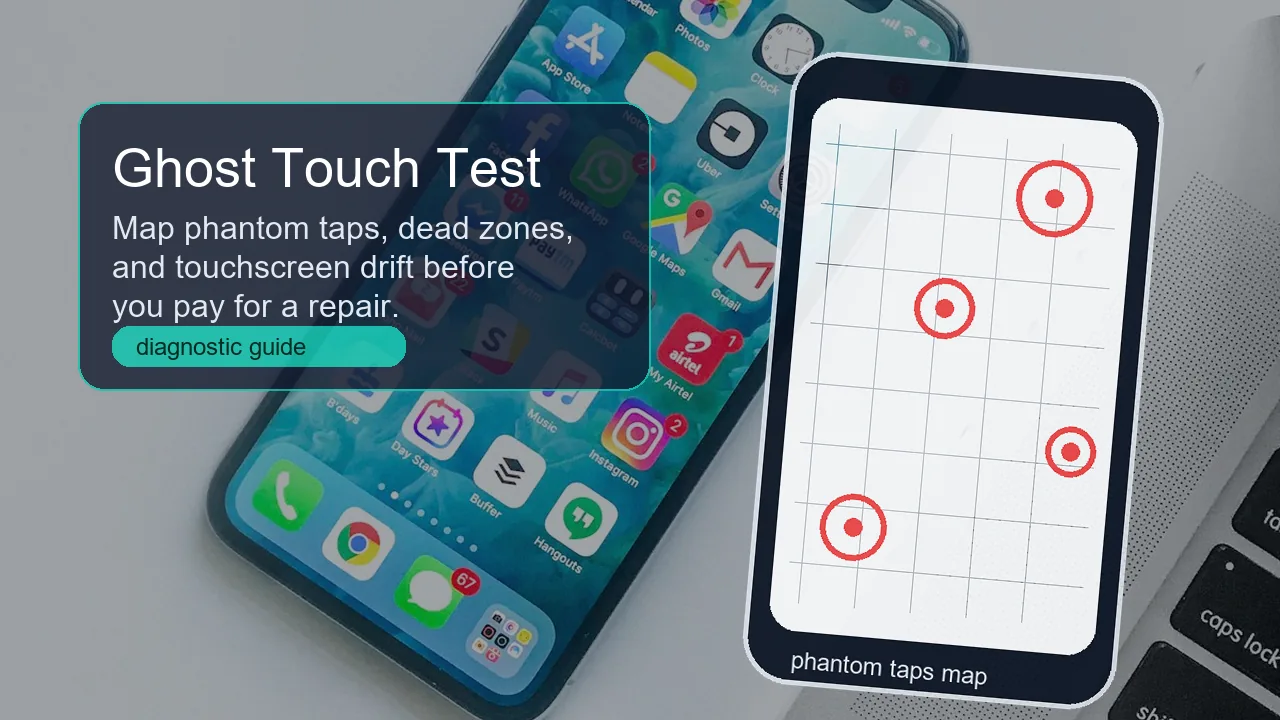
One important boundary case: if motion readings are fine but the screen taps itself, misreads touches, or has dead spots, your problem is the digitizer, not the motion sensors. Run the touch screen and ghost touch test to map phantom taps and dead zones, and see the ghost touch troubleshooting guide for charger interference and screen-protector faults.

Why your phone needs both: sensor fusion
Neither sensor is good enough alone. The accelerometer gives a reliable long-term reference, because gravity always points down, but it is noisy from moment to moment: walk with the phone and raw tilt jumps around. The gyroscope is beautifully smooth over short intervals but drifts over time, because small rate errors accumulate. Phones therefore fuse the two, adding the magnetometer for compass heading, into one stable orientation estimate. The alpha, beta, and gamma values a browser reports are that fused output, not raw gyroscope data.
The practical consequence: a failing accelerometer can corrupt features that feel like "gyro problems", and a missing gyroscope can make tilt-based tricks look broken. Always test the two sensors individually before blaming a game or app. And since you are already auditing phone hardware: the vibration motor is the output-side sibling of these input sensors, so if haptics died at the same time, run the phone vibration motor check. Several subsystems failing together points to board damage rather than software.
Test the full motion stack
Each tool below runs in the browser on the phone you are diagnosing, with no app install. Together they cover motion input, rotation, haptic output, and the touchscreen.
Live X/Y/Z acceleration in m/s², tilt ball, shake counter, and peak tracking.
Gyroscope testAlpha, beta, and gamma rotation values with a 3D cube that mirrors your phone.
Vibration testCheck the phone vibration motor and gamepad rumble from the same diagnostic flow.
Touch screen testMap ghost touches, dead zones, and multi-touch points when taps misbehave.
Related phone guides
A 10-second existence check for the gyro chip, plus PUBG, CODM, and Pokemon GO gyro settings.
Ghost touch test onlineFind phantom taps, touchscreen drift, and dead zones when the screen acts on its own.
Multi-touch test onlineCount how many simultaneous fingers your screen really tracks before blaming the sensors.
Video: the difference in three minutes
This short explainer is a good recap after the hands-on tests: it walks through what each MEMS sensor measures and where each one is used.

A concise engineering overview of what accelerometers and gyroscopes measure and how devices use each sensor.
Sources and research notes
The sensor behavior described above is based on platform documentation and vendor guides, plus community threads used only to reflect how real users describe these failures.
- Android Developers: Motion sensors
Official documentation for accelerometer and gyroscope sensor types, units, and gravity handling on Android.
- MDN: DeviceMotionEvent
Browser API reference for motion events, including acceleration with and without gravity.
- web.dev: Device orientation and motion
How browsers expose fused orientation (alpha, beta, gamma) and raw motion data on mobile devices.
- Apple Support: Rotate the screen on your iPhone
Official steps for Portrait Orientation Lock and screen rotation behavior on iOS.
- LiveScience: Accelerometer vs Gyroscope
A classic background explainer on the physics separating the two sensors.
- Android Central forums: accelerometer not working
Community thread used for the real-world failure wording and symptom patterns users report.
FAQ
- Does every phone have an accelerometer?
Virtually every smartphone from the last decade has one, because auto-rotate, screen wake, and step counting depend on it. The gyroscope is the sensor that some budget phones leave out.
- Can auto-rotate work without a gyroscope?
Yes. Auto-rotate only needs the direction of gravity, which the accelerometer provides. A phone without a gyroscope rotates its screen normally but struggles with gyro aiming, AR, and 360-degree video.
- Which sensor does gyro aiming use in PUBG or CODM?
The gyroscope. Motion aim maps rotation rate to crosshair movement, which needs fast angular-velocity data. The accelerometer only contributes tilt and stability information through sensor fusion.
- Why does my accelerometer read 9.8 m/s2 when the phone is still?
That is gravity. An accelerometer measures proper acceleration, and Earth pulls at about 9.8 m/s2. A flat, still phone showing roughly 9.8 on the Z axis is the pass signal, not an error.
- How do I calibrate the accelerometer on Android?
There is no universal user calibration. Rest the phone on a flat level surface, try the figure-8 motion, check brand-specific calibration options in Settings, or use the Samsung *#0*# sensor panel. If readings stay skewed after that, the fault is hardware.
- Do iPhones have both sensors?
Yes. Every iPhone has an accelerometer, and every model since the iPhone 4 in 2010 also has a gyroscope. On iOS 13 and later, browser motion tests additionally need a one-tap motion permission.
- Is the gyroscope the same as the compass?
No. The compass is the magnetometer, which senses magnetic heading. The gyroscope senses rotation rate. The browser alpha value blends both, which is why it misbehaves near magnets while beta and gamma stay clean.
You now know which sensor does what. Prove it on your own phone: run the accelerometer check flat on a table, follow with the gyroscope rotation test, and if a reading is off, work through the fix list above before paying for a repair.




Reader discussion
Comments
Share what worked, what did not, or what you would test next. Every comment is reviewed before it appears.
Loading approved comments…
Leave a comment
No account or sign-in is required. Links and HTML are not accepted.