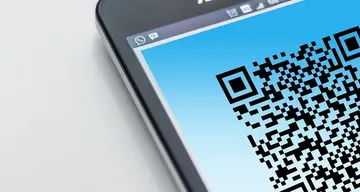
Free open source WhatsApp brand link and QR code generator. Create branded WhatsApp chat links with live feedback and quick resets. No download needed.
Was this tool helpful?Rate WhatsApp Brand Links:—Be the first to rateThanks for rating!
WhatsApp Brand Links is a free, browser-based online utility that lets you create branded chat QR codes.
Cost: Free, no signup
Install: None — runs in the browser
Privacy: Runs locally, no uploads
Platforms: Windows, macOS, Linux, Android, iOS
Time: Under a minute
WhatsApp Brand Links guide
How to use the WhatsApp Brand Links accurately
Create branded WhatsApp links and QR codes
01Open the live test
Use the browser tool below without installing software or changing your current page.
02Run one clean pass
Follow the on-screen controls and keep the input steady so the result is repeatable.
03Repeat if the result looks wrong
Run the same check again before deciding whether the device, browser, or operating system is the cause.
04Compare with related diagnostics
Use the linked tools to confirm whether the same symptom appears in another hardware check.
The WhatsApp brand link generator creates a branded click-to-chat link together with a matching QR code. Enter your brand name, phone number, and a prefilled message, then click Generate to get a shareable wa.me link plus a scannable code.
Why pair a WhatsApp link with a QR code?
The QR code lets customers start the chat by scanning with a phone camera, which works on packaging, posters, receipts, and storefronts where a clickable link is not practical. The link and the code open the same prefilled WhatsApp conversation.
What phone number format should I use?
Enter the full international number: country code followed by the number. The generator strips any non-digit characters automatically, so 15551234567 is the final form used in the wa.me link for a US number.
Is the WhatsApp brand link generator free?
Yes. The generator is free and creates the link and QR code in your browser - no download, signup, or WhatsApp Business account is required.
Checklist
Utility checks to confirm
Open the live testUse the browser tool below without installing software or changing your current page.
Run one clean passFollow the on-screen controls and keep the input steady so the result is repeatable.
Repeat if the result looks wrongRun the same check again before deciding whether the device, browser, or operating system is the cause.
Windows app
KeyboardTester.click is available from Microsoft Store
Install the official Windows app shortcut, or keep using the same free testing tools in your browser.
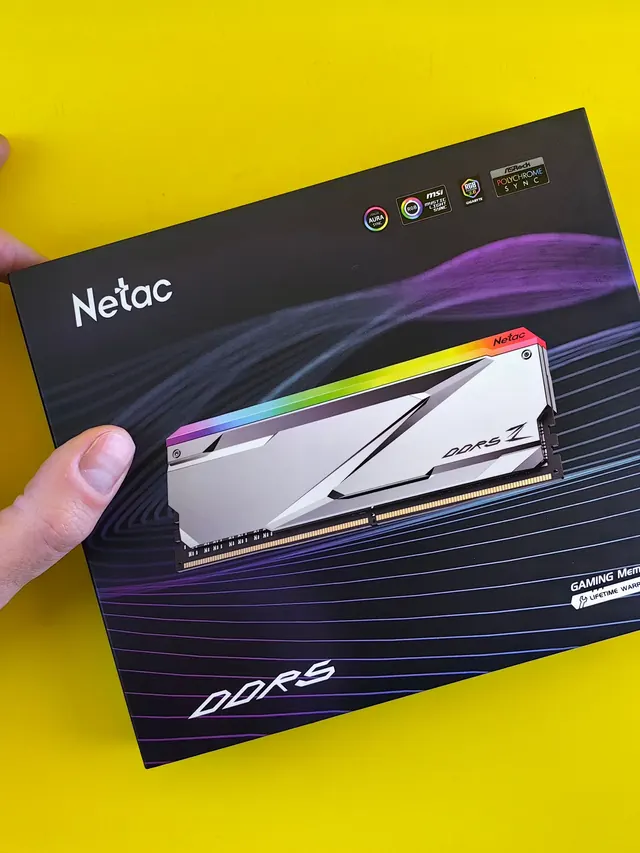
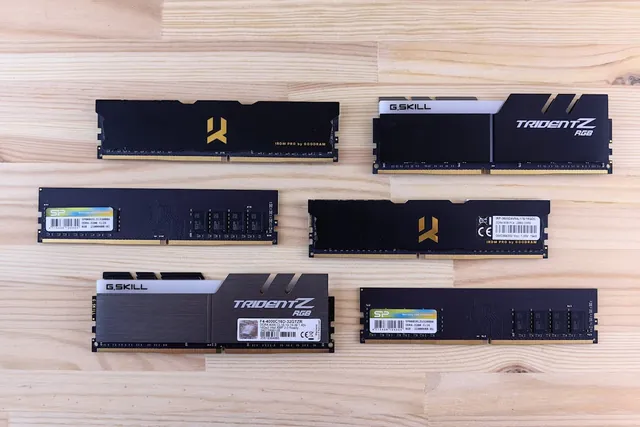
01 / 10DDR5 buying mathPay $120 more for 2 nanoseconds?CL30 vs CL36 looks big on the box. The real difference is 2 nanoseconds.02 / 10What CL really isCAS latency counts cycles, not timeCL is how many clock ticks the RAM waits before answering. Ticks get faster with speed.03 / 10The one-line formulans = 2000 x CL / MT/sTrue latency in nanoseconds. DDR5-6000 CL30: 2000 x 30 / 6000 = 10.0 ns.04 / 10CL30 vs CL36 at 600010.0 ns versus 12.0 nsSame speed, different CL: the whole debate is about 2 nanoseconds of wait time.05 / 10The tie surprise7200 CL36 is also 10.0 nsSo is 6400 CL32. A higher CL on a faster kit can match a lower CL exactly.06 / 10What 2 ns buys in gamesRoughly 1-4% average FPSOnly when CPU-bound, and benchmarks disagree. Smoother 1% lows are the steadier win.07 / 10Price check, Aug 11, 2026The CL30 premium: $120G.Skill CL30 $599.99 vs CL36 $479.99. A Patriot CL30 kit: $429.99. Shop across brands.08 / 10The EXPO/XMP gotchaYour CL30 may be running CL40Kits boot at JEDEC defaults until you enable EXPO or XMP in BIOS. Check yours today.09 / 10The X3D exceptionBig cache blunts CLOn 7800X3D-class CPUs, the stacked cache blunts CL gains. Buy CL36 and save.10 / 10The verdictSmall delta: yes. Upgrade: no.Compare your two kits in real nanoseconds - presets loaded, math done for you.
01 / 10Phone vibration testYour phone stopped buzzingBefore you book a repair, find out whether it is the motor or just a setting.02 / 10The symptomMissed calls and silent alertsA dead motor is easy to miss. You only notice the calls you never felt arrive.03 / 10What is insideA tiny weight on a motorMost phones spin an offset weight or drive a linear actuator to make the buzz.04 / 10Check this firstSettings fake a dead motorSilent mode, Do Not Disturb and per-app vibration all switch the buzz off.05 / 10Run the testOne tap, three patternsThe browser asks the phone to vibrate in short, long and pulsed patterns.06 / 10Result: weakYou feel it, but barelyA faint buzz often means a loose motor mount or a case damping the vibration.07 / 10Result: nothingNo buzz on any patternWith settings ruled out, silence points at the motor or its connector.08 / 10Result: on and offIt works, then it does notIntermittent buzzing usually means a failing solder joint or a worn motor.09 / 10One honest limitiPhones cannot run this testSafari on iOS does not support the browser vibration API, so use Android.10 / 10Your turnFind out in thirty secondsRun the three patterns, then decide whether it is a setting or the hardware.