








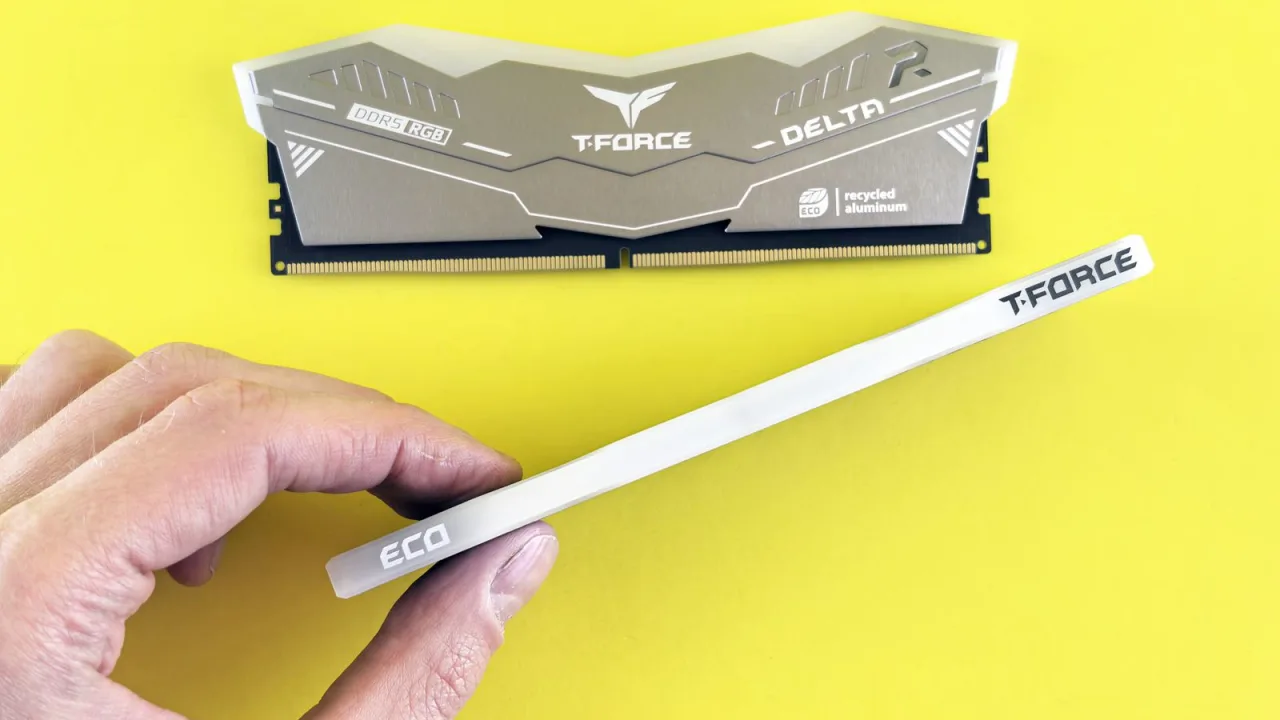


Fast answer
At DDR5-6000, CL30 means 10.0 ns of first-word latency and CL36 means 12.0 ns. Community testing brackets that 2 ns gap at roughly 1–4% average FPS when the CPU is the bottleneck, with the steadier win in 1% lows — and close to zero once you are GPU-bound. In today's memory market the old "$15 premium" rule is dead: on August 11, 2026 we found a $120 gap between identical G.Skill kits and, on the same day, a CL30 kit from another brand selling for less than the CL36 kit. Buy CL30 on a new build when the day's real delta is small; never replace a working CL36 kit to get it.
Every DDR5 buyer hits the same fork: the 6000 MT/s CL30 kit that every build guide calls the sweet spot, and the CL36 kit next to it that costs less. The spec sheets give you two cycle counts and no way to feel the difference, forum answers contradict each other, and 2026's memory-price surge has turned what used to be a $15 decision into a three-digit one.
This guide settles it with arithmetic you can check yourself: what the two numbers actually mean in nanoseconds, what live kits cost today (with dates, because prices move weekly right now), what published benchmarks and honest community consensus say the gap is worth in games, and the one free BIOS setting that matters more than the entire CL30-vs-CL36 debate. Every conversion in this article can be reproduced in our side-by-side memory latency comparison, which ships with the exact presets in question.
Why CL30 vs CL36 is really 10 ns vs 12 ns
CAS latency is a cycle count, not a time. CL30 means the module waits 30 memory-clock cycles between a read command and the first data word — so the number is meaningless until you know how long one cycle takes at the kit's speed. That is why a "higher latency" CL36 kit at 7200 MT/s can be as fast, in nanoseconds, as a CL30 kit at 6000 MT/s.
One conversion is all the math this debate needs — the one number your wallet actually cares about:
The only formula in this article
ns = 2000 × CL ÷ MT/sDDR5-6000 CL30 → 2000 × 30 ÷ 6000 = 10.0 ns. DDR5-6000 CL36 → 12.0 ns. The entire CL30-vs-CL36 debate is those 2 nanoseconds.
That same formula defuses the classic DDR4 trap: DDR4-3200 CL16 also works out to 10.0 ns, so DDR5's bigger CL numbers never meant slower memory — the cycles just got shorter as speeds climbed. Rather than re-deriving every kit by hand, put both kits you are comparing into the RAM latency tool's side-by-side view — the 6000 CL30 and 7200 CL36 presets are already loaded, and it also reverse-solves what CL a faster kit needs to tie a slower one.
CL30 vs CL36 kit prices right now (checked August 11, 2026)
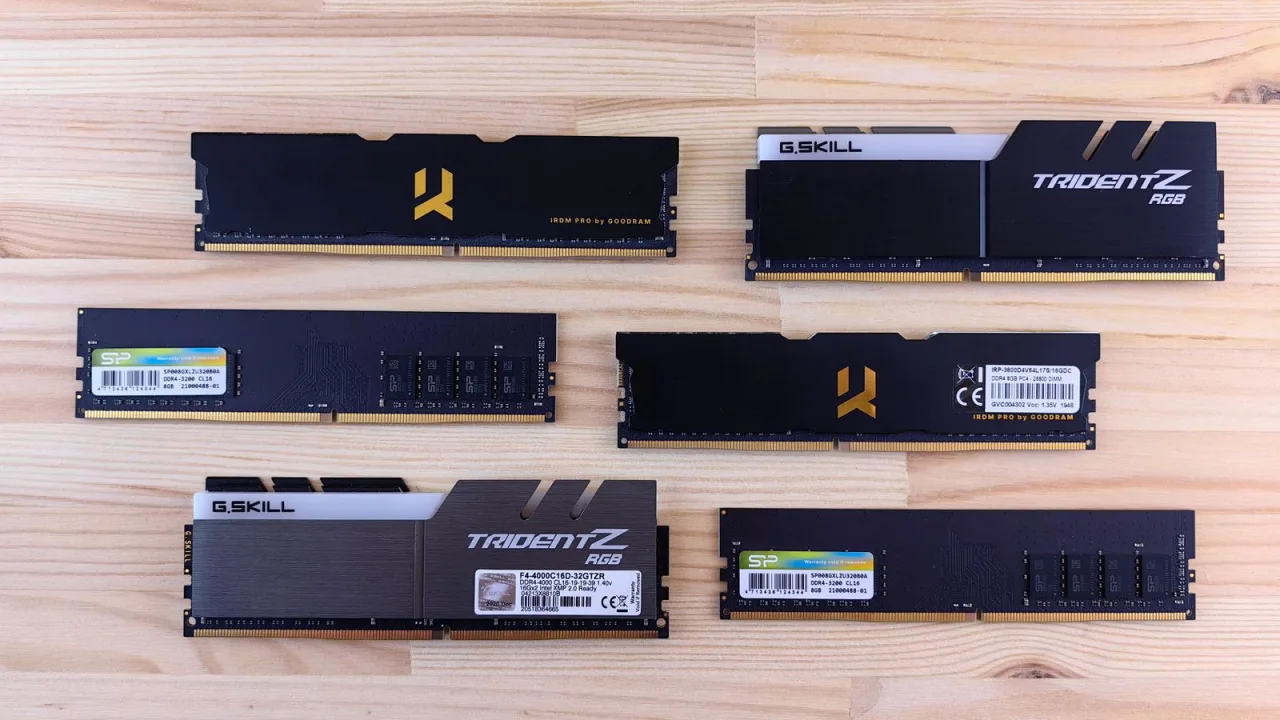
Older advice assumed a $15–25 premium for CL30. We re-checked real 2x16GB DDR5-6000 listings at Newegg on August 11, 2026, and the market looks nothing like that. Memory prices have surged since late 2025 — HP told investors in its Q1 2026 earnings call that memory had grown to about 35% of a PC's build-materials cost, up from 15–18% a quarter earlier (see the running summary of the 2025–present memory supply shortage) — and the CL premium now swings wildly from brand to brand and week to week.
Two things stand out in the snapshot below. First, the same-brand premium can be enormous: G.Skill's CL30 Flare X5 cost $120 (25%) more than its own CL36 twin. Second, the market inverts: Patriot's CL30 kit was cheaper than G.Skill's CL36 kit on the same day. In this market, brand-loyal shopping is what costs you money — not CAS latency.
| Kit (2x16GB DDR5-6000) | Newegg price, Aug 11, 2026 | True latency | Decision take |
|---|---|---|---|
| G.Skill Flare X5 CL30 | $599.99 | 10.0 ns | Same-brand CL30 premium: +$120 (25%). Fails any sane value test — only defensible if no cheaper CL30 exists that day. |
| G.Skill Flare X5 CL36 | $479.99 | 12.0 ns | The value baseline of this snapshot. Right choice for X3D and GPU-bound builds; bank the $120. |
| Patriot Viper Elite 5 CL30 | $429.99 | 10.0 ns | Cheaper than the CL36 G.Skill on the same day — the cross-brand inversion that makes shopping by nanoseconds, not brands, mandatory. |
| Kingston FURY Beast CL30 | $649.99 | 10.0 ns | Identical 10.0 ns to the $429.99 Patriot. You would be paying $220 for a logo, not for latency. |
What 2 ns buys you in games — the honest bracket
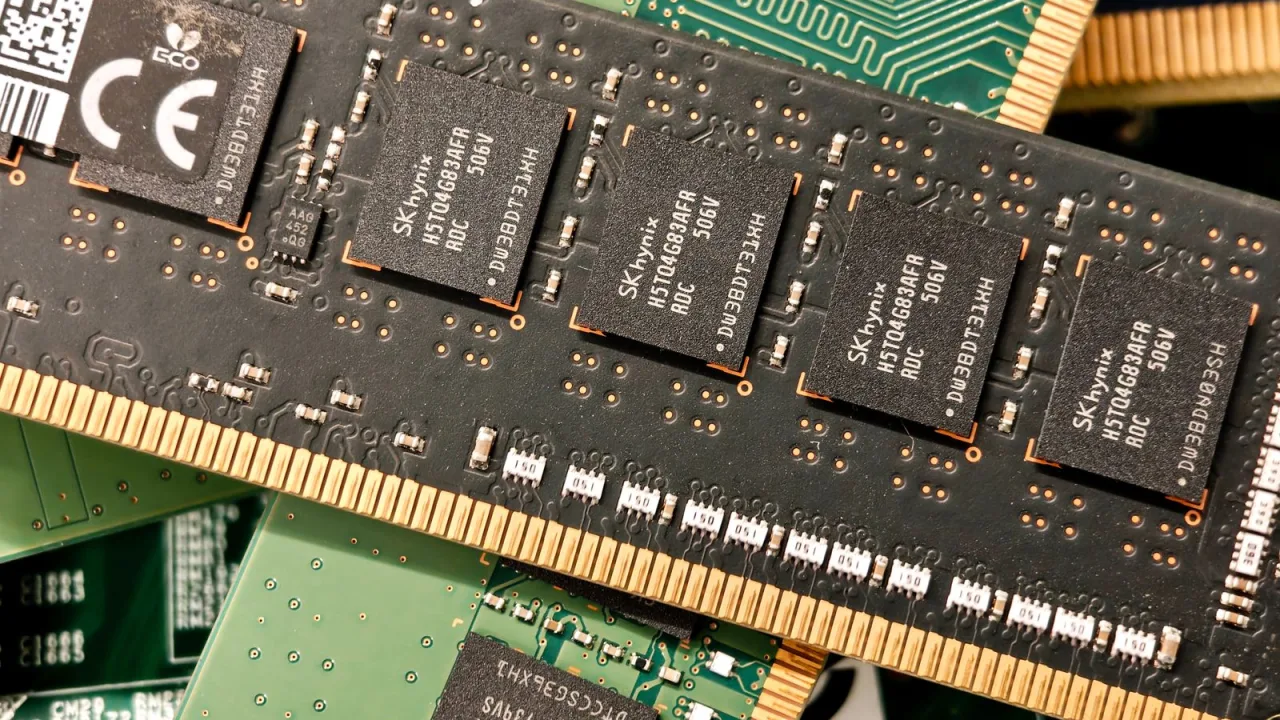
Here is the uncomfortable truth this article exists to say out loud: no major independent lab has published a dedicated DDR5-6000 CL30 vs CL36 gaming head-to-head (we searched again on August 11, 2026). The SERP for this exact question is forum threads and small blogs. What credible adjacent data exists brackets the answer well.
On the high side: TechSpot measured an average 17% gaming uplift on the Ryzen 7 7700X moving from DDR5-5200 CL40 to DDR5-6000 CL30 (TechSpot, 2023) — but that jump changes speed and latency together (15.4 ns down to 10.0 ns, plus bandwidth). The CL-only step from 12.0 ns to 10.0 ns at fixed 6000 MT/s is a fraction of that. On the low side, AMD itself claims about 1% average FPS difference across 30+ games between DDR5-6000 and DDR5-4800 on the cache-stacked Ryzen 7 9850X3D, never exceeding 2% (AMD claim, reported by Notebookcheck, January 2026 — a first-party number, so treat it as marketing until independent tests confirm it).
Between those bounds, community consensus from years of user benchmarks clusters around 1–4% average FPS in CPU-bound scenarios at 1080p, shrinking toward zero at 1440p/4K where the GPU sets the pace — with the more repeatable win showing up in 1% and 0.1% lows rather than averages. Read the PCPartPicker thread and the AnandTech thread and you will meet both camps: posters who measure the difference in benchmarks, and posters who insist you will never feel it. Both are telling the truth about their own setups — that disagreement is exactly what a 1–4% effect looks like in the wild.
There is no definitive answer since it depends on the game. In general it is very small difference many times you can't tell unless you have a frame counter on your screen.
The bracket applies here: roughly 1–4% average FPS, the strongest case for paying a small CL30 premium.
Close to zero difference. If your graphics card is pinned at 99%, CL30 money is better spent on the GPU tier.
The most consistently reported benefit: a slightly smoother frame-time floor and fewer micro-hitches, which matters more than averages.
High-refresh competitive play at low settings is CPU-bound by design — the one profile where 2 ns is most defensible.
The buying decision: when CL30 is worth paying for
Same logic we used for TTK vs DPS: stop debating the abstract spec and decide from your actual situation. Find your row.
| Your situation | Buy | Why |
|---|---|---|
| New gaming build, CPU-bound, CL30 delta is small (roughly ≤10% of kit price) | CL30 | Cheap insurance on smoothness for the life of the build; at a $30–40 delta on a $400+ kit, take the 10.0 ns kit. |
| CL30 delta is large (25%+, like today's $120 same-brand gap) | CL36 | A 1–4% CPU-bound gain cannot justify a 25% price gap during a shortage. Put the delta toward the GPU or SSD tier. |
| You already own a working CL36 kit | Keep it | Sell-and-rebuy churn for 2 ns never pays off — you would sell into the same inflated market you buy from. |
| Ryzen X3D CPU (5800X3D / 7800X3D / 9800X3D class) | CL36 and save | The stacked cache blunts memory-latency sensitivity: X3D parts scaled far less than the 7700X in TechSpot's memory test, and AMD claims ~1% for the 9850X3D. |
| Intel non-X3D platform | Speed first, CL second | Intel's ring bus rewards bandwidth more than tight CAS; a faster kit at CL36 often beats 6000 CL30 — compare both in nanoseconds before assuming. |
| Productivity, rendering, local AI — capacity-limited | GB before CL | 64GB at CL36 beats 32GB at CL30 the moment you touch swap. Capacity failures cost seconds; CAS costs nanoseconds. |
Sixty-second decision checklist
- Convert both kits to nanoseconds before comparing anything else — never compare CL across different speeds.
- Check the real price delta on the day you buy, across brands, not within one brand.
- CPU-bound gamer + small delta → CL30. GPU-bound, X3D, or big delta → CL36.
- Never sell a working kit to chase 2 ns.
- Buying a prebuilt or laptop? Check what speed the memory actually runs, not just the capacity on the spec sheet.
- Whatever you buy: enable EXPO/XMP and confirm it — the section below is worth more than the whole CL debate.
If this purchase is part of a bigger machine decision, our GPU-focused laptop buying guide covers how much memory the RTX 50 laptop class ships with and what it costs in 2026. And if a kit refuses to run its rated EXPO/XMP profile stably at the rated voltage, that is not a tuning project on a new purchase — it is a return-window or warranty case. Test within your return period.
The EXPO/XMP gotcha: your CL30 kit may be running CL40 right now
Here is the part of the debate almost nobody prices in: the speed on the box is an overclocking profile, not the boot default. Kingston's own spec sheet for its FURY Beast DDR5-6000 kits states the SPD is programmed to JEDEC DDR5-4800 at 40-39-39 timings and 1.1V (Kingston spec, via the retail listing) — the module runs at 4800 CL40 until you enable the EXPO or XMP profile in the BIOS. Most brands work the same way.
Run the numbers and the stakes become obvious: JEDEC 4800 CL40 is 16.7 ns. The 6000 CL30 profile you paid for is 10.0 ns. Enabling the profile you already own is worth 6.7 ns — more than three times the 2 ns that the entire CL30-vs-CL36 premium buys. If you have never checked, this free fix outranks everything else in this article.
Check and fix it in five minutes
- Check the running speed. Windows: Task Manager → Performance → Memory → "Speed". If your 6000 kit shows 4800 or 5600 MT/s, the profile is off.
- Confirm the timings. CPU-Z's Memory tab shows the live DRAM frequency (double it for MT/s) and the actual CAS latency; the SPD tab shows the profiles the kit carries.
- Enable the profile. Reboot into BIOS/UEFI and switch on EXPO (AMD boards) or XMP (Intel boards), profile 1, then save and restart.
- Verify and stress it. Re-check Task Manager, then put the numbers you paid for next to the numbers you are actually running — the presets cover both. Profiles are overclocks, so confirm stability: a quick browser memory check and a sustained multi-core CPU load catch gross instability in minutes, and an overnight bootable MemTest86 run is the gold standard before you trust the machine with real work.
Five CL bins tested on camera
This December 2025 test runs CL40, CL36, CL30, CL28 and CL26 kits through the same benchmarks — a rare direct look at how CAS-latency steps translate to frames, and a useful sanity check on the bracket described above.

Sources and price-check basis
All latency figures are derived from the standard first-word conversion and can be reproduced in the calculator. Prices are dated spot checks of the linked listings on August 11, 2026, not permanent claims. Community threads are cited as evidence of the debate itself, not as lab data.
- G.Skill Flare X5 DDR5-6000 CL30 2x16GB — Newegg listing
G.Skill Flare X5 DDR5-6000 CL30 2x16GB at $599.99 on August 11, 2026 — the same-brand CL30 pole of our comparison.
- G.Skill Flare X5 DDR5-6000 CL36 2x16GB — Newegg listing
G.Skill Flare X5 DDR5-6000 CL36 2x16GB at $479.99 the same day — establishing the $120 (25%) same-brand delta.
- Patriot Viper Elite 5 DDR5-6000 CL30 2x16GB — Newegg listing
Patriot Viper Elite 5 DDR5-6000 CL30 2x16GB at $429.99 the same day — the cross-brand inversion (CL30 under CL36 pricing).
- Kingston FURY Beast DDR5-6000 CL30 2x16GB — Newegg listing (with Kingston JEDEC SPD spec)
Kingston FURY Beast DDR5-6000 CL30 2x16GB at $649.99 the same day; the listing carries Kingston's spec text confirming the JEDEC DDR5-4800 40-39-39 1.1V SPD default.
- AMD Ryzen 9 7950X3D Memory Scaling Benchmark (TechSpot, 2023)
Steven Walton's 7950X3D memory-scaling benchmark: 7700X averaged 17% higher gaming performance from DDR5-5200 CL40 to DDR5-6000 CL30, while the 3D V-Cache part scaled far less — the published basis for the X3D row in our decision table.
- AMD pitches Ryzen 7 9850X3D as less reliant on expensive DDR5 (Notebookcheck, January 2026)
AMD's claim of ~1% average FPS difference (max 2%) across 30+ games between DDR5-6000 and DDR5-4800 on the Ryzen 7 9850X3D — flagged in the article as a first-party number.
- 2025–present global memory supply shortage (Wikipedia)
Running, sourced summary of the 2025–present memory supply shortage, including HP's Q1 2026 earnings-call disclosure that memory reached ~35% of PC build-materials cost.
- CL30 RAM vs CL36 RAM — what's the real difference? (PCPartPicker forums)
The PCPartPicker debate this article answers: measurable-in-benchmarks vs imperceptible-in-play, both documented by users.
- How big is the difference between CL30 and CL36 in gaming? (Tom's Hardware forums, 2024)
Source of the quoted reply; the thread compares CL30 and CL36 EXPO kits at equal prices for a Ryzen 7600 build.
- Which DDR5 do you choose — lower latency or more MT/s? (AnandTech forums, 2024)
The lower-latency-or-more-MT/s thread, including an AMD 8-game marketing benchmark (12% for 6000 CL30 over 5200 CL36) cited by posters — a speed-plus-CL jump, not a CL-only comparison.
Run your own numbers
Each tool answers one narrow question in this workflow: convert and compare latency, then verify the profile you enabled actually holds under load.
Convert CL and MT/s to nanoseconds, compare two kits side by side, and reverse-solve the CL a faster kit needs to tie.
Memory TestWatch browser heap behavior as a quick first-pass sanity check after enabling EXPO/XMP.
CPU Stress TestSustained multi-core load that exercises the memory path — a fast gross-instability screen for a new profile.
GPU Stress TestConfirm whether you are GPU-bound before paying for lower CAS latency at all.
Related decision guides
The same approach applied to FPS weapon stats: convert the spec into the number that actually decides.
Best laptops with a good GPU (2026)Full-machine buying decisions where RAM speed and capacity are part of the spec sheet.
Browser AI readiness: WebGPU testWhere memory capacity and bandwidth start to matter more than CAS latency.
RTX 50 hotspot and throttling checksVerifying the other expensive component in the same new build.
Frequently asked questions
- Is CL36 RAM bad?
No. DDR5-6000 CL36 runs at 12.0 ns first-word latency versus 10.0 ns for CL30 — a gap worth roughly 1–4% average FPS in CPU-bound gaming and near zero when GPU-bound. On X3D CPUs or at a large price delta, CL36 is usually the smarter buy.
- Does CAS latency matter for gaming?
It matters modestly, and only in CPU-bound scenarios. Community consensus brackets a 2 ns CAS improvement at roughly 1–4% average FPS at 1080p, with the more repeatable benefit in 1% lows and frame-time smoothness. At 1440p/4K with a busy GPU, the difference approaches zero. Cache-heavy X3D CPUs blunt it further.
- Is lower CAS latency always better?
Only at the same speed. Across speeds you must convert to nanoseconds: DDR5-7200 CL36 works out to 10.0 ns, identical to DDR5-6000 CL30, and DDR5-6400 CL32 also lands on 10.0 ns. Secondary timings and platform sweet spots (like Ryzen's preference for 6000 MT/s) matter too, so compare kits in ns first.
- Does DDR5 have worse latency than DDR4?
Not anymore at matched kits. DDR4-3200 CL16 is 10.0 ns; mature DDR5-6000 CL30 is also 10.0 ns, with roughly double the bandwidth. Early DDR5 like 5200 CL40 (15.4 ns) earned the reputation, but the bigger CL numbers were always cycle counts, not slower real-world response.
- What about tRFC and other secondary timings?
CAS latency is only the first-word delay. tRCD, tRP, tRAS and tRFC shape real workloads, and a CL30 kit with loose secondaries can lose ground to a well-tuned CL36 kit. The EXPO/XMP profile sets sane secondaries automatically; manual subtiming tuning is an enthusiast project beyond a buying decision.
- Is CL16 vs CL18 on DDR4 the same debate?
Yes, the identical math with smaller numbers: DDR4-3200 CL16 is 10.0 ns and CL18 is 11.25 ns. The same decision rules apply — convert to nanoseconds, check the real price delta on the day, and never replace a working kit over it.
Decide in nanoseconds, not marketing numbers: open the side-by-side latency comparison, load the 6000 CL30 and CL36 presets next to the kit in your cart, and let the day's real price delta — not the brand sticker — make the call.




Reader discussion
Comments
Share what worked, what did not, or what you would test next. Every comment is reviewed before it appears.
Loading approved comments…
Leave a comment
No account or sign-in is required. Links and HTML are not accepted.