
Mouse Sensitivity Feels Different at the Same DPI? Here is Why
Fast answer: If mouse sensitivity feels different at the same DPI, the DPI number is only one part of the chain. Real sensor CPI can vary, Windows pointer speed or Enhance pointer precision can still affect desktop movement, games may use raw input differently, and mouse shape, feet, pad texture, polling rate, weight, lift-off distance, FOV, and eDPI can all change the feel. Start by measuring real DPI in the Mouse DPI Analyzer, then compare settings one layer at a time.
This guide is for the exact moment you move from one mouse, PC, mousepad, or game to another and 800 DPI no longer feels like 800 DPI. The fix is not to guess a new sensitivity immediately. First prove what changed: the mouse output, the operating-system path, the game path, or the physical feel of the mouse.
Measure the Real DPI Before You Change Sensitivity
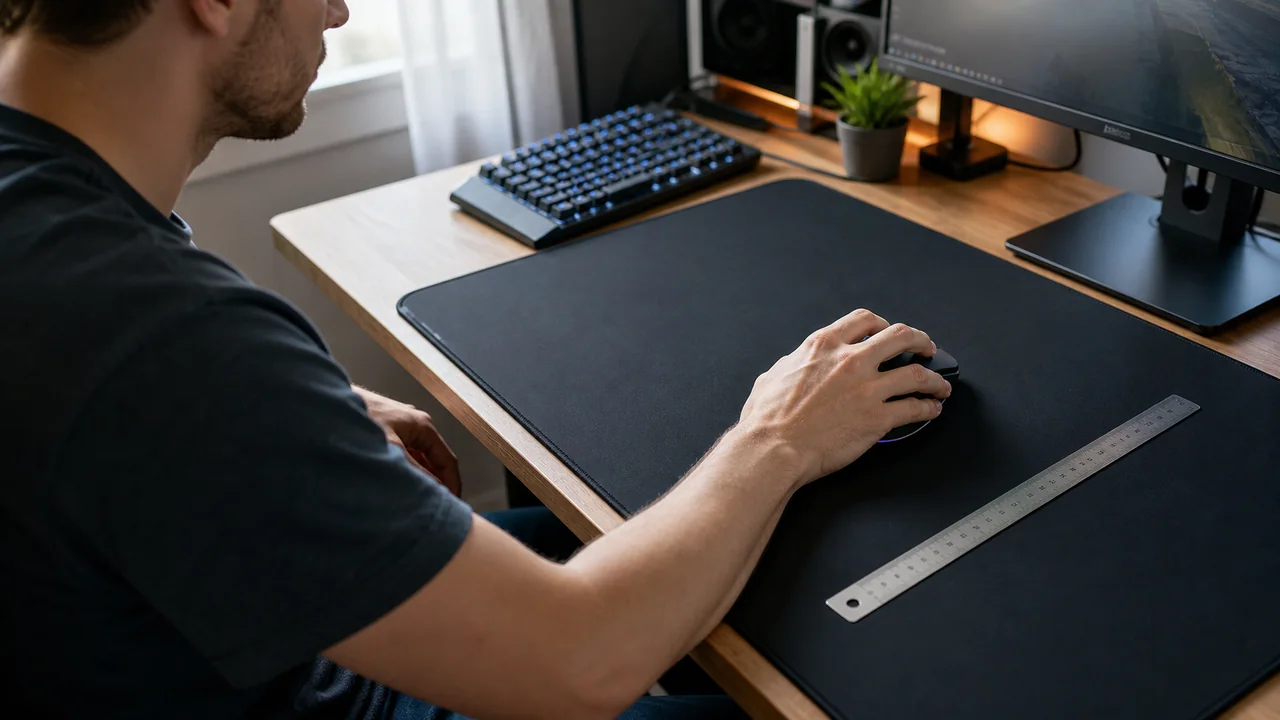
Do one controlled pass before touching in-game sensitivity. A longer measured movement is better than a tiny flick because small ruler and hand errors become a smaller percentage of the result.
- Turn off acceleration for the test path: In Windows, set a known pointer speed and turn off Enhance pointer precision before measuring desktop cursor movement.
- Open the Mouse DPI Analyzer: Enter the DPI printed in your mouse app or on the old profile, then choose a measured distance such as 4 inches or 10 cm.
- Move slowly in a straight line: Keep the mouse flat, avoid lifting, and stop at the exact ruler mark. Fast flicks are harder to reproduce.
- Repeat three times: If the results jump around, the issue may be hand error, surface tracking, lift-off, or acceleration rather than one stable DPI value.
- Only then adjust eDPI: If real DPI is different, use eDPI or cm/360 to preserve the same in-game turn distance instead of copying the label on the mouse.
Mouse DPI Analyzer: Measure real DPI with a ruler-based browser test before changing sensitivity.
Why the Same DPI Can Still Feel Different
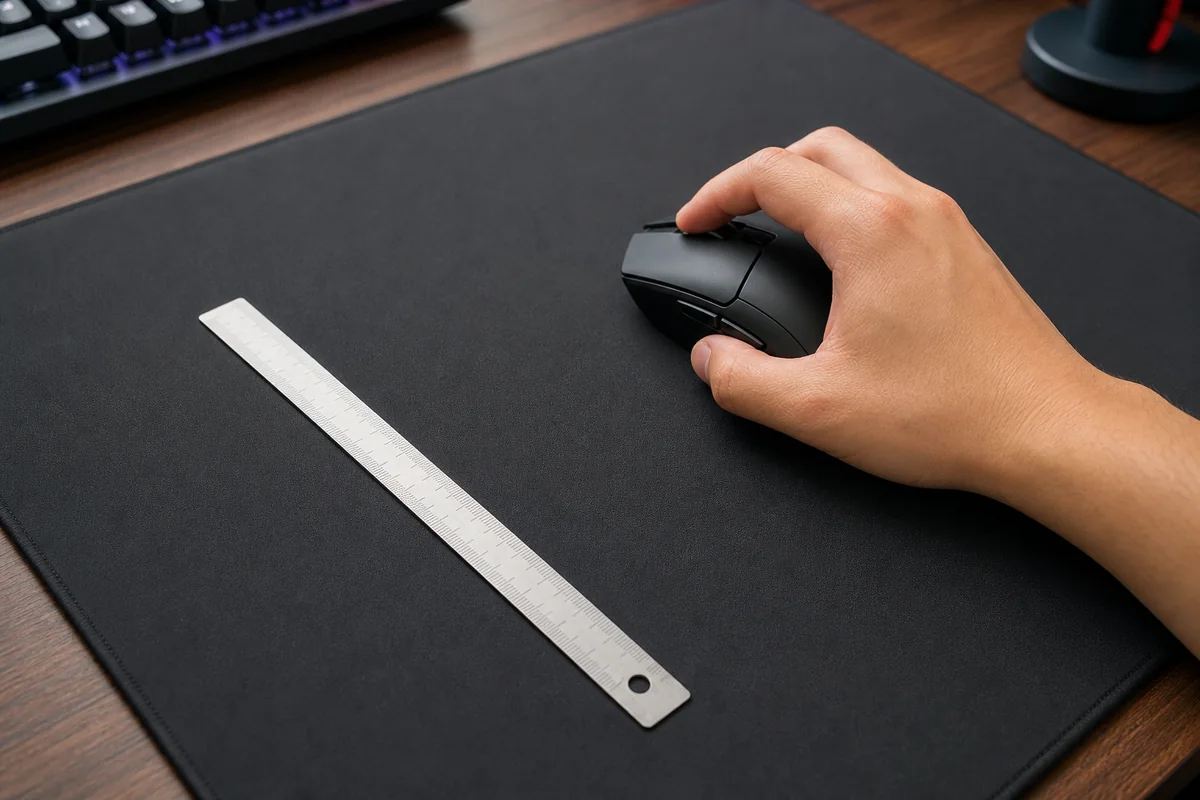
DPI means counts per inch, but the feel you notice is the result of hardware counts, software scaling, game input, and the way your hand moves the mouse.
| Cause | What changes | How to prove it |
|---|---|---|
| Real DPI variance | A mouse set to 800 may report a little above or below 800 because sensor steps and firmware are not identical. | Measure the old and new mouse with the same distance in the DPI analyzer. |
| Windows pointer scaling | Pointer speed and Enhance pointer precision can change desktop cursor travel even when mouse DPI is unchanged. | Use the same Windows pointer settings before comparing desktop feel. |
| Raw input differences | Many games read raw mouse data; menus, overlays, browsers, and some games may not follow the same path. | Compare desktop movement separately from in-game rotation. |
| eDPI mismatch | 800 DPI at 0.5 sensitivity is not the same as 800 DPI at 0.55, and some games use different sensitivity scales. | Calculate eDPI and, when possible, test cm/360 in the game. |
| Polling and latency | Higher polling or unstable wireless polling can make movement feel smoother, sharper, or inconsistent. | Run a polling-rate check and test wired/receiver placement if the feel changes randomly. |
| Mousepad, skates, and grip | Friction, glide, weight, hump height, side shape, and lift-off distance change how your hand produces the same movement. | Match the numbers first, then do controlled tracking and flick drills. |
Settings That Commonly Break the Match
These checks separate desktop sensitivity problems from game sensitivity problems. Change one item, retest, then move to the next item.
| Place | Check | Why it matters |
|---|---|---|
| Windows | Pointer speed, Enhance pointer precision, mouse app profile, per-device software | These affect desktop movement and can make the browser test or menus feel different. |
| Game | Raw input, sensitivity, scoped sensitivity, ADS multiplier, FOV, resolution, aspect ratio | The same DPI can rotate a different distance if the game-side multiplier changed. |
| Mouse app | Active profile, onboard memory slot, DPI stage, angle snapping, lift-off distance, motion sync | A mouse can boot into a different profile than the one shown in software. |
| Connection | Polling rate, receiver position, USB hub, low battery, Bluetooth vs 2.4 GHz | Unstable reporting can feel like sensitivity drift even when DPI is correct. |
When the Hardware Feels Different Even After the Numbers Match
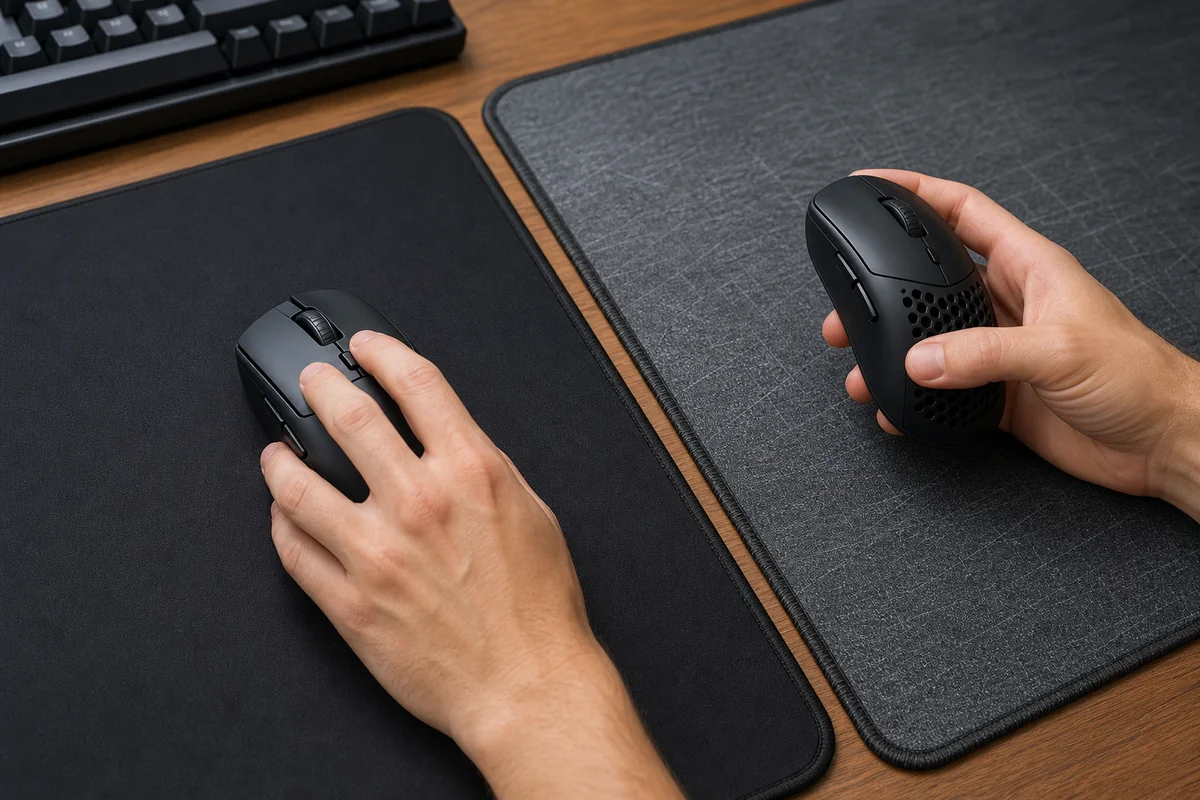
If measured DPI and eDPI match but aiming still feels off, the difference is often physical. Your hand is moving a different object on a different surface.
Write down old DPI, in-game sensitivity, scoped sensitivity, FOV, resolution, polling rate, Windows pointer speed, and mousepad. DPI alone is not enough.
If you move from 800 DPI / 0.5 sensitivity to 1600 DPI, a 0.25 in-game sensitivity keeps the same eDPI.
For FPS games, the physical distance for a full turn is more useful than the DPI label.
If Windows feels wrong but the game feels right, raw input may be bypassing desktop scaling. If both feel wrong, start with real DPI and acceleration.
A lighter mouse or faster pad can feel too quick even after the math matches. Do not keep changing values every five minutes.
Mouse software can reset profiles, polling, angle snapping, or DPI stages after updates.
A Practical Workflow for FPS Games
Do this in a private match, aim trainer, or practice range so you are not reacting to match pressure while diagnosing settings.
| Scenario | Do this | Avoid this mistake |
|---|---|---|
| New mouse, same DPI | Measure real DPI on both mice, copy polling rate, then convert sensitivity only if measured DPI differs. | Do not assume the printed DPI stage is perfectly identical. |
| New mousepad | Keep DPI and eDPI fixed for one practice session, then adjust only if tracking consistently over- or under-shoots. | Do not blame DPI before accounting for friction and stopping power. |
| New PC or Windows install | Match pointer speed, turn off Enhance pointer precision for testing, install the same mouse profile, and verify game raw input. | Do not copy only the game sensitivity and ignore the OS path. |
| Different game | Use an eDPI or cm/360 converter, then test hipfire and scoped multipliers separately. | Do not expect every game sensitivity scale to mean the same thing. |
Watch: DPI, Latency, and Why DPI Is Not Just a Number
Battle(non)sense tests low DPI versus high DPI and explains why input behavior can change even when your final in-game sensitivity seems equivalent.
Sources and Research Notes
The technical claims here use official Windows input documentation, MDN browser event notes, and a verified YouTube test. The article angle comes from first-party KBT Search Console demand for the DPI analyzer plus repeated user reports that the same DPI feels different after changing mice.
- Microsoft Support: Change mouse settingsDocuments Windows pointer speed and pointer precision settings that can change desktop cursor behavior.
- Microsoft Learn: Raw InputExplains the Windows raw input model used by applications that want direct device data.
- MDN: MouseEvent movementXNotes that browser movement units can vary, which is why controlled measurement matters in web-based input tests.
- Battle(non)sense: Low DPI vs High DPI AnalysisVideo test showing how DPI choice can affect input behavior beyond the label alone.
- MouseReview user reportsForum examples of users noticing different feel between mice at the same nominal DPI.
Related Tools
Measure real DPI with a ruler-based browser test before changing sensitivity.
Mouse DPI CalculatorConvert movement distance, pixels, and inches into a measured DPI value.
eDPI CalculatorKeep aim feel consistent when DPI or in-game sensitivity changes.
Polling Rate TestCheck whether the mouse is reporting consistently at the polling rate you expect.
Related Guides
A beginner-friendly DPI measurement walkthrough.
Mouse DPI Tester: Measure Real SensitivityA deeper look at real DPI versus advertised DPI.
Mouse Acceleration and Raw Input GuideDisable acceleration and understand why raw input changes the feel.
Mouse TestConfirm buttons, wheel, and basic pointer input while troubleshooting.
FAQ
- Why does 800 DPI feel different on a new mouse?Because 800 DPI is only the nominal sensor setting. Real CPI can vary, the mouse shape and weight can change your movement, mouse feet and pad texture alter friction, and software settings such as raw input, pointer speed, acceleration, or in-game multipliers can change the final feel.
- Can two mice have different real DPI at the same setting?Yes. The difference is usually small, but firmware, sensor steps, and calibration can make one mouse report a little higher or lower than another at the same labeled DPI stage. Measure both with the same ruler distance to confirm.
- Does Windows pointer speed affect games?It affects desktop cursor movement. Many FPS games use raw input and bypass part of the Windows pointer path, but menus, overlays, browsers, older games, and games without raw input may still behave differently.
- Should I match DPI or eDPI when changing mice?Match the full chain. Start with the same real DPI, then preserve eDPI or cm/360 in the game. If measured DPI differs, adjust in-game sensitivity to keep the same turn distance.
- Why does the same sensitivity feel faster after changing mousepads?A faster pad or fresh mouse feet reduce friction and stopping power. The math may be the same, but your hand now accelerates and stops the mouse differently, so tracking can feel faster until you adapt or retune slightly.
Open the Mouse DPI Analyzer, measure one clean run, then use the eDPI Calculator before you move the in-game slider. That gives you evidence instead of another random sensitivity change.

