
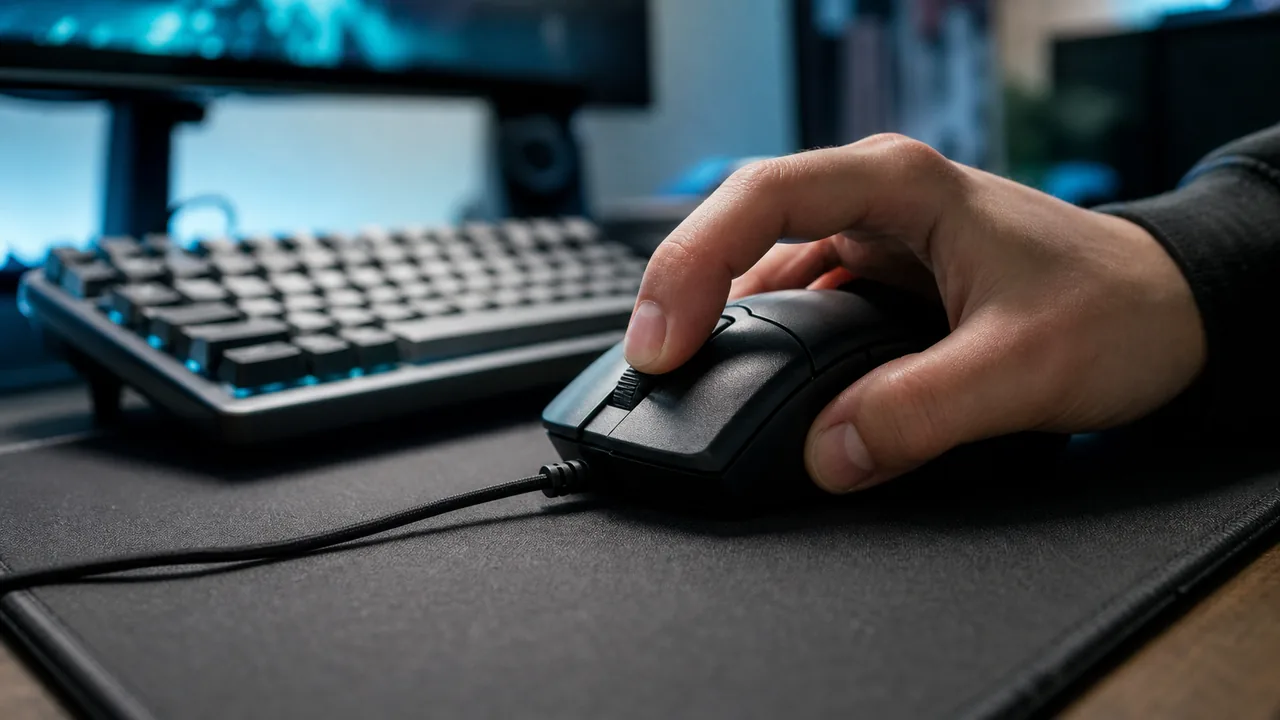
Drag Click Test: Why Your CPS Is Low and How to Fix It
Fast answer: If your drag click test score is low, first check the timeline in the Mouse Drag Click Test. Even spikes with gaps usually mean technique or surface grip. A flat cap around 8-12 CPS usually means debounce or mouse firmware is filtering the burst. If you hear the drag sound but see almost no clicks, the browser is only receiving a held button, so test another mouse, reduce debounce if your mouse software supports it, and confirm switch behavior with the Ghost Click Detector.
Drag clicking is not just “click faster.” A good drag click produces many separate browser click events from one sliding motion. A bad run can sound right and still register as one held click. This guide shows how to read the test result, separate technique problems from debounce filtering, and decide whether your mouse can actually drag click.
How to Run a Drag Click Test Correctly
Use one repeatable setup before judging the mouse. Change only one variable at a time: finger moisture, angle, button surface, debounce setting, browser, or mouse.
- Open the drag click test: Use the same browser and the same mouse profile for every run. Close mouse software popups and overlays while testing.
- Choose a short duration first: Start with 5 seconds. Drag clicking is about short bursts, not a 30-second endurance run.
- Hold the mouse steady: Brace the shell lightly with your thumb and ring finger so the button moves but the whole mouse does not slide.
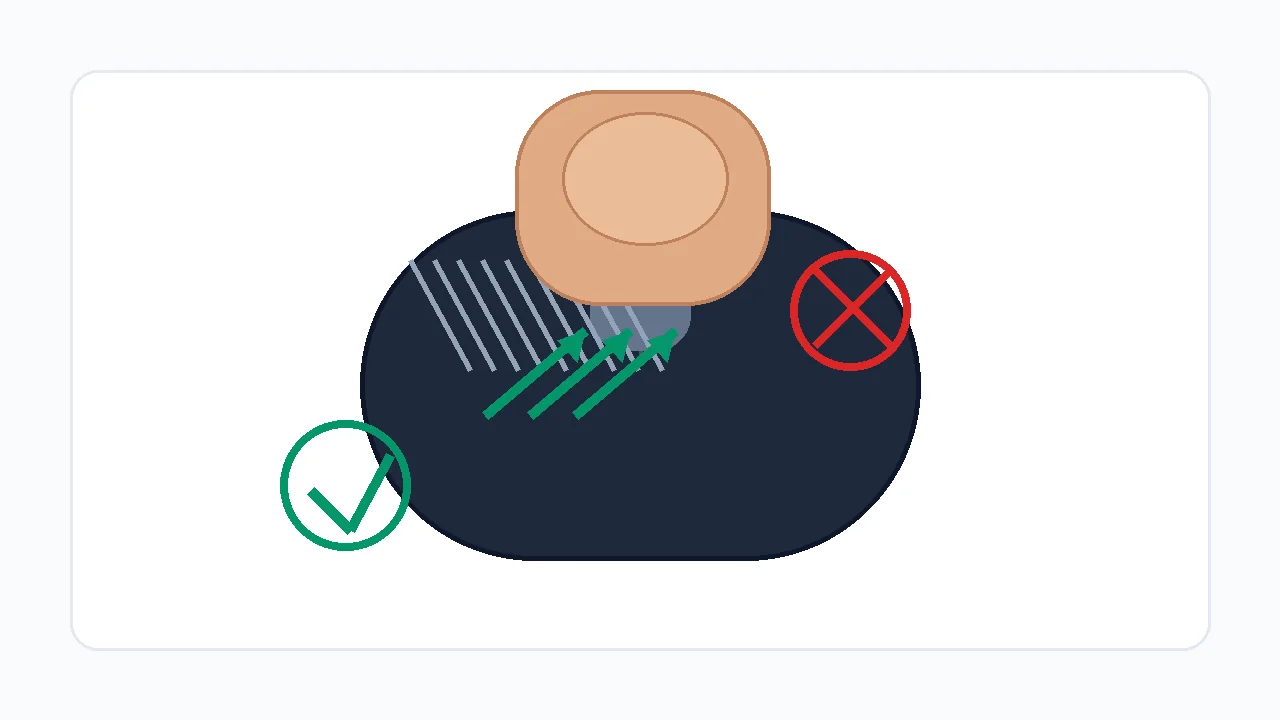
- Drag from back to front: Use a 30-45 degree finger angle and let the fingertip skip across the button. Do not press hard enough to pin the switch down.
- Save the best pattern, not only the highest number: A smooth cluster of separate bars is better evidence than one accidental spike followed by silence.
Mouse Drag Click Test: Measure drag-click CPS, peak burst rate, and the live click timeline.
What Your CPS Timeline Means
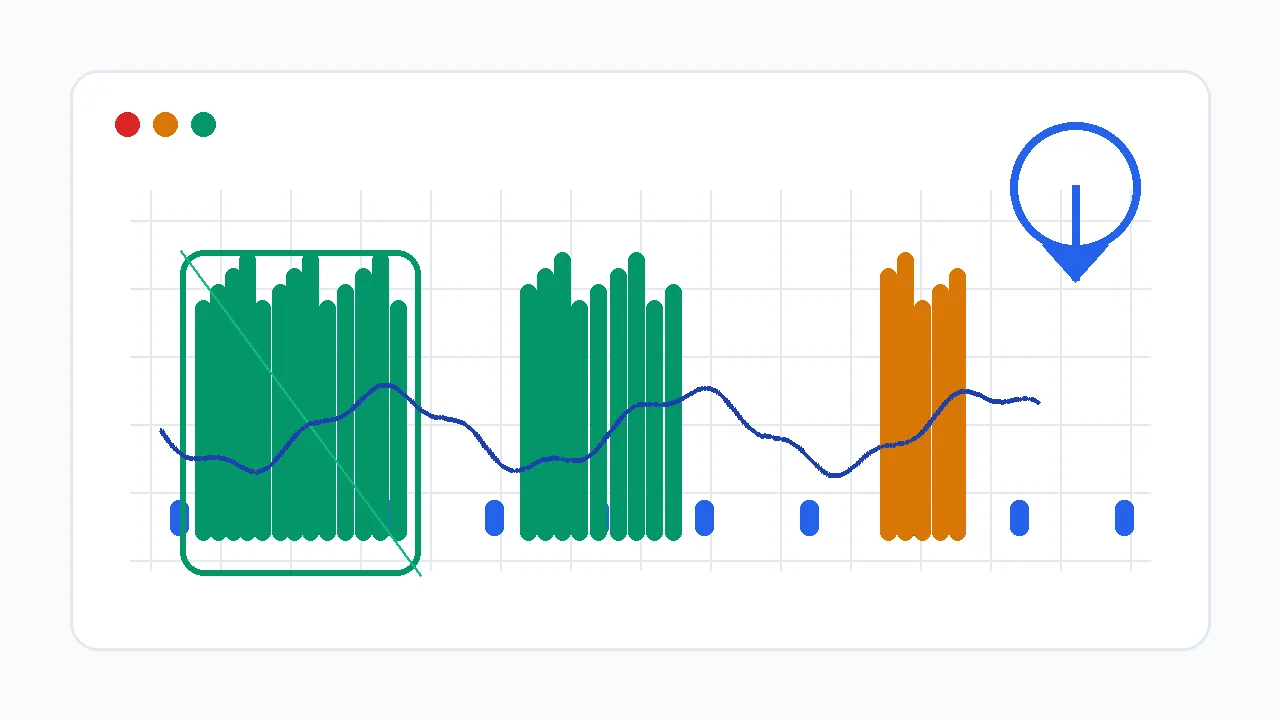
Average CPS is useful, but the timeline matters more. Drag clicking is a burst technique, so the pattern reveals the problem faster than the final score.
| Timeline pattern | Likely meaning | Next check |
|---|---|---|
| Even bars with short gaps | The browser is receiving separate clicks. Your technique works; now tune grip and consistency. | Repeat three runs and compare peak CPS plus total clicks. |
| One tall spike then silence | You caught the button once, then held it down. Pressure is too high or the finger angle is too steep. | Relax pressure and drag with more surface glide. |
| Flat cap around 8-12 CPS | Debounce or firmware may be filtering extra switch bounce. | Check mouse software for debounce, then test another mouse. |
| You hear the drag sound but the graph stays low | The button is vibrating mechanically, but the browser receives a held click instead of click events. | Run the ghost click detector and compare another switch or mouse. |
| High CPS only on right click | Left and right switches can have different wear, debounce, or shell texture. | Run the right-click CPS test and compare both buttons. |
Why Your Drag Click CPS Is Low
Most low-CPS drag-click problems fall into one of four buckets: the motion is not creating enough button vibration, the mouse is filtering bounce, the browser is not receiving separate click events, or the server/game rules do not accept the burst.
| Cause | Symptom | Fix |
|---|---|---|
| Too much pressure | The first click registers, then the button stays held down. | Use less downward force and more forward sliding motion. |
| Finger too dry or too smooth | The finger glides silently with only a few clicks. | Wash and dry hands, then test mild fingertip moisture or a textured button surface. |
| Debounce too high | The sound is rapid but CPS caps near normal clicking speed. | Lower debounce only if your mouse software supports it, then retest for accidental double-clicking. |
| Mouse not drag-click friendly | Every technique produces the same low result. | Try a known drag-click-compatible mouse or a different switch/button surface. |
| Browser or OS path issue | Clicks register differently between browsers or after changing mouse software. | Retest in another Chromium-based browser and confirm the mouse profile is active. |
| Game/server filtering | The browser test is high, but the game ignores or flags bursts. | Respect the server rules and lower burst use where anti-cheat policies are strict. |
Finger Angle, Pressure, and Surface Grip
The goal is controlled friction, not force. Your fingertip should catch and release against the button surface while the switch springs back between micro-clicks.
Start at roughly 30-45 degrees. Too flat creates glide without bounce; too vertical creates pressure without movement.
Press only hard enough to start switch travel. The switch must rebound between micro-clicks.
Use a short, controlled pass across the button. Long drags often become inconsistent after the first burst.
A lightly textured button helps. A glossy or oily shell often needs cleaning before it catches.
Mouse Compatibility and Debounce
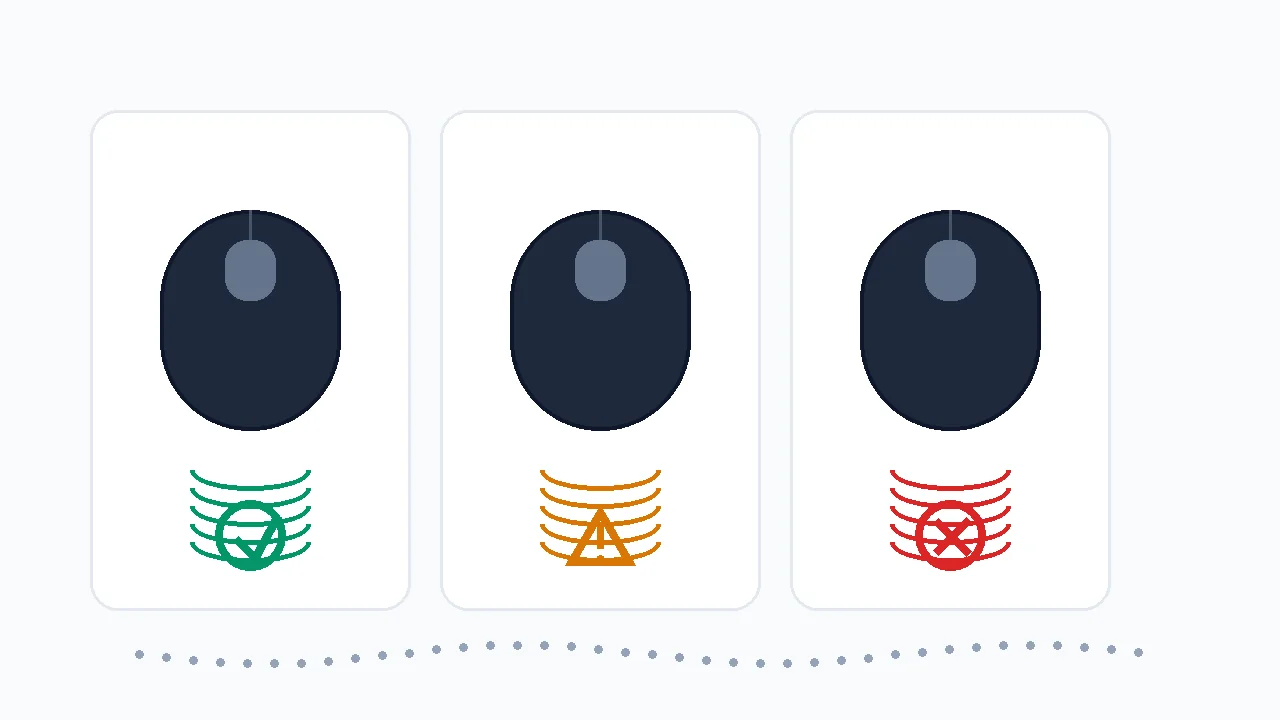
Some mice are simply better for drag clicking. Mechanical switch type, button shell texture, firmware debounce, and software options all decide whether the vibration becomes separate clicks or one filtered press.
| Check | Good sign | Bad sign |
|---|---|---|
| Debounce control | Mouse software lets you reduce debounce or click latency safely. | No setting exists and CPS is capped on every run. |
| Button texture | The surface gives mild friction without tape or extreme pressure. | The button is glossy, oily, or too smooth to catch your fingertip. |
| Switch behavior | Ghost click tests show clean separate clicks only when you intentionally create them. | The mouse double-clicks during normal use or filters every burst. |
| Polling stability | Polling-rate test stays near the selected Hz in wired or 2.4 GHz mode. | Polling drops or stutters while clicking. |
Minecraft and Server Rules: Do Not Assume Drag Clicking Is Allowed
A browser test only proves that your device can generate click events. It does not prove that a Minecraft server, anti-cheat system, or tournament will allow those clicks. Rules vary by server and can change, so check the current rules before using drag clicking in ranked play.
Watch: How to Read CPS Numbers
This KeyboardTester.click video explains CPS measurement basics. Use it for the score-reading part, then use the timeline and debounce checks below for drag-click-specific diagnosis.
Sources and Research Notes
The browser-event guidance comes from MDN documentation for click and mouse events. The debounce and drag-click compatibility guidance is cross-checked against current mouse manufacturer and gaming-mouse support material. The topic was selected from first-party Search Console demand for the Mouse Drag Click Test page.
- MDN: Element click eventDocuments how browsers fire click events after pointer interaction, which is what the drag click test counts.
- MDN: MouseEventReference for mouse event properties and the browser input model used by web-based mouse tests.
- Glorious: Debounce time guideExplains how debounce settings affect rapid clicking techniques such as drag and butterfly clicking.
- Attack Shark: polling and debounce guideGaming-mouse guide covering polling, debounce, and drag-click behavior in Minecraft PvP contexts.
- Hypixel community discussionExample of why server-specific drag-click rules and enforcement risk must be checked before ranked use.
Related Tools
Measure drag-click CPS, peak burst rate, and the live click timeline.
Click Speed TestCompare drag-click bursts against normal clicking, jitter clicking, and butterfly clicking.
Ghost Click DetectorCheck whether your switch is double-clicking, filtering, or missing events.
Polling Rate TestVerify that the mouse reports consistently while you test rapid inputs.
Related Guides
Understand CPS, peak CPS, and why short bursts differ from sustained clicking.
Fix Ghost Clicks and Double ClickingSeparate intentional drag-click bounce from a failing switch.
How to Test Mouse ButtonsConfirm left, right, middle, wheel, and basic pointer behavior before blaming CPS.
Right Click CPS TestCompare left and right button drag behavior when one side scores much higher.
FAQ
- Why is my drag click CPS low even though I hear the sound?The sound can come from your finger vibrating on the shell while the switch is still held down. The browser only counts separate click events. If the timeline stays low, reduce pressure, change finger angle, and test the switch with the ghost click detector.
- What is a good drag click CPS score?For a compatible mouse, short bursts above 20 CPS are a useful starting point and 30+ CPS is strong. A normal mouse may cap closer to 8-12 CPS because debounce filters extra clicks. Consistency matters more than one lucky spike.
- Does lowering debounce always improve drag clicking?No. Lower debounce can allow more rapid clicks, but it can also create accidental double-clicks during normal use. Lower it only if your mouse software supports it, then retest normal clicking and ghost clicks.
- Can any mouse drag click?No. Some mice have button shells, switches, and firmware that filter the vibration into one held click. If several technique changes still cap your score, the mouse is probably the limiting factor.
- Is drag clicking allowed in Minecraft?It depends on the server and current rules. A browser score does not guarantee that a server accepts those clicks. Check the server rules and anti-cheat policy before using drag clicking in competitive play.
- Why does right click drag better than left click?Left and right buttons can have different wear, switch feel, debounce behavior, or shell texture. Test both sides separately with the right-click CPS test before assuming your technique is the problem.
Start with the Mouse Drag Click Test. If the score is capped, open the Ghost Click Detector and confirm whether the switch is creating separate clicks before changing your technique again.

