

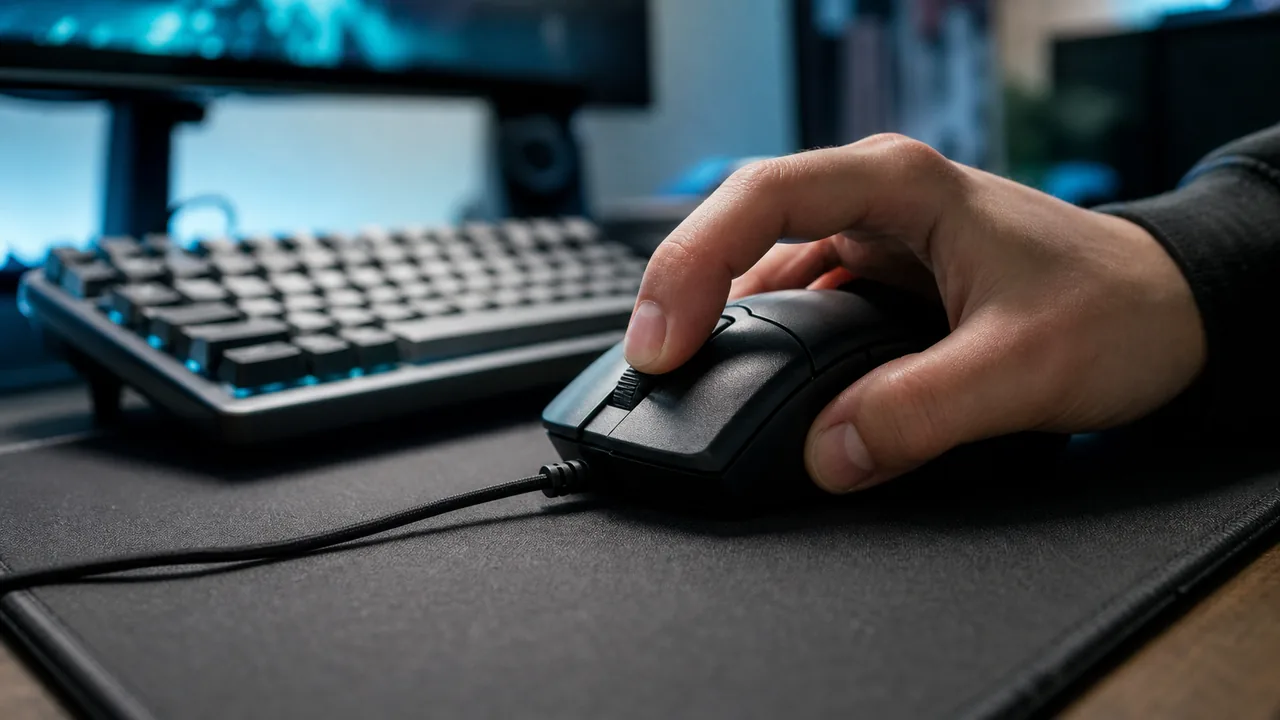
الإجابة السريعة: النقر بالسحب هو تمرير إصبع واحد فوق زر الماوس بحيث يجعل الاحتكاك السويتش يهتز فيطلق عدة نقرات من حركة واحدة. لاختباره افتح اختبار النقر بالسحب للماوس، اختر مدة 5 ثوان، واسحب إصبعك عبر الساحة: يعرض متوسط CPS وذروة CPS وذروة اندفاع 200 مللي ثانية على مخطط زمني حي. الماوس القادر يظهر اندفاعات 20-60 CPS، أما الماوس الذي يفلتر الاندفاع فيتوقف عند 8-12 CPS مهما فعلت. النقر بالسحب ليس غير قانوني لكنه يسرّع تآكل السويتش وممنوع على بعض السيرفرات، لذا افحص النقر المزدوج بعده عبر كاشف النقرات الوهمية.
معظم صفحات اختبار النقر بالسحب مجرد صندوق نقر فارغ مع عداد. هنا نوجهك إلى أداة تقيس التقنية فعليا (متوسط CPS وذروة CPS واندفاع 200 مللي ثانية ومخطط زمني)، ثم نشرح ما لا تغطيه العدادات أبدا: كيف تعمل التقنية ميكانيكيا، أي ماوس يصلح ولماذا، هل تُحظر، وماذا تفعل بالسويتشات مع الوقت. احصل على رقم من الأداة، ثم اجعل هذا الدليل يفسّر معنى ذلك الرقم.
ما هو النقر بالسحب؟ (وكيف يختلف عن jitter و butterfly)
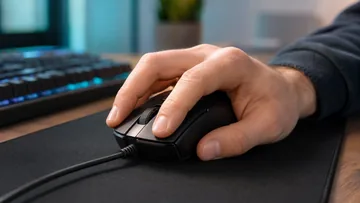
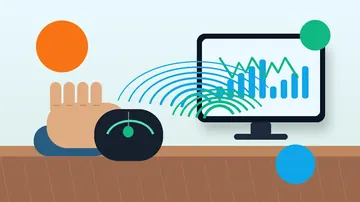
النقر بالسحب تقنية نقر لا إعداد في الماوس. تمرّر طرف إصبعك فوق الزر فيجعل الاحتكاك بين الجلد والهيكل الزر يهتز بسرعة، مطلقا عدة نقرات كهربائية من سحبة واحدة. إنه أحد ثلاث طرق نقر تنافسية، وتختلف في سلوكها كثيرا. النقر بالسحب قد يقفز في الاندفاعات القصيرة أعلى بكثير من غيره، لكن فقط على العتاد المناسب.
النقر بالسحب مقابل jitter و butterfly
| التقنية | كيف تعمل | ذروة CPS النموذجية | الماوس المطلوب |
|---|---|---|---|
| النقر بالسحب | تمرّر إصبعا واحدا فوق الزر فيجعل الاحتكاك السويتش يهتز. | 30-60 في اندفاعات قصيرة | زر ذو ملمس/طلاء + firmware مناسب للسحب |
| Jitter click | تشدّ الساعد فترتجف العضلة وتضغط الزر بسرعة. | 10-15 مستمر | أي ماوس (لكنه متعب وخطر إصابة) |
| Butterfly click | تبدّل إصبعين على الزر نفسه فتتداخل الضغطتان. | 12-20 مستمر | أي ماوس لكنه محدود بـ debounce النقر |
كيف تنقر بالسحب، خطوة بخطوة
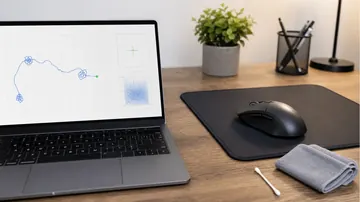
النقر بالسحب حركة تُتعلّم، فتوقع دقائق لا يحدث فيها شيء ثم يبدأ فجأة في "الالتقاط". تدرّب على زر نظيف وذي ملمس خفيف. إذا كان الهيكل لامعا أو دهنيا فامسحه أولا؛ الدهن يقتل الاحتكاك الذي تعتمد عليه التقنية.
- ابدأ بطرف إصبع نظيف وجاف قليلا: تحتاج احتكاكا خفيفا. الجلد شديد الجفاف ينزلق بصمت، والمتعرّق يلتصق ويتوقف. طرف الإصبع ذو القبضة الطبيعية الخفيفة يلتقط أفضل.
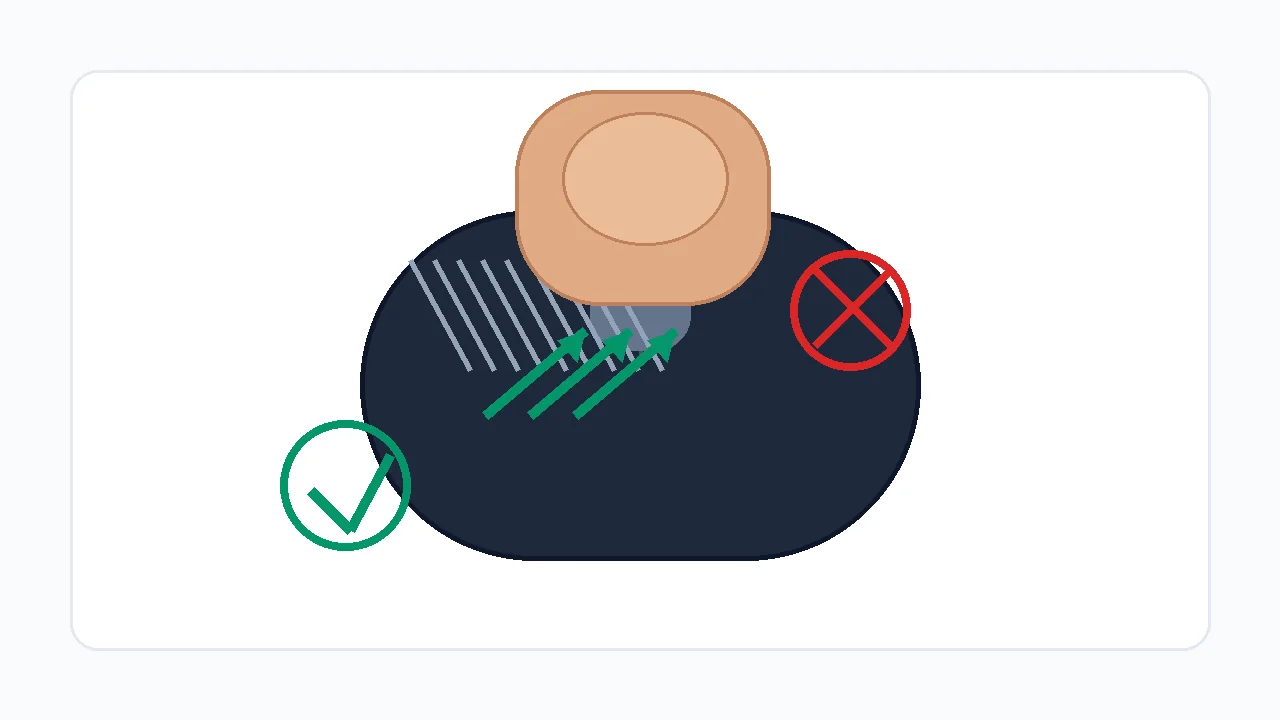
- ضع إصبعك قرب أعلى الزر: ضع وسادة السبابة في أعلى الزر الأيسر، ثم استعد لسحبها للأسفل ونحوك بدل الضغط المستقيم.
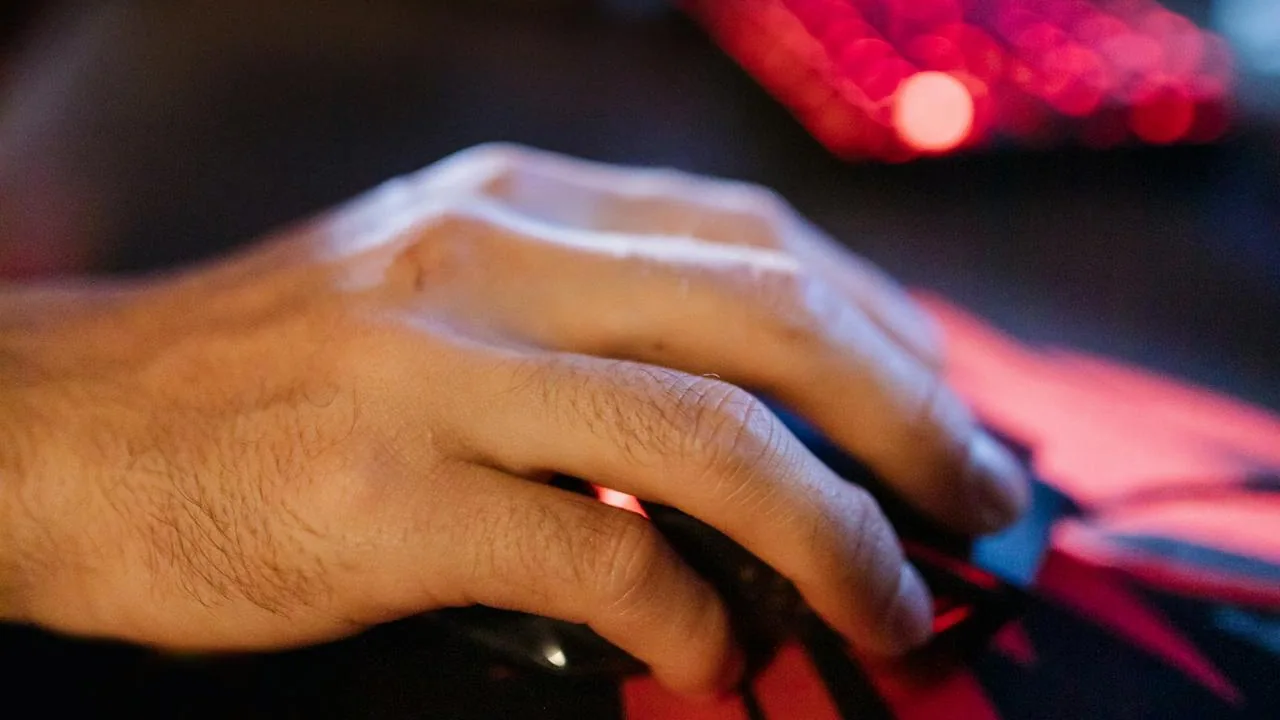
- اسحب للأسفل بزاوية 30-45 درجة: اترك طرف الإصبع يتزلج على السطح. يجب أن يصدر الاحتكاك طنينا خفيفا؛ هذا الطنين هو اهتزاز الزر إلى عدة نقرات.
- اندفاعات قصيرة لا سحبة طويلة: استهدف اندفاعات 0.5-1 ثانية. السحب الطويل المستمر يتحول عادة إلى ضغطة واحدة بعد المجموعة الأولى.
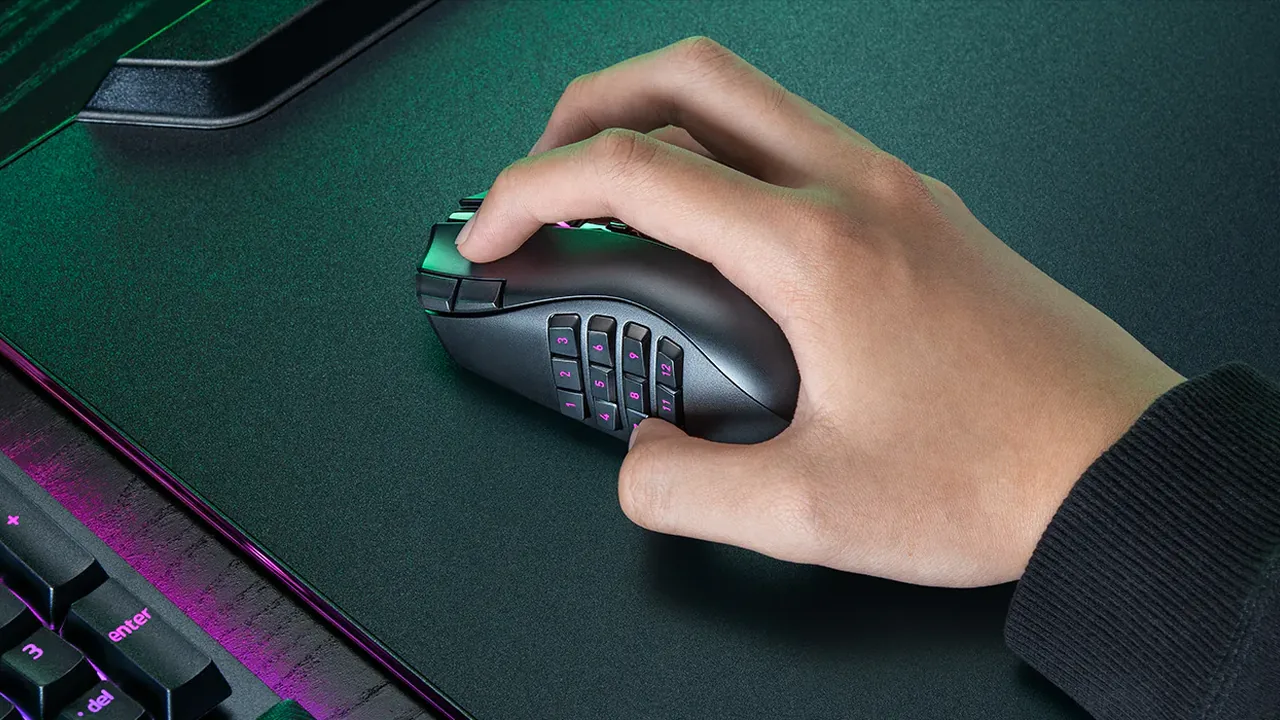
- ثبّت الماوس بحيث يتحرك الزر فقط: ثبّت الهيكل بالإبهام والبنصر كي لا ينزلق الماوس كله على الباد أثناء السحب.
كيف تشغل اختبار النقر بالسحب بشكل صحيح
استخدم إعدادا قابلا للتكرار قبل الحكم على الماوس. غيّر عاملا واحدا فقط في كل مرة: رطوبة الإصبع، الزاوية، سطح الزر، إعداد debounce، المتصفح، أو الماوس.
- افتح اختبار النقر بالسحب: استخدم المتصفح نفسه وملف الماوس نفسه في كل مرة. أغلق نوافذ برنامج الماوس والـ overlays أثناء الاختبار.
- اختر مدة قصيرة أولا: ابدأ بـ 5 ثوان. النقر بالسحب اندفاعات قصيرة لا تحمّل 30 ثانية.
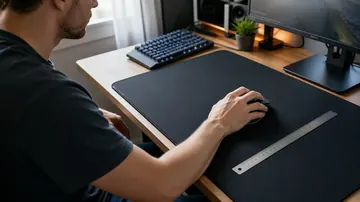
- أمسك الماوس بثبات: ثبّت الهيكل بخفة بالإبهام والبنصر بحيث يتحرك الزر دون أن ينزلق الماوس كله.
- اسحب من الخلف إلى الأمام: استخدم زاوية إصبع 30-45 درجة واترك الطرف يتزلج على الزر. لا تضغط بقوة تثبّت السويتش.
- احفظ أفضل نمط لا أعلى رقم: مجموعة أعمدة منفصلة وسلسة دليل أفضل من قفزة عرضية واحدة يتبعها صمت.
اختبار النقر بالسحب للماوس: يقيس CPS النقر بالسحب وذروة الاندفاع ومخطط النقر الزمني الحي.
اقرأ CPS وذروة الاندفاع والمخطط الزمني
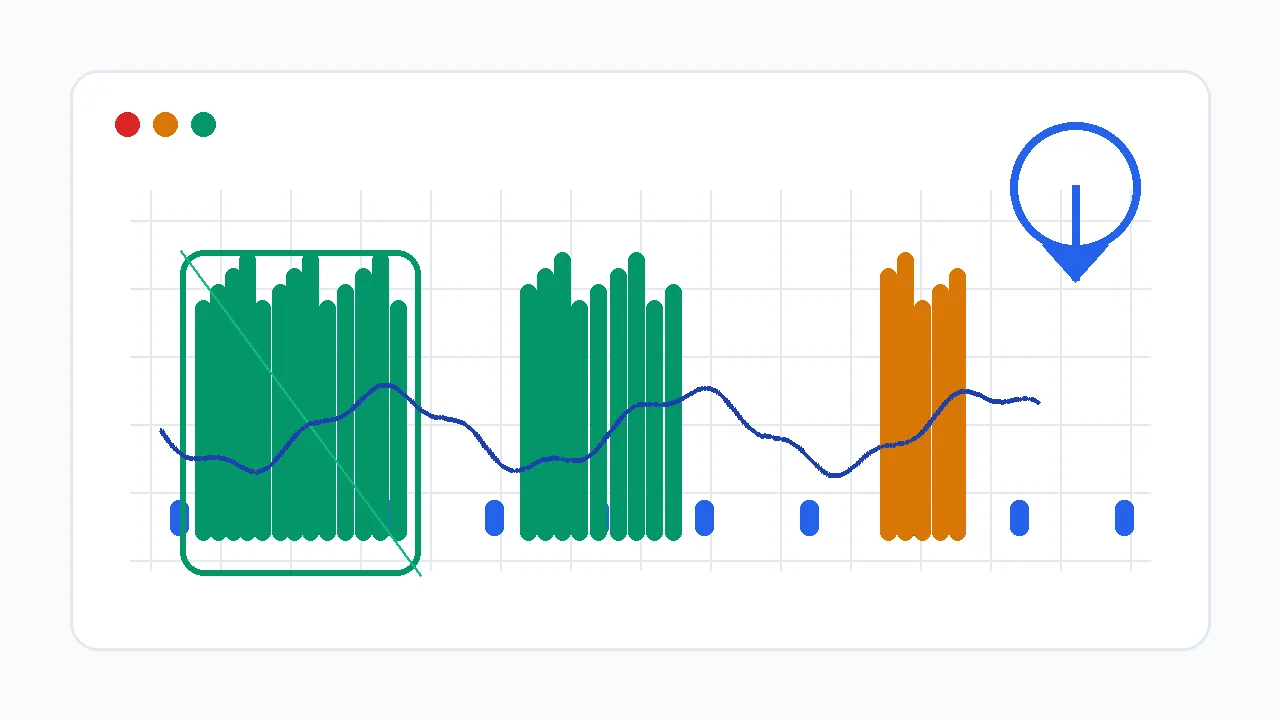
متوسط CPS هو العنوان، لكن المخطط الزمني وذروة اندفاع 200 مللي ثانية أهم. النقر بالسحب تقنية اندفاعية، فالنمط يكشف السبب أسرع من الرقم النهائي. في اختبار النقر بالسحب للماوس تكون ذروة الاندفاع أوضح إشارة على القدرة الحقيقية للنقر بالسحب.
| نمط المخطط الزمني | المعنى المحتمل | الفحص التالي |
|---|---|---|
| أعمدة متساوية بفجوات قصيرة | المتصفح يستقبل نقرات منفصلة. تقنيتك تعمل؛ اضبط القبضة والثبات. | كرر ثلاث مرات وقارن ذروة CPS وإجمالي النقرات. |
| قفزة عالية واحدة ثم صمت | أمسكت الزر مرة ثم ضغطت عليه. الضغط مرتفع أو الزاوية حادة. | خفّف الضغط واسحب بانزلاق أكبر. |
| سقف ثابت قرب 8-12 CPS | قد يفلتر debounce أو firmware الارتداد الزائد. | افحص debounce في برنامج الماوس ثم جرب ماوسا آخر. |
| تسمع صوت السحب لكن الرسم منخفض | الزر يهتز ميكانيكيا لكن المتصفح يستقبل ضغطة بدل أحداث نقر. | شغّل كاشف النقرات الوهمية وقارن سويتشا أو ماوسا آخر. |
| CPS عال على النقر الأيمن فقط | قد يختلف سويتشا اليسار واليمين في التآكل أو debounce أو الملمس. | قارن الزرين باختبار CPS للنقر الأيمن. |
لماذا CPS منخفض في النقر بالسحب
غالبا المشكلة في أحد أربعة مواضع: الحركة لا تولد اهتزازا كافيا، الماوس يفلتر bounce، المتصفح لا يستقبل نقرات منفصلة، أو اللعبة/السيرفر لا يقبل هذا المعدل.
| السبب | العَرَض | الحل |
|---|---|---|
| ضغط زائد | النقرة الأولى تسجل ثم يبقى الزر مضغوطا. | قلّل الضغط للأسفل وزد حركة الانزلاق للأمام. |
| الإصبع جاف جدا أو أملس | ينزلق الإصبع بصمت مع نقرات قليلة فقط. | اغسل ويديك وجففهما، ثم جرب رطوبة طرف خفيفة أو سطح زر ذا ملمس. |
| debounce مرتفع جدا | الصوت سريع لكن CPS يتوقف قرب سرعة النقر العادية. | اخفض debounce فقط إذا كان البرنامج يدعمه ثم أعد فحص النقر المزدوج العرضي. |
| ماوس غير مناسب للسحب | كل تقنية تعطي النتيجة المنخفضة نفسها. | جرب ماوسا معروفا بتوافق السحب أو سطح/سويتش زر مختلف. |
| مشكلة متصفح أو نظام | تُسجَّل النقرات بشكل مختلف بين المتصفحات أو بعد تغيير برنامج الماوس. | أعد الاختبار في متصفح Chromium آخر وتأكد أن ملف الماوس نشط. |
| فلترة اللعبة/السيرفر | الاختبار في المتصفح عال لكن اللعبة تتجاهل الاندفاع أو تضع علامة. | احترم قواعد السيرفر وقلّل استخدام الاندفاع حيث يكون anti-cheat صارما. |
زاوية الإصبع والضغط واحتكاك السطح
الهدف هو احتكاك مضبوط وليس قوة. يجب أن يلتقط طرف الإصبع سطح الزر ويتركه بينما يعود السويتش بين النقرات الصغيرة.
ابدأ نحو 30-45 درجة. المسطّح جدا انزلاق بلا ارتداد؛ العمودي جدا ضغط بلا حركة.
اضغط بقدر ما يبدأ حركة السويتش فقط. يجب أن يرتد السويتش بين النقرات الصغيرة.
استخدم تمريرة قصيرة ومضبوطة على الزر. السحبات الطويلة تصبح غير متسقة بعد الاندفاع الأول.
الزر ذو الملمس الخفيف يساعد. الهيكل اللامع أو الدهني يحتاج تنظيفا قبل أن يلتقط.
أي ماوس يستطيع النقر بالسحب؟ (ولماذا لا يصلح الأملس)
شيئان يحددان هل الماوس يصلح للنقر بالسحب: طلاء الزر والـ firmware. يحتاج النقر بالسحب هيكلا ذا ملمس كاف ليلتقط إصبعك ويتركه؛ كثير من ماوسات الألعاب له زر علوي ذو ملمس خفيف، أما ماوسات المكتب الملساء اللامعة فتنزلق بصمت. العامل الثاني هو debounce: يتجاهل الـ firmware عمدا إشارات السويتش المتقاربة جدا لتصفية chatter، وdebounce القوي يصفّي أيضا اندفاع السحب فيحدّ CPS عند سرعة النقر العادية مهما كانت تقنيتك جيدة.
| الفحص | علامة جيدة | علامة سيئة |
|---|---|---|
| التحكم في debounce | برنامج الماوس يتيح خفض debounce أو زمن النقر بأمان. | لا يوجد إعداد وCPS محدود في كل مرة. |
| ملمس الزر | السطح يعطي احتكاكا معتدلا دون شريط أو ضغط مفرط. | الزر لامع أو دهني أو أملس جدا فلا يلتقط طرف الإصبع. |
| سلوك السويتش | اختبار الوهمي يظهر نقرات منفصلة نظيفة فقط عند صنعها عمدا. | الماوس ينقر مزدوجا في الاستخدام العادي أو يفلتر كل اندفاع. |
| ثبات polling | اختبار polling يبقى قرب الـ Hz المختار في السلكي أو 2.4GHz. | ينخفض polling أو يتقطع أثناء النقر. |
هل النقر بالسحب محظور؟
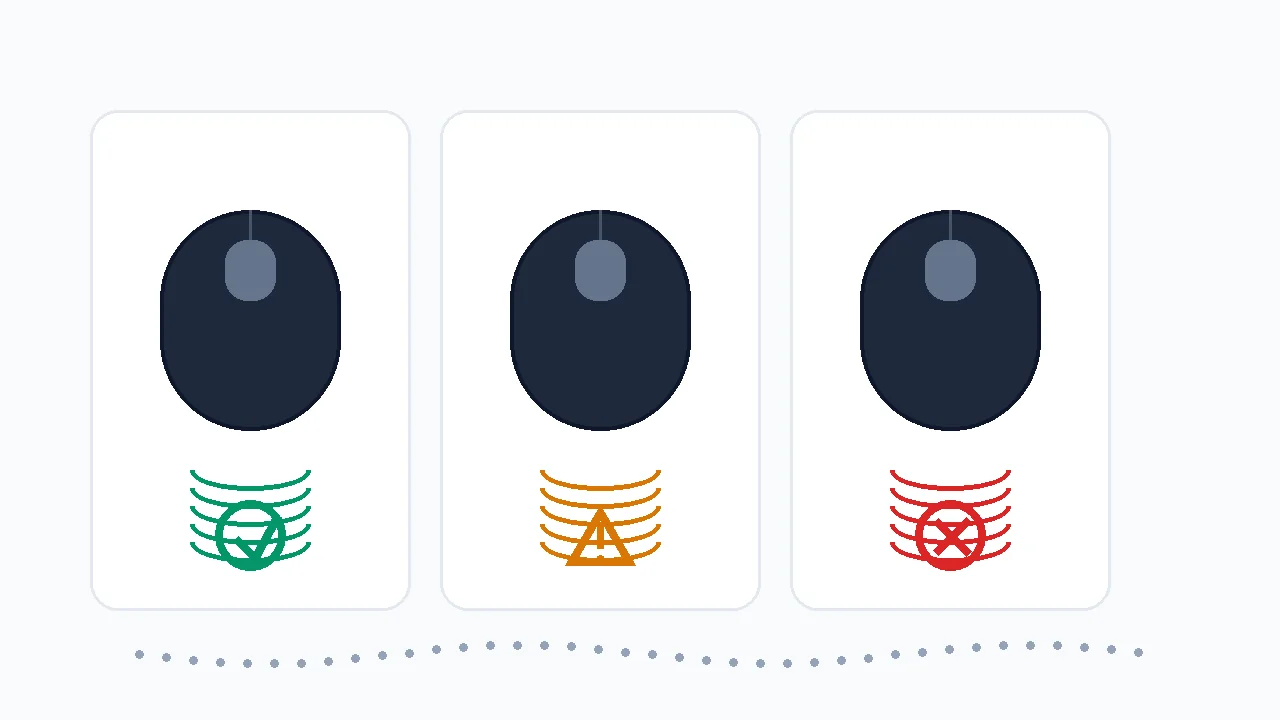
النقر بالسحب تقنية إدخال فيزيائية، فهو ليس "غشا" بالمعنى البرمجي؛ أنت لا تحقن نقرات مثل برنامج النقر التلقائي. لكن كثيرا من السيرفرات وأنظمة anti-cheat تعامل CPS العالي جدا بالطريقة نفسها مهما كان مصدره، لأن اندفاع 20-30+ CPS لا يكاد يُميّز إحصائيا عن ماكرو. اختبار المتصفح يثبت فقط أن جهازك يولد النقرات؛ لا يثبت أن سيرفرا معينا سيسمح بها. القواعد تختلف وتتغير، فالجواب الآمن الوحيد هو مراجعة القواعد الحالية للسيرفر أو البطولة التي تلعب فيها.
Minecraft وقواعد السيرفرات: لا تفترض أنه مسموح
اختبار المتصفح يثبت فقط أن جهازك يولد أحداث نقر. هذا لا يعني أن سيرفر Minecraft أو anti-cheat أو البطولة ستسمح بها. راجع القواعد الحالية قبل استخدامها في اللعب التنافسي. وفي تحديات البناء افصل بين قانونية النقر وتخطيط الشكل: يساعدك مخطط دائرة ماين كرافت بالبلوكات على رسم برج أو قبة، لكنه لا يحدد ما إذا كان drag click مسموحاً.
هل النقر بالسحب يتلف الماوس؟
نعم، يسرّع تآكل السويتش ويجب الاستعداد لذلك. كل سويتش ماوس ميكانيكي مصنّف لعدد نقرات محدود، والنقر بالسحب يضاعف العدد بشدة؛ اندفاع واحد مدته 5 ثوان قد يطلق مئات التفعيلات. هذا يقرّب اليوم الذي يبدأ فيه السويتش بالـ "chatter" (نقر مزدوج من ضغطة واحدة). هذا لا يعني ألا تنقر بالسحب أبدا، بل أن تراقب صحة السويتش وتعرف كيف تختبر هذا العطل.
كيف تختبر هل أتلف النقر بالسحب سويتشك
- شغّل فحص ghost / double click: بعد جلسات سحب مكثفة افتح كاشف النقرات الوهمية وانقر بشكل عادي. إذا سجلت الضغطة الواحدة نقرتين فقد بدأ السويتش بالـ chatter.
- راقب النقر المزدوج العرضي في الاستخدام: فتح الملفات مرتين، أو إطلاق طلقة مرتين، أو تعطّل السحب والإفلات علامات يومية على سويتش متآكل.
- قرّر: الضمان أو تبديل السويتش أو ماوس جديد: ضمن الضمان طالِب به. خارج الضمان يُنهي سويتش جديد، أو ماوس بسويتش بصري بلا تماس معدني يتآكل، هذا العطل.
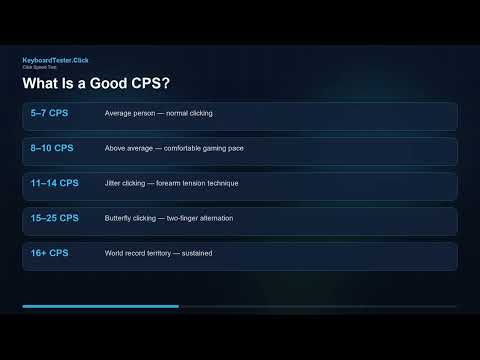
فيديو: كيف تقرأ أرقام CPS
هذا الفيديو من KeyboardTester.click يشرح أساسيات قياس CPS. استخدمه لفهم الأرقام، ثم استخدم مخطط الزمن وفحوصات debounce في هذا الدليل لمشكلة النقر بالسحب.
المصادر وملاحظات البحث
شرح أحداث المتصفح مبني على توثيق MDN لحدث click و MouseEvent. أما debounce وتوافق الماوس فتمت مراجعتهما مع أدلة الشركات ومواد ماوسات الألعاب. تم اختيار الموضوع من طلب Search Console على صفحة اختبار النقر بالسحب.
- MDN: Element click eventيوضح كيف تطلق المتصفحات حدث click بعد تفاعل المؤشر، وهو ما يعدّه اختبار النقر بالسحب.
- MDN: MouseEventمرجع خصائص أحداث الماوس ونموذج الإدخال الذي تستخدمه اختبارات الماوس على الويب.
- Glorious: Debounce time guideيشرح كيف تؤثر إعدادات debounce في تقنيات النقر السريع مثل السحب وbutterfly.
- Attack Shark: polling and debounce guideدليل ماوس ألعاب يغطي polling وdebounce وسلوك النقر بالسحب في سياق Minecraft PvP.
- Hypixel community discussionمثال على ضرورة مراجعة قواعد السيرفر وخطر العقوبة قبل الاستخدام التنافسي.
أدوات مرتبطة
يقيس CPS النقر بالسحب وذروة الاندفاع ومخطط النقر الزمني الحي.
اختبار سرعة النقرقارن اندفاعات السحب بالنقر العادي وjitter وbutterfly.
كاشف النقرات الوهميةتأكد هل السويتش ينقر مزدوجا أو يفلتر أو يفقد أحداثا.
اختبار معدل الاستطلاعتأكد أن الماوس يبلّغ بثبات أثناء الإدخال السريع.
أدلة مرتبطة
افهم CPS وذروة CPS وjitter وbutterfly، ولماذا تختلف الاندفاعات القصيرة عن النقر المستمر.
اختبار النقر المزدوج: فحص ارتداد السويتشدليل سؤال "هل أتلف النقر بالسحب سويتشي؟" - شخّص وأصلح ماوسا ينقر مرتين.
إصلاح النقرات الوهمية والنقر المزدوجافصل ارتداد السحب المقصود عن سويتش يفشل باستخدام كاشف النقرات الوهمية.
كيف تختبر أزرار الماوس وعجلة التمريرتأكد من اليسار واليمين والوسط والعجلة وسلوك المؤشر قبل أن تلوم CPS.
النقر المهتز مقابل نقر الفراشةكيف يقارَن النقر بالسحب بالتقنيتين الأخريين في السرعة والتصويب والإجهاد وخطر الحظر.
FAQ
- كيف أنقر بالسحب؟ضع وسادة السبابة أعلى الزر الأيسر ثم اسحبها للأسفل ونحوك بزاوية نحو 30-45 درجة بحيث يتزلج الطرف على السطح. الاحتكاك يجعل الزر يهتز فيطلق عدة نقرات من سحبة واحدة. استخدم اندفاعات قصيرة 0.5-1 ثانية على زر نظيف وذي ملمس خفيف، وثبّت الماوس بحيث يتحرك الزر فقط.
- ما درجة CPS الجيدة في النقر بالسحب؟على ماوس مناسب تكون الاندفاعات القصيرة فوق 20 CPS بداية جيدة و30+ CPS قوية، ويصل بعضهم إلى 50-60 في الاندفاع. الماوس الذي يفلتر الاندفاع على مستوى firmware قد يتوقف عند 8-12 CPS مهما كانت التقنية. الثبات على المخطط الزمني أهم من قفزة محظوظة واحدة.
- لماذا CPS منخفض رغم أنني أسمع صوت السحب؟قد يأتي الصوت من اهتزاز الإصبع على الهيكل بينما السويتش ما زال مضغوطا. المتصفح يحسب النقرات المنفصلة فقط، فإذا بقي المخطط منخفضا خفّف الضغط وغيّر الزاوية وافحص السويتش بكاشف النقرات الوهمية. إن لم ينفع شيء فالماوس يفلتر الاندفاع.
- هل كل ماوس يستطيع النقر بالسحب؟لا. يحتاج النقر بالسحب زرا ذا ملمس يلتقطه الإصبع وfirmware لا يفلتر الاندفاع بقوة. الهياكل الملساء اللامعة تنزلق بصمت، وبعض الماوسات يحوّل الاهتزاز إلى ضغطة واحدة. إذا بقيت النتيجة محدودة بعد تغيير التقنية فالماوس هو الحد.
- هل النقر بالسحب محظور؟النقر بالسحب تقنية فيزيائية لا غش برمجي، فهو ليس محظورا في كل مكان. لكن كثيرا من السيرفرات وأنظمة anti-cheat تضع علامة على CPS العالي جدا مهما كان مصدره لأن اندفاع السحب يشبه الماكرو. يعتمد كليا على قواعد السيرفر أو البطولة، وهي تختلف وتتغير، فراجع القواعد الحالية قبل اللعب التنافسي.
- هل النقر بالسحب يتلف الماوس؟نعم، يسرّع تآكل السويتش. كل سويتش ميكانيكي مصنّف لعدد نقرات محدود، والنقر بالسحب يطلق مئات التفعيلات في ثوان فيقرّب يوم بدء النقر المزدوج. راقب صحة السويتش باختبار double click أو ghost click وفكّر في ماوس بسويتش بصري بلا تماس معدني يتآكل.
- لماذا يسحب الزر الأيمن أفضل من الأيسر؟قد يختلف الزران الأيمن والأيسر في التآكل وإحساس السويتش وسلوك debounce وملمس الهيكل. اختبر كل جانب على حدة باختبار CPS للنقر الأيمن قبل أن تلوم تقنيتك.
ابدأ من اختبار النقر بالسحب للماوس لتعرف CPS الحقيقي وذروة الاندفاع. إذا كانت النتيجة محدودة، افتح كاشف النقرات الوهمية وتأكد هل السويتش يولد نقرات منفصلة قبل تعديل التقنية أو لوم الماوس.