


Короткий ответ: Drag click - это когда вы проводите одним пальцем по кнопке мыши, и трение заставляет переключатель колебаться, выдавая много кликов из одного движения. Чтобы протестировать, откройте Mouse Drag Click Test, выберите 5 секунд и проведите пальцем по арене: тест показывает средний CPS, пиковый CPS и 200-мс пиковый бурст на живом таймлайне. Подходящая мышь дает бурсты 20-60 CPS; мышь, которая фильтрует бурст, упирается в 8-12 CPS, что бы вы ни делали. Drag click не запрещен законом, но ускоряет износ свитчей и забанен на части серверов, поэтому потом проверьте двойные клики через Ghost Click Detector.
Большинство страниц про drag click test - это просто пустое поле для кликов со счетчиком. Здесь мы ведем вас к инструменту, который реально измеряет технику (средний CPS, пиковый CPS, 200-мс бурст и таймлайн), а затем объясняем то, чего счетчики не дают: как техника работает механически, какие мыши и почему ее тянут, банят ли за нее и что она делает со свитчами со временем. Получите число в инструменте, а здесь поймите, что оно значит.
Что такое drag click? (И чем он отличается от jitter и butterfly)
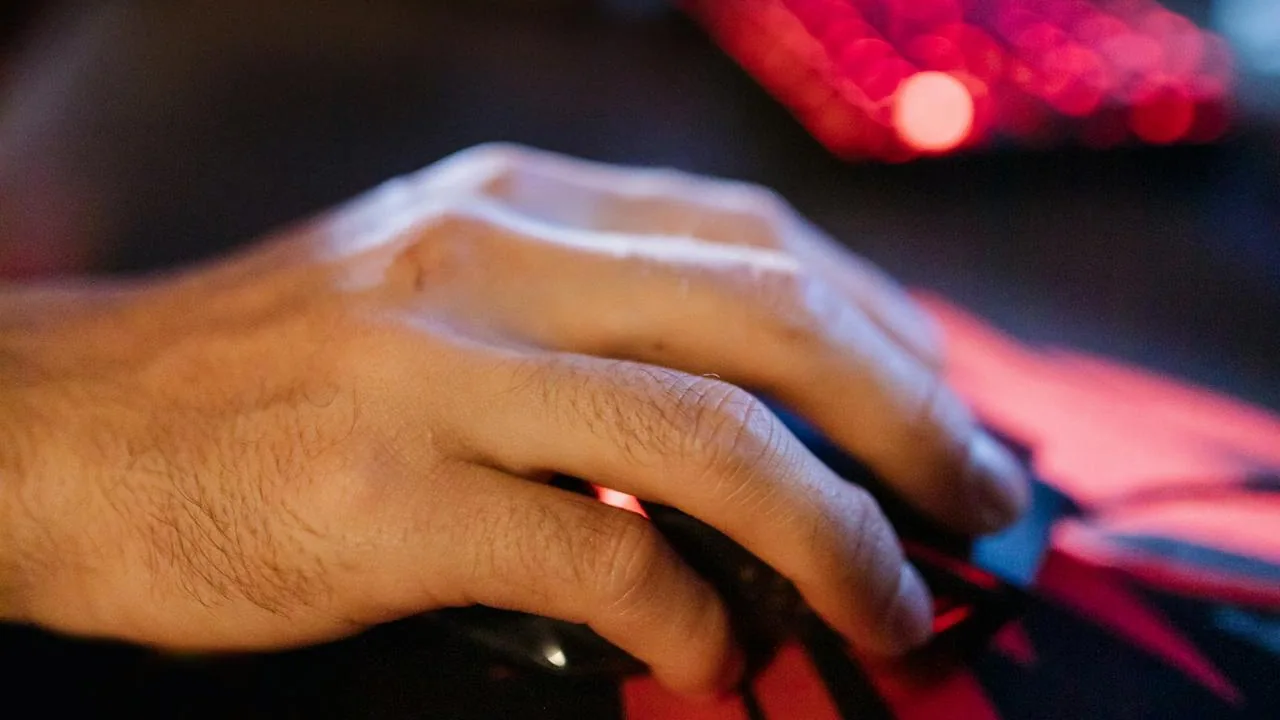
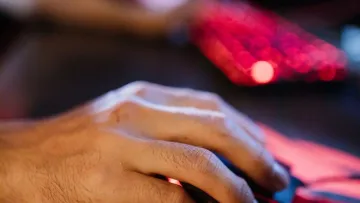
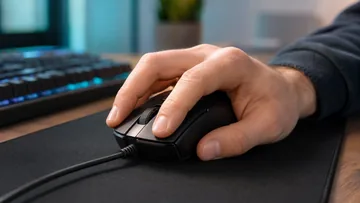
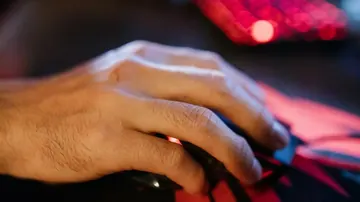
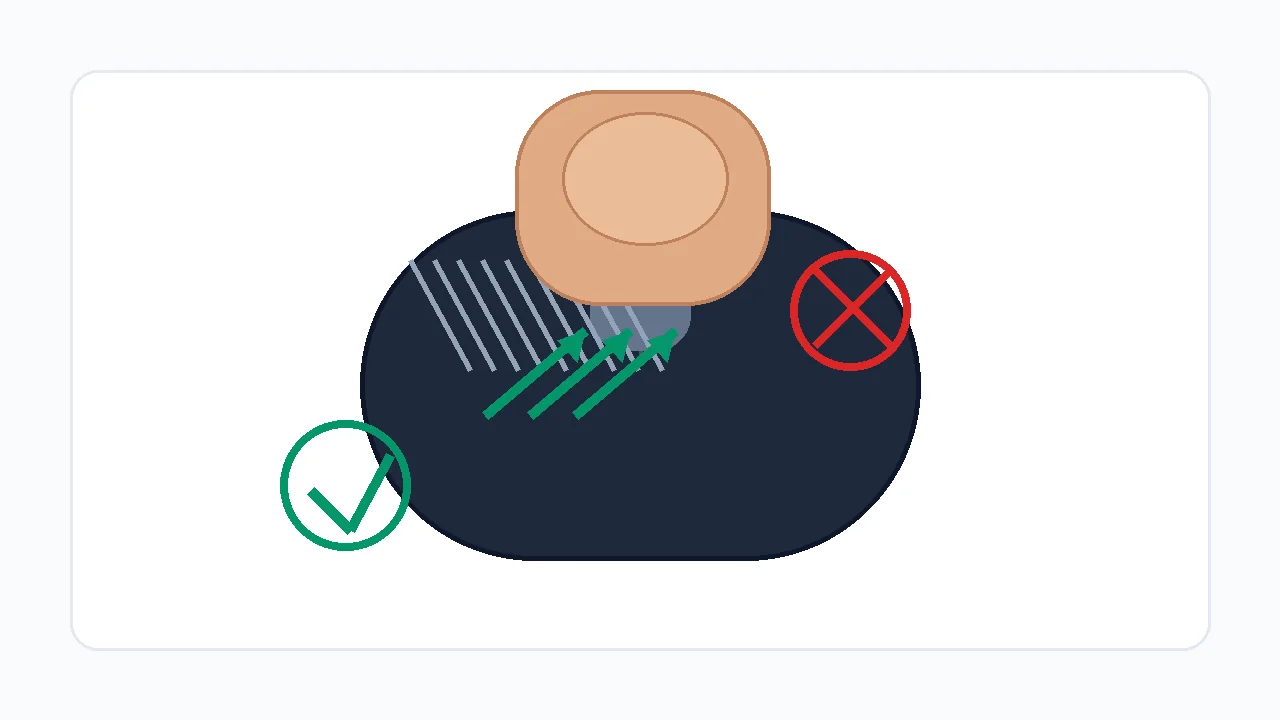
Drag click - это техника клика, а не настройка мыши. Вы проводите подушечкой пальца по кнопке, и трение между кожей и корпусом заставляет кнопку быстро колебаться, выдавая несколько электрических кликов из одного движения. Это один из трех соревновательных способов клика, и ведут они себя по-разному. Drag click в коротких бурстах может взлетать намного выше остальных, но только на подходящем железе.
Drag click vs jitter click vs butterfly click
| Техника | Как работает | Типичный пик CPS | Нужна мышь |
|---|---|---|---|
| Drag click | Проводите одним пальцем по кнопке, трение заставляет свитч колебаться. | 30-60 в коротких бурстах | Цепкая/покрытая кнопка + дружелюбная к drag прошивка |
| Jitter click | Напрягаете предплечье, и мышечная дрожь быстро жмет кнопку. | 10-15 постоянно | Любая мышь (но утомительно, риск травмы) |
| Butterfly click | Чередуете два пальца на одной кнопке, нажатия перекрываются. | 12-20 постоянно | Любая мышь, но ограничена debounce клика |
Как делать drag click, по шагам
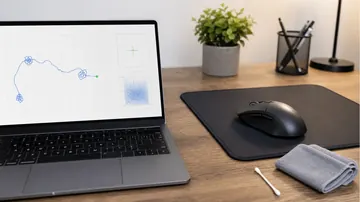
Drag click - это осваиваемое движение, так что готовьтесь, что несколько минут ничего не выходит, а потом оно вдруг "цепляет". Тренируйтесь на чистой, слегка текстурной кнопке. Если корпус глянцевый или жирный, сначала протрите: жир убивает трение, на котором держится техника.
- Начните с чистого, чуть суховатого пальца: Нужно умеренное трение. Совсем сухая кожа скользит беззвучно, потная - залипает и стопорит. Палец с легким естественным сцеплением цепляет лучше всего.
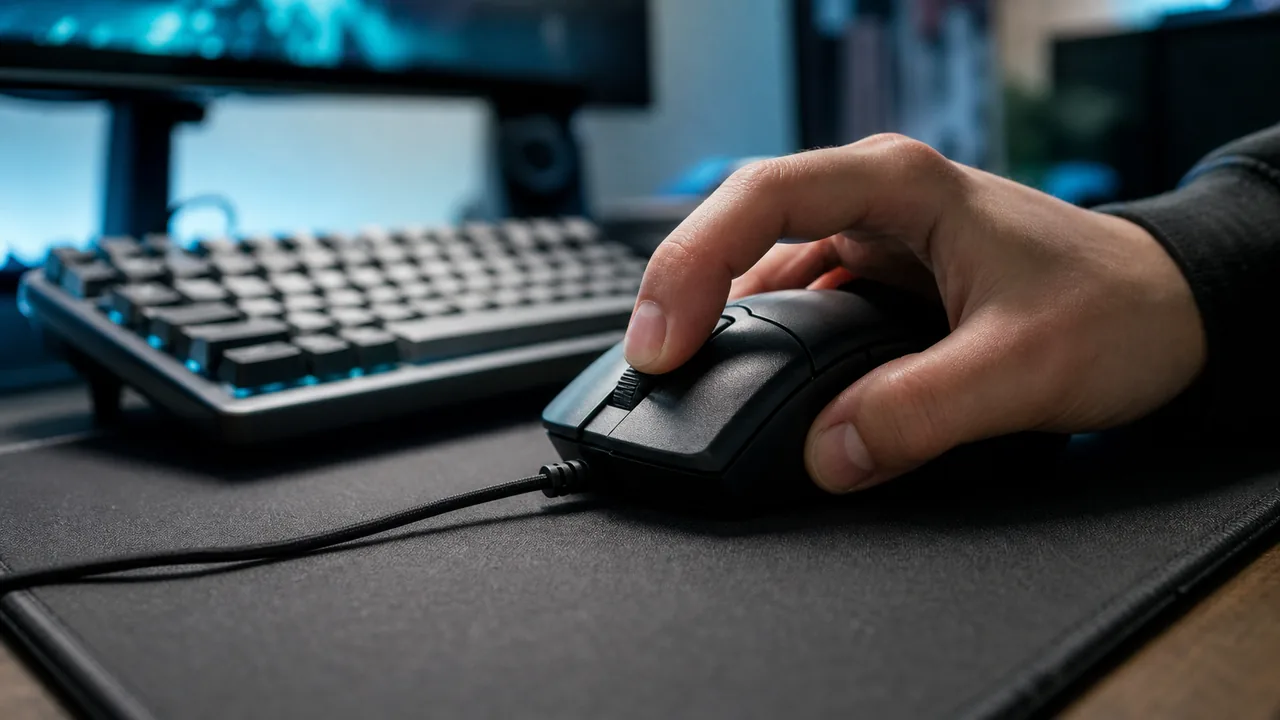
- Положите палец у верха кнопки: Поместите подушечку указательного пальца высоко на левой кнопке и приготовьтесь тянуть вниз и к себе, а не давить прямо.
- Тяните вниз под углом 30-45 градусов: Пусть кончик пальца скользит по поверхности. Трение должно издавать тихое жужжание - это и есть колебание кнопки в несколько кликов.
- Короткие бурсты, а не одно длинное движение: Цельтесь в бурсты 0.5-1 секунды. Длинный непрерывный drag обычно после первого кластера превращается в одно удержание.
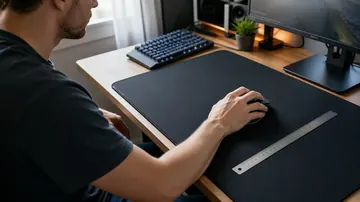
- Зафиксируйте мышь, чтобы двигалась только кнопка: Придерживайте корпус большим и безымянным пальцами, чтобы мышь не ездила по коврику во время drag.
Как правильно запускать Drag Click тест
Перед выводами создайте повторяемые условия. Меняйте только одну переменную за раз: влажность пальца, угол, поверхность кнопки, debounce, браузер или мышь.
- Откройте drag click тест: Используйте один и тот же браузер и профиль мыши для каждого прогона. Закройте всплывающие окна и оверлеи софта мыши во время теста.
- Сначала короткая длительность: Начните с 5 секунд. Drag click - это короткие бурсты, а не 30-секундный марафон.
- Держите мышь устойчиво: Слегка придерживайте корпус большим и безымянным пальцами, чтобы двигалась кнопка, а не вся мышь.
- Тяните сзади вперед: Угол пальца 30-45 градусов, кончик скользит по кнопке. Не давите настолько сильно, чтобы прижать свитч.
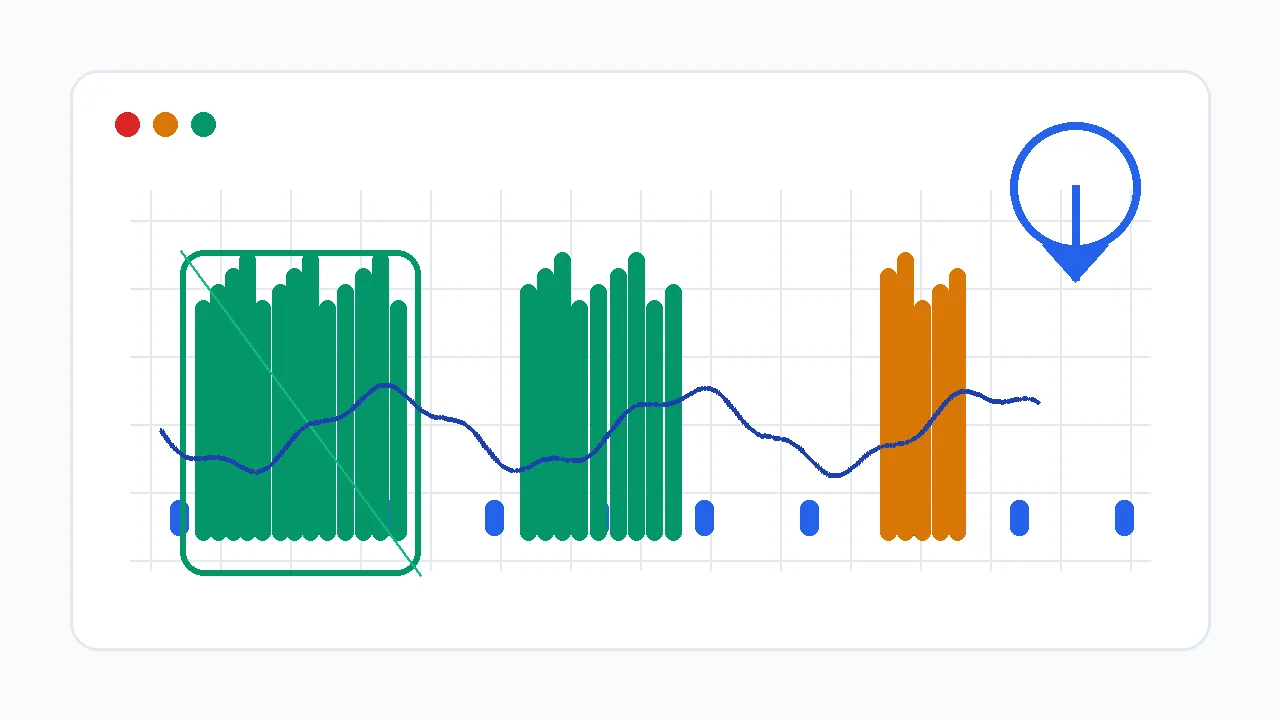
- Сохраняйте лучший рисунок, а не только число: Ровный кластер отдельных столбиков - лучшее доказательство, чем одна случайная вспышка и тишина.
Mouse Drag Click Test: Измеряет drag-click CPS, пиковый бурст и живой таймлайн кликов.
Читаем CPS, пиковый бурст и таймлайн
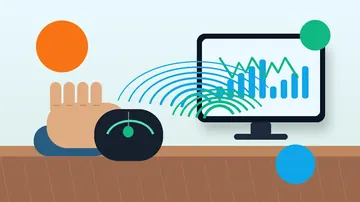
Средний CPS - это заголовок, но таймлайн и 200-мс пиковый бурст важнее. Drag click - бурст-техника, поэтому рисунок показывает проблему быстрее итогового числа. В Mouse Drag Click Test именно пиковый бурст - самый ясный сигнал реальной способности к drag click.
| Рисунок таймлайна | Вероятное значение | Следующая проверка |
|---|---|---|
| Ровные столбики с короткими паузами | Браузер получает отдельные клики. Техника работает; настраивайте сцепление и стабильность. | Повторите три прогона и сравните пиковый CPS и общее число кликов. |
| Одна высокая вспышка, затем тишина | Вы поймали кнопку один раз, потом удержали. Давление слишком велико или угол слишком крутой. | Ослабьте давление и тяните с большим скольжением. |
| Плоский предел около 8-12 CPS | Debounce или прошивка могут фильтровать лишний bounce. | Проверьте debounce в софте мыши, затем протестируйте другую мышь. |
| Слышен звук drag, но график низкий | Кнопка вибрирует механически, но браузер получает удержание вместо событий клика. | Запустите ghost click детектор и сравните другой свитч или мышь. |
| Высокий CPS только на правой кнопке | Левый и правый свитчи могут отличаться износом, debounce или текстурой. | Сравните обе кнопки тестом right-click CPS. |
Почему Drag Click CPS низкий
Почти всегда причина в одном из четырех мест: движение не создает нужной вибрации, мышь фильтрует bounce, браузер не получает отдельные клики, либо игра/сервер не принимает бурст.
| Причина | Симптом | Решение |
|---|---|---|
| Слишком сильное давление | Первый клик регистрируется, потом кнопка остается удержанной. | Меньше давите вниз и больше скользите вперед. |
| Палец слишком сухой или гладкий | Палец скользит беззвучно, кликов мало. | Вымойте и высушите руки, попробуйте легкую влажность кончика или текстурную поверхность кнопки. |
| Слишком высокий debounce | Звук частый, но CPS упирается у скорости обычного клика. | Снижайте debounce только если софт мыши это поддерживает, затем перепроверьте на двойные клики. |
| Мышь не дружелюбна к drag click | Любая техника дает один и тот же низкий результат. | Попробуйте мышь, заведомо подходящую для drag click, или другую поверхность кнопки. |
| Проблема браузера или ОС | Клики регистрируются по-разному между браузерами или после смены софта мыши. | Перепроверьте в другом Chromium-браузере и убедитесь, что профиль мыши активен. |
| Фильтрация игрой/сервером | В браузере результат высокий, но игра игнорирует или флагует бурсты. | Соблюдайте правила сервера и снижайте бурсты там, где античит строг. |
Угол пальца, давление и сцепление
Нужна управляемая шероховатость, а не сила. Палец должен цепляться и отпускать кнопку, а переключатель должен успевать возвращаться между микро-кликами.
Начните примерно с 30-45 градусов. Слишком плоско - скольжение без bounce; слишком вертикально - давление без движения.
Жмите лишь настолько, чтобы начать ход свитча. Свитч должен отскакивать между микро-кликами.
Короткий контролируемый проход по кнопке. Длинные drag часто становятся нестабильными после первого бурста.
Слегка текстурная кнопка помогает. Глянцевый или жирный корпус часто нужно очистить, чтобы он цеплял.
Какие мыши тянут drag click? (И почему гладкие - нет)
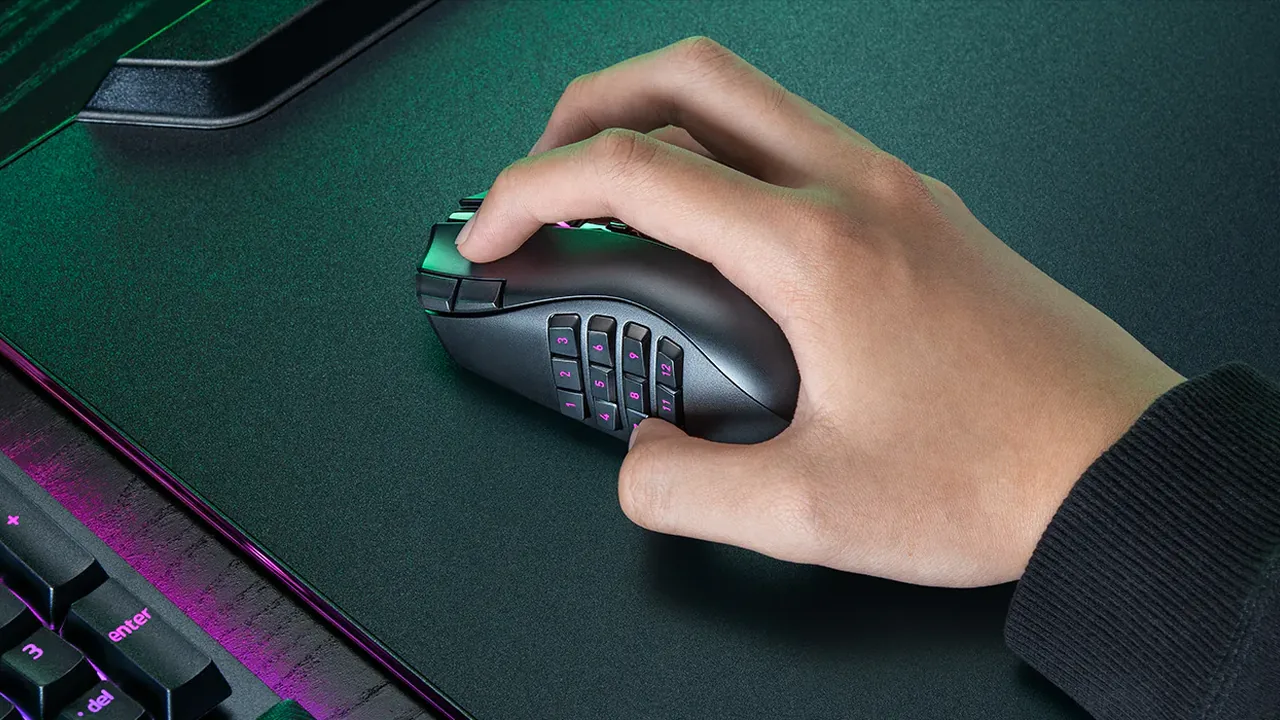
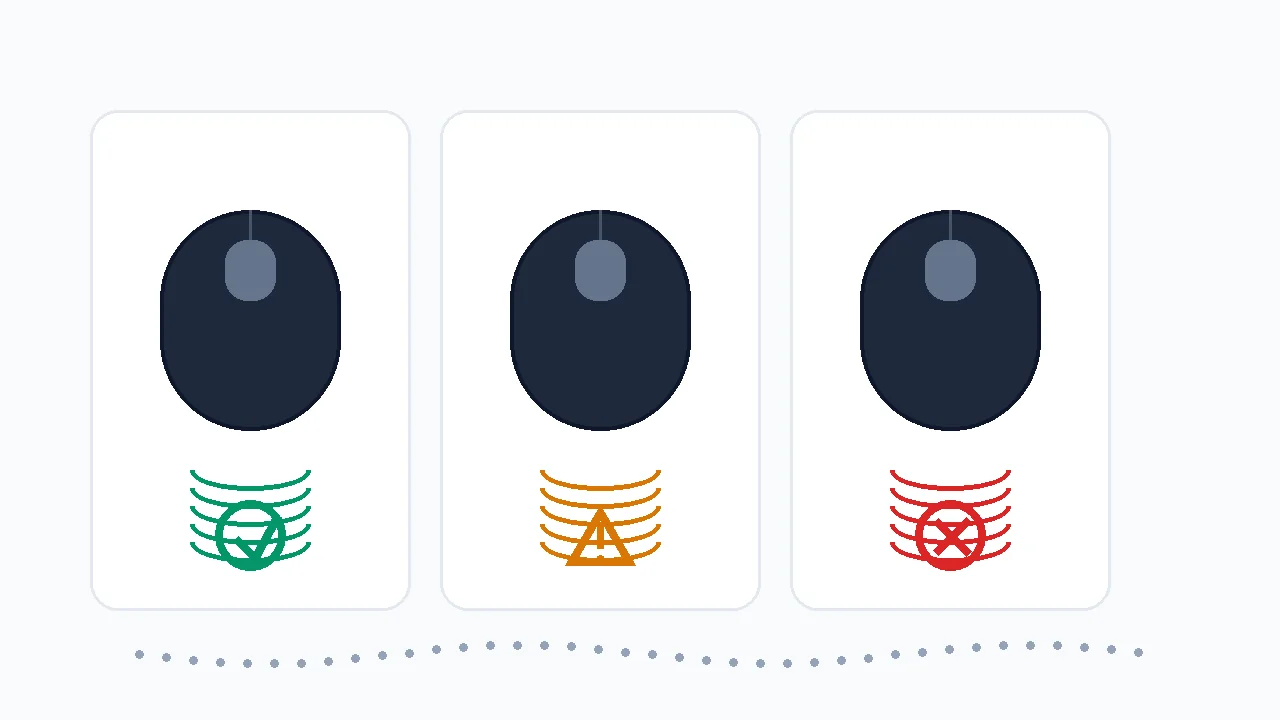
Две вещи решают, тянет ли мышь drag click: покрытие кнопки и прошивка. Drag click нужна кнопка с достаточной текстурой, чтобы палец цеплялся и отпускал; многие игровые мыши имеют слегка цепкую или покрытую верхнюю кнопку, а гладкие глянцевые офисные мыши скользят беззвучно. Второй фактор - debounce: прошивка намеренно игнорирует сигналы свитча, приходящие слишком близко, чтобы отсеять chatter, и агрессивный debounce также отсекает бурст drag click, упирая CPS в обычную скорость кликов, как бы хороша ни была техника.
| Проверка | Хороший знак | Плохой знак |
|---|---|---|
| Управление debounce | Софт мыши позволяет безопасно снизить debounce или задержку клика. | Настройки нет, и CPS упирается в каждом прогоне. |
| Текстура кнопки | Поверхность дает умеренное трение без скотча и крайнего давления. | Кнопка глянцевая, жирная или слишком гладкая, чтобы зацепить палец. |
| Поведение свитча | Ghost click тест показывает чистые отдельные клики только когда вы их намеренно создаете. | Мышь делает двойной клик при обычной работе или фильтрует каждый бурст. |
| Стабильность polling | Polling-тест держится у выбранной частоты в проводе или 2.4 ГГц. | Polling падает или заикается во время кликов. |
Банят ли за drag click?
Drag click - физическая техника ввода, поэтому это не "чит" в программном смысле: вы не вставляете клики, как автокликер. Но многие серверы и античиты одинаково реагируют на очень высокий CPS независимо от способа, ведь бурст в 20-30+ CPS статистически неотличим от макроса. Браузерный тест доказывает только то, что устройство умеет генерировать клики; он не доказывает, что конкретный сервер их разрешит. Правила разные и меняются, поэтому единственный безопасный ответ - проверить актуальные правила именно того сервера или турнира, где вы играете.
Minecraft и правила серверов: не считайте, что drag click разрешен
Браузерный тест доказывает только то, что устройство генерирует события клика. Это не значит, что сервер Minecraft, античит или турнир их разрешает. Проверяйте актуальные правила перед ranked-игрой. В build battle правила клика и проектирование постройки — разные задачи: схема круга по блокам поможет разметить башню или купол, но не определит, разрешён ли drag click.
Портит ли drag click мышь?
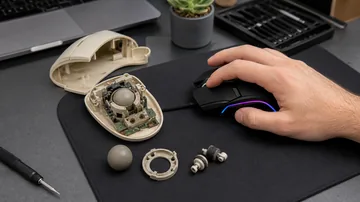
Да, он ускоряет износ свитчей, и это стоит учитывать. Каждый механический свитч мыши рассчитан на конечное число кликов, а drag click огромно умножает счетчик: один 5-секундный бурст может дать сотни срабатываний. Это приближает день, когда свитч начнет "chatter" (двойной клик с одного нажатия). Это не значит, что drag click нельзя; это значит, что нужно следить за состоянием свитча и уметь тестировать эту поломку.
Как проверить, не убил ли drag click ваш свитч
- Запустите проверку ghost / double click: После тяжелых сессий drag click откройте Ghost Click Detector и кликайте обычно. Если одиночные нажатия дают два клика, свитч начал chatter.
- Следите за случайными двойными кликами: Файлы открываются дважды, один выстрел идет дважды, рвется drag-and-drop - это бытовые признаки изношенного свитча.
- Решите: гарантия, замена свитча или новая мышь: По гарантии - оформляйте. Без гарантии новый микросвитч (или мышь на оптических свитчах без металлического контакта) закрывает эту поломку.
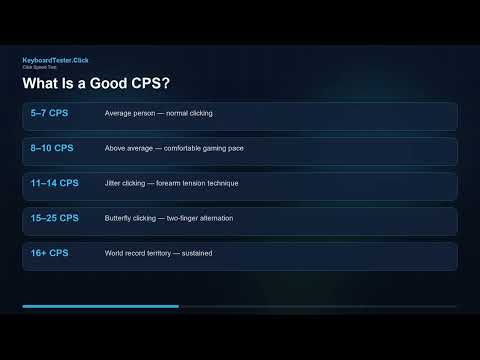
Видео: как читать CPS
Это видео KeyboardTester.click объясняет базовое измерение CPS. Для drag click после него смотрите таймлайн и проверки debounce ниже.
Источники и заметки исследования
Описание событий браузера основано на MDN click и MouseEvent. Советы по debounce и совместимости сверены с материалами производителей и гайдами по игровым мышам. Тема выбрана по спросу Search Console на страницу Mouse Drag Click Test.
- MDN: Element click eventОписывает, как браузеры вызывают событие click после взаимодействия указателя - именно это считает drag click тест.
- MDN: MouseEventСправка по свойствам мышиных событий и модели ввода, которую используют веб-тесты мыши.
- Glorious: Debounce time guideОбъясняет, как настройки debounce влияют на быстрые техники клика, такие как drag и butterfly.
- Attack Shark: polling and debounce guideГайд по игровой мыши о polling, debounce и поведении drag click в контексте Minecraft PvP.
- Hypixel community discussionПример того, почему перед ranked-использованием нужно проверять правила сервера и риск санкций за drag click.
Связанные инструменты
Измеряет drag-click CPS, пиковый бурст и живой таймлайн кликов.
Click Speed TestСравните drag-бурсты с обычным, jitter и butterfly кликом.
Ghost Click DetectorПроверьте, делает ли свитч двойной клик, фильтрует или теряет события.
Polling Rate TestУбедитесь, что мышь стабильно отчитывается при быстром вводе.
Связанные гайды
Разберитесь в CPS, пиковом CPS, jitter и butterfly, и почему короткие бурсты отличаются от постоянных кликов.
Double Click тест: проверка bounce свитчаГайд для вопроса "не сломал ли drag click мой свитч?" - диагностируйте и почините мышь с двойным кликом.
Чиним ghost click и двойные кликиОтделите намеренный bounce drag click от умирающего свитча с помощью ghost click детектора.
Как тестировать кнопки и колесо мышиПроверьте левую, правую, среднюю, колесо и базовое поведение указателя, прежде чем винить CPS.
Jitter click vs butterfly clickКак drag click сравнивается с двумя другими техниками по скорости, аиму, усталости и риску бана.
FAQ
- Как делать drag click?Положите подушечку указательного пальца высоко на левую кнопку, затем тяните вниз и к себе под углом около 30-45 градусов, чтобы кончик скользил по поверхности. Трение заставляет кнопку колебаться и выдавать несколько кликов из одного движения. Используйте короткие бурсты 0.5-1 секунды на чистой, слегка текстурной кнопке и фиксируйте мышь, чтобы двигалась только кнопка.
- Какой результат drag click CPS считается хорошим?На подходящей мыши короткие бурсты выше 20 CPS - хорошее начало, а 30+ CPS - сильно; некоторые выбивают 50-60 в бурсте. Мышь, фильтрующая бурст на уровне прошивки, часто упирается в 8-12 CPS при любой технике. Стабильность на таймлайне важнее одного удачного всплеска.
- Почему drag click CPS низкий, хотя звук слышен?Звук может идти от вибрации пальца по корпусу, пока свитч еще удержан. Браузер считает только отдельные клики, поэтому если таймлайн низкий, уменьшите давление, поменяйте угол и проверьте свитч ghost click детектором. Если ничего не помогает, мышь фильтрует бурст.
- Любая ли мышь умеет drag click?Нет. Drag click нужна кнопка с текстурой, за которую цепляется палец, и прошивка без агрессивного debounce бурста. Гладкие глянцевые корпуса скользят беззвучно, а часть мышей превращает вибрацию в одно удержание. Если после смены техники результат все равно упирается в потолок - дело в мыши.
- Банят ли за drag click?Drag click - физическая техника, а не программный чит, поэтому он запрещен не везде. Но многие серверы и античиты флагуют очень высокий CPS независимо от способа, ведь бурст drag click похож на макрос. Все зависит от правил сервера или турнира, а они разные и меняются, так что проверяйте актуальные правила перед ranked-игрой.
- Портит ли drag click мышь?Да, ускоряет износ свитчей. Каждый механический свитч рассчитан на конечное число кликов, а drag click дает сотни срабатываний за секунды, приближая день, когда свитч начнет двойной клик. Следите за состоянием свитча через double click или ghost click тест и подумайте о мыши на оптических свитчах без металлического контакта.
- Почему правая кнопка тянет drag лучше левой?Левая и правая кнопки могут отличаться износом, ощущением свитча, поведением debounce или текстурой корпуса. Проверьте обе стороны отдельно тестом right-click CPS, прежде чем винить технику.
Начните с Mouse Drag Click Test, чтобы узнать реальный CPS и пиковый бурст. Если результат упирается в потолок, откройте Ghost Click Detector и проверьте, создает ли переключатель отдельные клики, прежде чем снова менять технику или винить мышь.