
Guides and reviews
KeyboardTester Blog
Practical hardware testing guides for keyboards, mice, displays, audio, webcams, privacy tools, and gaming setup decisions.

Best Laptops With Good GPU in 2026: RTX 5090 and RTX 5080 Picks
A researched buyer guide to laptops with good GPUs, including RTX 5090 and RTX 5080 models, current prices, review notes, specs, and practical buying advice.
Read guideFeatured guides
Reader favorites
High-intent guides kept near the top for quick access.

Best Mechanical Keyboard 2026: 7 Gaming Picks Tested
Compare the best mechanical keyboards for gaming in 2026, including Hall Effect, rapid trigger, 60%, wireless, budget, full-size, and pro picks with prices.
Read guide
How to Fix Keyboard Delay, Input Lag & Sticky Keys (2026 Guide)
How to fix keyboard delay and input lag in Windows 11 — tell repeat delay from latency, measure it free in the browser, then fix dead keys and sticky keys too.
Read guide
What Is Keyboard Ghosting? Anti-Ghosting, NKRO & Every Fix Explained (2026)
Keyboard ghosting is when some keys silently fail to register during multi-key presses. This guide explains why it happens, how anti-ghosting and NKRO fix it, and how to test, enable, and disable ghosting on laptop and gaming keyboards in Windows 11.
Read guideLatest without repeats
Latest guides
Newer guides appear here after the featured set.

Rear Speakers Playing Through the Front? Test Every Channel and Fix Swapped 5.1/7.1 Audio
Rear surround speakers playing through the front? Prove which channel is wrong with a live per-channel walk-around test, then branch the fix: swapped cables, Windows and Realtek config, receiver decode, and content that is not actually 5.1.
Read guide
Mouse Sensitivity Feels Different at the Same DPI? Why and Fixes
Same DPI but different mouse feel? Diagnose real DPI variance, Windows pointer speed, raw input, eDPI, polling, mousepad friction, grip, and game sensitivity before changing your aim settings.
Read guide
What Switches Do I Have in My Keyboard? Identify Them by Sound (No Keycap Pull)
What switches do I have? Identify your keyboard switches without pulling a keycap: tell linear, tactile, or clicky apart by sound and feel, confirm clicky vs non-clicky with a live FFT sound test, then verify the exact family with a stem-color chart.
Read guide
Does My Phone Have a Gyroscope? Test It in 10 Seconds (No App)
Does my phone have a gyroscope? Rotate your phone in a browser test, read alpha beta gamma values, and separate missing hardware from blocked permissions, PUBG/CODM gyro settings, and Pokemon GO AR issues.
Read guide
Do You React Faster to Sound or Sight? Test Both in Your Browser
Do you react faster to sound or sight? Yes, sound wins by about 20-40 ms. Run 5 sound vs 5 sight trials on the same device, see the science (8-10 ms vs 20-40 ms), and avoid the Bluetooth latency trap that flips the result.
Read guide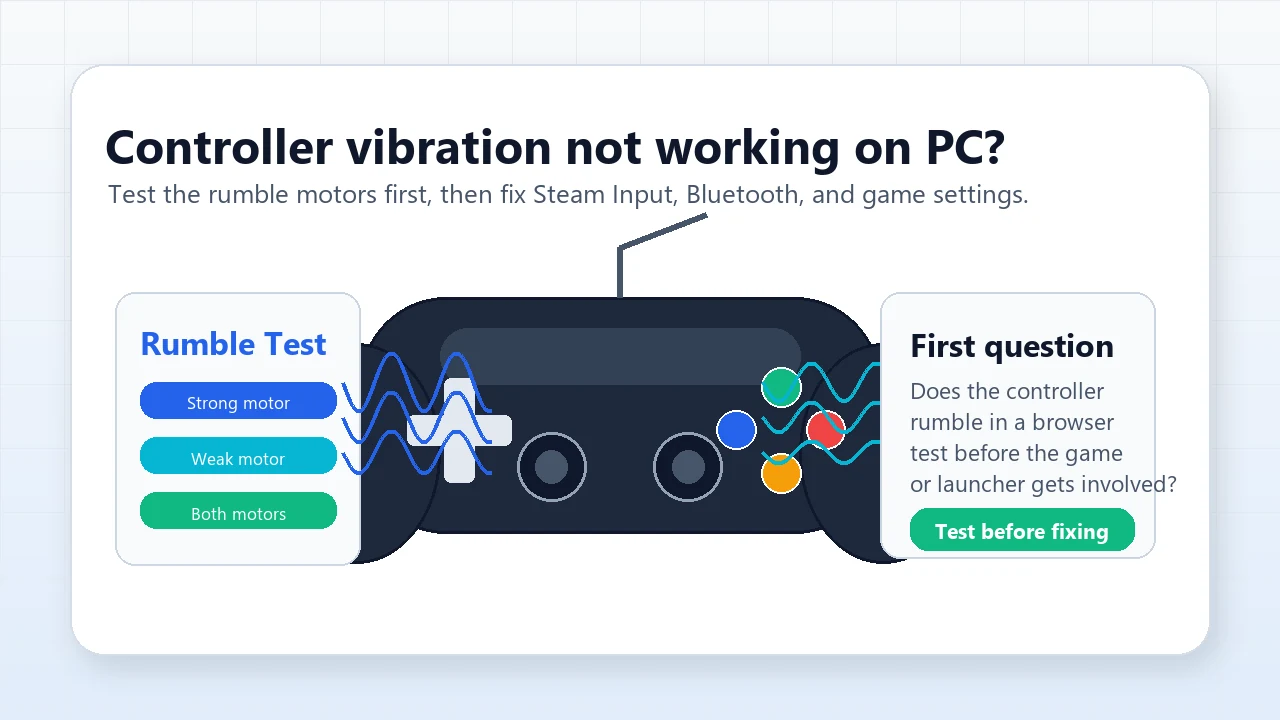
Controller Vibration Not Working on PC? Test & Fix Rumble
Controller vibration not working on PC? Test weak and strong rumble motors, then fix Steam Input, Xbox Accessories, DualSense audio, Bluetooth, and game settings in the right order.
Read guide
Blacks Look Gray on Monitor? How to Fix Washed-Out Blacks in Minutes
Blacks look gray on your monitor? Prove the Full vs Limited RGB mismatch (0-255 vs 16-235) with a live color range test, then fix the GPU setting, monitor black level, HDMI handshake, and Windows HDR washout step by step.
Read guide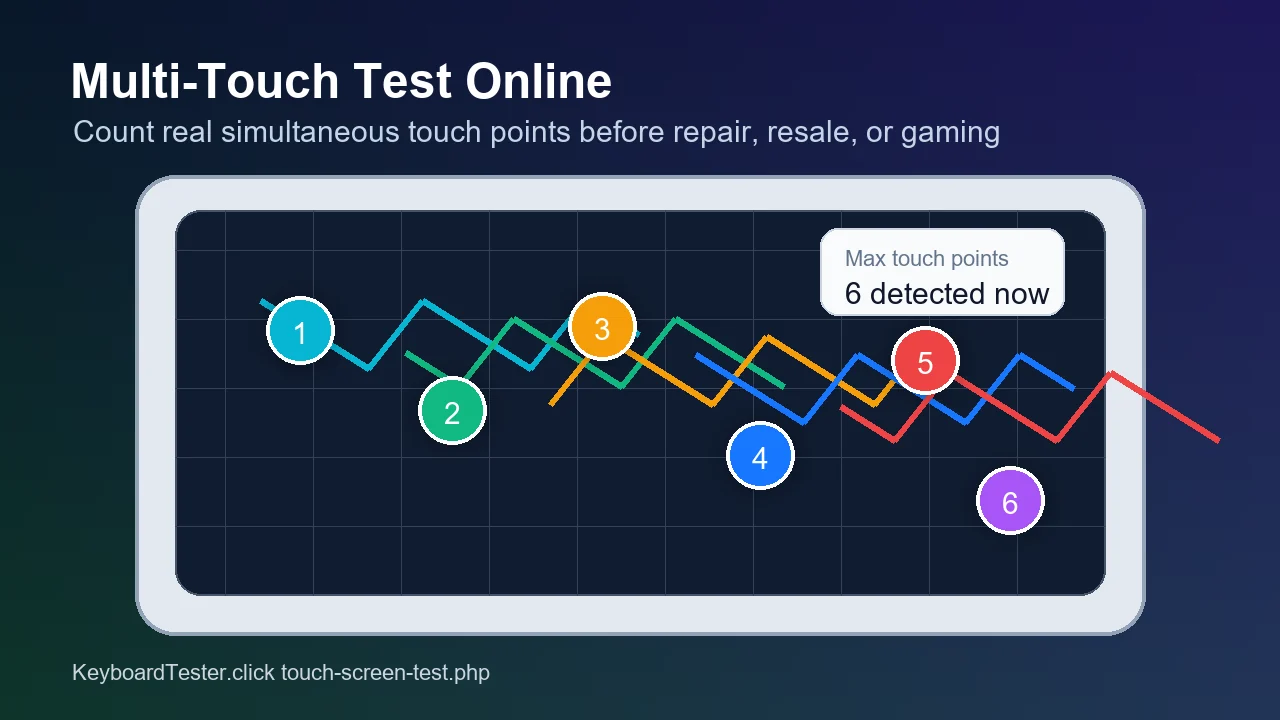
Multi-Touch Test Online: How Many Fingers Can Your Screen Detect?
Run a multi-touch test online to count your screen's real touch points, spot 3-finger or 5-finger failures, and save proof before repair or resale.
Read guide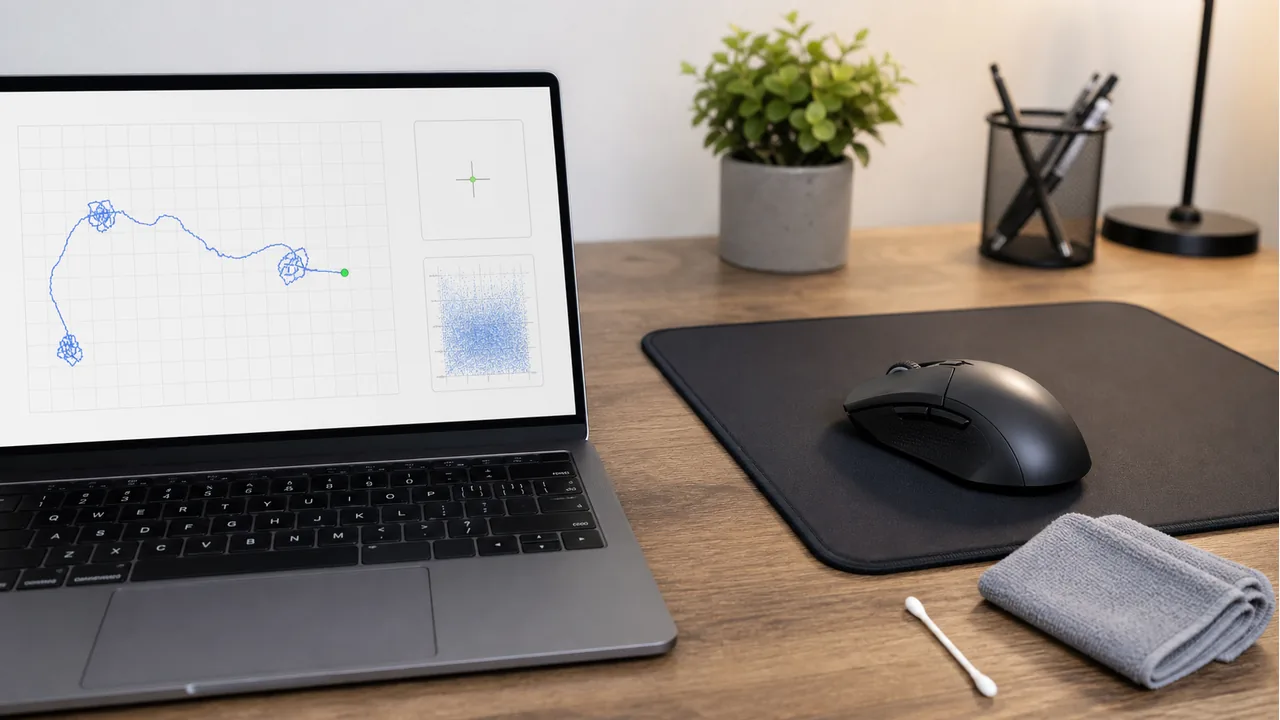
Mouse Cursor Moving by Itself? Run a Mouse Drift Test and Fix Sensor Jitter
A practical cursor-drift guide: run a live mouse drift test, separate sensor jitter from touchpad, controller, surface, USB, and security causes, then fix the problem step by step.
Read guide
