
Article archive — page 6
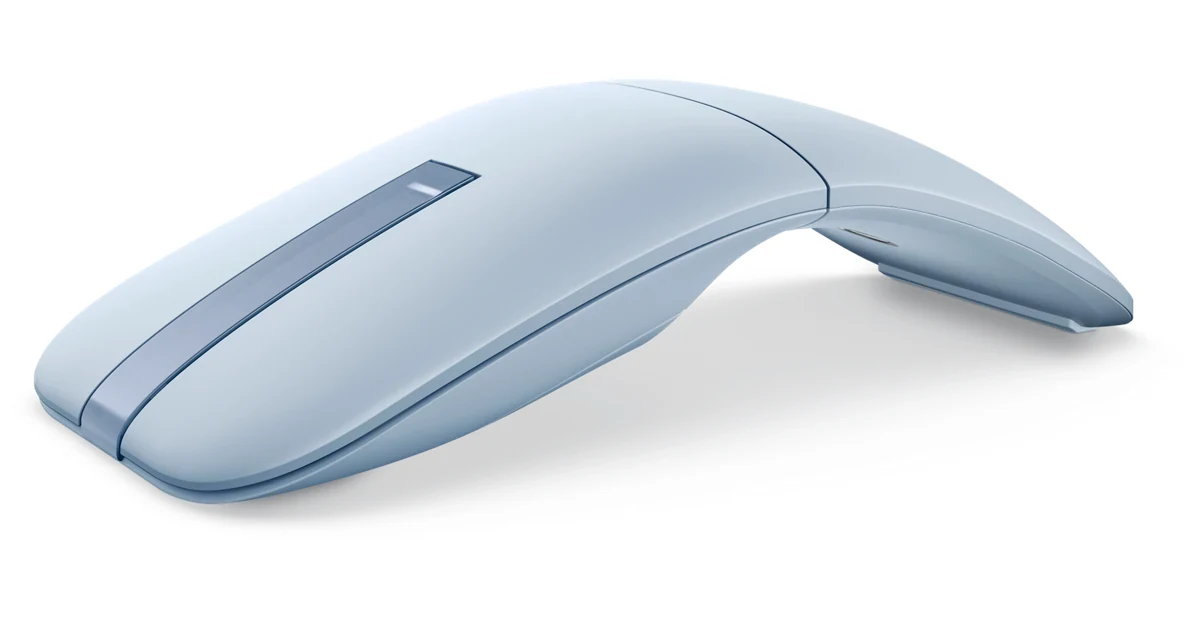
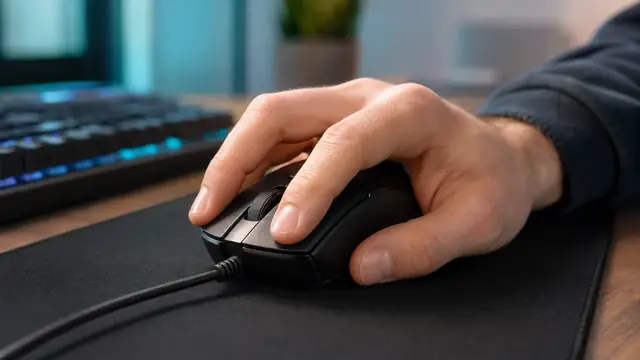
Mouse Why Mice With the Same DPI Feel Different: Fix Sensitivity
June 13, 2026Mice with the same DPI can still feel different. Check real DPI variance, Windows pointer speed, raw input, eDPI, polling rate, mousepad friction, weight, and grip.
Keyboard What Switches Do I Have in My Keyboard?
June 13, 2026Find out what switches are in your keyboard without pulling a keycap. Identify linear, tactile, or clicky by sound and feel, then confirm with a stem-color chart.
Gaming Does My Phone Have a Gyroscope? Test It in 10 Seconds (No App)
June 11, 2026Does my phone have a gyroscope? Rotate your phone in a browser test, read alpha beta gamma values, and separate missing hardware from blocked permissions, PUBG/CODM gyro settings, and Pokemon GO AR issues.
Audio Do You React Faster to Sound or Sight? Test Both in Your Browser
June 11, 2026Do you react faster to sound or sight? Yes, sound wins by about 20-40 ms. Run 5 sound vs 5 sight trials on the same device, see the science (8-10 ms vs 20-40 ms), and avoid the Bluetooth latency trap that flips the result.
Gaming Controller Vibration Not Working on PC? Test & Fix Rumble
June 11, 2026Controller vibration not working on PC? Test weak and strong rumble motors, then fix Steam Input, Xbox Accessories, DualSense audio, Bluetooth, and game settings in the right order.
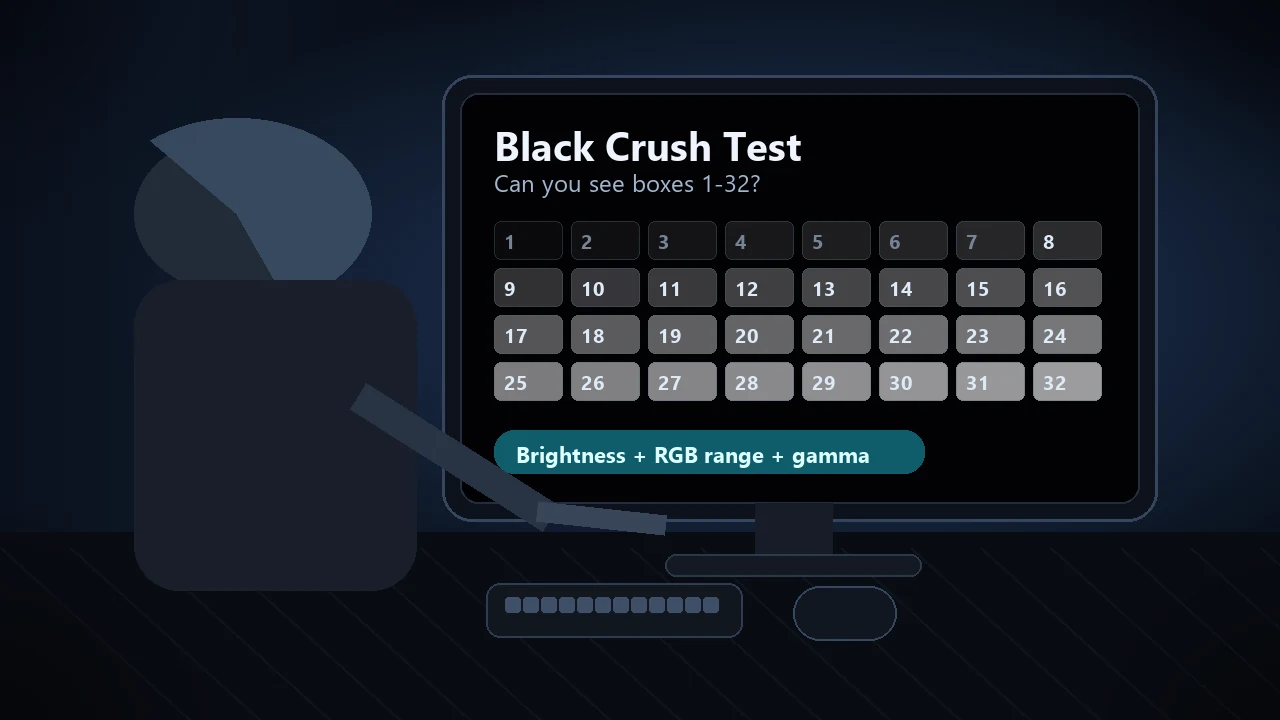
Display Blacks Look Gray on Monitor? How to Fix Washed-Out Blacks in Minutes
June 10, 2026Blacks look gray on your monitor? Prove the Full vs Limited RGB mismatch (0-255 vs 16-235) with a live color range test, then fix the GPU setting, monitor black level, HDMI handshake, and Windows HDR washout step by step.
Display Multi-Touch Test Online: How Many Fingers Can Your Screen Detect?
June 10, 2026Run a multi-touch test online to count your screen's real touch points, spot 3-finger or 5-finger failures, and save proof before repair or resale.
Mouse Mouse Cursor Moving by Itself? Run a Mouse Drift Test and Fix Sensor Jitter
June 8, 2026A practical cursor-drift guide: run a live mouse drift test, separate sensor jitter from touchpad, controller, surface, USB, and security causes, then fix the problem step by step.
Display 144Hz Monitor Stuck at 60Hz? How to Fix It and Verify Your Real Refresh Rate
June 8, 2026Fix a 144Hz monitor stuck at 60Hz with the exact Windows path, a cable bandwidth table, the monitor OSD overclock, GPU driver reinstall, and the laptop MUX trap, then verify your real Hz with a live in-browser test.