League of Legends Actions Per Minute Tracker: What an APM Test Really Tells You
Fast answer: a League of Legends actions per minute tracker is useful as a practice drill, not as a magic ranked predictor. Use an APM test to measure clean keyboard and mouse rhythm, watch accuracy, and separate useful inputs from spam. If the number goes up while accuracy collapses, your mechanics did not improve.
I use APM as a warm-up and a diagnostic, not as a trophy number. For League, that matters because a lot of bad practice looks fast: repeated right-clicks in the same place, panic ability taps, camera key mashing, or attack-move inputs that do not change the fight.
The better question is not "How high is my APM?" It is "How many of my actions are clean enough that I would still want them in a lane trade, objective fight, or last-hit window?"
What LoL Players Actually Search For (and Want)
Players do not only look up a generic APM test. They also search for a League of Legends actions per minute tracker, a LoL APM tracker, an actions per minute test, an APM tester, or a keyboard APM test. Behind those phrases sit three different questions.
Some players want a live counter to warm up with. Some want to know whether League exposes a real in-match APM number. And some want a practice method that actually transfers to ranked. This guide answers all three honestly, without pretending a browser tool can read official match telemetry.
What an APM Test Tracks
APM means actions per minute. In a browser drill, those actions are normally keyboard presses, mouse clicks, or target hits inside the test area. The KeyboardTester.click APM Test separates useful hits from misses so raw input spam does not automatically look like skill.
Total input volume. It is easy to inflate by repeating keys, clicking empty space, or panic tapping.
Cleaner input rhythm. A useful drill counts target hits, correct keys, accuracy, and misses together.
Best for ability keys, item slots, summoner spells, camera rhythm, and custom hotkey sequences.
Best for click timing, pointer accuracy, attack-move rhythm, and avoiding noisy repeated clicks.
What It Cannot Track Inside a Real League Match
A browser APM tester cannot see what happened inside your live League match. It can only measure the inputs you perform inside the browser test. That distinction is important.
Riot's public developer portal describes game data such as active games, match history, and ranked statistics. That is not the same as a public keyboard-and-mouse event feed. Riot's support docs also make clear that League keybindings live in the client and in-game settings, not in a generic web page.
So if a page says it can show your exact LoL match APM, be skeptical unless it explains where the data comes from. A safe outside-game APM drill should not ask for your Riot password, should not need account access, and should not claim it can judge your ranked skill from one number.
How to Read Your APM Score Without Fooling Yourself
Do not compare a browser warm-up number to a pro replay number. Treat it as a repeatable home benchmark. Use the same mode, duration, keyboard, mouse, browser, and desk setup each time.
| Practice result | What it usually means | What I would do next |
|---|---|---|
| Low APM, high accuracy | You are controlled, but your rhythm may be slow. | Shorten the drill and train one key or click pattern at a time. |
| Medium APM, stable accuracy | This is the useful zone for most warm-ups. | Keep the same score range and add game-specific sequences. |
| High APM, low accuracy | You are probably spamming or outrunning your control. | Slow down until wrong keys and misses stop climbing. |
| Score changes wildly each run | Your setup, focus, or method is inconsistent. | Use a fixed duration, close noisy apps, and repeat three runs. |
Why League Is Different From a Pure RTS APM Test
League rewards movement, spacing, cooldown tracking, target selection, map awareness, and decision timing. More inputs can help only when they serve those jobs. If you click ten times during a trade but three clicks cancel a good position, the APM number is lying to you.
Riot's newer input work makes this even more relevant. Their 2026 WASD Ranked Release note says League's input system has been expanded with champion-specific keybinds, more keybinding options, and accessibility-focused input changes. That means some players will legitimately use more keyboard actions than before, but useful action quality still matters.
Rule I use: raise APM only after accuracy is stable. If a new keybinding or WASD setup adds 20 percent more actions but makes your movement, last hitting, or ability timing worse, the setup is not better yet.
My 12-Minute APM Practice Workflow for LoL
This is the routine I would run before a normal session. It is short enough that it does not become procrastination, and it checks both hands separately before combining them.
- Two minutes: keyboard-only warm-up. Use keyboard mode with the keys you actually press in League: Q, W, E, R, D, F, item slots, camera keys, or your custom set.
- Two minutes: mouse target drill. Use a grid mode and aim for clean hits, not frantic clicking.
- Three minutes: mixed rhythm. Alternate keyboard and mouse drills so your handoff feels natural.
- Three minutes: Practice Tool translation. Open League Practice Tool and run last hits, trade movement, or ability combos. The browser score is only useful if it transfers.
- Two minutes: review one mistake. If accuracy dropped, write down the exact pattern: wrong key, late click, panic spam, camera miss, or pointer overcorrection.
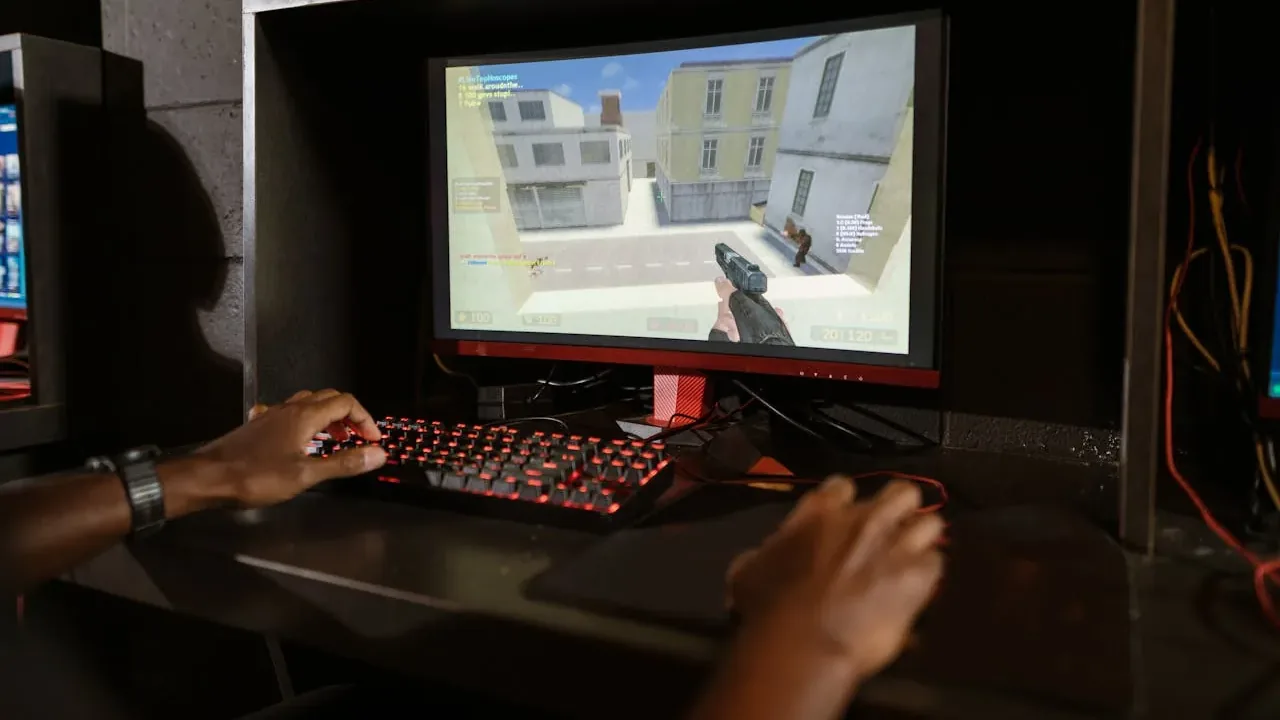
Keyboard, Mouse, and Latency Checks That Make APM More Honest
If your keyboard misses combinations, your mouse double-clicks, or your setup has heavy input delay, your APM score becomes noisy. I would run these checks before blaming mechanics:
Helpful Video: League Input Is Changing
This official League of Legends dev update is useful background because it explains why input options and movement schemes are changing. It does not teach APM directly, but it supports the core point: input method matters, and players should think about clean control rather than only action volume.
Sources and Technical References
The guidance above combines official League input documentation with browser input-event references. The practical APM scoring advice is deliberately conservative because League does not have one public, official APM number that maps cleanly to ranked skill.
- Riot Support: Hotkeys (Keybindings) FAQ documents League keybinding locations and bindable keys.
- Riot Support: Keyboard (WASD) Input FAQ explains the alternative keyboard movement input and its settings.
- League of Legends /dev: WASD's Ranked Release covers patch 26.9 ranked readiness, champion-specific keybinds, and expanded input options.
- Riot Developer Portal frames Riot API access around game data such as active games, match history, and ranked statistics.
- MDN: KeyboardEvent.key explains how browsers identify keyboard input values.
- MDN: Pointer events explains browser pointer input behavior and compatibility mouse events.
Related Guides
- Input Latency Checker: Keyboard and Mouse Delay Guide
- Mouse Acceleration on Windows 11: Disable It and Use Raw Input
- Keyboard Polling Rate Test: Check Keyboard Hz Online
FAQ
-
Can an APM test track my real League of Legends match actions?
A browser APM test can measure your keyboard and mouse actions during a practice drill, but it is not an official Riot match telemetry tool. Use it for warm-up, rhythm, and clean input practice, then review real games separately.
-
What is a good APM score for League of Legends?
There is no universal League rank-to-APM table. For an outside-game drill, I care more about accuracy and repeatability than the number. A lower clean score is more useful than a high score built from repeated spam clicks.
-
Is effective APM better than raw APM?
Yes for practice. Raw APM counts volume. Effective APM is closer to useful input rhythm because misses, wrong keys, and repeated noise do not make the session look better.
-
Should LoL players practice keyboard APM or mouse APM?
Practice both, but separately first. Keyboard mode is good for ability, item, summoner, and camera rhythm. Grid or mouse drills are better for click timing and pointer accuracy.
-
Does League of Legends WASD movement change how I should think about APM?
It can. Riot now supports additional keyboard movement and keybinding options, so some players will spend more actions on movement keys. That makes clean input control more important than chasing a single raw APM number.
-
Can a high APM score make me better at League?
Not by itself. APM helps only when the actions are useful: last hitting, trading, kiting, camera checks, item usage, and ability timing. Decision quality still matters more than mechanical noise.
Final check: run the free APM Test, save one clean baseline, then repeat it after a real Practice Tool warm-up. If the League session feels cleaner but the browser number is lower, trust the cleaner inputs.