

Coil Whine Test
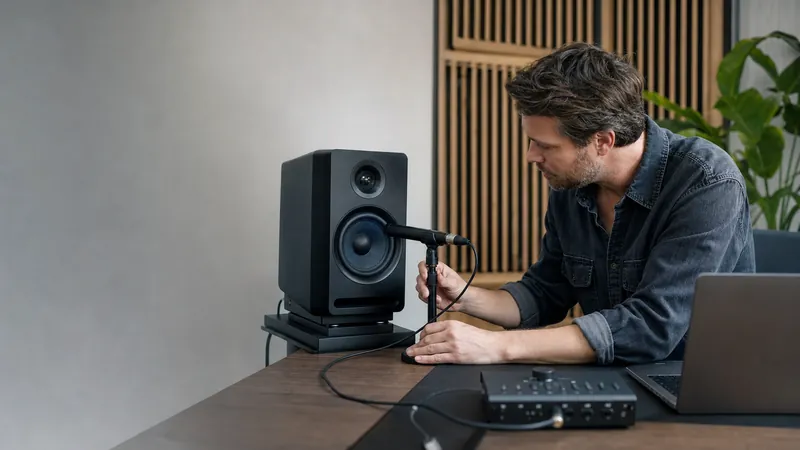
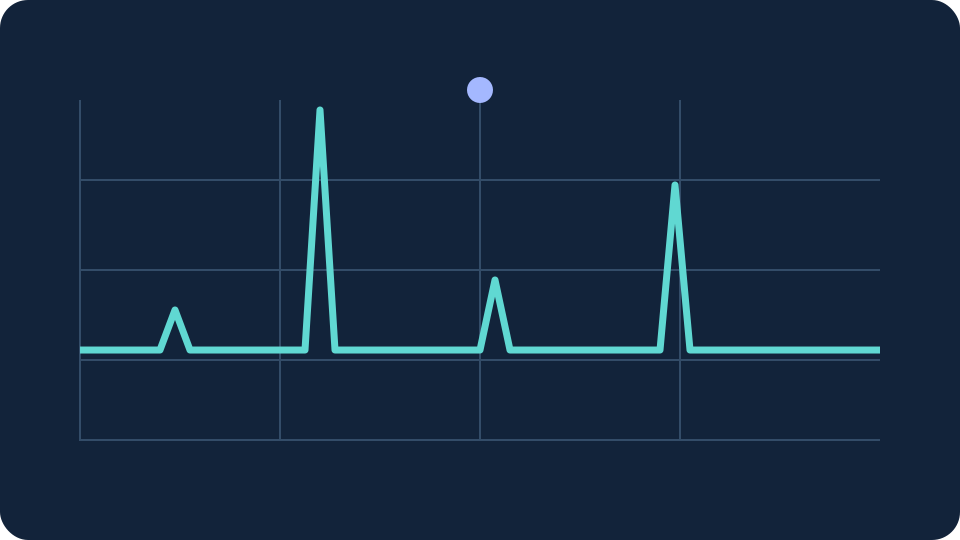
The microphone spectrum is searched from 1–18 kHz, below its usable Nyquist limit. A narrow peak must stand above nearby frequencies; the reading is an acoustic clue, not a component diagnosis.
Fans, chargers, speakers and room noise can produce similar tones. A microphone cannot prove that a GPU or PSU causes a sound, rate component health or establish warranty eligibility. No clear tone does not rule out coil whine.
Status: Ready
- Dominant frequency
- —
- Tone prominence
- —
- Digital level
- —
Comparison
The microphone spectrum is searched from 1–18 kHz, below its usable Nyquist limit. A narrow peak must stand above nearby frequencies; the reading is an acoustic clue, not a component diagnosis.
Audio is analysed in page memory, without recording or upload. Start requests microphone permission; Stop and hiding the page release the microphone.
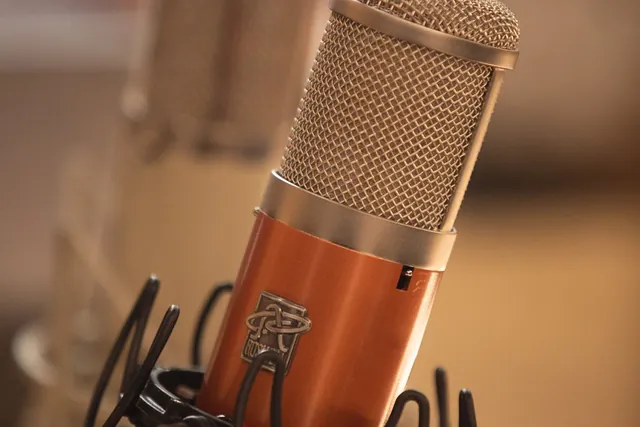
Coil Whine Test is a free, browser-based audio testing tool that lets you analyse high-pitched PC noise with your microphone.
- Cost: Free, no signup
- Install: None — runs in the browser
- Privacy: Runs locally, no uploads
- Platforms: Windows, macOS, Linux, Android, iOS
- Time: Under a minute
Coil Whine Test
How to use this test
The microphone spectrum is searched from 1–18 kHz, below its usable Nyquist limit. A narrow peak must stand above nearby frequencies; the reading is an acoustic clue, not a component diagnosis.
Fans, chargers, speakers and room noise can produce similar tones. A microphone cannot prove that a GPU or PSU causes a sound, rate component health or establish warranty eligibility. No clear tone does not rule out coil whine.
Tool FAQ
Common questions