

Speaker Water Eject & Sound Test
Check the sound, try a short cycle, and compare at the same volume.
Before you play
For residual speaker moisture on an otherwise dry, working device. If soaked, damaged, hot or showing a moisture warning, stop and follow the maker's guidance.
Disconnect headphones and Bluetooth. Keep the speaker away from your ear. Use a comfortable device volume; stop if sound is unpleasant or distorted.
LISTEN · TRY · COMPARE
0:15
Time remaining
Ready when you are
Animation shows playback only; it does not detect water.Relative tool level, not measured loudness. Your device volume also affects the sound.
Your before-and-after sound check
The same four-second sample plays each time. Keep both volumes and your listening position unchanged.
Before the cycle
After the cycle
These are your observations, not a measured diagnosis. Notes are cleared when the page reloads.
No microphone access · Sound generated on your device
Speaker Water Eject & Sound Test is a free, browser-based browser tool with pulse and sweep modes, a timer, volume control and a practical guide.
- Cost: Free, no signup
- Install: None — runs in the browser
- Privacy: Runs locally, no uploads
- Platforms: Windows, macOS, Linux, Android, iOS
- Time: Under a minute
A practical four-step guide
How to try speaker water-eject sound
Use this only for residual speaker moisture on an otherwise dry, working device. After immersion, or if the device is hot, damaged or shows a moisture warning, stop and follow its manufacturer's instructions.
A finished timer means only that playback ended. It does not mean that water was removed or the device is safe to charge.
Your questions, answered
Speaker water-eject FAQ
Understand the result before repeating
What the sound can change
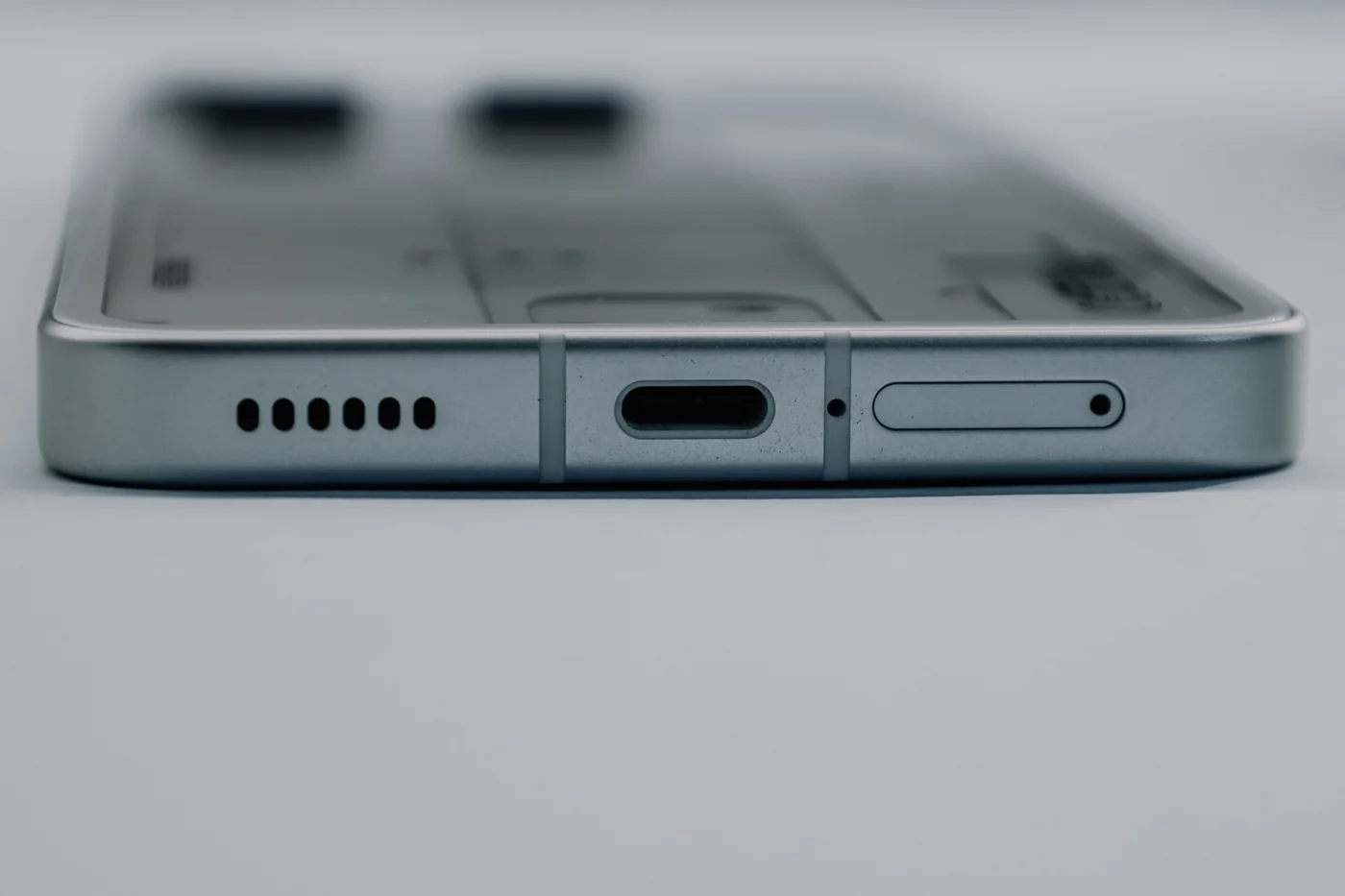
A loudspeaker moves a diaphragm to create sound. Those vibrations can sometimes move moisture near the speaker opening. This is a limited mechanical effect, not a way to dry a battery, charging port or internal circuit board. The pulse and sweep here are original, fixed sound patterns; they are not matched to a particular phone's resonance.
Make the comparison useful
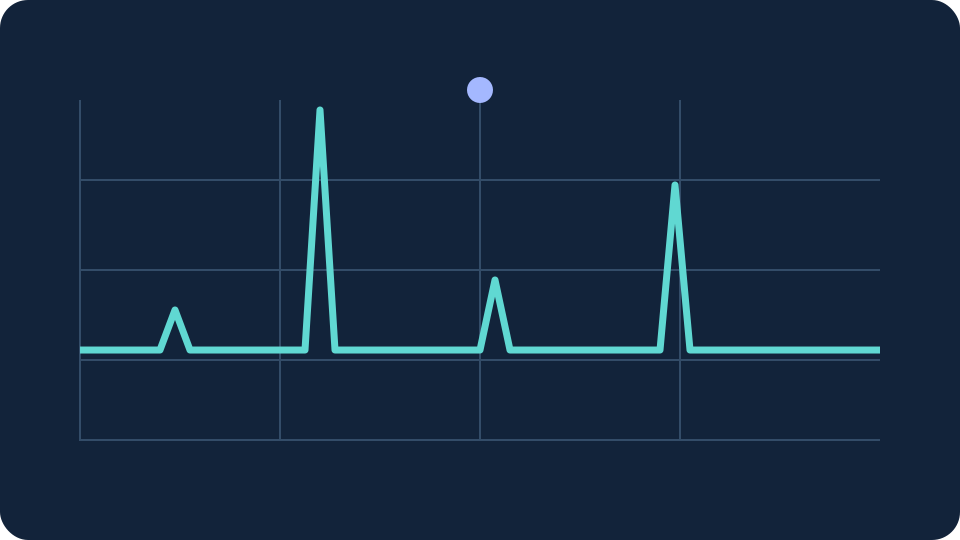
The sound check repeats the same six notes at 440, 660 and 880 Hz over four seconds. Listen before and after with unchanged device and tool volume. Your notes describe your own impression, not a microphone measurement or a cleanliness score. If you change volume, make a new baseline.
If the speaker still sounds muffled
Check that a case is not covering the grille and that audio is not routed to another device. Let the phone dry with airflow according to its maker's instructions. Avoid heat, rice, compressed air and objects in openings. Repeated loud tones are not a substitute for drying or service; stop if crackling, distortion or other faults persist.
Manufacturer guidance
The limits and drying advice above draw on these primary sources. They do not endorse this website or validate its particular sound settings.