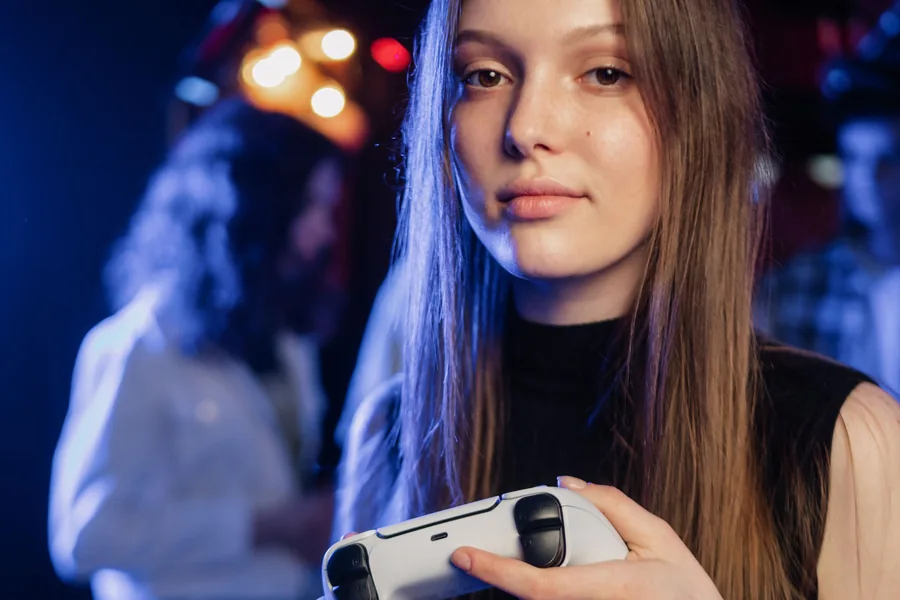
Gamepad Tester
Test PS5, Xbox, Switch and PC controller buttons, stick drift and triggers
Tool categories
Check controller inputs, practice movement, compare reaction timing and use gaming calculators and generators.
11 tools and focused checks
Test PS5, Xbox, Switch and PC controller buttons, stick drift and triggers
Measure how fast you react with a browser-based millisecond reflex test
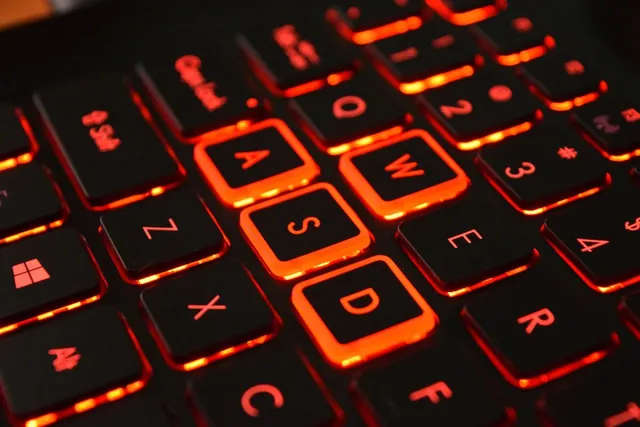
Pac-Man style movement practice game: dodge ghost AI, earn a survival rank, and get per-key WASD stats

Convert field of view with verified conventions for CS2, Valorant, Apex, Overwatch 2 and Battlefield 2042

Design a custom crosshair with live preview, PNG export, CS2 console command, and Valorant settings values

Actions-per-minute counter for RTS & MOBA players — live APM, peak, and session average

Advanced game-specific usernames with keyword, style, length, separator, number, score, favorite, variation, and export controls

Advanced guild, clan and team names with game presets, custom keywords, short tags, matched usernames, and local quality scoring
Check whether your CPU or GPU limits frame rate, get an honest FPS estimate and the upgrade that balances the pair

Time-to-kill math for FPS games with body vs head comparison, armor handling, and CS2/Valorant/Apex/CoD presets

Pixel circle, filled disc, thick ring, and 3D sphere layer plotter for Minecraft builders, radius 1-256
Use the Gamepad Tester for controller inputs, the WASD Trainer for movement practice, or the Reaction Time Test for browser-based response timing. The calculators and generators cover separate planning and creative tasks.
No. Results depend on the inputs, models and assumptions used by each tool. Actual game performance and time to kill can differ with hardware, settings, game versions and real play conditions.
Use the category links on this page to open keyboard, mouse, and audio/video hubs. They include the corresponding specialist checks without mixing them into the gaming list.
The tools and focused checks listed here are free to open in your browser. Some need a compatible browser, hardware support, or permission to use your microphone, camera or sensors.

