We are preparing high-quality blog guides in more languages. For now, you can use your browser translator to read these English articles while we work with native writers and editors.
Short, visual hardware guides built around a real test or decision. Every full story uses relevant human photography, may include skippable Google Story ads, contains no affiliate links or AI-generated imagery, and ends at the matching free tool.
Keyboards
Switches, gaming models, typing faults, and buying checks.
13 stories
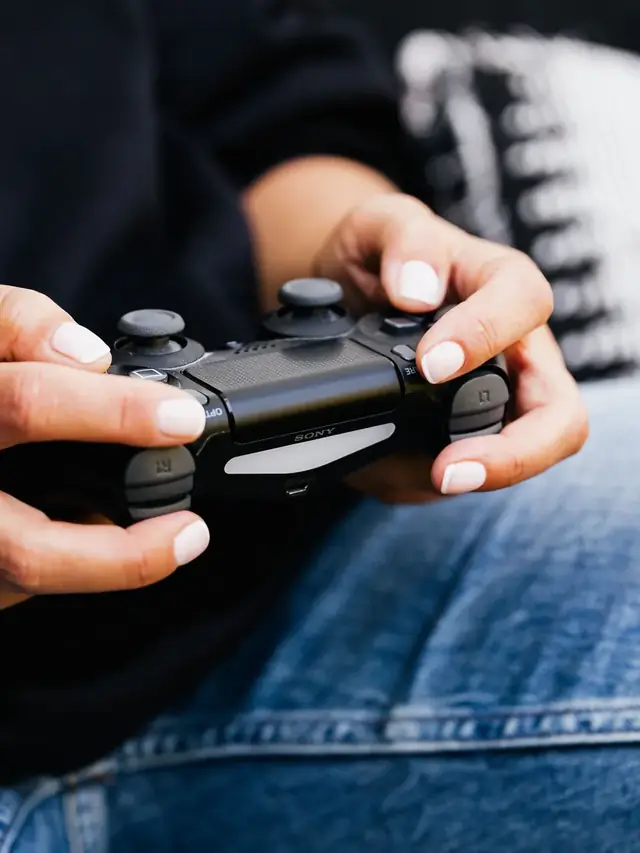
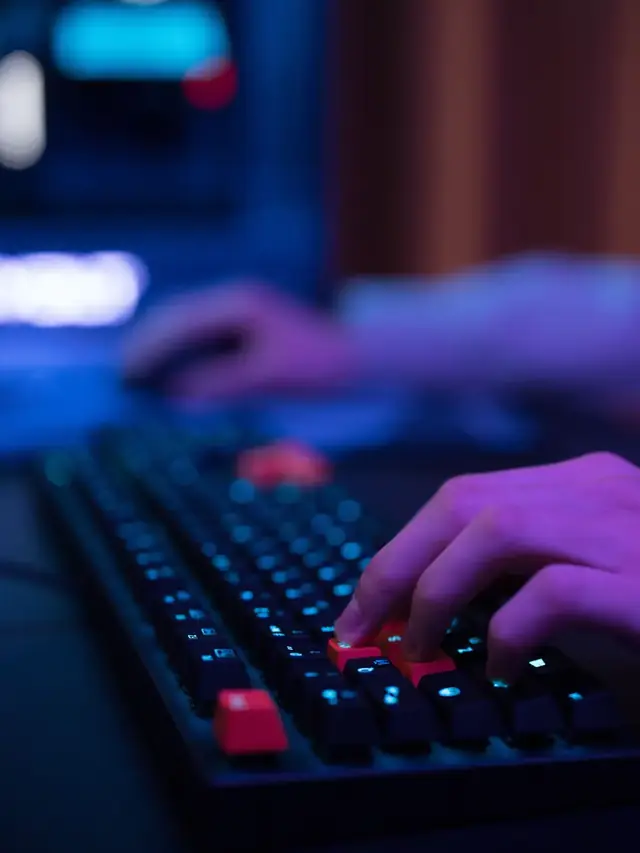
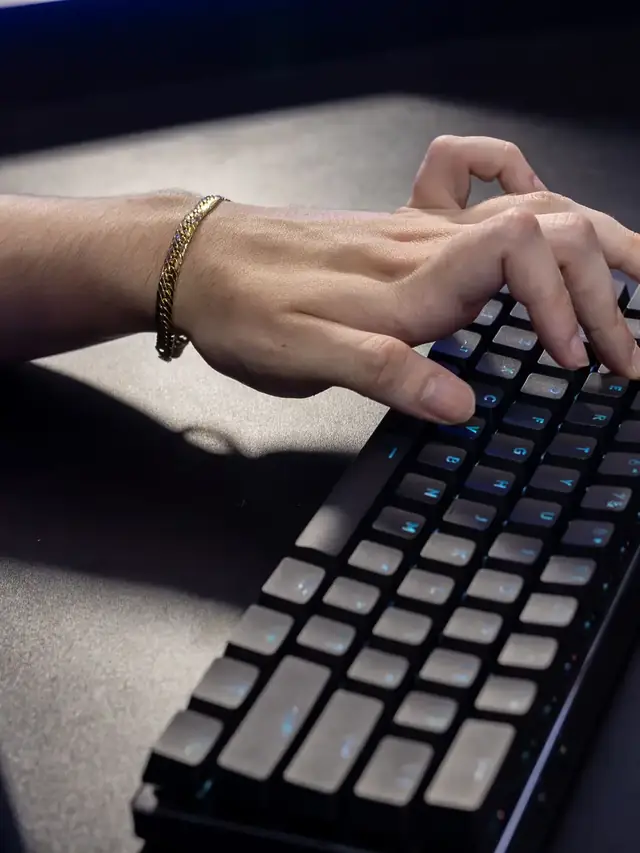
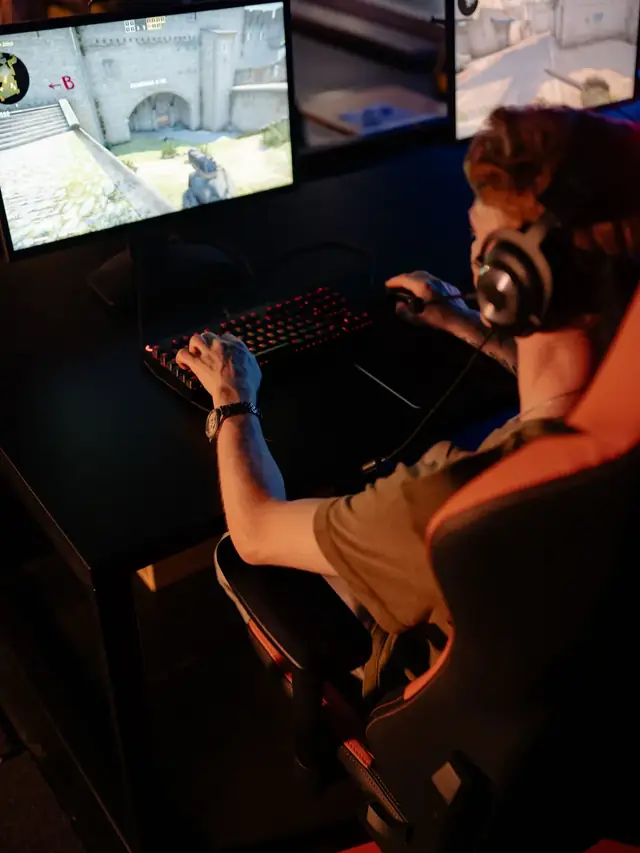
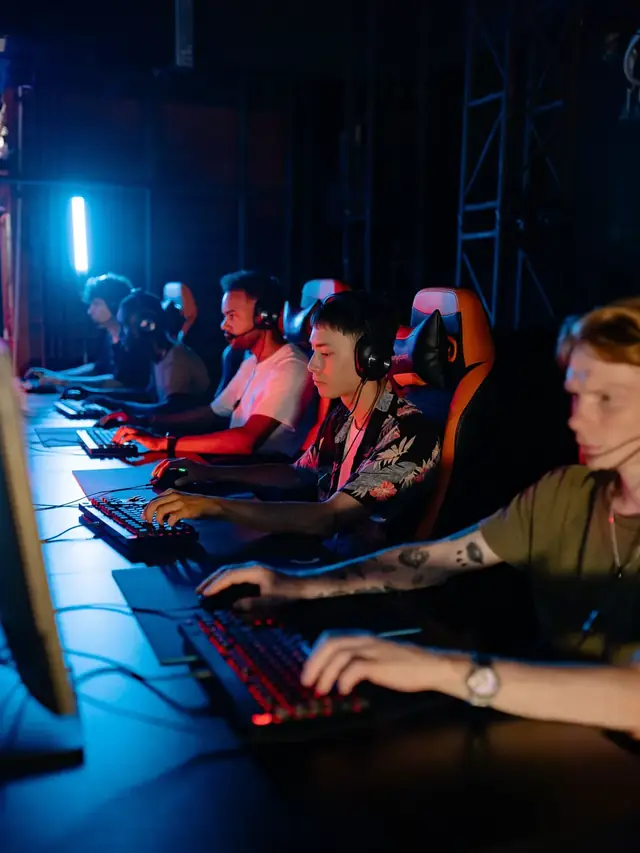
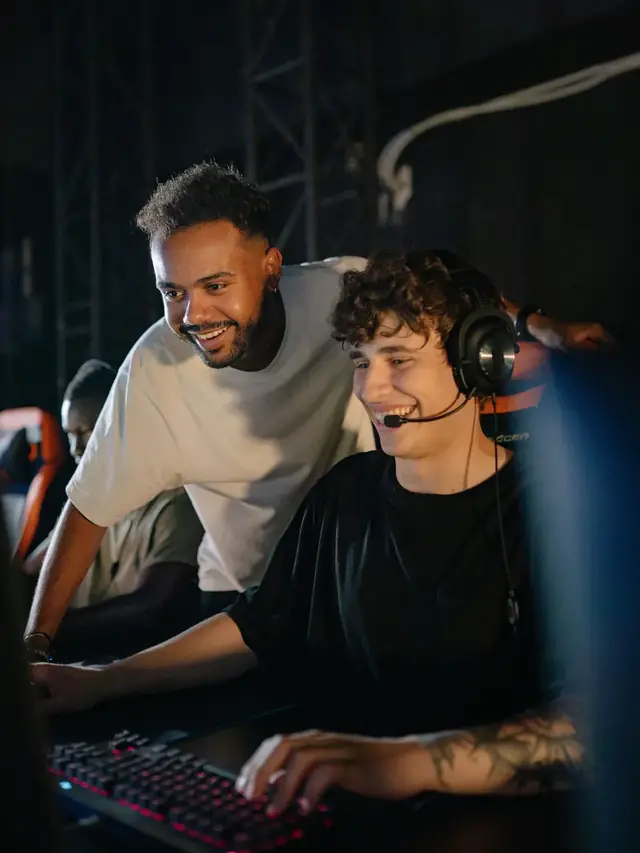
01 / 10Keep or upgradeTartarus V2 Pro: upgrade or keep?Keep a working Pro if its bindings fit. Illustrative stock photos; none shows a Tartarus.02 / 10Identify the modelFind the 2026 modelRazer launched RZ07-0552 on September 17. It is not the older Tartarus V2 or the original Pro.03 / 10Before buyingList your thumb actionsList move, jump, modifiers and weapon changes. Every wheel or button function needs a comfortable replacement.04 / 10Different inputsD-pad or analog stick?Original Pro: eight-way pad. V2 Pro: TMR stick. Check the layout. This controller only illustrates input types.05 / 10Write it downMap move + jump + modifierAssign every essential action. Can you reach it while moving? If no comfortable binding fits, wait.06 / 10Check existing featuresRapid Trigger is on bothThe original Pro already has Rapid Trigger with supported Synapse. Do not upgrade just for that.07 / 10Try the actual gameAnalog movement + mouse aim?Try movement plus mouse aim, then jump and menus. Mixed-input support depends on the game and mapping.08 / 10After configurationPress, release, combineMap ordinary letters. Check each press and release, then your usual combinations. Keep the test page focused.09 / 10Know the limitA browser sees eventsIt cannot certify 8,000 Hz USB polling, 0.1 mm actuation or game compatibility. These need different evidence.10 / 10Next stepTest your current bindingsCheck mapped keys first. Upgrade only if a useful change preserves every needed action. Finish in your real game.
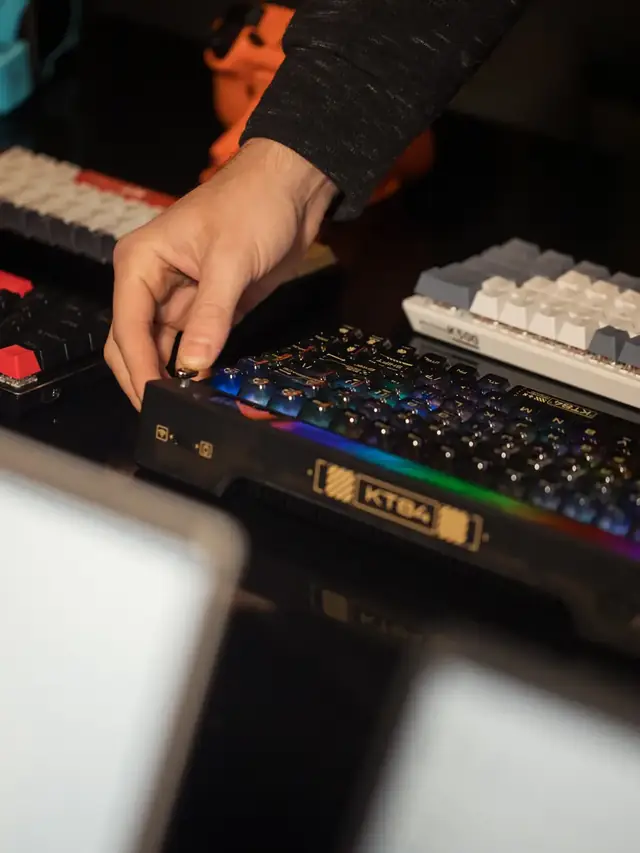
01 / 10US buyerWooting 80HE+: check before buyingParts or a full board? Avoid the case-fit trap. Stock photos illustrate this source-based guide.02 / 10Case checkPlus Module + old case? No.Wooting says the new connector can press against an old case rib and damage the cable. Do not force the fit.03 / 10One-way fitThe reverse worksThe original 80HE Module fits new Plus cases. New Module in an original case still does not work.04 / 10US prices: Sep 18$149.99 is not a whole keyboardModule + new ABS case = $184.98, before needed switches and keycaps. Taxes and shipping may add more.05 / 10Compare totalsA complete ABS board: $199.99The US ANSI prebuilt is $15.01 above Module + case. Price every missing part before choosing the Module.06 / 10Layout choiceNeed a split spacebar?Split needs the Module; prebuilts have a regular spacebar. Check the matching plate and keycaps before ordering.07 / 10Keep or replaceA working 80HE can stayWooting calls the performance difference minimal. Buy for a feature you need, not an assumed speed win.08 / 10TimingWarehouse date, not your doorABS/Module: late October. Zinc/knob: mid-December. Wooting estimates warehouse arrival; dates can change.09 / 10After arrivalCheck keys and real chordsTest each key, then the combinations you use. Browser events cannot certify 8 kHz or actuation travel.10 / 10Try itTest your actual keyboardUse one profile. Look for missed, stuck or duplicate inputs. A browser pass is not full hardware certification.
01 / 10New Razer TKLRazer Huntsman V3 Pro Low-Profile: What to TestRZ03-05850 is thinner, shorter-travel and $10 above Razer's standard US model.02 / 10Model checkKnow the exact modelRZ03-05850 is the Low-profile Tenkeyless 8KHz. Do not confuse it with RZ03-0552 or HE Magnetic RZ03-0592x.03 / 10The redesignWhat actually changed?Razer lists a 19.5 mm front height, 2.8 mm total travel and new low-profile analog optical switches.04 / 10Travel rangeShorter actuation rangeRazer lists 0.1-2.8 mm here versus 0.1-4.0 mm on the standard Pro TKL, so its maximum travel is shorter.05 / 10Price checkThe US premium is $10Checked Aug. 24: $229.99 for RZ03-05850 versus $219.99 for standard RZ03-0552. Prices can change.06 / 10Claim boundaryDo not treat 8K as proofRazer claims 8,000 Hz and 0.39 ms to USB. A browser cannot verify raw polling or end-to-end latency.07 / 10Buyer fitWho should consider it?Shortlist it for low deck height and short travel. Keep your board if you prefer deeper travel or need wireless.08 / 10Delivery testRun five delivery checksOn the factory profile, test all keys, NKRO chords, chatter and held-key repeat. Save repeatable results.09 / 10Read the resultWhat counts as a warning?Missed, doubled or stuck keys that repeat matter. One clean run cannot prove actuation depth or 8K.10 / 10Next actionTest every key firstTest every normal key once. Use repeatable return-window results, not the page as an 8K certificate.
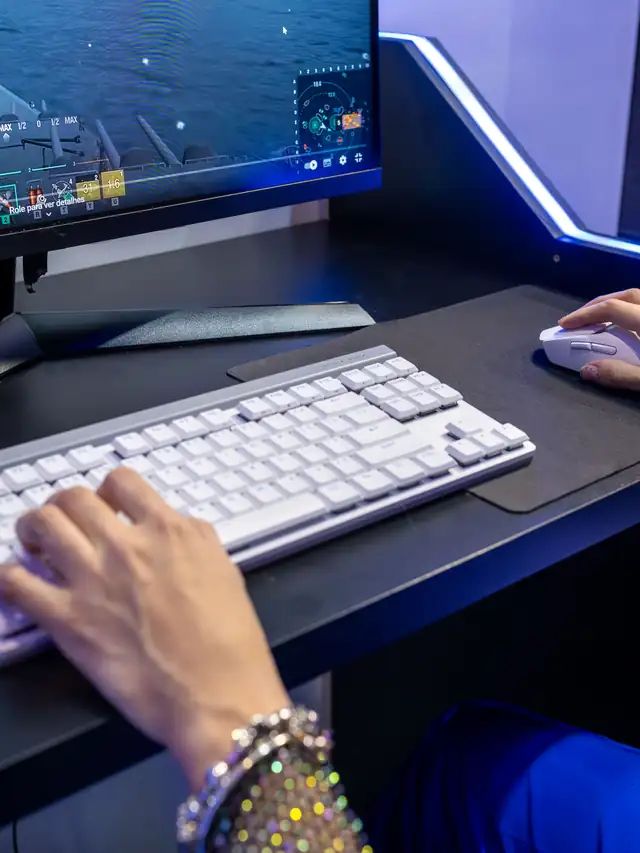
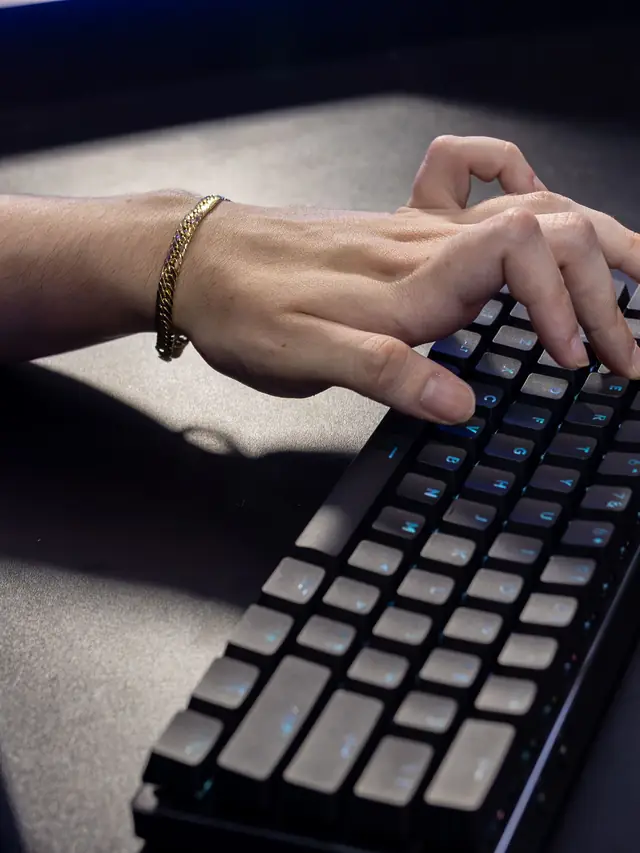
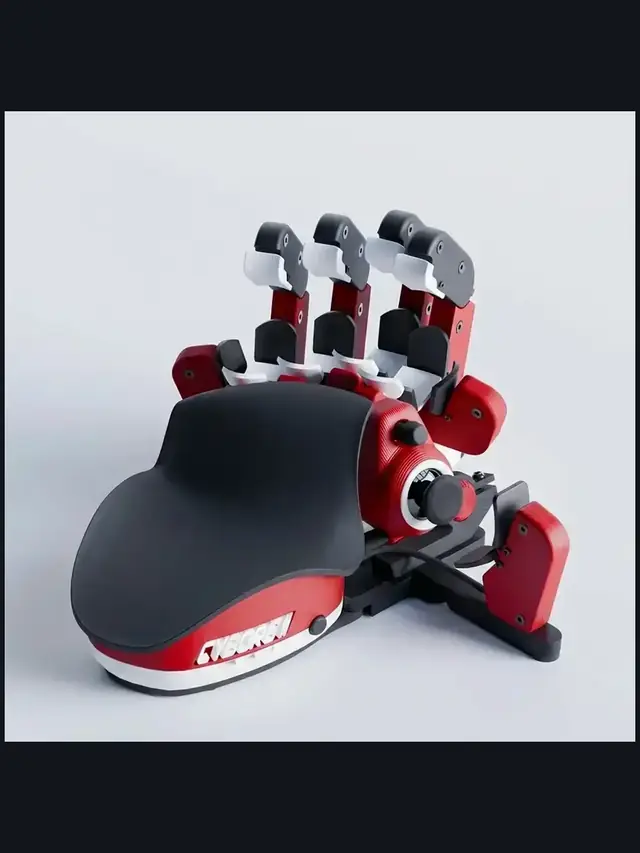
01 / 10Buyer guideOne-handed keyboards: choose by control, not hypeThe right pad depends on your thumb, hand fit, switch feel and setup time.02 / 10Start herePick the input style firstChoose raised finger towers, a flat key grid or a familiar keypad with a thumb control.03 / 10MovementA thumbstick can replace WASDTrue analog movement and an 8-way thumbpad are different. Check what each game supports.04 / 10Ergonomic pickAzeron favors reach over familiarityIts towers and 360-degree stick reduce finger travel, but profiles take time to learn.05 / 10Familiar optionMainstream keypads feel easier soonerA flatter grid and thumbpad shorten the learning curve, but offer less hand shaping.06 / 10Key feelSwitch labels do not tell the whole storyCompare press feel, spacing, stabilizers and fatigue instead of buying for RGB alone.07 / 10ProfilesSoftware can decide the experienceCheck remapping, per-game profiles, onboard memory and whether the app must stay open.08 / 10ErgonomicsHand fit beats a long feature listVerify palm-rest position, thumb reach, orientation and whether adjustments stay secure.09 / 10Return windowTest the exact bindings you will useScan every key, then try real movement-plus-modifier combos before the return window closes.10 / 10Final checkTrust your inputs, not the boxOpen the full Keyboard Tester and check every mapped key before keeping the pad.
01 / 10Quick diagnosisSpacebar dead or double-spacing? Test firstOne slow press can separate a blocked key, chatter and a software-only problem.02 / 10Before testingGive the browser keyboard focusOpen the tester, click the page once, then press Space slowly and deliberately.03 / 10Result: 0No event points to a blocked or dead keyTry another app and an external keyboard before opening the laptop or keycap.04 / 10Result: 2Two events from one press usually means chatterDirty or worn contacts can bounce and send a duplicate press to the browser.05 / 10Result: 1One clean event shifts the blame to softwareIf the app still inserts two spaces, check its settings, input mode and extensions.06 / 10Windows checksDisable Filter Keys and check input modeFilter Keys can swallow short presses; full-width input can create an unusual space.07 / 10Hardware stepClean before replacing anythingUse short air bursts first. Remove a keycap only when its design and service guide allow it.08 / 10IsolationAn external keyboard narrows the faultIf the external Space works, the laptop key, stabilizer or switch is the likely problem.09 / 10After each fixRetest the same slow single pressA healthy key should add exactly one event repeatedly, without misses or doubles.10 / 10See the countPress Space once and read the resultRun the Spacebar Test now, then match 0, 1 or 2 events to the right fix.
01 / 10Missed inputDid your keyboard drop a game command?Test the exact movement-plus-modifier chord before blaming lag or the game.02 / 10What it looks likeYou press three keys, but one never arrivesThat missing event is often blocking caused by the keyboard matrix and rollover limit.03 / 10Why it happensMany keys share electrical rows and columnsSome combinations become ambiguous, so firmware suppresses a key instead of guessing.04 / 10Start with realityRecreate your real in-game chordHold the same movement, sprint, crouch and ability keys that fail during play.05 / 10Read the displayEvery held key should stay visibleA repeatable missing key on one chord is stronger evidence than random key mashing.06 / 106KRO and NKRORollover labels describe simultaneous detectionTest needed combinations; a headline number cannot guarantee every matrix path.07 / 10Fast workaroundMove one action to a different matrix pathRebind the dropped command, then run the same chord again and compare.08 / 10Rule out softwareDisable Sticky Keys and overlays brieflyIf the browser sees the chord but the game does not, inspect bindings and software.09 / 10Know the boundaryA browser sees events, not the raw matrixIt exposes failed chords but cannot certify every combination or firmware path.10 / 10Test your chordHold the keys your game actually needsOpen the Keyboard Ghosting Test and check whether every command stays visible.
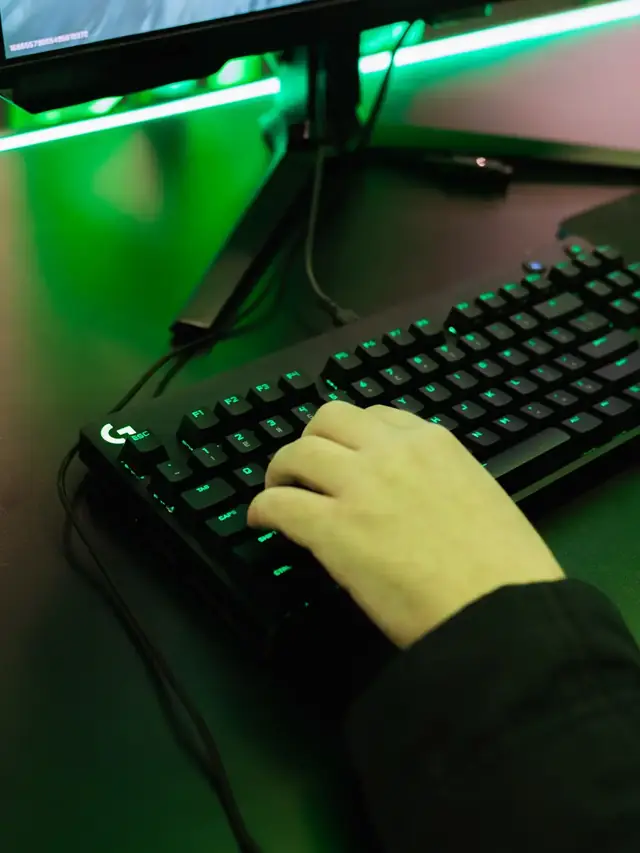
01 / 10Buyer realityA luxury price does not guarantee a better fitYou pay for materials, machining, rarity and design—not automatic typing speed.02 / 10Price snapshotThe Seneca currently spans $3,900 to $8,900Official page: waitlist, 10% deposit and about a nine-month queue.03 / 10Cost driverExotic finishes and small runs cost moreCNC work, brass, titanium, ceramic finishes and manual assembly can dominate the price.04 / 10Collector valueScarcity is part of the productLimited batches and custom options may matter to collectors more than raw performance.05 / 10Layout riskAn unusual layout can still be wrong for youSplit, ortholinear and compact boards demand an honest comfort and learning-curve check.06 / 10Hidden tradeoffPremium hardware can depend on ordinary softwareCheck remapping, firmware updates, onboard memory and long-term platform support.07 / 10Buying termsRead the deposit and return terms slowlyWaitlists, custom finishes and made-to-order work can reduce normal return flexibility.08 / 10Decision ruleCompare total ownership, not the hero photoInclude shipping, tax, layout, warranty, replacement parts and resale uncertainty.09 / 10When it arrivesTest every key before the support clock runsCheck registration, repeats, stabilizers, shortcuts and the exact layout you ordered.10 / 10Final proofPrice is not proof that every switch worksRun the Keyboard Tester while the seller can still resolve a fault.
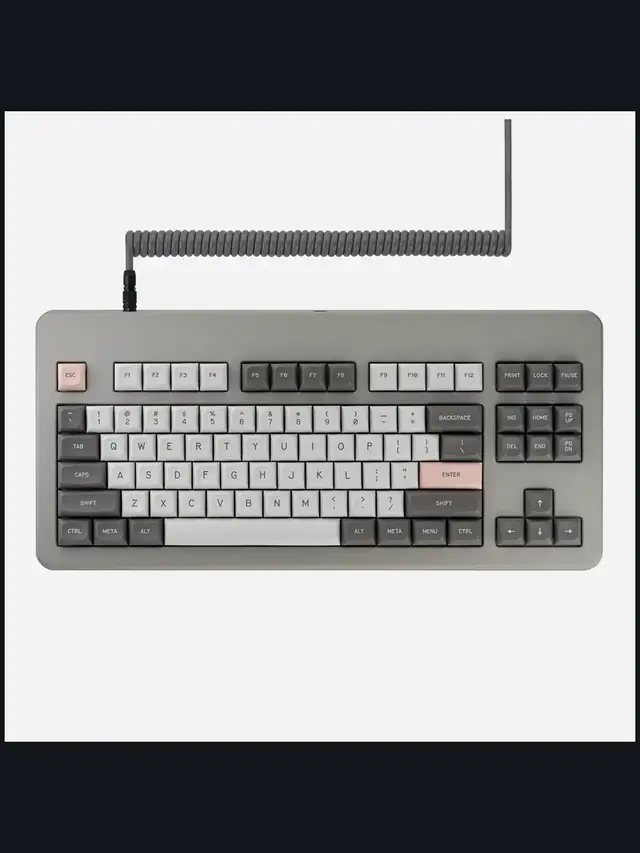
01 / 10Evidence checkAltar II is announced—not independently testedEMO plans a November 10 Kickstarter, but production hardware has not shipped.02 / 10What is realThe project has a real company and predecessorAltar I shipped, but that does not prove Altar II's final schedule or specifications.03 / 10Read the termsThe refundable $1 is not a keyboard purchaseEMO says it unlocks a $249 pledge tier and is not deducted from that price.04 / 10Announced tiers$249, $279, $299 and $349 mark different stagesReservation, early, campaign and retail figures are not one checkout price.05 / 10Manufacturer claimEMO publishes a 4.75 mm chassis heightThe “world's thinnest” wording needs attribution until a production unit is measured.06 / 10Mechanism“Mechanical” needs a precise qualifier hereEMO describes steel scissor arms, a retention spring, 40 gf force and 1.8 mm travel.07 / 10CompatibilityBasic keyboard support and the app differEMO lists USB-C and Bluetooth broadly, while advanced Sanctuary support is Mac-specific.08 / 10Still unverifiedWeight, durability and battery life remain openLayouts, shipping, latency and production acoustics also need evidence.09 / 10If it shipsTest registration before trusting the claimsCheck every key, duplicate presses, chords, repeats and sound consistency.10 / 10Save this checkBrowser tests verify events, not physical claimsUse Keyboard Tester on delivery; measure physical claims with proper tools.
01 / 10Preorder decisionA $279 keyboard from a mousepad brandWallhack's first board lands Aug 21, cut from $360 pre-launch. Decide before you order.02 / 10What it isA 65% Hall Effect board with a dialCNC-machined 6063 aluminum, 1,030 g, KS-TR switches co-developed with Gateron.03 / 10The price wall$119.99, $199.99 - then $279Razer Huntsman V3 HE Mini, Wooting 80HE, K-001 (cut from $360). Prices checked Aug 15, 2026.04 / 10What's newA dial that claims 0.01 mm stepsWallhack says it retunes actuation on the fly, with a web app for setup.05 / 10Not verified yet0.129 ms and 8,000 Hz are claimsNo independent review has measured the K-001's speed figures so far.06 / 10Preorder riskFirst product, one store, no reviewsYou would be buying on the maker's word alone. That is the real bet.07 / 10The dropAug 21, 2026 - wallhack.com onlyNo retail listings. Wallhack's video says Discord members get early access.08 / 10Decision ruleEnthusiast yes, feature buyer noBuying the machined 65% and dial? Preorder. Buying proven speed? Wait for reviews.09 / 10Delivery dayTest it before you trust itOur guide's five free browser checks confirm every key, combo and repeat.10 / 10Your turnCheck the board you receiveThe free Keyboard Tester maps every key press live in your browser.
01 / 10Rapid Trigger setupFast settings can create phantom movementStart with safe numbers, test real game binds, then tune only what stays stable.02 / 10What changesRapid Trigger moves the reset pointA key resets as you lift it. It does not decide which opposing direction wins.03 / 10Safe baselineWASD: 0.7-1.0 mmTry 0.3-0.5 mm reset. Keep most other keys at 1.5-2.0 mm until movement is clean.04 / 10CS2 starting pointTry 0.6-0.8 mm on WASDUse 0.2-0.5 mm reset and Continuous RT off. Keep E, Shift and Ctrl deeper.05 / 10Valorant starting pointStart A and D before every keyTry 0.7-1.0 mm actuation and 0.2-0.4 mm reset. Watch for unwanted jiggle.06 / 10Rule safetyRapid Trigger is not SOCDOn Valve servers, keep Snap Tap, null binds and other opposing-key automation off.07 / 10Browser limitA website cannot measure millimetresIt can still reveal missed presses, early releases, repeats and broken key combinations.08 / 10Test real bindsPress once, then hold combinationsTry WASD with Shift, Ctrl, Space, E and ability keys. Watch every key stay active.09 / 10Read the resultDrops or repeats? Back off one stepMake the affected key less sensitive by one small step, then repeat the same test.10 / 10Before rankedTest your movement profileHold real combinations and confirm every press and release before you queue.
01 / 10Buyer decisionKB7: Is the $200 touchscreen worth it?This is a source-based buying guide, not a hands-on review.02 / 10The priceYou are buying more than a TKLChecked Aug 13: $199.99 US, £159.99 UK sale and $279.99 CAD. Australia: no visible AUD price.03 / 10The displayA 4.3-inch screen puts controls on the boardIt can surface settings and status, but Swarm II still matters for setup and updates.04 / 10Power realityUse a direct PC connectionTurtle Beach requires USB-C 3.0+ or its dual USB-A adapter and says hubs are unsupported.05 / 10Hall EffectThe switches are the other reason to buyThe maker lists 0.1-3.2 mm actuation, Rapid Trigger and ReacTap - not our measurements.06 / 10Software checkDo not ignore the return-window riskSome reviewers report update or connection trouble. Verify it during the return window.07 / 10Checks 1 and 2Scan every key, then probe duplicatesWatch idle input, press each key once, then use the Chatter Detector on any suspicious key.08 / 10Checks 3 to 5Test combos, typing and soundTry real WASD modifiers in NKRO, compare typing after one change, and record sound consistency.09 / 10Know the limitBrowser tests catch events, not marketing claimsThey cannot prove 0.1 mm travel, raw 8K polling, firmware timing or touchscreen accuracy.10 / 10The verdictBuy for the screen; wait for simpler softwareIf it fits your setup, test every key before trusting aggressive profiles.
01 / 10Keyboard sound guideSix sound profiles. One better way to choose.Specs describe a switch. Your ears decide whether you can live with it.02 / 10First, a reality checkA switch is only one ingredientCase, plate, keycaps and desk surface can make the same switch sound different.03 / 10Profile 1Clicky: bright and sharpA separate click mechanism adds a crisp, high-frequency snap.04 / 10Profile 2Tactile: a softer snapYou feel a bump, but there is no dedicated click leaf.05 / 10Profile 3Linear: smooth and lowerThe key travels without a tactile bump, leaving more of the case and bottom-out sound.06 / 10Profile 4Silent linear: dampenedInternal pads soften top-out and bottom-out, reducing the hard plastic impact.07 / 10Profile 5Deep thock: low and fullA deeper body sound usually comes from the whole keyboard build, not the switch alone.08 / 10Profile 6Creamy: rounded and smoothA softer, even note with less sharp top-end can feel polished without being silent.09 / 10Compare your own boardUse the mic as a profile clueThe analyzer can suggest linear, tactile or clicky. It cannot identify an exact switch model.10 / 10Your turnHear the reference libraryPlay each sample, loop it, then compare your keyboard in the browser.
01 / 10Keyboard diagnosticOne press. Two letters.A focused test can show whether a suspect key is sending extra browser events.02 / 10What chatter meansOne deliberate tap registers twiceIt is different from held-key repeat, a stuck key and keyboard ghosting.03 / 10Step 1Choose one suspect keyOpen Guided Single-Key Test so every sample is tied to the same key.04 / 10Step 2Make 30 slow tapsA repeatable sample is more useful than declaring a fault after one odd event.05 / 10Step 3Release fully every timeDo not type passwords or private text. The test only needs the chosen key.06 / 10Balanced starting pointBegin with 50 millisecondsAvoid intentional rapid double taps; they can resemble chatter at a loose threshold.07 / 10Cleaner evidenceHeld-key repeat is filteredThe diagnostic separates normal repeat events from suspicious rapid press pairs.08 / 10Review, do not guessCheck each flagged pairExclude intentional fast taps and rerun the sample before treating the key as faulty.09 / 10After cleaning or repairRetest under the same settingsExport the private report when repeatable evidence would help support or warranty review.10 / 10Test, then decideRun the guided chatter detectorBrowser evidence is useful, but it does not inspect the raw electrical switch contacts.
PWM flicker, shadow detail, and screen-comfort checks.
4 stories
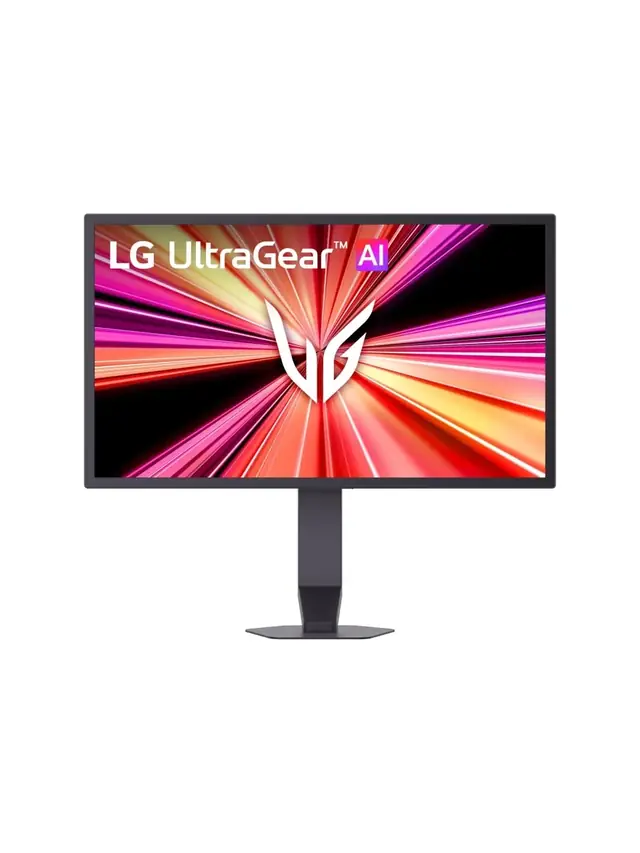
01 / 10Monitor reality check1000Hz Is Real. Worth $999?LG's UltraGear 25G590B is the first native 1000Hz 1080p monitor. Check the fine print first.02 / 10The price$999.99 for 1080pThat is the LG.com launch price, confirmed Sept 10. A 24.5-inch IPS esports panel.03 / 10The 1 ms mathOne Frame Lasts 1 msAt 1000 Hz a frame is on screen for 1 ms—the same figure as LG's own 1 ms GtG response spec.04 / 10LG's own footnoteMBR Pro Turns Off VRRFreeSync Premium and G-SYNC Compatible are disabled while MBR Pro runs. The 1100Hz overclock drops FreeSync.05 / 10Feeding itCan Your PC Push 1000 fps?LG lists Windows 11, RTX 50 / RX 9070-class GPUs and DisplayPort 2.1. 1000 Hz does not promise 1000 fps.06 / 10Reality check1080p Is Still the Majority50.52% of Steam players ran 1080p in August 2026. LG is selling speed to the biggest resolution group.07 / 10Same moneyWhat $999 Buys InsteadA 480Hz QHD OLED tracked at $547.54 on Jul 30. LG's own 480Hz dual-mode 27G850A: about $699.99.08 / 10Verdict splitBuilt for One Kind of PlayerSerious FPS competitors with GPUs to match may justify it. Everyone else buys sharper pixels for less.09 / 10Delivery dayTest Before You TrustVerify the refresh rate your system actually reports, frame skipping, dead pixels and motion clarity.10 / 10Your turnCheck Your Refresh RateSee what your browser reports right now. A browser check reads reported rate, not certified panel speed.
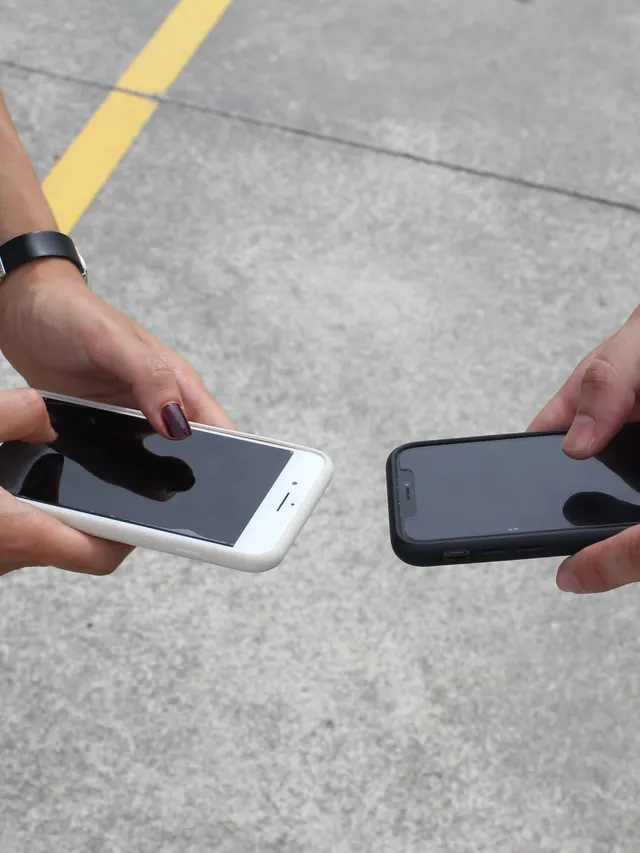
01 / 10Phone buying guidePWM-sensitive? Test the phone, not the promiseDisplay specs narrow the shortlist, but no OLED is comfortable for everyone.02 / 10Build the shortlistStart with the display strategyCompare LCD, DC-dimming and high-frequency PWM options. Each still needs a real-use check.03 / 10Read the evidenceSpecifications are only a filterFrequency, modulation, brightness and firmware can all change how a screen behaves.04 / 10Before testingEnable the documented display settingToggle names and effects vary by model. Confirm the current manual before testing.05 / 10First passTest at your normal brightness firstUse the reading, video and scrolling tasks you actually do each day.06 / 10Low-light passRepeat at a lower brightnessOLED dimming behavior may change as brightness falls. Keep the same room and screen content.07 / 10Store checkCompare camera bands, not just one photoUse the same camera, exposure and distance on each phone for a fair comparison.08 / 10Read cautiouslyBanding is a clue, not a lab resultCamera bands can reveal pulsing, but not exact PWM, modulation or medical conclusions.09 / 10Final decisionLet the return window settle the choiceTry normal use briefly. Stop if discomfort occurs; return it before the seller's deadline.10 / 10One last checkRun one controlled flicker comparisonUse the same brightness and camera setup, then save the result with your buying notes.
01 / 10Screen flicker testYour screen may be flickeringMany displays dim by switching the backlight on and off hundreds of times a second.02 / 10The symptomSore eyes and evening headachesStrain that gets worse at night, on one device but not another, is the clue.03 / 10What PWM meansDimming by blinking, not fadingInstead of lowering brightness, the backlight pulses. Faster pulsing is easier to tolerate.04 / 10Why night is worseLower brightness, deeper flickerThe dimmer you set the screen, the longer the backlight stays off between pulses.05 / 10Run the testWatch the moving patternA flickering backlight breaks the motion into separate copies instead of a smooth trail.06 / 10What to look forBands mean pulsingClear repeated edges suggest PWM. A smooth blur suggests steady, flicker-free dimming.07 / 10Not everyoneSome people never noticeSensitivity varies widely. Migraine and dry eyes can make the same screen unbearable.08 / 10What helpsRaise brightness, lower contrastHigher brightness usually shortens the off phase. Warm light and screen breaks help too.09 / 10One honest limitA browser cannot measure hertzThis shows whether flicker is visible to you, not the exact PWM frequency.10 / 10Your turnSee how your screen dimsRun the pattern at full and low brightness, then compare your devices.
01 / 10Monitor checkDark scenes losing detail?Your monitor may be turning several near-black shades into one flat black.02 / 10The symptomShadow texture disappearsHair, clothing, caves and night scenes merge into featureless black. That is black crush.03 / 10Before you testUse normal SDR settingsDim the room, avoid glare and let your eyes adapt for 30 to 60 seconds.04 / 10The testLook for 32 near-black stepsPatch 1 is darkest. Patch 32 is easiest. Use fullscreen and do not expect the low steps to glow.05 / 10Read the resultFind the first visible patchIt should be barely separate from the black background. Note its number.06 / 10ExcellentYou can see 1 through 32Your display is preserving very dark shadow steps. Subtle is correct.07 / 10Mild crushingVisibility starts near 4Brightness may be too low, or gamma may be hiding the first few steps.08 / 10Moderate to severeVisibility starts at 8 or 16Check the monitor black-level setting and whether the GPU is sending Full or Limited RGB.09 / 10Fix one variable at a timeBrightness. Range. Gamma.Retest after each change. Establish a clean SDR result before troubleshooting HDR.10 / 10See what your display keepsRun all 32 shadow stepsThe live tool is the proper diagnostic surface; compressed story images are only a guide.
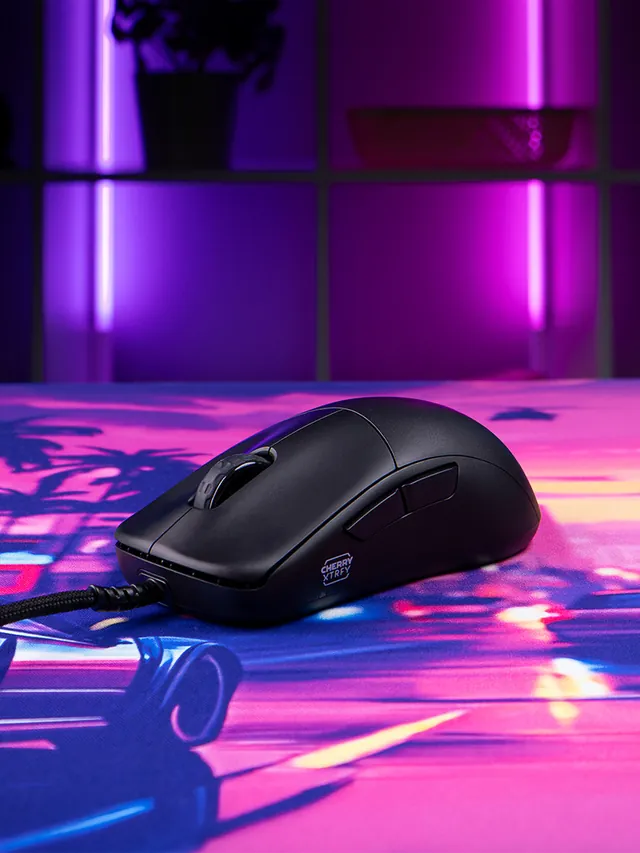
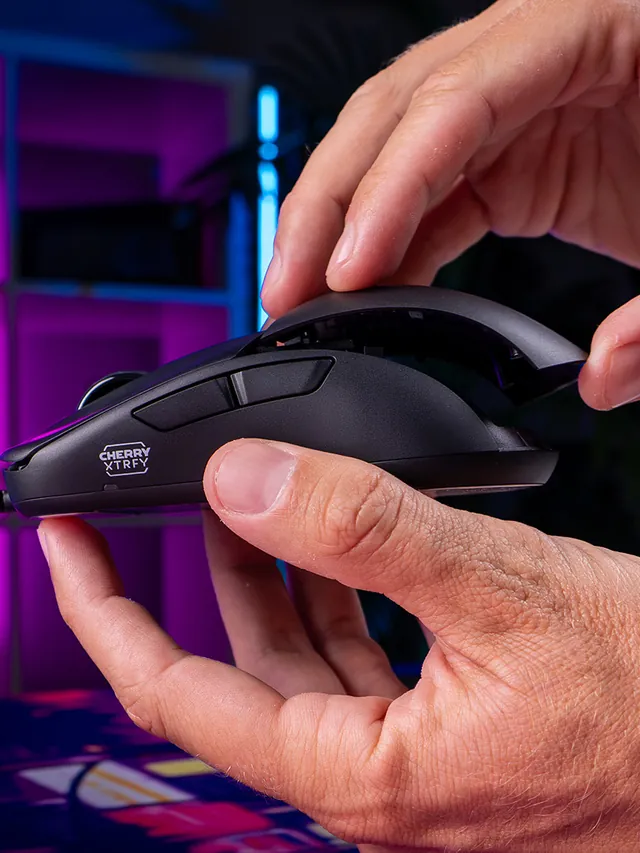
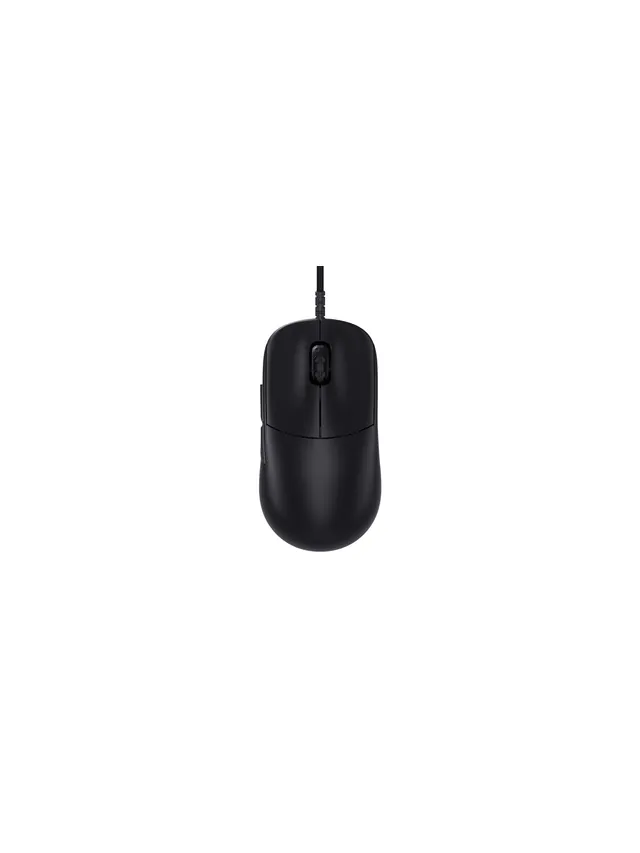
01 / 10Mouse showdownM42V2 vs M42The new mouse drops 14 g and seals the shell—but also moves from a PixArt 3389 to a 3327.02 / 10Weight45 g, Cable ExcludedCHERRY lists 45 g versus 59 g for the original M42. The V2 is solid, not perforated.03 / 10Modular shellTwo Shells Are Not NewBoth mice include two rear shapes. V2’s real shell change is a hole-free body with tool-free swaps.04 / 10SensorThe Sensor Trade-OffM42V2: 6,200 CPI, 220 IPS, 30 G. Original M42: 16,000 CPI, 400 IPS, 50 G.05 / 10InterpretationA Downgrade on PaperThose limits are lower. They do not prove bad tracking; independent instrumented tests still matter.06 / 10PollingSame 1,000 Hz CeilingBoth wired mice top out at 1,000 Hz. The V2 also offers 125, 250, and 500 Hz modes.07 / 10Price$39.99 US LaunchThe V2 launched at $39.99. The older M42 also showed $39.99 on sale when checked Sept. 4.08 / 10Other changesWhat Else Changed?Huano 80M-rated switches, no RGB, PTFE-free UHMW-PE glides, and no software requirement.09 / 10Buyer cautionWho Should Wait?Low-sensitivity players focused on fast-swipe tracking should wait for lab data or test within a return window.10 / 10Your turnTest Your M42V2Compare browser-observed pointer-event consistency at 1,000 Hz. A browser cannot certify raw USB polling.
01 / 10MMO mouse decisionIs Razer's $180 Naga V3 Pro worth it?The answer depends on your binds, grip and tolerance for a heavier mouse.02 / 10The main reasonThree plates. Up to 23 controls.Choose 12 buttons for MMOs, 6 for mixed games or 2 for a simpler layout.03 / 10Learning curveMore buttons are not instant speedMap only awkward keyboard reaches first, then add commands as muscle memory settles.04 / 10Fit checkExpect about 112–117 g with a plateThat is feature-dense, not ultralight. Test grip comfort inside the return window.05 / 10Wireless and battery155 hours HyperSpeed; 280 BluetoothThose are Razer claims. Lighting, polling and use can shorten real runtime.06 / 1050K sensorShape matters more than maximum DPIFocus Pro 50K is flagship hardware, but normal play uses a fraction of its ceiling.07 / 10Clicks and scrollGen-4 optical switches; three wheel modesThe 100-million-click figure is a rating, not a promise for every unit.08 / 10Delivery dayTest every plate before building profilesCheck all buttons, wheel tilt, double inputs, DPI stages and wireless consistency.09 / 10The price tradeoff$179.99, while 8K needs an extra accessoryNative polling is 1,000 Hz. Do not buy a dongle unless you know why you need 8K.10 / 10VerdictBuy for many binds; skip for simple FPSIf you buy it, test every physical input before trusting a complex profile.
Hearing and sound checks you can run in your browser.
1 story
01 / 10Hearing age testYour ears have an age of their ownThe highest tones fade first. A two-minute test shows roughly where yours stop.02 / 10Why it happensHigh frequencies fade firstThe hair cells that detect the highest pitches wear out earliest, usually unnoticed.03 / 10The mosquito toneA sound most adults cannot hearAround 17 kHz sits near the edge of adult hearing. Teenagers often hear it easily.04 / 10Before you startHeadphones on, volume lowStart quiet and raise slowly. A tone you cannot hear can still be loud enough to harm.05 / 108 kHzAlmost everyone hears thisIf 8 kHz is silent for you, that points to hearing loss rather than age. Get it checked.06 / 1012 kHzMost under-50s still hear itLosing 12 kHz is common past midlife and rarely affects speech or everyday listening.07 / 1015 kHzRoughly an under-40 markerMany adults lose this with no noticeable change to music or conversation.08 / 1017 kHzMostly under-30 territoryHearing 17 kHz suggests young or well-protected ears. Missing it is completely normal.09 / 10Read it honestlyA screening, not a diagnosisPhone speakers, cheap headphones and room noise all shift the result.10 / 10Your turnFind where your hearing stopsPlay each tone from 8 kHz upward and mark the last one you can hear.
Practical PC, phone, and website-technology explainers.
4 stories
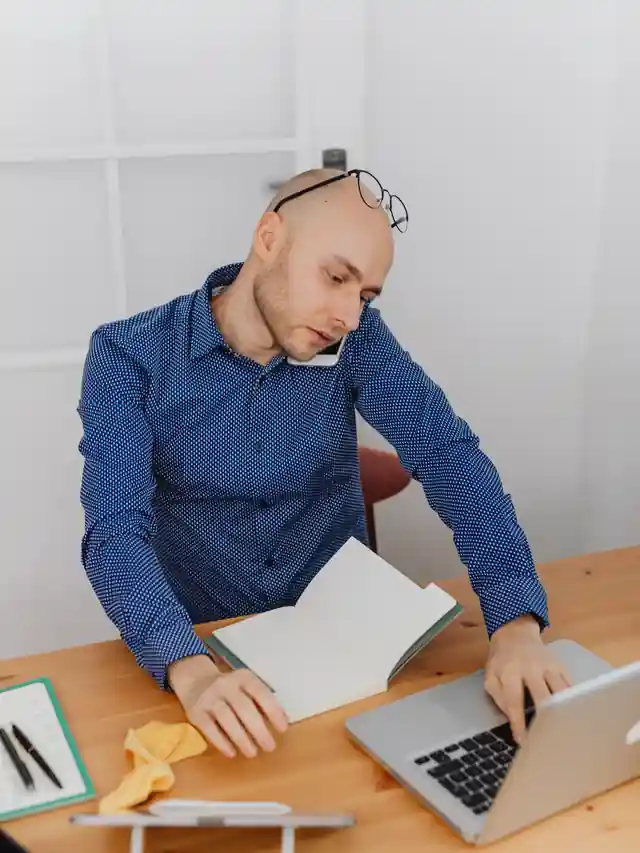
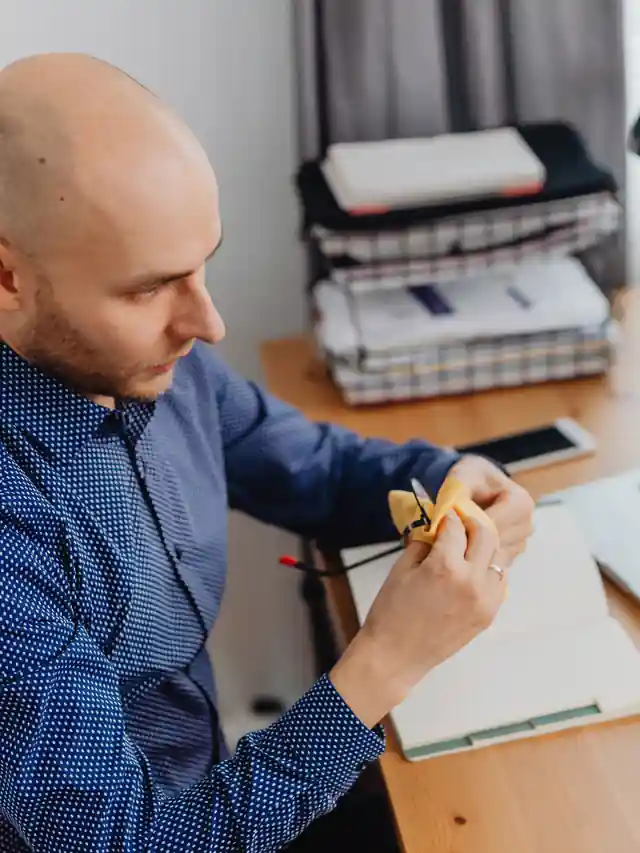
01 / 10Day 0 publisher diaryAdSense to AdX: My MCM Test at Day 0The invite is accepted, but AdX serving has not started. Photos are illustrative.02 / 10DiscoveryA ChatGPT lead was only a leadI checked Google's MCM. Then I reviewed the company, terms and outside comments before any ad-code change.03 / 10Verified in GAMManage Account is acceptedChild AdX is enabled. Billing is excluded from parent access.04 / 10What ads.txt meansads.txt authorizes a sellerSeller authorized. No code installed. My AdSense line remains beside the new line.05 / 10Current runtimeAdSense is still servingDay 0 still uses AdSense. No LKZ code or new Google Publisher Tag is installed.06 / 10Company claimsWhat LKZ said it could addLKZ said AdX could help. It named refresh and header bidding too. These are claims, not measured results.07 / 10Still unansweredOne key answer is still missingWill GPT replace AdSense? Which ad slots remain? How does rollback work?08 / 10Hypothetical mathJudge net revenue, not grossWith a hypothetical 10% share, gross revenue must rise about 11.1% just to keep net revenue level.09 / 10Measurement planMy test uses fixed checkpointsDay 7: tech check. Day 14: direction. Day 30: first serious net and UX decision.10 / 10This story continuesFollow every dated updateRead the diary. Have MCM experience? Share it while I document replies, setup and results.
01 / 10Real earnings case studyI left AdSense for JourneyReal figures from 12 finalized dates. Photos are illustrative.02 / 10The cutoverJourney went live August 3AdSense programmatic code came off and Journey became the active network.03 / 10Before the switchAdSense: $8.11 in 7 daysThe clean GA4-linked baseline averaged about $1.16 per day.04 / 10After the switchJourney: $1.76 across 12 datesAbout $0.15 per date; the August 3 launch date may be partial.05 / 10Independent controlTraffic did not collapseGA4 recorded 14,793 sessions and 22,053 pageviews from August 4–15.06 / 10The honest gapThe per-date average is about 87% lowerDirectional only: launch day may be partial, and the windows differ.07 / 10One hopeful signalThe latest 3 days improvedThey earned $0.97 versus $0.11 in the first three reported dates.08 / 10Still unresolvedJourney traffic is not importedThe portal shows zero traffic while GA4 sees visitors, so its RPM is not usable yet.09 / 10Before you switchExport, audit, budget, verifySave baselines, check every template, verify one tag and plan for Net 65.10 / 10This story continuesBookmark the full case studyI will update it after 21, 30, 60 and 90 full post-launch days.
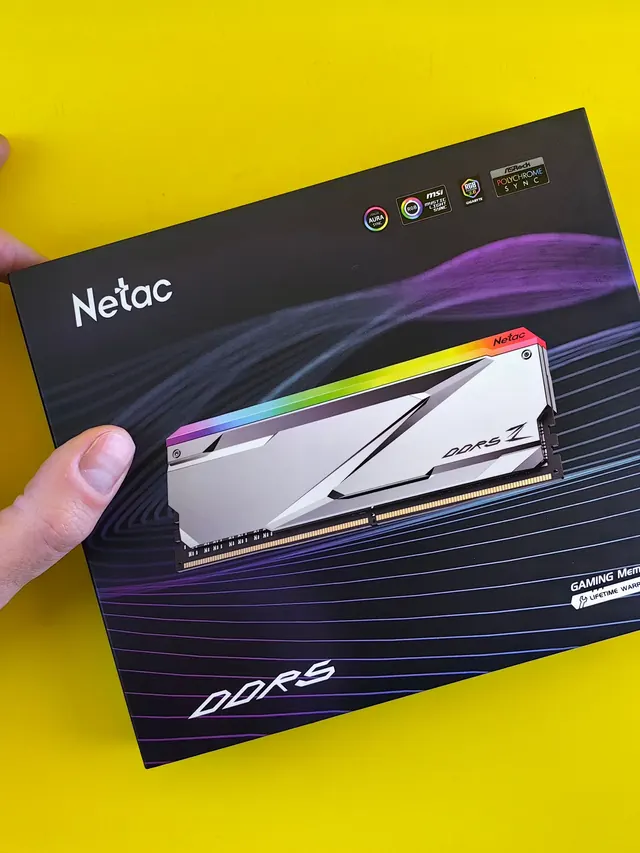
01 / 10DDR5 buying mathPay $120 more for 2 nanoseconds?CL30 vs CL36 looks big on the box. The real difference is 2 nanoseconds.02 / 10What CL really isCAS latency counts cycles, not timeCL is how many clock ticks the RAM waits before answering. Ticks get faster with speed.03 / 10The one-line formulans = 2000 x CL / MT/sTrue latency in nanoseconds. DDR5-6000 CL30: 2000 x 30 / 6000 = 10.0 ns.04 / 10CL30 vs CL36 at 600010.0 ns versus 12.0 nsSame speed, different CL: the whole debate is about 2 nanoseconds of wait time.05 / 10The tie surprise7200 CL36 is also 10.0 nsSo is 6400 CL32. A higher CL on a faster kit can match a lower CL exactly.06 / 10What 2 ns buys in gamesRoughly 1-4% average FPSOnly when CPU-bound, and benchmarks disagree. Smoother 1% lows are the steadier win.07 / 10Price check, Aug 11, 2026The CL30 premium: $120G.Skill CL30 $599.99 vs CL36 $479.99. A Patriot CL30 kit: $429.99. Shop across brands.08 / 10The EXPO/XMP gotchaYour CL30 may be running CL40Kits boot at JEDEC defaults until you enable EXPO or XMP in BIOS. Check yours today.09 / 10The X3D exceptionBig cache blunts CLOn 7800X3D-class CPUs, the stacked cache blunts CL gains. Buy CL36 and save.10 / 10The verdictSmall delta: yes. Upgrade: no.Compare your two kits in real nanoseconds - presets loaded, math done for you.
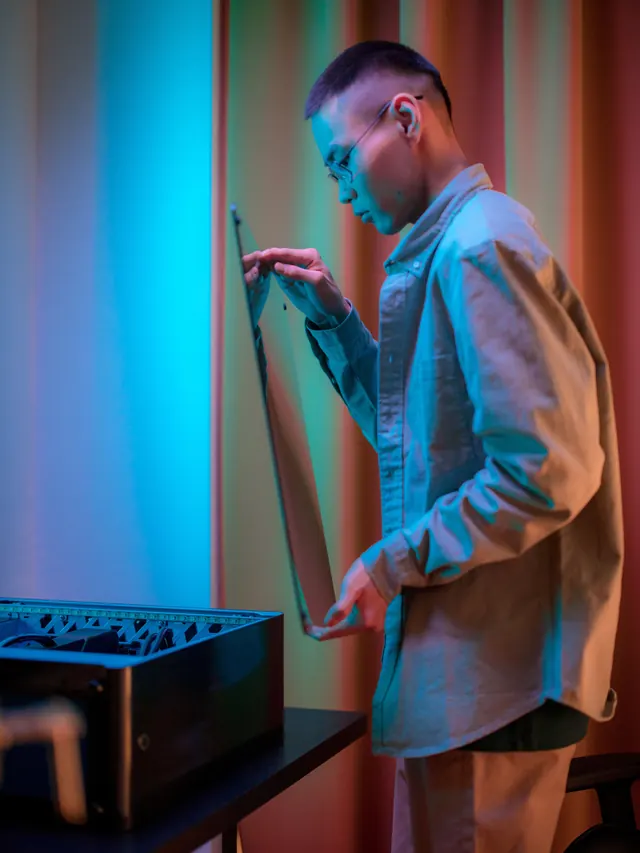
01 / 10Phone vibration testYour phone stopped buzzingBefore you book a repair, find out whether it is the motor or just a setting.02 / 10The symptomMissed calls and silent alertsA dead motor is easy to miss. You only notice the calls you never felt arrive.03 / 10What is insideA tiny weight on a motorMost phones spin an offset weight or drive a linear actuator to make the buzz.04 / 10Check this firstSettings fake a dead motorSilent mode, Do Not Disturb and per-app vibration all switch the buzz off.05 / 10Run the testOne tap, three patternsThe browser asks the phone to vibrate in short, long and pulsed patterns.06 / 10Result: weakYou feel it, but barelyA faint buzz often means a loose motor mount or a case damping the vibration.07 / 10Result: nothingNo buzz on any patternWith settings ruled out, silence points at the motor or its connector.08 / 10Result: on and offIt works, then it does notIntermittent buzzing usually means a failing solder joint or a worn motor.09 / 10One honest limitiPhones cannot run this testSafari on iOS does not support the browser vibration API, so use Android.10 / 10Your turnFind out in thirty secondsRun the three patterns, then decide whether it is a setting or the hardware.
 01 / 10
Keep or upgrade
Tartarus V2 Pro: upgrade or keep?
Keep a working Pro if its bindings fit. Illustrative stock photos; none shows a Tartarus.
01 / 10
Keep or upgrade
Tartarus V2 Pro: upgrade or keep?
Keep a working Pro if its bindings fit. Illustrative stock photos; none shows a Tartarus.






 01 / 10
US buyer
Wooting 80HE+: check before buying
Parts or a full board? Avoid the case-fit trap. Stock photos illustrate this source-based guide.
01 / 10
US buyer
Wooting 80HE+: check before buying
Parts or a full board? Avoid the case-fit trap. Stock photos illustrate this source-based guide.






 01 / 10
New Razer TKL
Razer Huntsman V3 Pro Low-Profile: What to Test
RZ03-05850 is thinner, shorter-travel and $10 above Razer's standard US model.
01 / 10
New Razer TKL
Razer Huntsman V3 Pro Low-Profile: What to Test
RZ03-05850 is thinner, shorter-travel and $10 above Razer's standard US model.







 01 / 10
Buyer guide
One-handed keyboards: choose by control, not hype
The right pad depends on your thumb, hand fit, switch feel and setup time.
01 / 10
Buyer guide
One-handed keyboards: choose by control, not hype
The right pad depends on your thumb, hand fit, switch feel and setup time.






 01 / 10
Quick diagnosis
Spacebar dead or double-spacing? Test first
One slow press can separate a blocked key, chatter and a software-only problem.
01 / 10
Quick diagnosis
Spacebar dead or double-spacing? Test first
One slow press can separate a blocked key, chatter and a software-only problem.









 01 / 10
Missed input
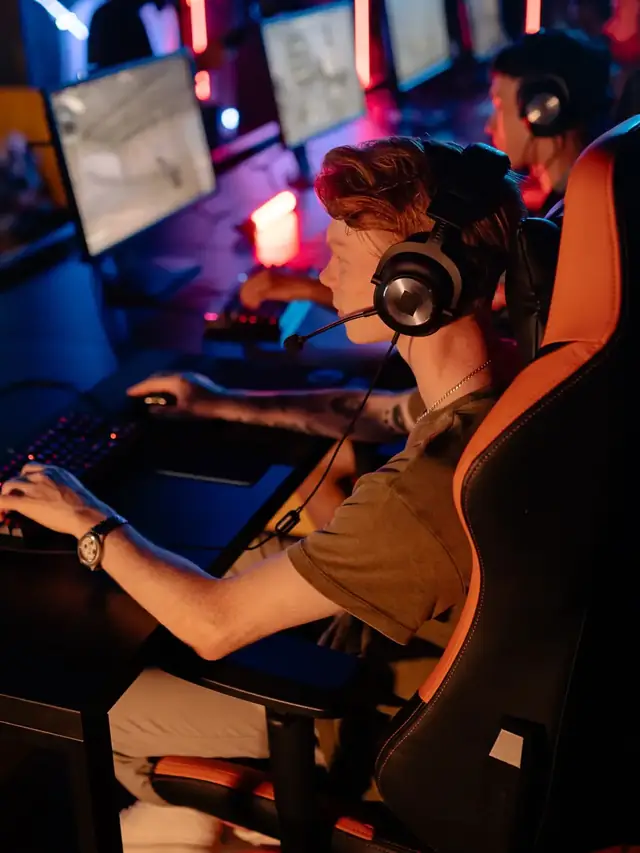
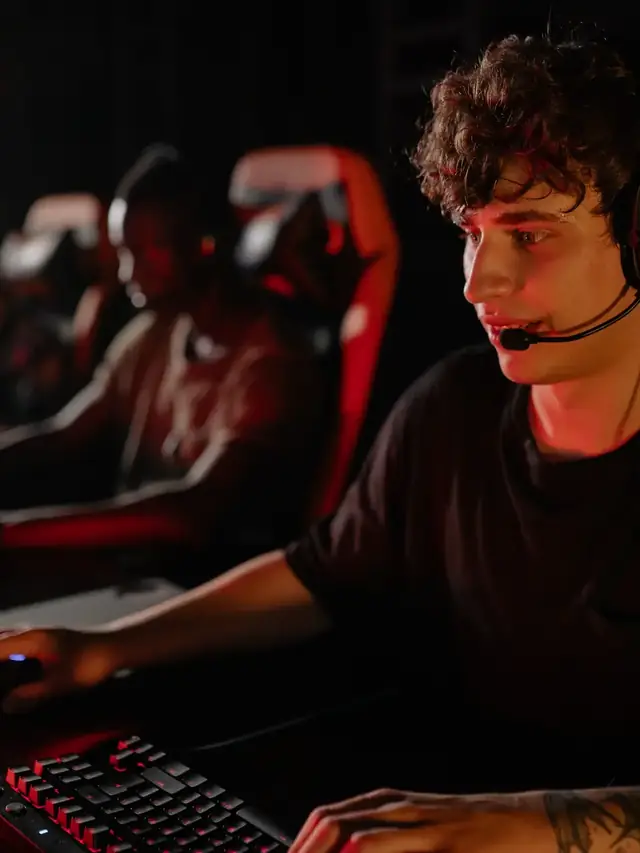
Did your keyboard drop a game command?
Test the exact movement-plus-modifier chord before blaming lag or the game.
01 / 10
Missed input
Did your keyboard drop a game command?
Test the exact movement-plus-modifier chord before blaming lag or the game.




 01 / 10
Buyer reality
A luxury price does not guarantee a better fit
You pay for materials, machining, rarity and design—not automatic typing speed.
01 / 10
Buyer reality
A luxury price does not guarantee a better fit
You pay for materials, machining, rarity and design—not automatic typing speed.








 01 / 10
Evidence check
Altar II is announced—not independently tested
EMO plans a November 10 Kickstarter, but production hardware has not shipped.
01 / 10
Evidence check
Altar II is announced—not independently tested
EMO plans a November 10 Kickstarter, but production hardware has not shipped.









 01 / 10
Preorder decision
A $279 keyboard from a mousepad brand
Wallhack's first board lands Aug 21, cut from $360 pre-launch. Decide before you order.
01 / 10
Preorder decision
A $279 keyboard from a mousepad brand
Wallhack's first board lands Aug 21, cut from $360 pre-launch. Decide before you order.







 01 / 10
Rapid Trigger setup
Fast settings can create phantom movement
Start with safe numbers, test real game binds, then tune only what stays stable.
01 / 10
Rapid Trigger setup
Fast settings can create phantom movement
Start with safe numbers, test real game binds, then tune only what stays stable.







 01 / 10
Buyer decision
KB7: Is the $200 touchscreen worth it?
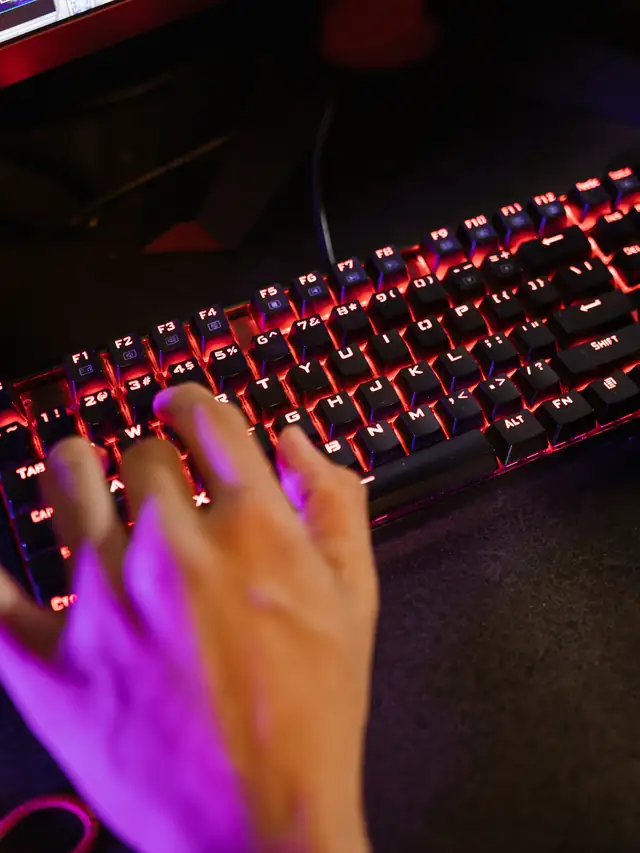
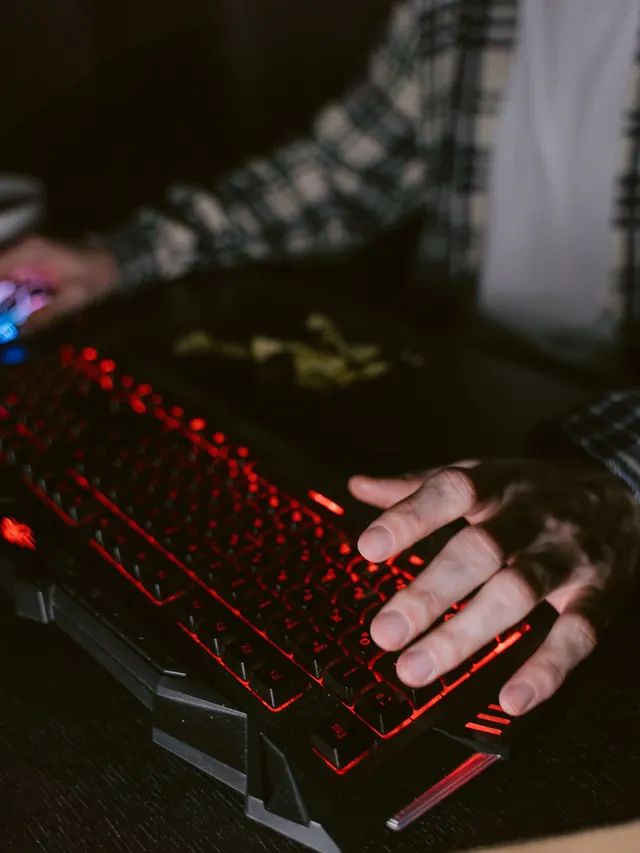
This is a source-based buying guide, not a hands-on review.
01 / 10
Buyer decision
KB7: Is the $200 touchscreen worth it?
This is a source-based buying guide, not a hands-on review.







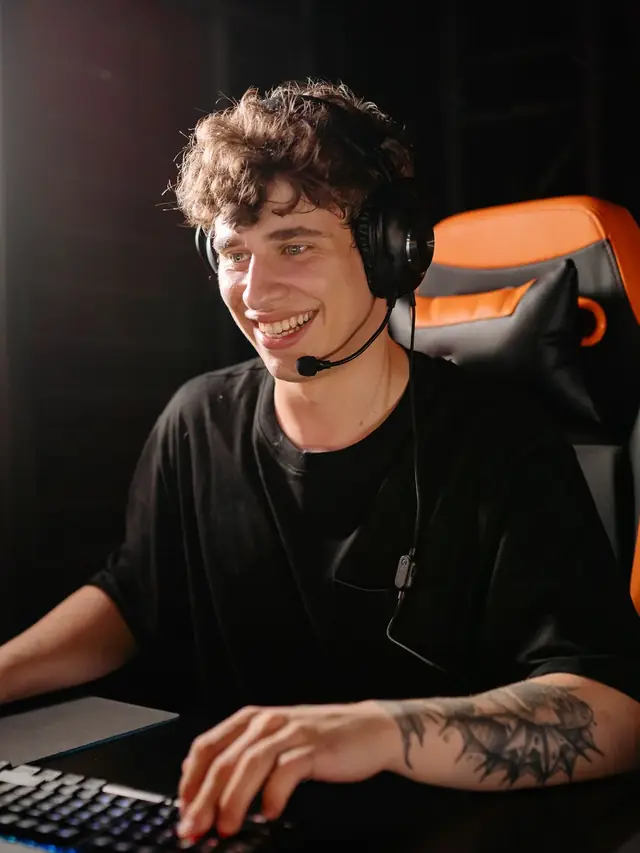 01 / 10
Keyboard sound guide
Six sound profiles. One better way to choose.
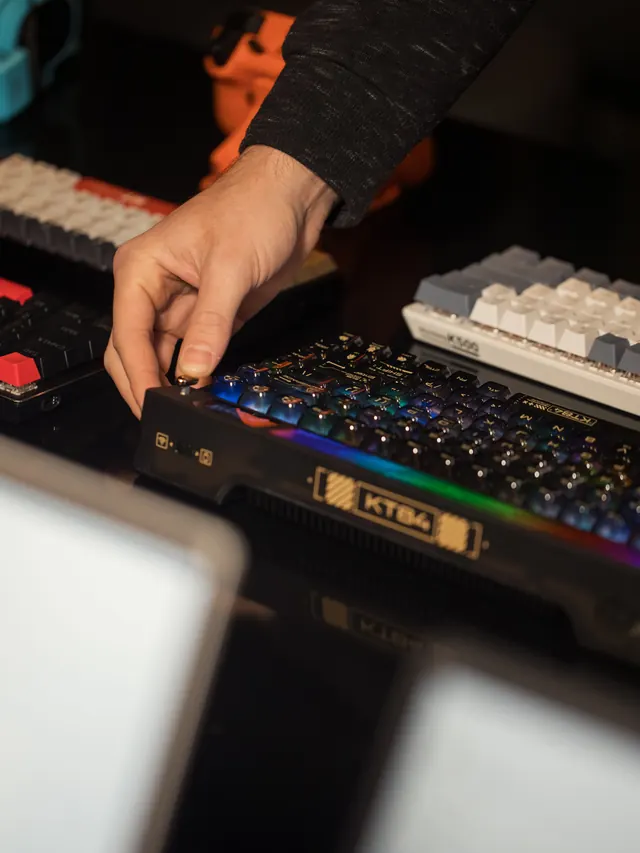
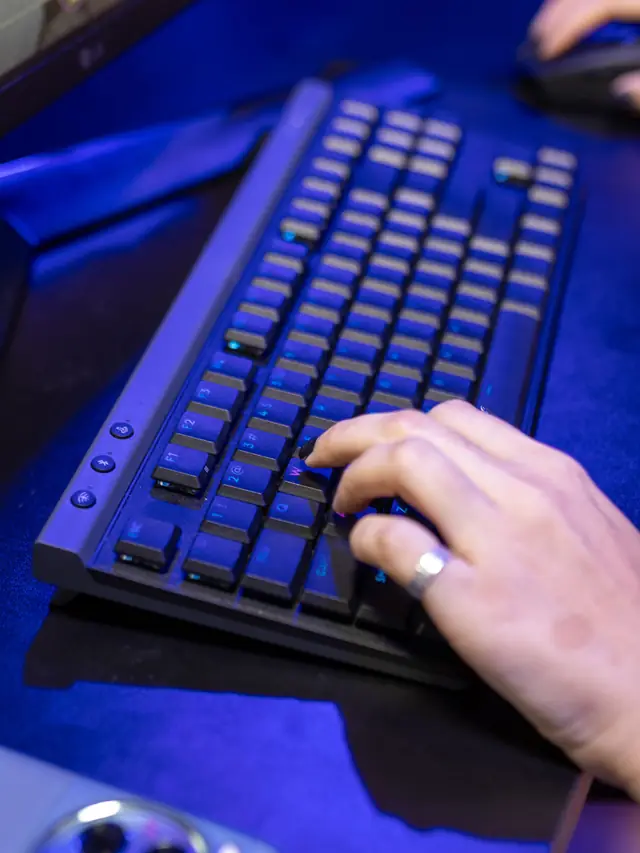
Specs describe a switch. Your ears decide whether you can live with it.
01 / 10
Keyboard sound guide
Six sound profiles. One better way to choose.
Specs describe a switch. Your ears decide whether you can live with it.

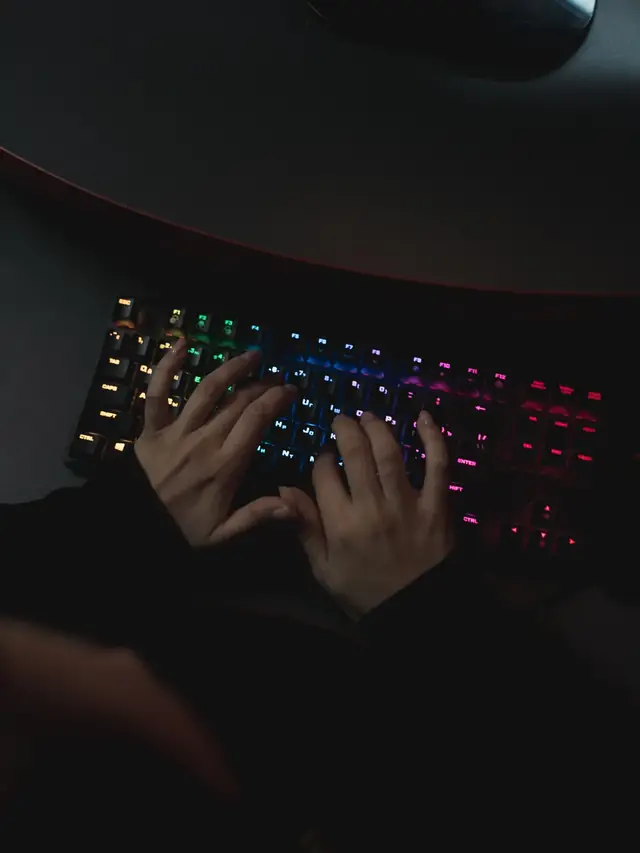

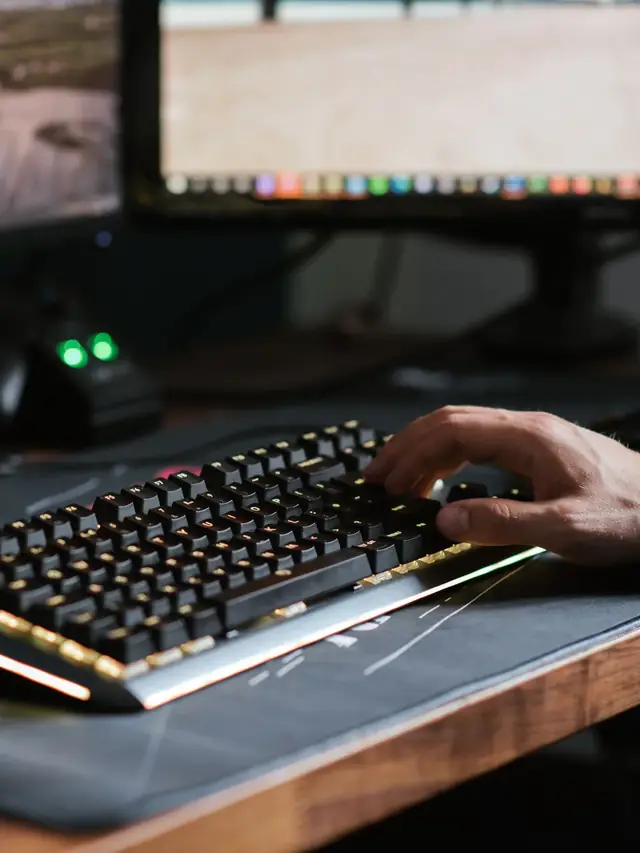



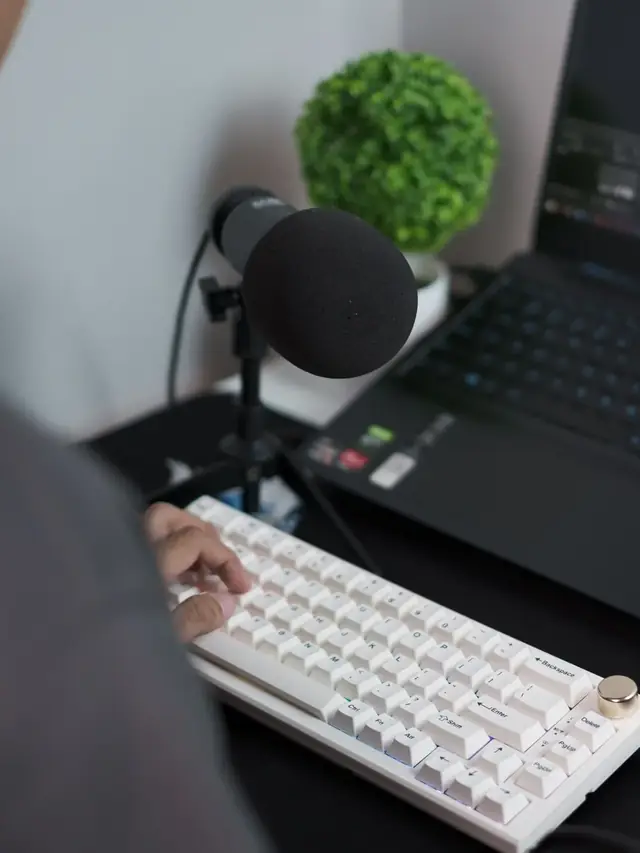

 01 / 10
Keyboard diagnostic
One press. Two letters.
A focused test can show whether a suspect key is sending extra browser events.
01 / 10
Keyboard diagnostic
One press. Two letters.
A focused test can show whether a suspect key is sending extra browser events.

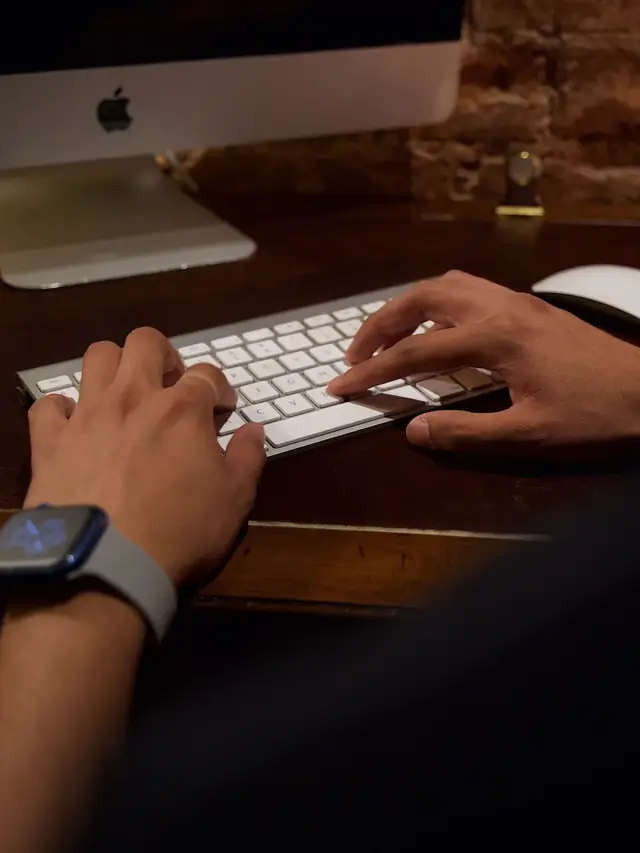







 01 / 10
Monitor reality check
1000Hz Is Real. Worth $999?
LG's UltraGear 25G590B is the first native 1000Hz 1080p monitor. Check the fine print first.
01 / 10
Monitor reality check
1000Hz Is Real. Worth $999?
LG's UltraGear 25G590B is the first native 1000Hz 1080p monitor. Check the fine print first.
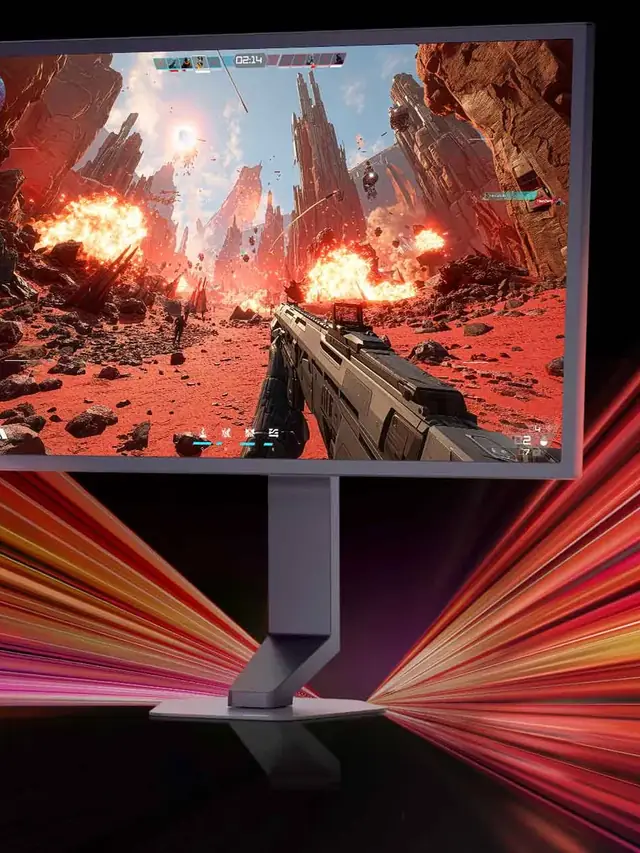



 01 / 10
Phone buying guide
PWM-sensitive? Test the phone, not the promise
Display specs narrow the shortlist, but no OLED is comfortable for everyone.
01 / 10
Phone buying guide
PWM-sensitive? Test the phone, not the promise
Display specs narrow the shortlist, but no OLED is comfortable for everyone.

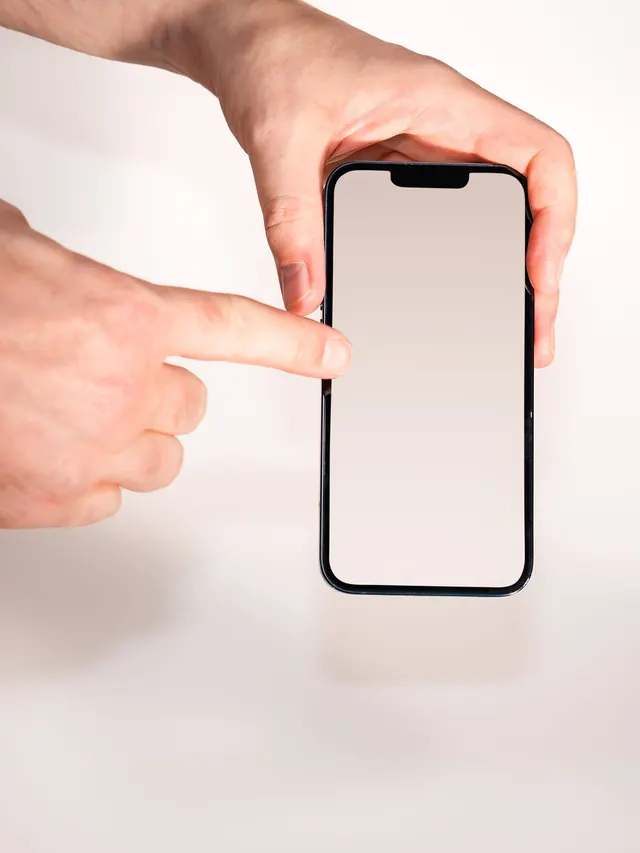



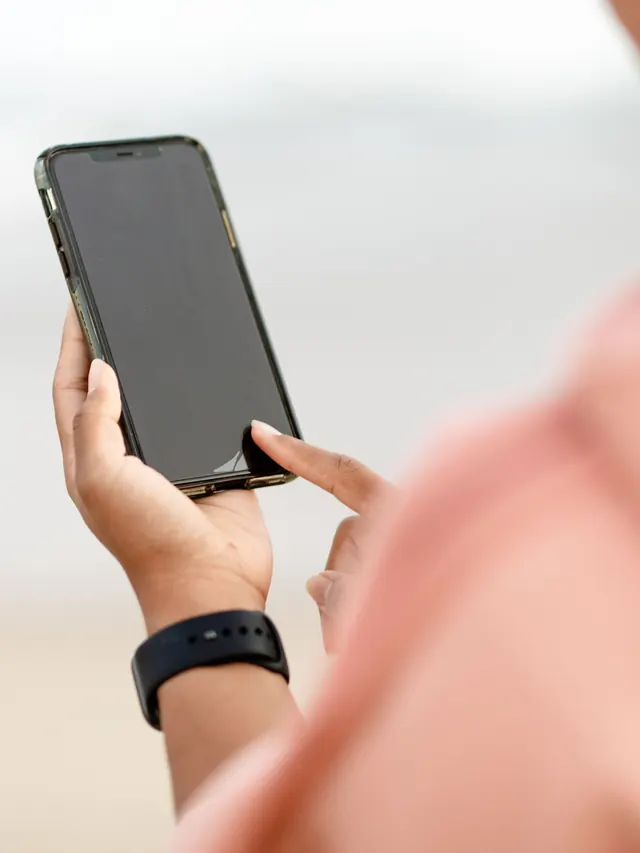


 01 / 10
Screen flicker test
Your screen may be flickering
Many displays dim by switching the backlight on and off hundreds of times a second.
01 / 10
Screen flicker test
Your screen may be flickering
Many displays dim by switching the backlight on and off hundreds of times a second.
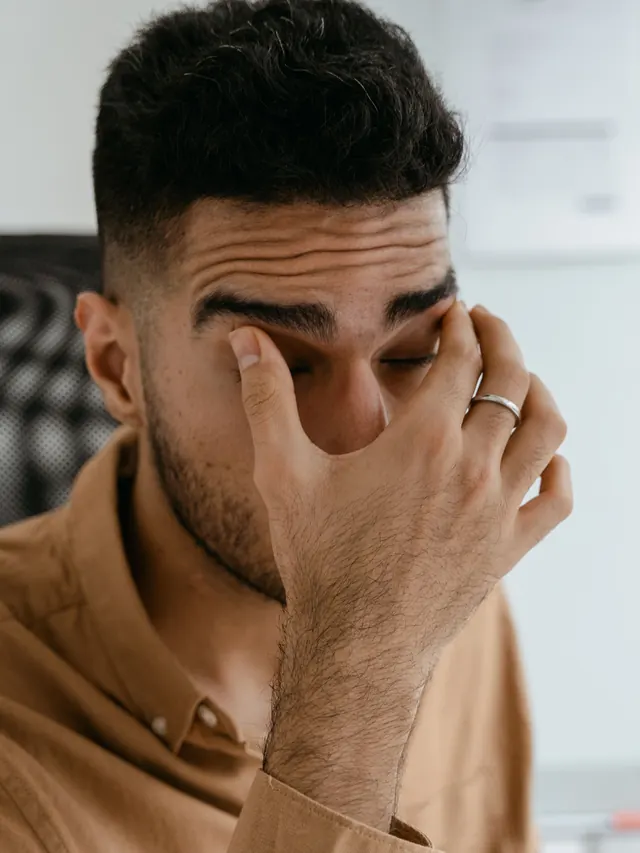


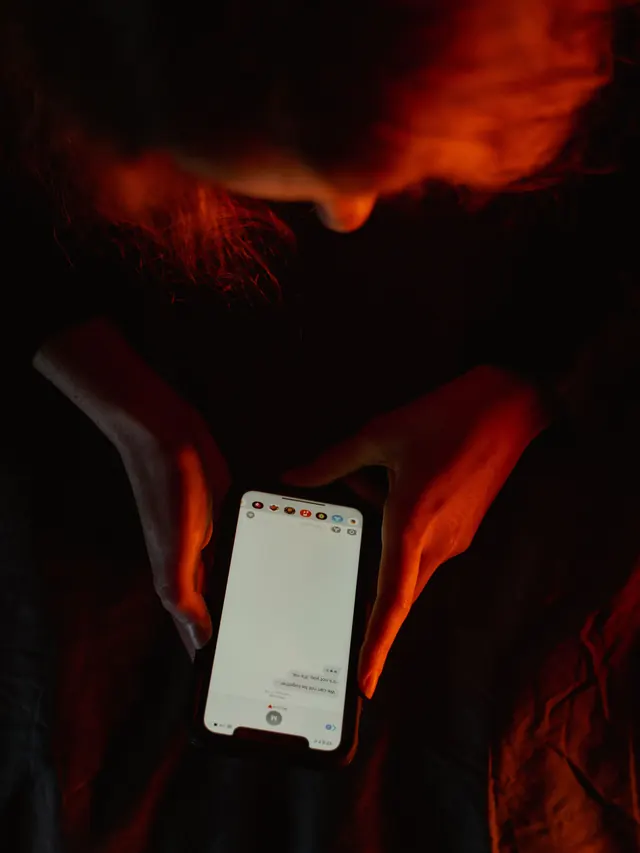




 01 / 10
Monitor check
Dark scenes losing detail?
Your monitor may be turning several near-black shades into one flat black.
01 / 10
Monitor check
Dark scenes losing detail?
Your monitor may be turning several near-black shades into one flat black.






 01 / 10
Mouse showdown
M42V2 vs M42
The new mouse drops 14 g and seals the shell—but also moves from a PixArt 3389 to a 3327.
01 / 10
Mouse showdown
M42V2 vs M42
The new mouse drops 14 g and seals the shell—but also moves from a PixArt 3389 to a 3327.
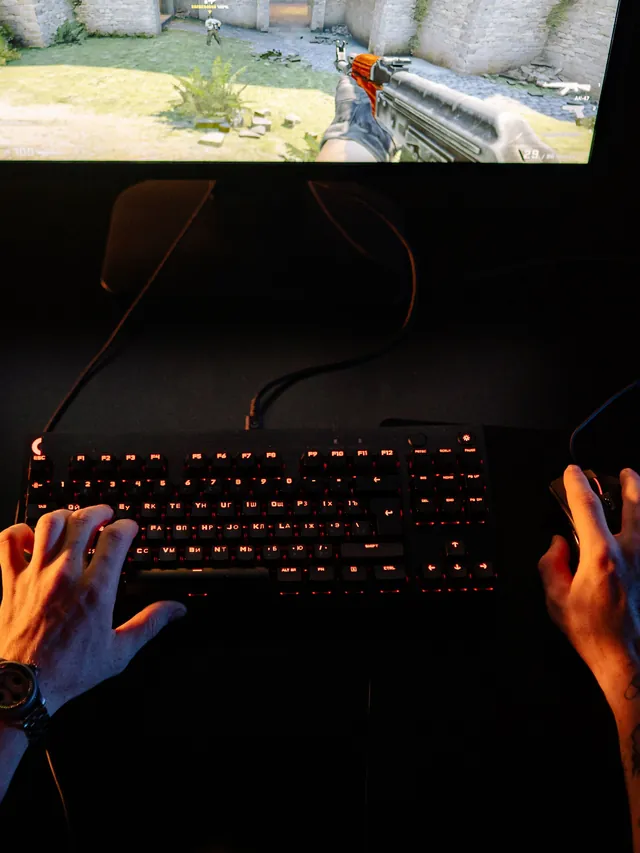

 01 / 10
MMO mouse decision
Is Razer's $180 Naga V3 Pro worth it?
The answer depends on your binds, grip and tolerance for a heavier mouse.
01 / 10
MMO mouse decision
Is Razer's $180 Naga V3 Pro worth it?
The answer depends on your binds, grip and tolerance for a heavier mouse.


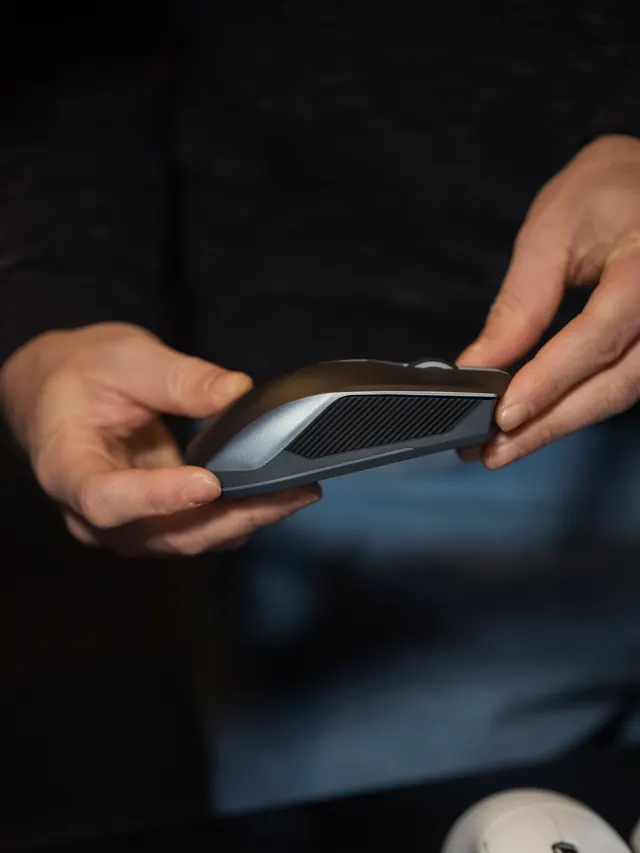




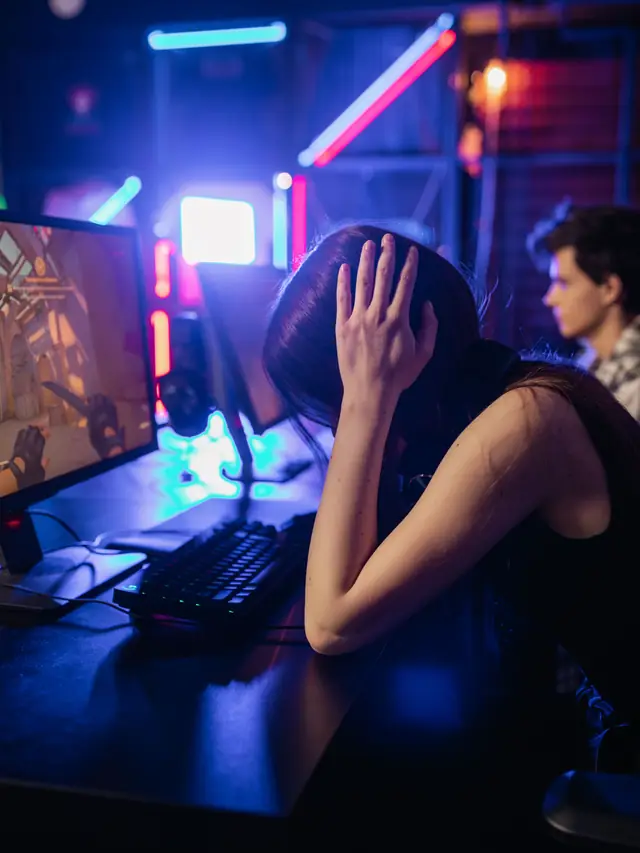
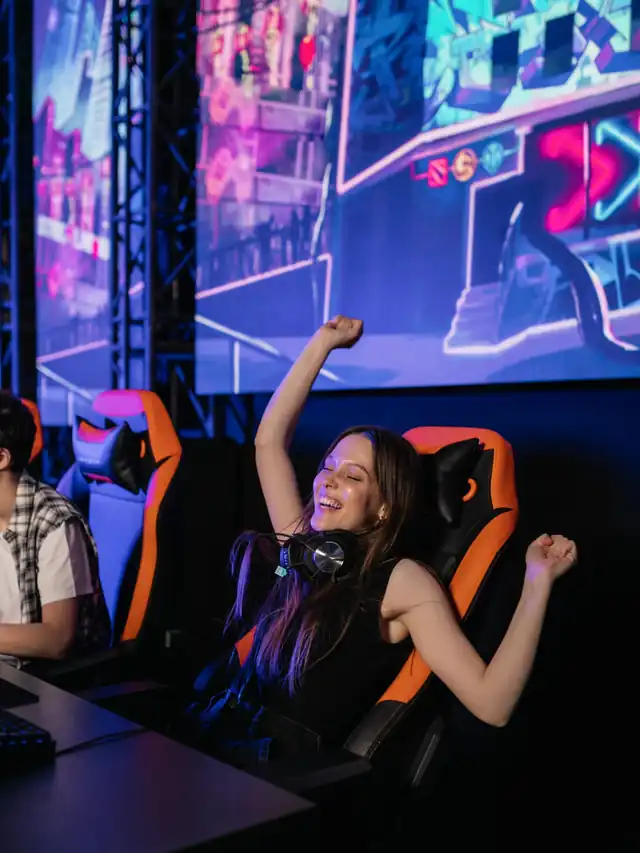
 01 / 10
Hearing age test
Your ears have an age of their own
The highest tones fade first. A two-minute test shows roughly where yours stop.
01 / 10
Hearing age test
Your ears have an age of their own
The highest tones fade first. A two-minute test shows roughly where yours stop.









 01 / 10
Day 0 publisher diary
AdSense to AdX: My MCM Test at Day 0
The invite is accepted, but AdX serving has not started. Photos are illustrative.
01 / 10
Day 0 publisher diary
AdSense to AdX: My MCM Test at Day 0
The invite is accepted, but AdX serving has not started. Photos are illustrative.






 01 / 10
Real earnings case study
I left AdSense for Journey
Real figures from 12 finalized dates. Photos are illustrative.
01 / 10
Real earnings case study
I left AdSense for Journey
Real figures from 12 finalized dates. Photos are illustrative.









 01 / 10
DDR5 buying math
Pay $120 more for 2 nanoseconds?
CL30 vs CL36 looks big on the box. The real difference is 2 nanoseconds.
01 / 10
DDR5 buying math
Pay $120 more for 2 nanoseconds?
CL30 vs CL36 looks big on the box. The real difference is 2 nanoseconds.



 01 / 10
Phone vibration test
Your phone stopped buzzing
Before you book a repair, find out whether it is the motor or just a setting.
01 / 10
Phone vibration test
Your phone stopped buzzing
Before you book a repair, find out whether it is the motor or just a setting.